NextPress - Warlock
- By
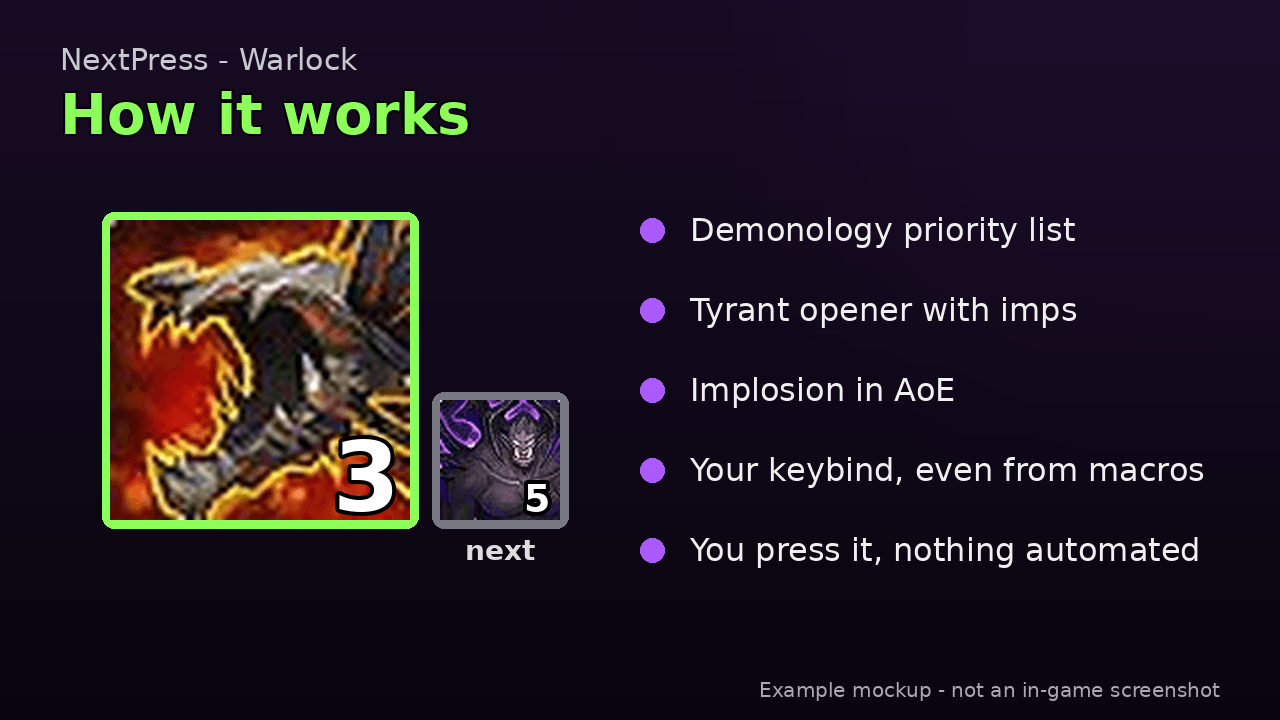
NextPress - Warlock: Demonology module for NextPress. Shows your next spell and its keybind in one clear icon. Requires NextPress core.
How it works
What you need
Settings
Description

NextPress - Warlock
Demonology Warlock module for NextPress. One clear icon with your next button and keybind.
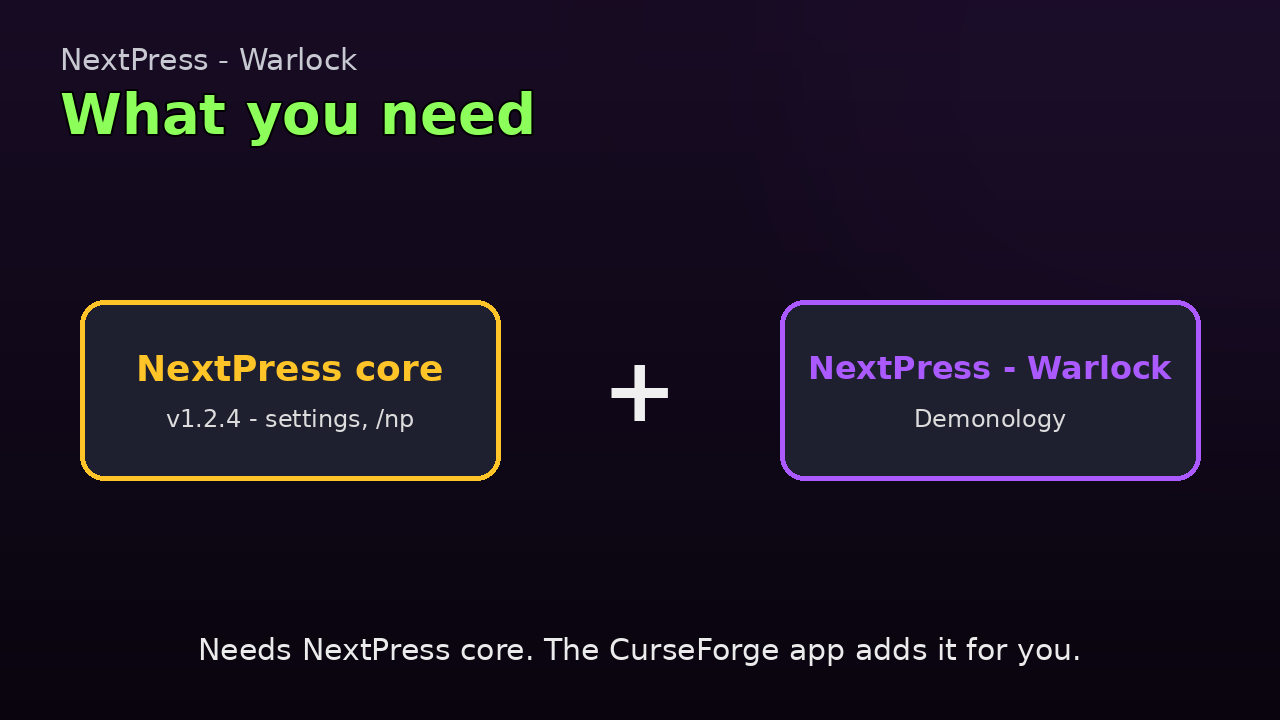
What you need
NextPress core is required. Use core 1.2.4 or newer with Warlock 1.1.4.
- The CurseForge app installs the core for you.
- This module covers Demonology.
What it does
- Shows the next Demonology spell in one big icon, with your keybind.
- Keybinds for spells cast from macros work too.
- You press every button yourself. Nothing is automated.
- Follows its own priority list, based on the Wowhead Diabolist guide and top Mythic+ players. Blizzard's suggestion is used only if nothing else fits.
How to install
CurseForge app (easiest): install the class module. The app installs NextPress core for you.
Manual:
- Download NextPress core and your class module.
- Unzip them.
- Put the folders in
World of Warcraft/_retail_/Interface/AddOns. - Restart the game or type
/reload.
Moving from DemoAssist or UnholyAssist? Keep the old addon on for one login so your settings come over. Or type /np migrate. Then delete the old folder, so you do not get two icons.
Main features
- Opener on a fresh pull: Imp Lord, Dreadstalkers, Shadow Bolt, Tyrant (with potion and trinket), then Hand of Gul'dan and Implosion.
- Hand of Gul'dan (or Ruination) at 3+ Soul Shards, and before you would waste shards.
- Demonbolt only with a Demonic Core, and only when it won't waste shards. Keeps 2 cores for Tyrant.
- Implosion in AoE when ready and you have enough imps (default 4).
- Power Siphon in single target, if you have it.
- Summon Doomguard and Power Siphon show when talented.
- Dreadstalkers and Vilefiend used on cooldown, or held to line up with Tyrant (your choice).
- AoE detection from nameplates.
- Imp counter on the icon.
- Unending Resolve reminder at low health.
- Hold Tyrant keybind.
Settings
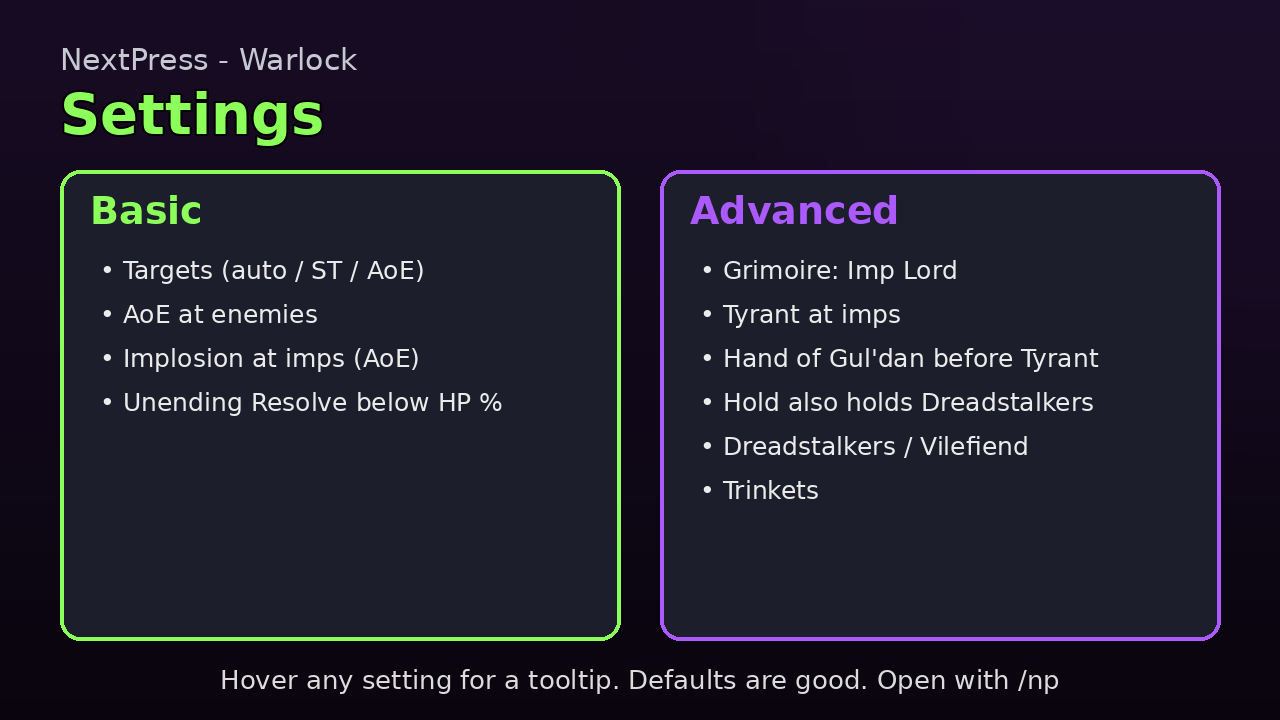
Open with /da or /np. The Warlock page is under NextPress.
Basic: Targets, AoE at enemies, Implosion at imps (AoE), Unending Resolve below HP %.
Advanced (tick "Show advanced settings"): Grimoire: Imp Lord, Tyrant at imps, Hand of Gul'dan casts before Tyrant, Inner Demons imps, Hold also holds Dreadstalkers, Dreadstalkers / Vilefiend timing, trinkets.
Every setting has a short line and a hover tooltip with each choice and when to pick it. A "Reset Demonology to defaults" button asks before it resets.
Warlock commands
/da- open the Warlock settings./da help- list Warlock commands./da aoe auto|st|aoe- set targets mode./da aoeat N- AoE at N enemies.
Slash commands
/np- open the settings./np help- list all commands./np debug- print a report in chat./np debug copy- put the full report in a box you can copy./np export- copy your settings as text (/np export allfor every spec)./np import- paste settings text. You are asked before anything changes./np bind <spell> <key>- set a key by hand, if the icon shows the wrong one./np migrate- bring in old DemoAssist / UnholyAssist settings.
About updates
A new version resets only rotation settings and learned cooldowns. This makes the new defaults work right away.
Your look is kept: size, scale, fonts, colors, text, badges, keybinds, icon position and the "Show advanced settings" tick.
Found a bug?
- Type
/np debug copy. - Press Ctrl+C to copy the report.
- Paste it in a comment or issue here, and say what went wrong.
The report has the versions, your class and spec. No personal info.
Good to know
- Game: WoW Retail 12.x (Midnight).
- Author: byrd90. License: MIT.
Other NextPress addons
- NextPress core (required)
- NextPress - Death Knight
NextPress - Warlock Team