NextPress - Death Knight
- By
NextPress - Death Knight: Unholy San'layn module for NextPress (beta). Shows your next spell and keybind in one icon. Requires NextPress core.
How it works
Settings
What you need
Description

NextPress - Death Knight (beta)
Unholy Death Knight (San'layn) module for NextPress. One clear icon with your next button and keybind.
This module is in beta (0.4.7). Please report anything odd.
What you need
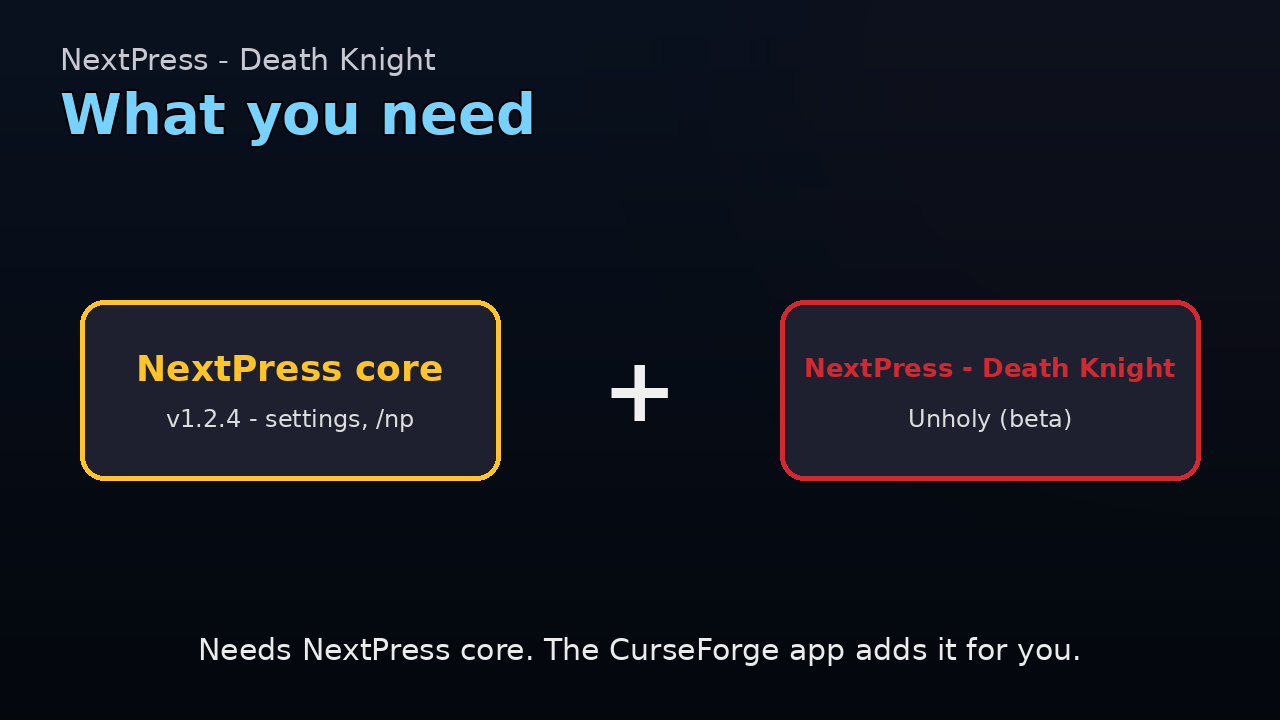
NextPress core is required. Use core 1.2.4 or newer with Death Knight 0.4.7.
- The CurseForge app installs the core for you.
- This module covers Unholy, made for the San'layn hero talents in Mythic+.
What it does
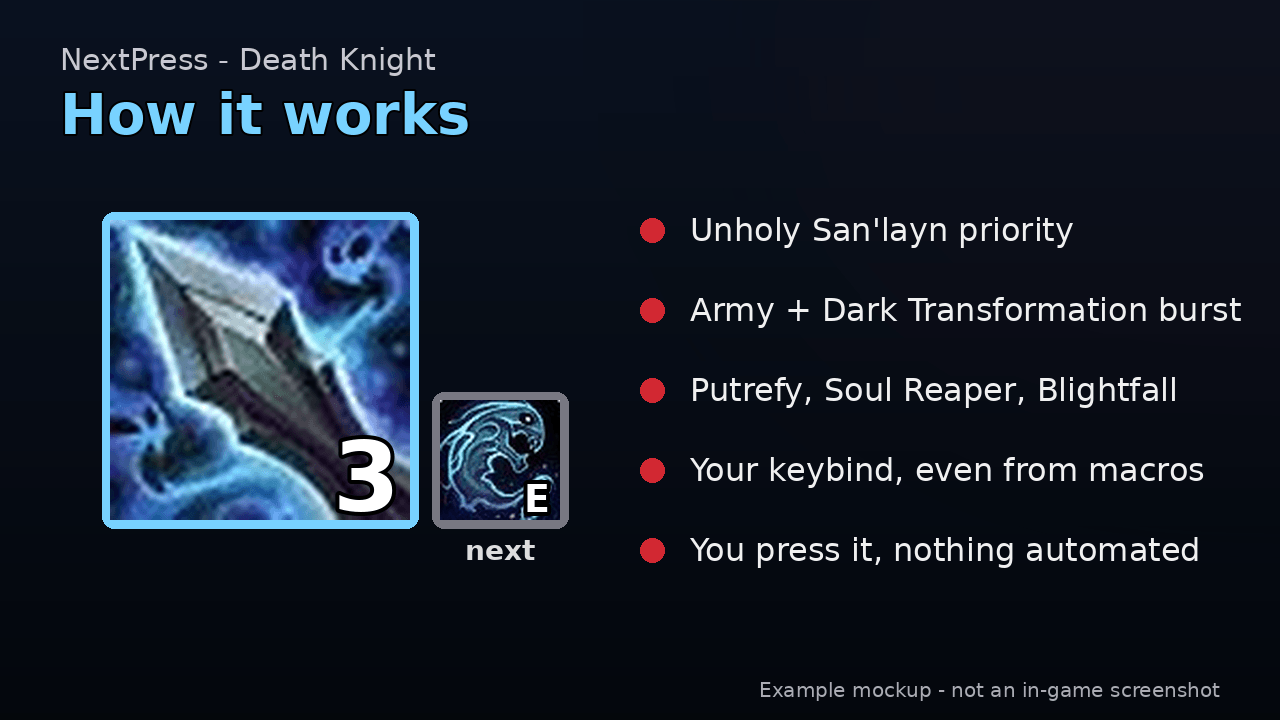
- Shows the next Unholy spell in one big icon, with your keybind.
- Keybinds for spells cast from macros work too.
- You press every button yourself. Nothing is automated.
- Follows its own priority list, based on the Wowhead San'layn guide and top Mythic+ logs. Blizzard's suggestion is used only if nothing else fits.
How to install
CurseForge app (easiest): install the class module. The app installs NextPress core for you.
Manual:
- Download NextPress core and your class module.
- Unzip them.
- Put the folders in
World of Warcraft/_retail_/Interface/AddOns. - Restart the game or type
/reload.
Moving from DemoAssist or UnholyAssist? Keep the old addon on for one login so your settings come over. Or type /np migrate. Then delete the old folder, so you do not get two icons.
Main features
- Opener: Outbreak, Festering Strike, Festering Scythe, then Army of the Dead and Dark Transformation.
- Outbreak only at the start of a pull, on a new pack, or when your plagues are really gone.
- Festering Strike not too often (about 3 per minute). Festering Scythe after each Festering Strike.
- Dark Transformation window: Putrefy charges used as they come back, Soul Reaper, Blightfall.
- Counts Putrefy charges itself when the game hides them.
- Essence of the Blood Queen tracking. Vampiric Strike first when Essence is about to run out.
- AoE: Death and Decay, Epidemic, Graveyard during Forbidden Knowledge (3+ enemies).
- Death Strike, Lichborne and Icebound Fortitude reminders at low health.
- KICK badge for Mind Freeze, AMS and AMZ ready badges.
Settings
Open with /ua or /np. The Death Knight page is under NextPress.
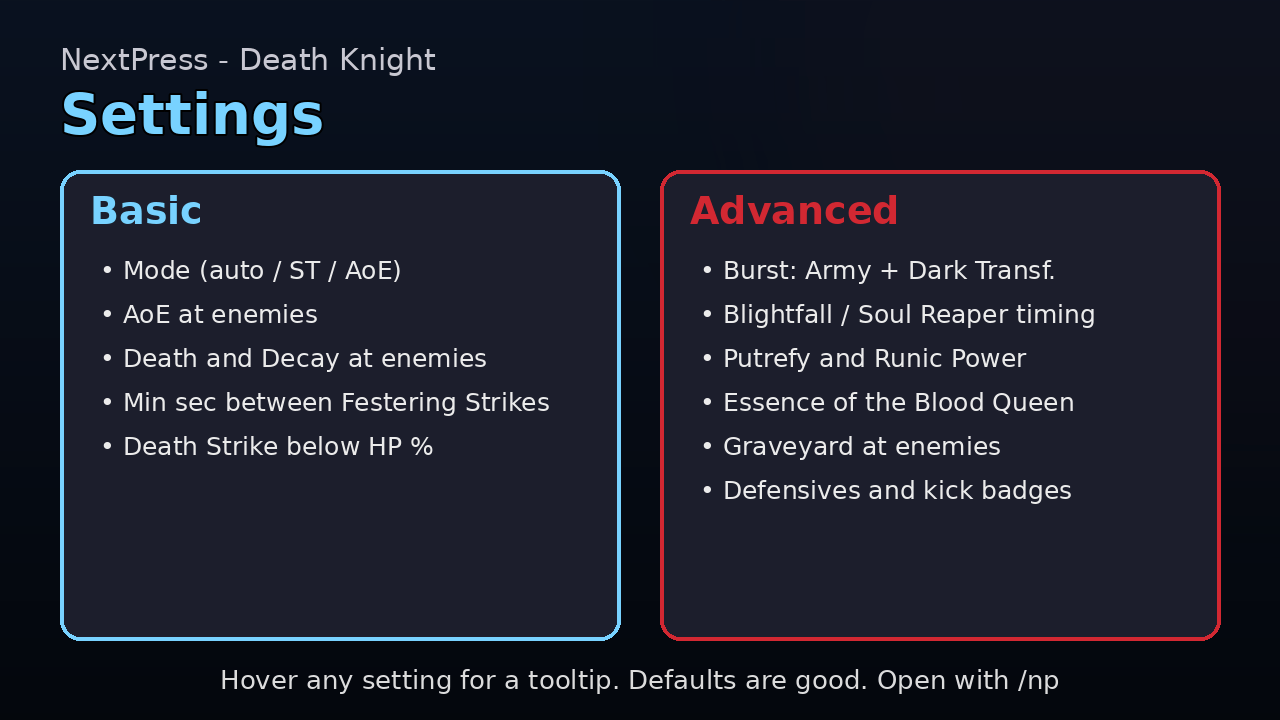
Basic: Mode, AoE at enemies, Death and Decay at enemies, Min seconds between Festering Strikes, Death Strike below HP %.
Advanced (tick "Show advanced settings"): burst (Army + Dark Transformation), Blightfall and Soul Reaper timing, opener, Festering Scythe, Putrefy and Runic Power, Essence of the Blood Queen, Graveyard at enemies, Death and Decay in AoE, defensives and kick badges, trinkets.
Every setting has a short line and a hover tooltip with each choice and when to pick it. A "Reset Unholy to defaults" button asks before it resets.
Death Knight commands
/ua- open the Death Knight settings./ua help- list Death Knight commands./ua aoeand others change the Unholy profile.
Slash commands
/np- open the settings./np help- list all commands./np debug- print a report in chat./np debug copy- put the full report in a box you can copy./np export- copy your settings as text (/np export allfor every spec)./np import- paste settings text. You are asked before anything changes./np bind <spell> <key>- set a key by hand, if the icon shows the wrong one./np migrate- bring in old DemoAssist / UnholyAssist settings.
About updates
A new version resets only rotation settings and learned cooldowns. This makes the new defaults work right away.
Your look is kept: size, scale, fonts, colors, text, badges, keybinds, icon position and the "Show advanced settings" tick.
Found a bug?
- Type
/np debug copy. - Press Ctrl+C to copy the report.
- Paste it in a comment or issue here, and say what went wrong.
The report has the versions, your class and spec. No personal info.
Good to know
- Game: WoW Retail 12.x (Midnight).
- Author: byrd90. License: MIT.
Other NextPress addons
- NextPress core (required)
- NextPress - Warlock
NextPress - Death Knight Team