Description
Munin.Scenic
Because the most beautiful UI in WoW is no UI.
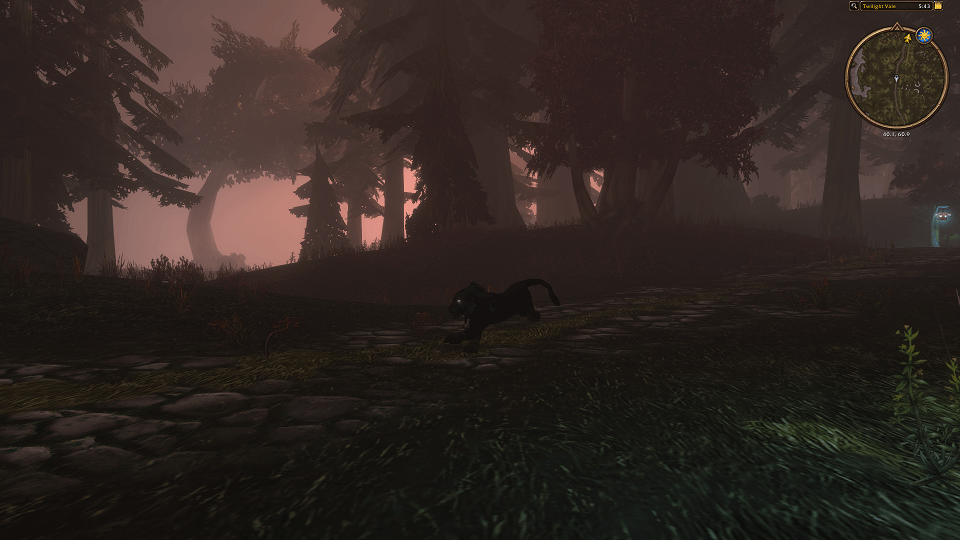
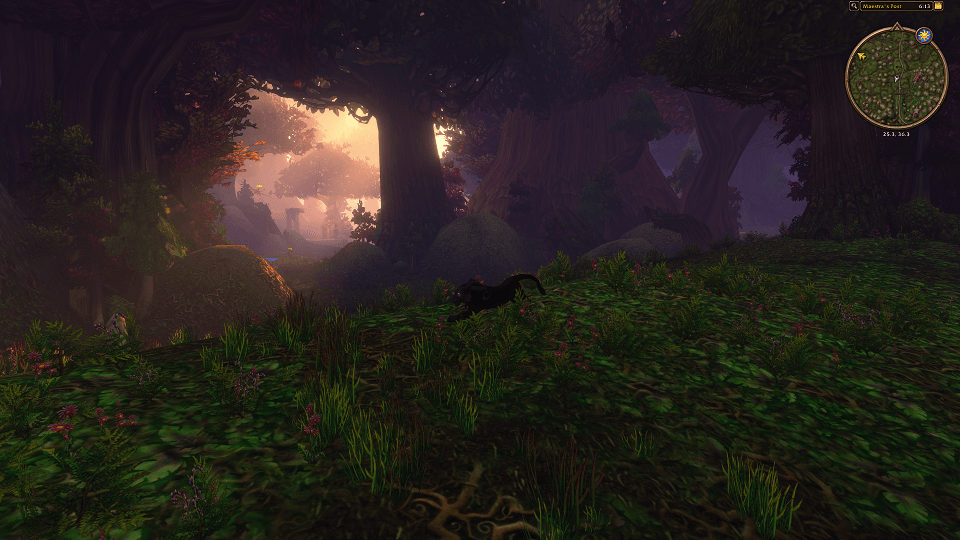
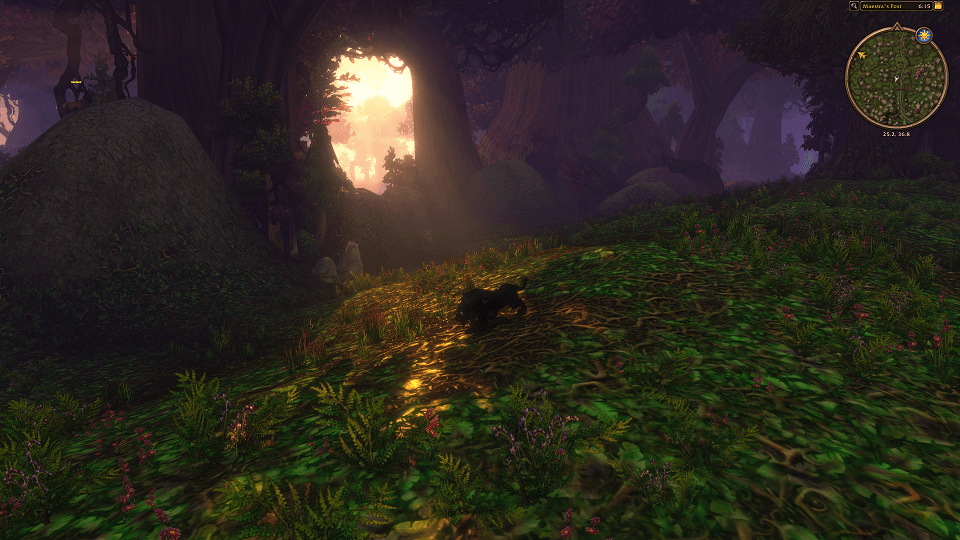
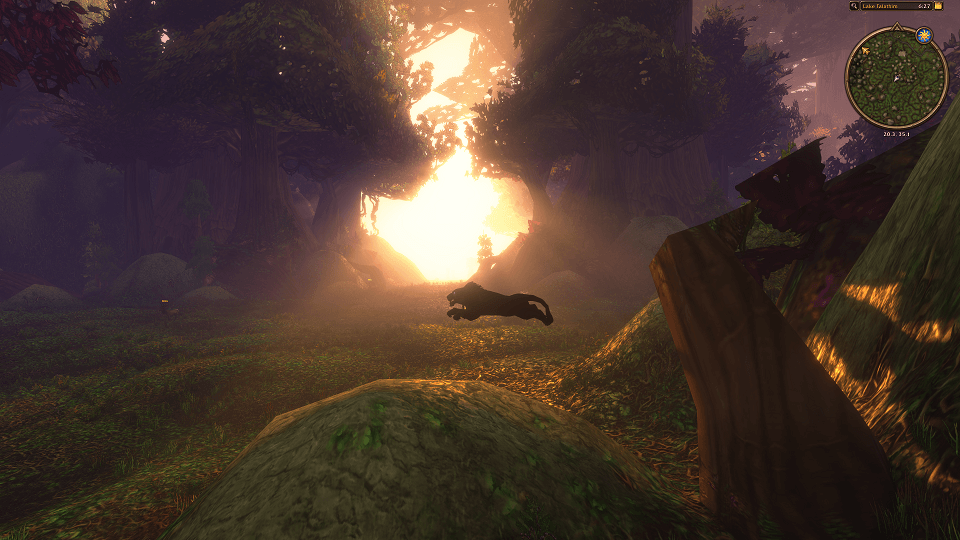
Hide all UI elements except minimap (and anything else you want to see), for full game immersion. Enjoy the beauty of the game.
One key puts your interface away so you can look at the world, and keeps your minimap so you still know where you are going.
You can customize what you see in Scenic.
Features
- One key, and the world - everything goes, in a soft fade, and comes back the same way.
- The minimap stays - the one thing you still want on a long run is how far there is left to go. Keep it, or let it go with the rest.
- Anything you open still opens - your map, your bags, your character sheet, your spellbook. Anything that comes up while the interface is away is left alone, so a vendor, a quest reward or a loot roll will always show, also in Scenic.
- Scenic by itself on a flight path - the interface goes as you take off and comes back when you land. Turn it off by hand in mid air and it stays off for that flight.
- Back the instant a fight starts - on by default, and switchable. However far away you were, the interface is there when you need it. You can change this behaviour in settings.
- Escape always works - opening the game menu brings everything back.
- Tooltips, your choice - leave them on so you can still hover something, or turn them off for a clean screen.
- Keep what you like - point at anything on your screen and tell it to stay. Your own list wins over every other setting.
- The quest tracker and the nameplates - each has its own switch, so you can watch the scenery with your objectives still in view, or without a single name on it.
- How long the fade takes - from a gentle third of a second to instant.
- Works on retail and WoW Forever.
Usage
- First time only: a small setup box appears and asks for a key. Click the button, press the key you want, and click Done. Bring it back any time with
/scenic setup, or set the key in Esc - Options - Key Bindings - Munin.Scenic. - Press your key to put the interface away, and press it again to bring it back.
- Slash commands:
/scenic- put the interface away, or bring it back/scenic setup- show the setup box again/scenic keep- point at something first, and it stays on screen/scenic kept- what you have kept so far/scenic drop <name>- let one of them go with the rest again/scenic options- open the settings page (also at Esc - Options - AddOns)
Notes
Your action bars are faded out rather than hidden, so that they can come back the moment a fight starts - the game does not allow a hidden bar to be brought back mid-fight, and a bar you cannot see is better than a bar you cannot use. The one thing that follows from that: a click where a button used to be can still press it.
Munin.Scenic Team