MoveExtraActionBar
Move your Extra Action Buttons (Quest buttons, Encounter buttons) anywhere on screen with /meab lock and Drag and Drop of a Dummy Frame
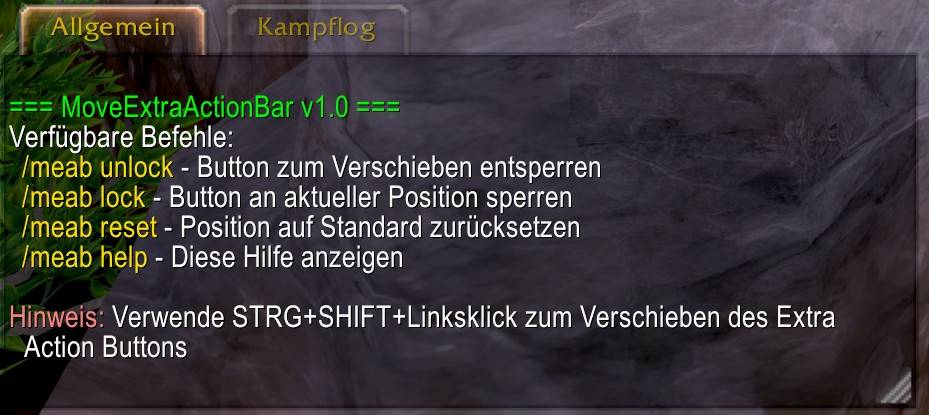
meab_help.jpg
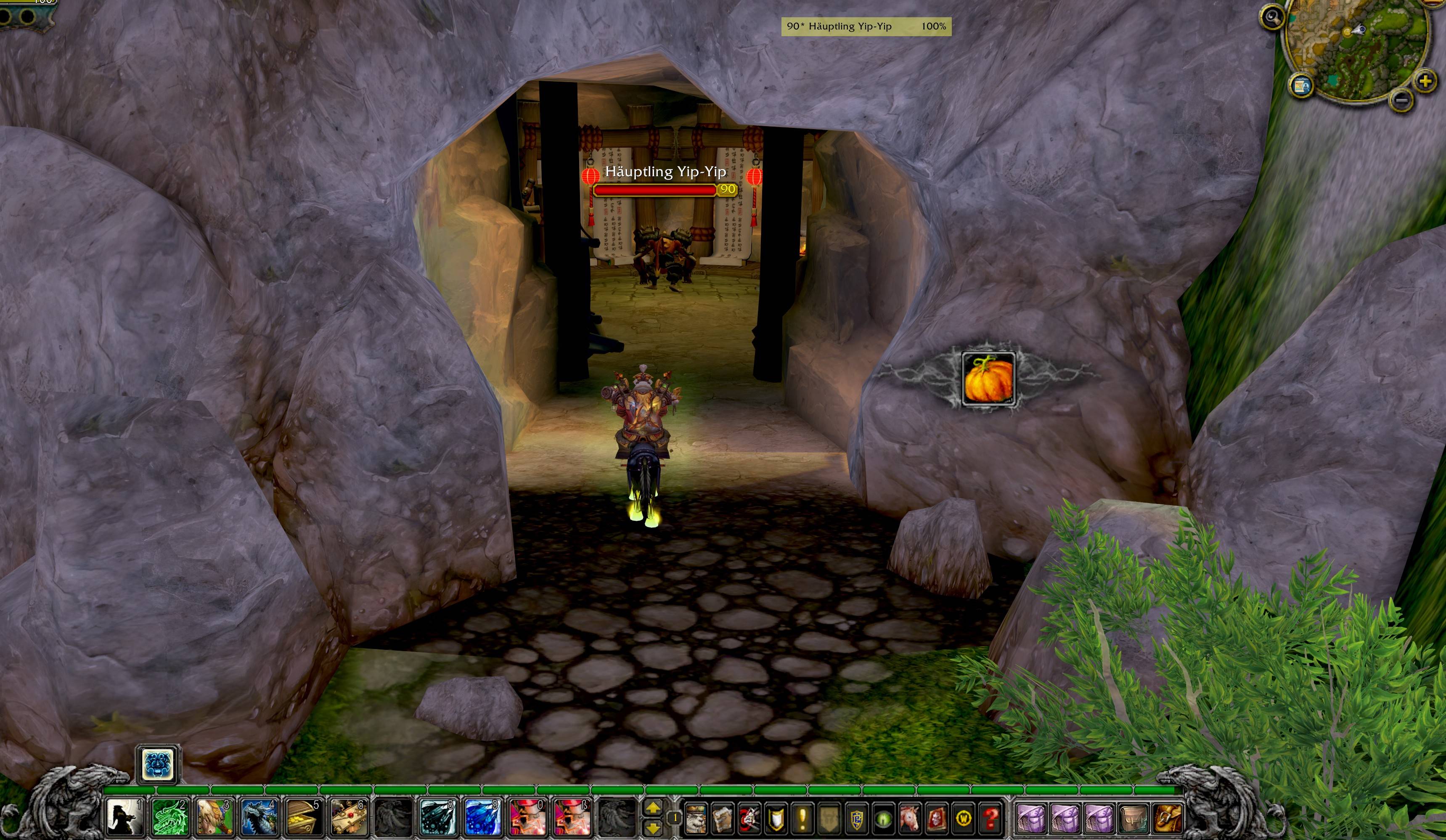
meab_Frame.jpg

meab_NewVersion.jpg
Description
Move your Extra Action Buttons anywhere on screen!
Tired of Extra Action Buttons (Quest buttons, Encounter buttons) appearing in inconvenient locations? MoveExtraActionBar gives you complete control over their positioning.
Features
✅ Free Positioning - Move Extra Action Buttons anywhere on your screen
✅ Red Positioning Frame - Easy drag-and-drop positioning system
✅ Character-Specific - Each character remembers their own position
✅ Combat Protection - Safe positioning only outside of combat
✅ Secure Positioning - Overrides Blizzard's layout system to prevent conflicts
✅ Multi-Language - Supports 9 languages including English, German, French, Spanish, Italian, Russian, Polish, Korean, and Chinese
How to Use
- Unlock: Type
/meab unlockor lock to show the red positioning frame (outside combat only) - Move: Drag the red frame to your desired position
- Lock: Type
/meab lockor unlock to hide the frame and save the position
Commands
/meab lock or unlock- lock or unlock the red positioning frame/meab reset- Reset position to center screen/meab help- Show all available commands
When to Use
Extra Action Buttons appear during:
- Quests with special interaction buttons
- Dungeon/Raid encounters with unique mechanics
- World events and scenarios
- Vehicle sequences
Important Changes (v1.1)
Due to recent MoP Classic API changes, Blizzard now blocks direct interaction with Extra Action Buttons. This addon has been updated to work around these restrictions:
- Use the red positioning frame instead of direct button dragging
- Positioning only works outside of combat (standard WoW limitation)
- All core functionality remains intact
Technical Notes
- Character-specific positioning - Each character saves their own preferred location
- Conflict-free - Uses secure hooking to prevent UI layout interference
- Performance optimized - Minimal memory footprint and CPU usage
- Compatible with other UI addons
Related Addon
This addon is the spiritual successor to MoveAltPowerBar, using the same proven framework but specifically designed for Extra Action Buttons. If you need to move Alternative Power Bars (like those in Tol Barad or specific encounters), check out MoveAltPowerBar as well.
Compatibility
- MoP Classic (Interface 50500)
- Works with all UI scaling options
- Compatible with other action bar addons
Important Compatibility Notes
Action Bar Addon Users: If you use action bar addons like Bartender4, Dominos, or similar, make sure to disable Extra Action Bar management in those addons' settings. Only one addon should control the Extra Action Bar at a time to prevent positioning conflicts.
Support
Having issues? Use /meab help in-game for quick reference or check the comments section below.
Perfect for players who want clean, customized UI layouts!
MoveExtraActionBar Team