BetterMerchant
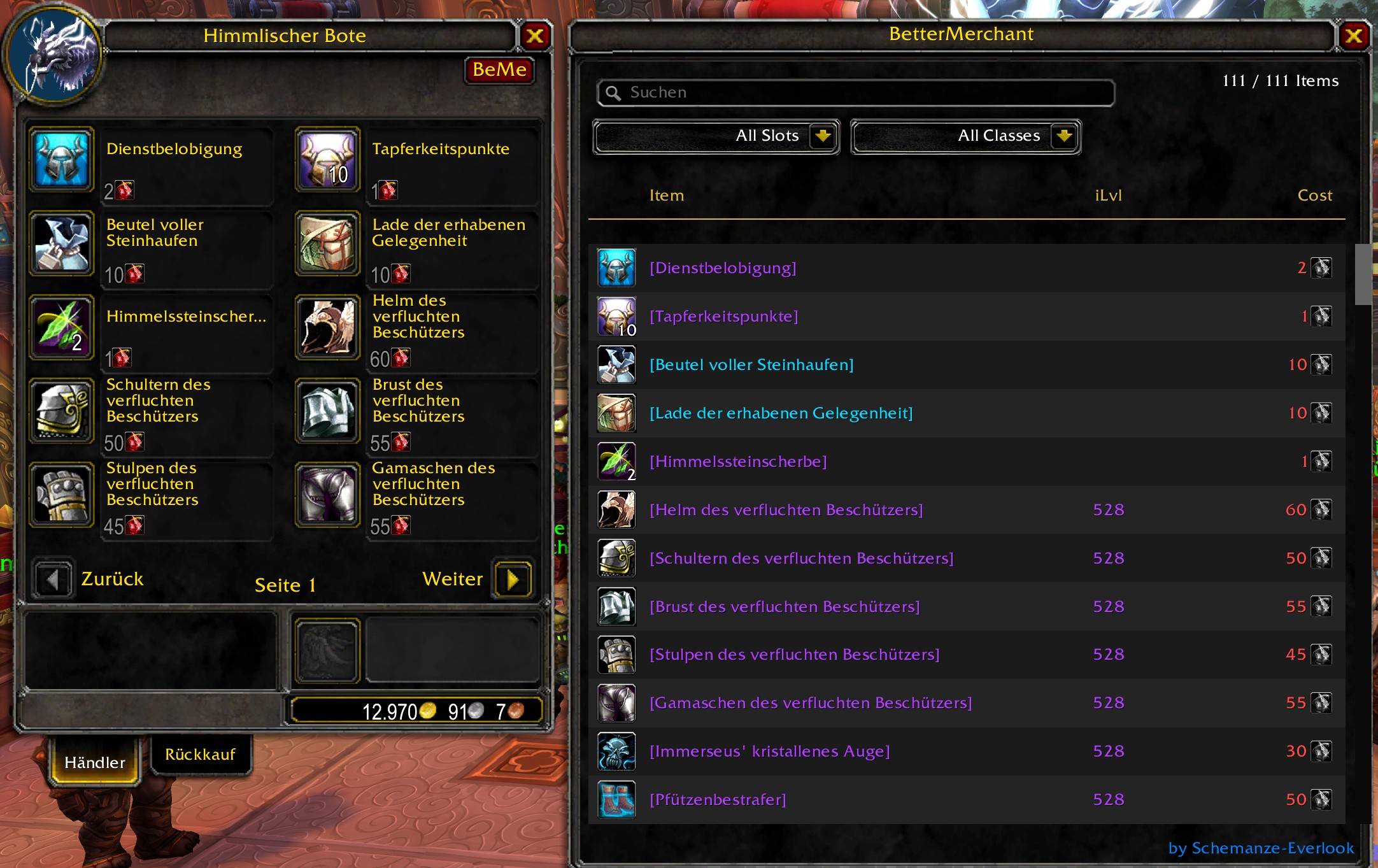
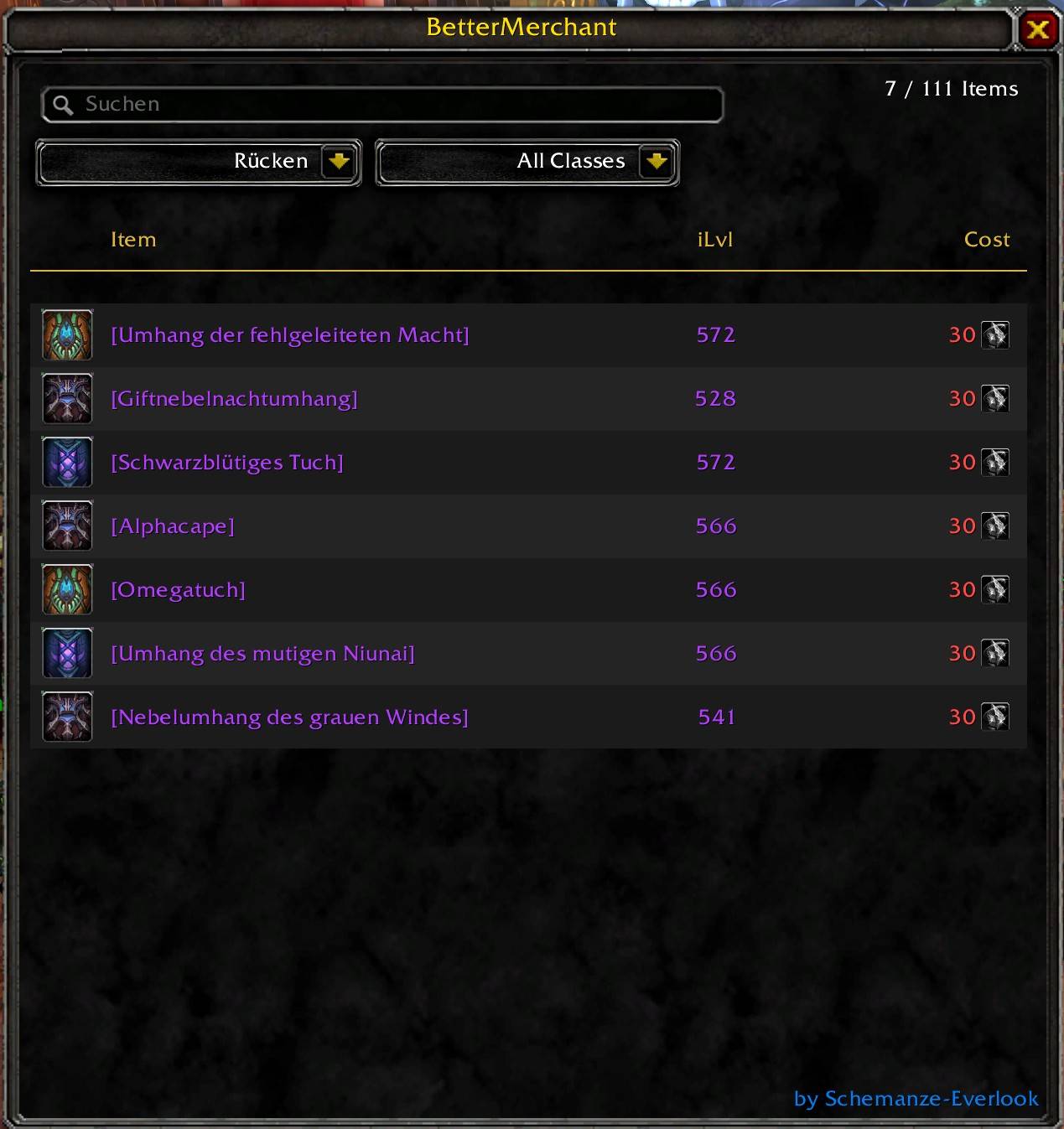
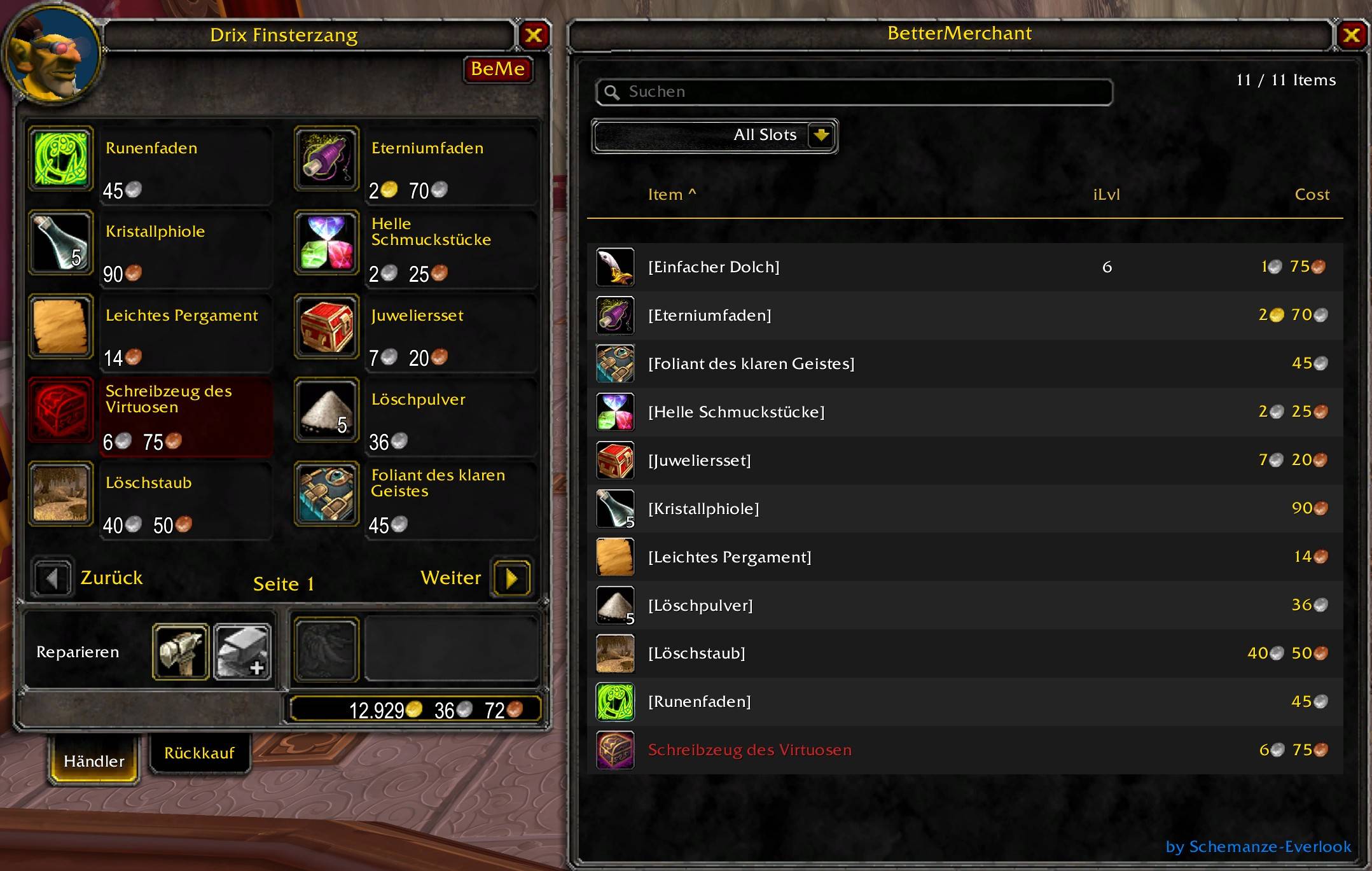
Enhanced merchant window for MoP Classic. Search items by name, filter by slot, armor class and token type, sort by name, item level or cost. Shift-click to buy in bulk, right-click to buy one stack. Docks next to the default vendor frame.
Description
BetterMerchant – Enhanced Vendor Window for WoW Forever, Retail, MoP Classic and BCC Anniversary and Classic Era!!
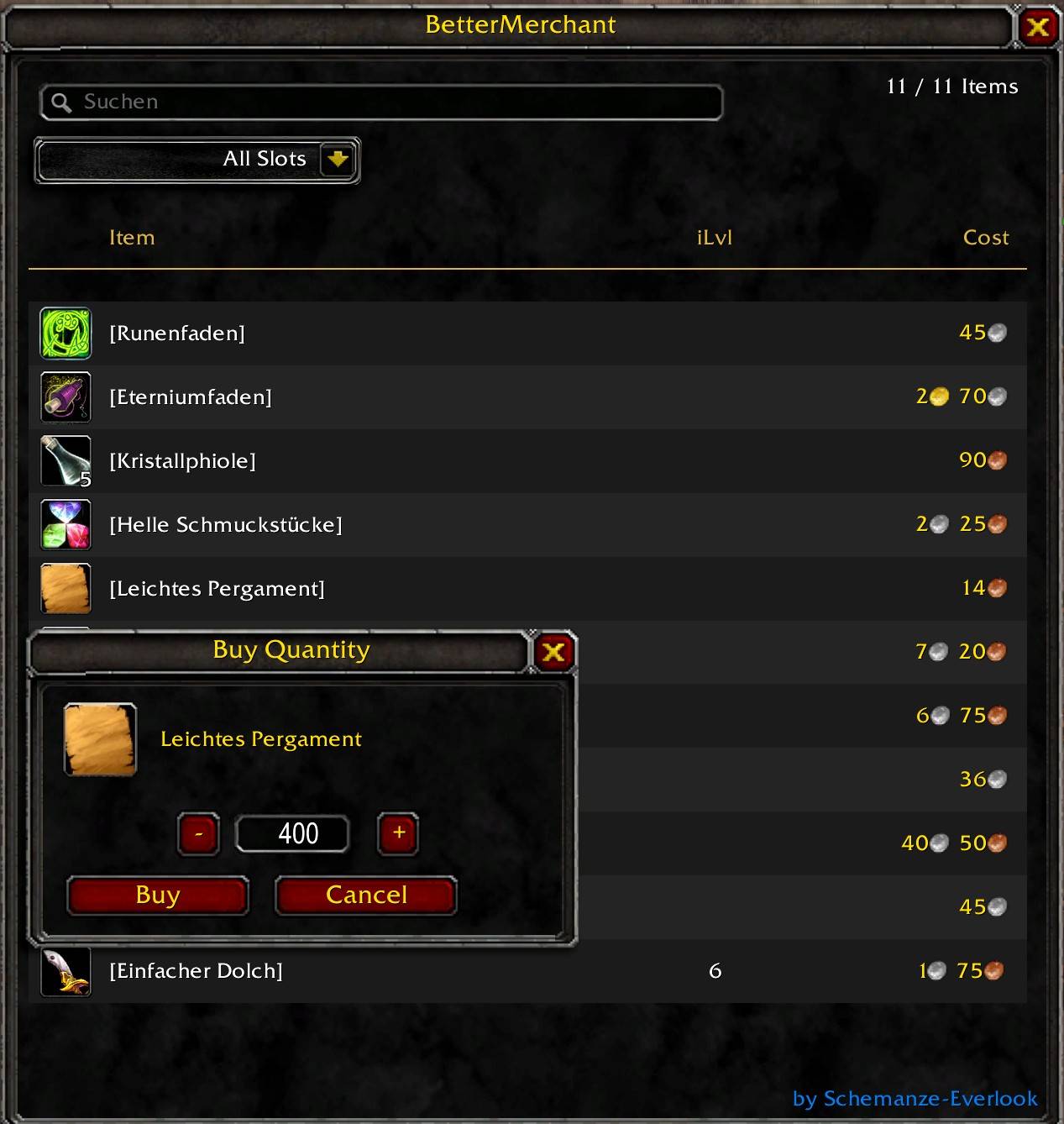
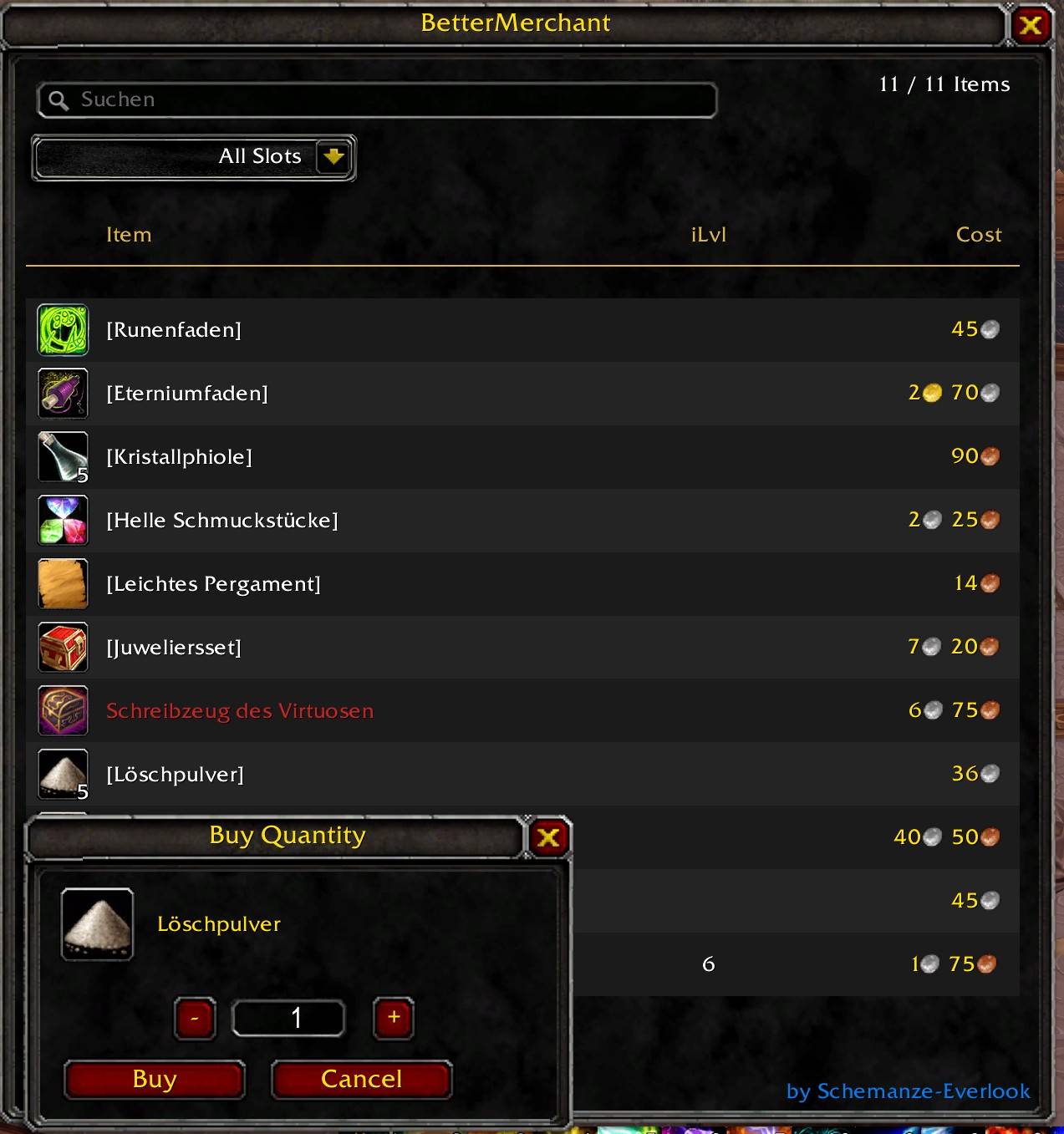
Adds a fully featured shopping panel that docks right next to the default WoW vendor window. Search items by name, filter by slot or armor class, sort by name, item level or cost — and buy exactly the quantity you want, regardless of the default stack size and far beyond what the original vendor window allows.
Search, filter, sort and bulk-buy at any vendor — without the limitations of the default merchant frame.
🔥 MAIN FEATURES:
✅ Real-time item search by name
✅ Slot filter — Head, Chest, Weapon, Off-hand, Token and more
✅ Armor class filter — Cloth, Leather, Mail, Plate
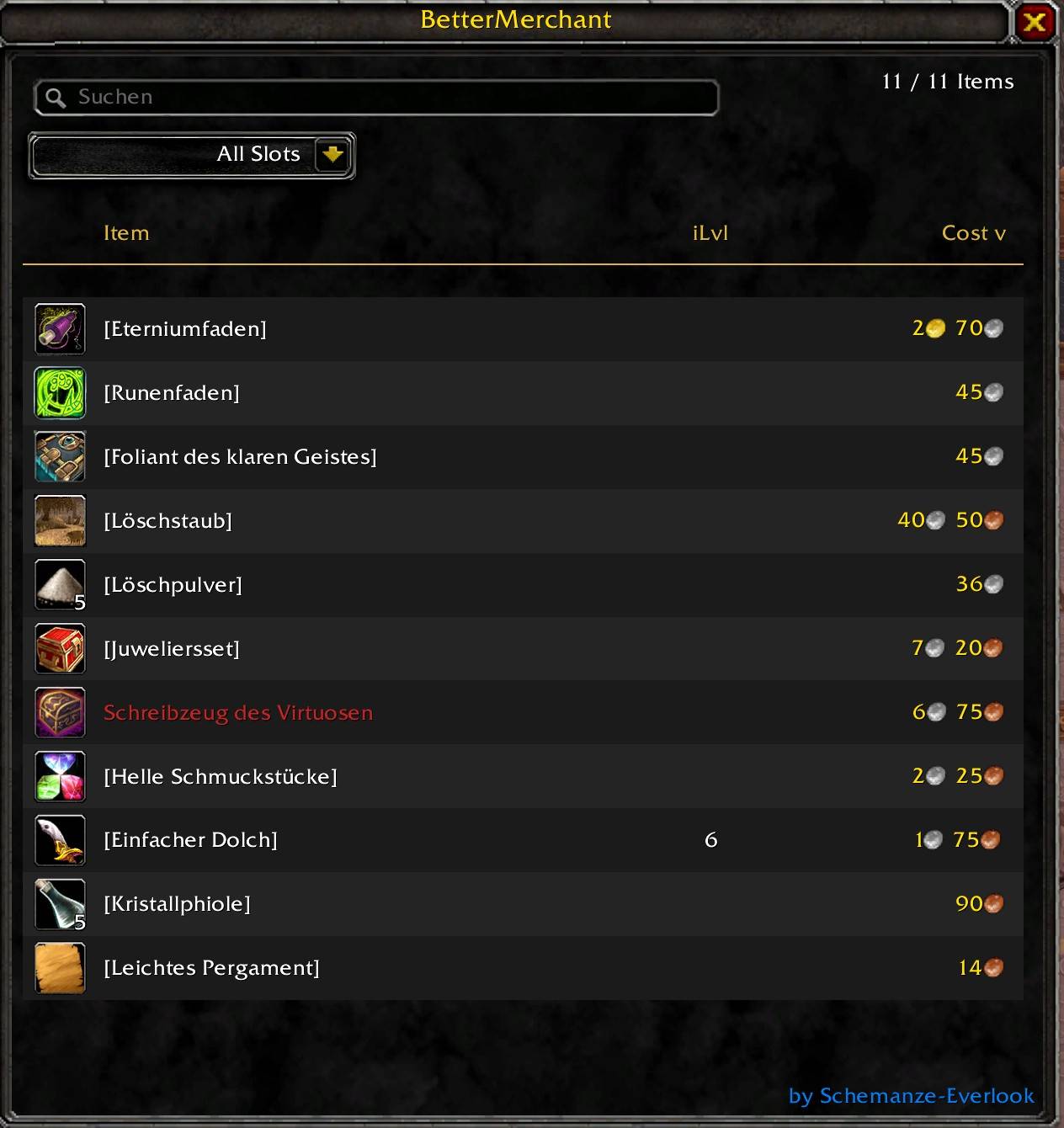
✅ Sortable columns — Item name, Item Level, Cost
✅ Cost column sortable when all items share a single currency type
✅ Right-click to buy one stack at the vendor's default stack size
✅ Shift+click opens a quantity dialog — buy any amount, any stack size
✅ Bulk purchase far beyond the default vendor limit — configurable via /beme maxbuy
✅ Max quantity auto-capped by gold, currency balance and available stock
✅ Unaffordable items shown with red price and desaturated currency icons
✅ Buy cursor changes to error cursor on unaffordable items
✅ Item count always visible next to the search field
🎯 PERFECT FOR:
- Vendors with large inventories and no search function
- Buying crafting materials in exact quantities
- Quickly finding gear tokens among hundreds of vendor items
- Bulk-buying consumables without clicking through stack dialogs repeatedly
📟 SLASH COMMANDS (/beme or /bettermerchant)
| Command | Function |
|---|---|
| /beme help | Show this list in-game |
| /beme | Show this list in-game |
| /beme maxbuy | Show current bulk-buy limit (default: 400) |
| /beme maxbuy <100–1000> | Set a new bulk-buy limit |
BetterMerchant Team