Mage Portal Dock - Forever
- By
A compact, professional travel dock for WoW Forever Mages with one-click teleports and portals, reagent tracking, cooldown displays, and a collapsible icon-sized mode.
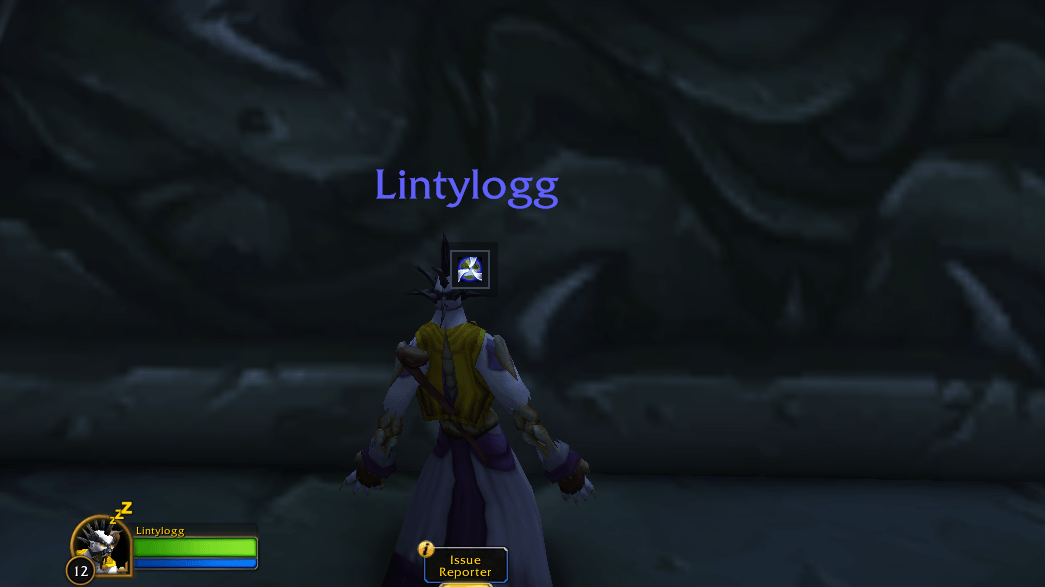
s1.PNG
s2.PNG
s3.PNG
teleport.png
Description
Mage Portal Dock
Mage Portal Dock is a compact, professional travel addon created specifically for Mages in World of Warcraft: Forever.
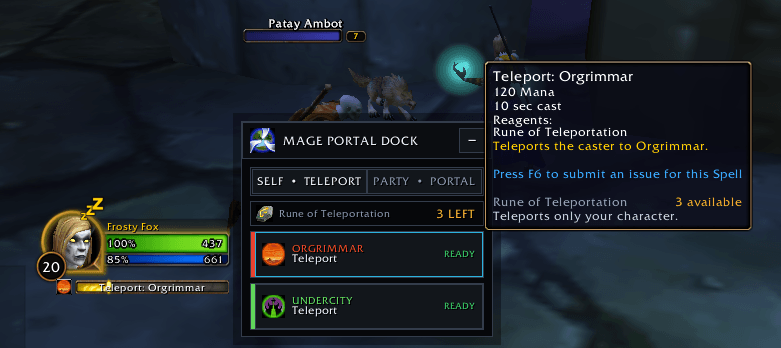
The addon provides a clean, dark interface inspired by professional addons such as TradeSkillMaster. It organizes your learned teleports and portals by city while displaying reagent totals, spell availability, and cooldown information.
Features
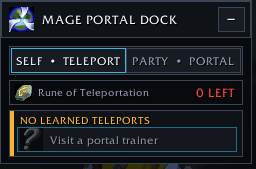
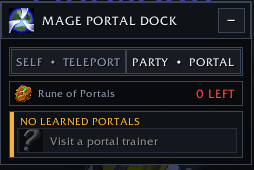
- Separate Self/Teleport and Party/Portal modes
- Automatically displays your learned travel spells
- One-click teleport and portal casting
- Automatically detects additional travel spells from your spellbook
- Tracks Rune of Teleportation and Rune of Portals
- Green, yellow, and red reagent warnings
- City-colored destination headings
- Live cooldown overlays and remaining-time indicators
- Displays READY when a travel spell is available
- Collapses into a small 39×39 portal icon
- Click the collapsed icon to reopen the complete dock
- Drag the dock or collapsed icon anywhere on your screen
- Saves position, scale, opacity, selected mode, and collapsed state
- Addon Compartment and HidingBar support
- Secure spell-casting buttons
- No external libraries or dependencies required
How to Use
Choose between:
- SELF / TELEPORT — Teleports only your character
- PARTY / PORTAL — Creates a portal for your party
Click a city’s action button to cast the corresponding learned spell.
The reagent row displays the rune required by your selected travel mode and how many remain in your bags.
Click the minus button to collapse the addon into a small portal icon. Click the portal icon to expand it again.
Commands
/mpd— Show or hide the dock/mpd self— Select Teleport mode/mpd party— Select Portal mode/mpd collapse— Collapse the dock/mpd expand— Expand the dock/mpd lock— Lock the dock/mpd unlock— Unlock the dock/mpd reset— Reset its position/mpd scale 0.70-1.50— Change the interface scale/mpd alpha 0.35-1.00— Change the opacity/mpd help— Display available commands
Compatibility
Designed for:
- World of Warcraft: Forever
- Interface version 16001
- Mage characters
The dock automatically disables itself on non-Mage characters.
Installation
- Download and extract the addon.
- Place the
MagePortalDockfolder inside your WoW Forever AddOns folder. - Confirm the following file exists:
Interface/AddOns/MagePortalDock/MagePortalDock.toc
- Start World of Warcraft and enable Mage Portal Dock from the AddOns menu.
Support
If you encounter an error, include the Lua error message, your game version, and a screenshot showing what happened.
The Mage Portal Dock - Forever Team