Lurk - Enemy Aggro Meter
- By
Rings beside enemy nameplates that show how close you can get before a mob notices you. Works for every class, stealth aware.

Lurk-1-general.png
Lurk-2-ring.png
Lurk-3-aggro.png
Lurk-4-alerts.png
Lurk-5-range.png
Description
Lurk
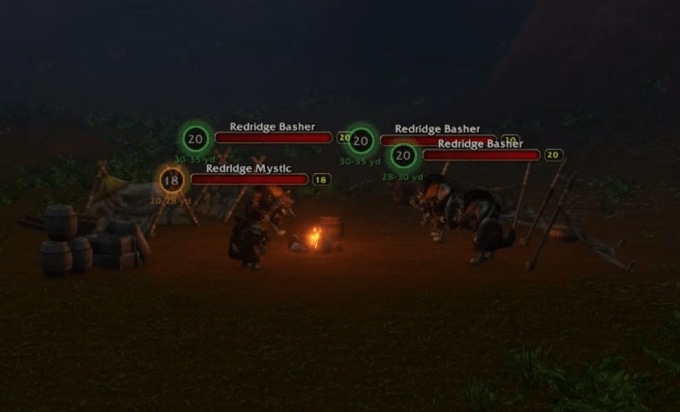
Know before you pull. Lurk puts a small ring beside each enemy nameplate that tells you how much room you have before that mob notices you. Works for every class.
How it reads
- Green: you're safe.
- Orange: you're getting close.
- Red, pulsing: you're inside its aggro range.
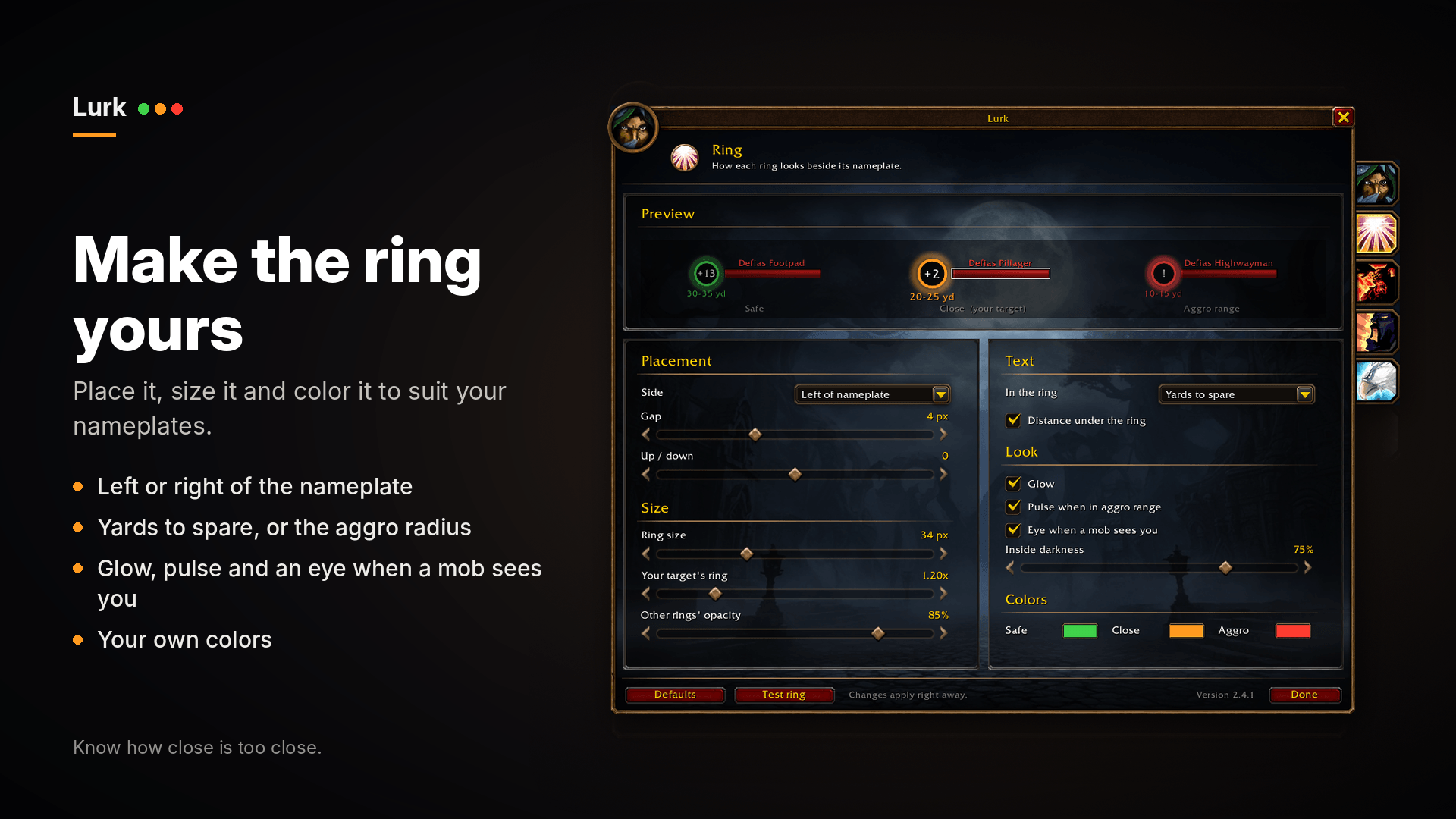
- The number is your yards to spare. Prefer the mob's aggro radius instead? It's one setting away.
- Under the ring is your distance as a range, such as 10-20 yd.
Stealth aware
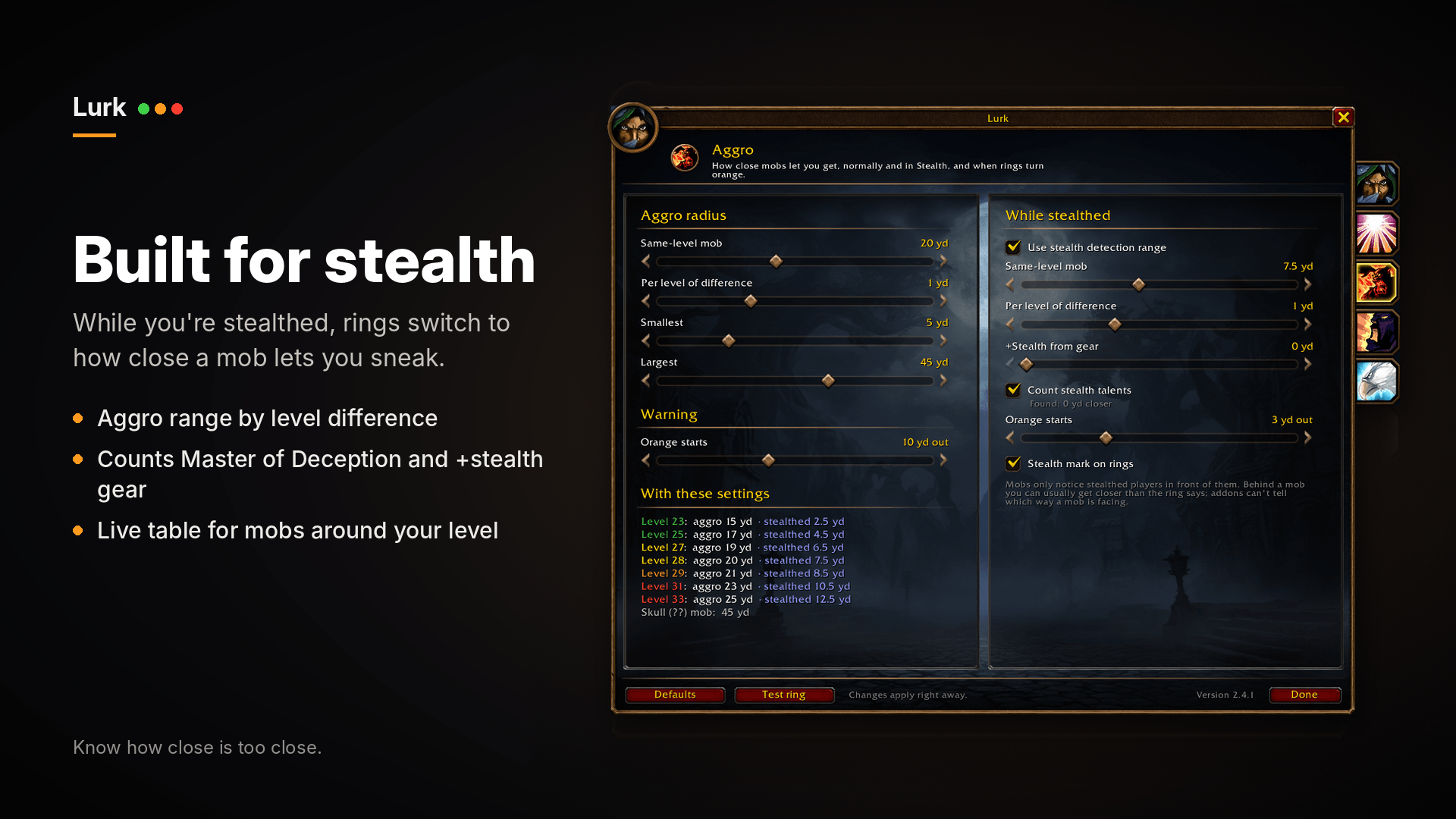
While you're in Stealth, Prowl or Shadowmeld, the rings switch from aggro range to stealth detection range, which is much shorter. Lurk counts Master of Deception (Rogue) and Feral Instinct (Druid) automatically, and has a slider for +stealth gear.
An eye appears in the ring once you're inside a mob's detection range. A white eye that pops in means the mob is onto you.
Make it yours
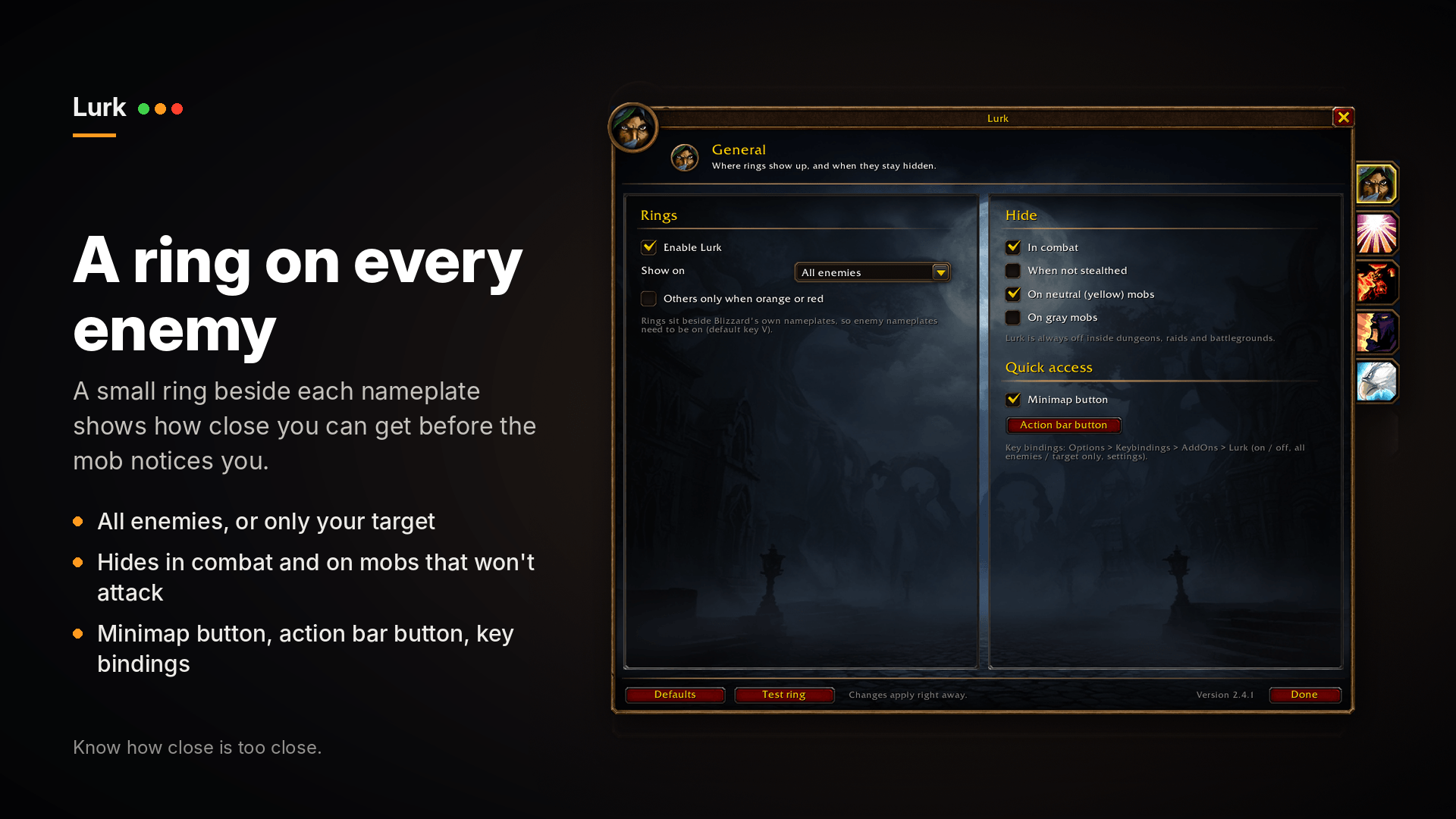
- Rings on every enemy, or only your target
- Left or right of the nameplate, with your own size, gap and colors
- Hide in combat, when not stealthed, or on neutral or gray mobs (Lurk also automatically disables itself in dungeons, raids, battlegrounds, and other instances due to API limits)
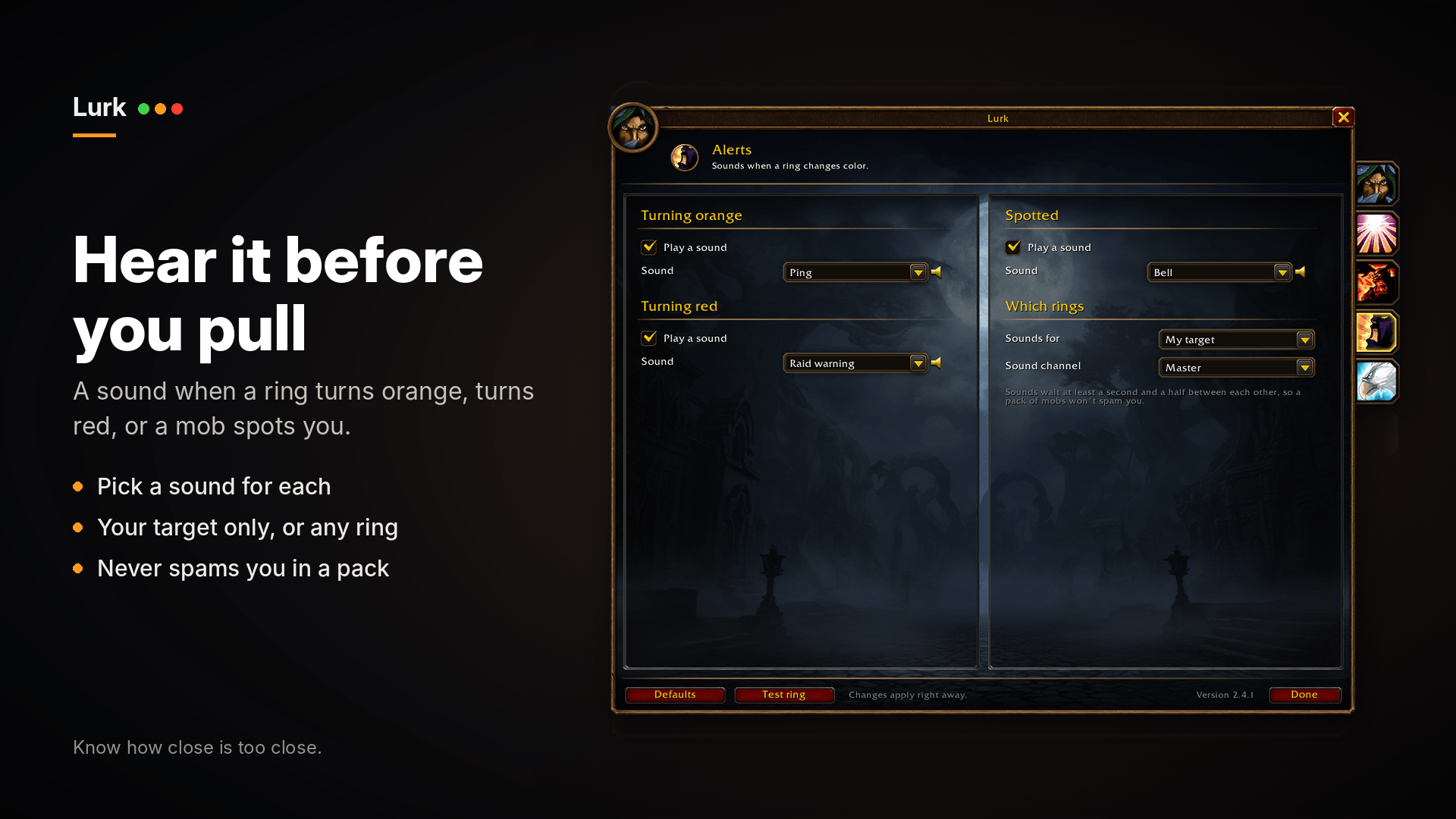
- Separate sounds for turning orange, turning red and being spotted
- Adjustable aggro rules, with a live table for mobs around your level
- Minimap button, action bar button and key bindings
Getting started
Turn on enemy nameplates (default key V) and walk near a mob. Type /lurk for settings, or /lurk test to see a sample ring.
Good to know
- Due to Blizzard API limits, Lurk automatically turns off in dungeons, raids, battlegrounds, and any other instances. It works fully in open-world content.
- Lurk works beside Blizzard's own nameplates and doesn't change them.
- Addons can't read exact distance or which way a mob is facing, so distance shows as a range, and in stealth the ring assumes you're in front of the mob. From behind you can usually get closer than it says.
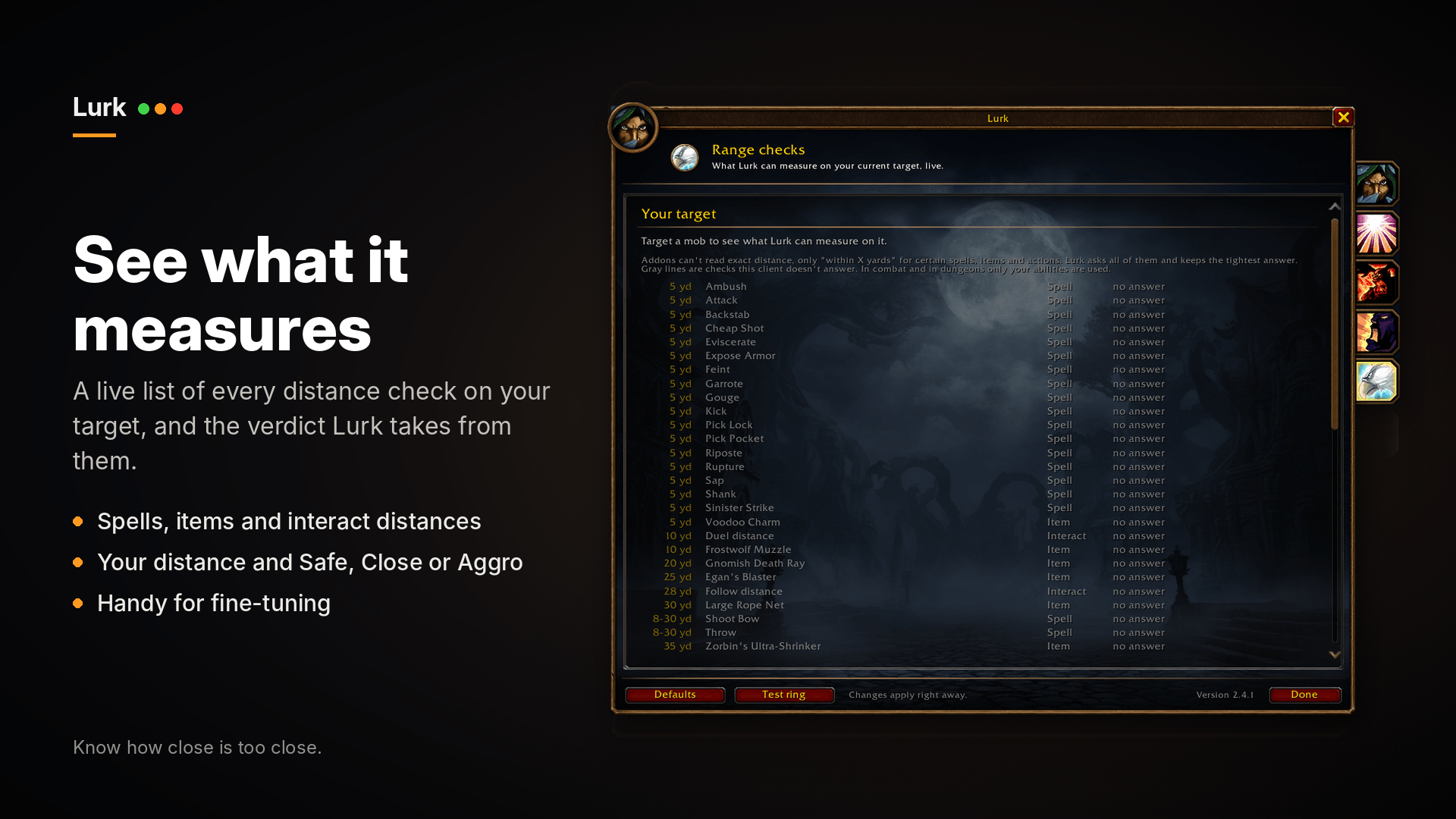
- Distance is measured with the abilities in your own spellbook, so it gets more precise as you learn more of them.
- The aggro numbers follow Classic's rules: about 20 yards at your level, a yard more or less per level of difference. Every value has a slider if it feels different to you.
Commands
/lurk · /lurk on|off · /lurk all|target · /lurk test · /lurk minimap · /lurk reset
Lurk - Enemy Aggro Meter Team