Legacy Tracker
- By
Track your Legacy challenges, Legacy Points, reward track and every alt in WoW Forever.

legacytracker-header.png
legacytracker-1.png
legacytracker-2.png
legacytracker-3.png
screen-legacy-challenges.png
Description
📖 Full guide: https://korivash.com/addons/legacy-tracker/
Track your Legacy challenges, Legacy Points and reward track in WoW Forever, with the closest-to-done challenges first.
Details
Legacy Tracker shows WoW Forever Legacy challenges, points, rewards, and class challenge progress across your characters.
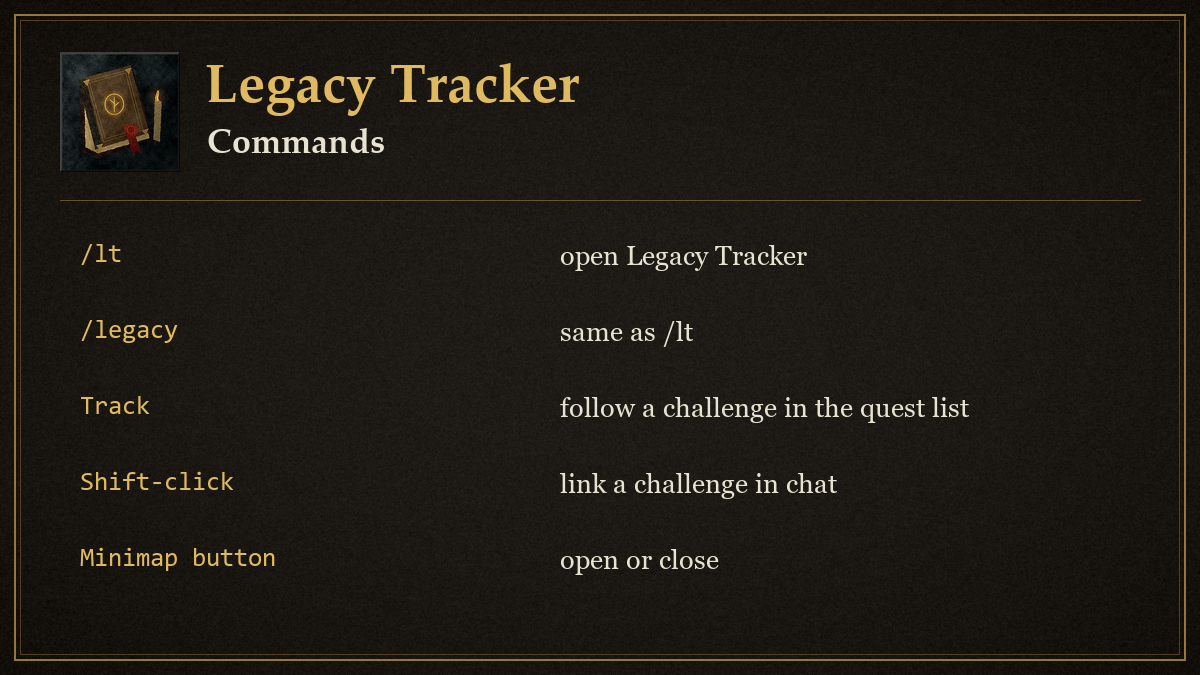
Install the LegacyTracker folder in Interface/AddOns and enable it on the character selection screen. Type /legacy, /lt, or /legacytracker, or click the minimap icon, to toggle the window. Drag the window to move it; drag its bottom-right corner to resize it. Position and size are saved.
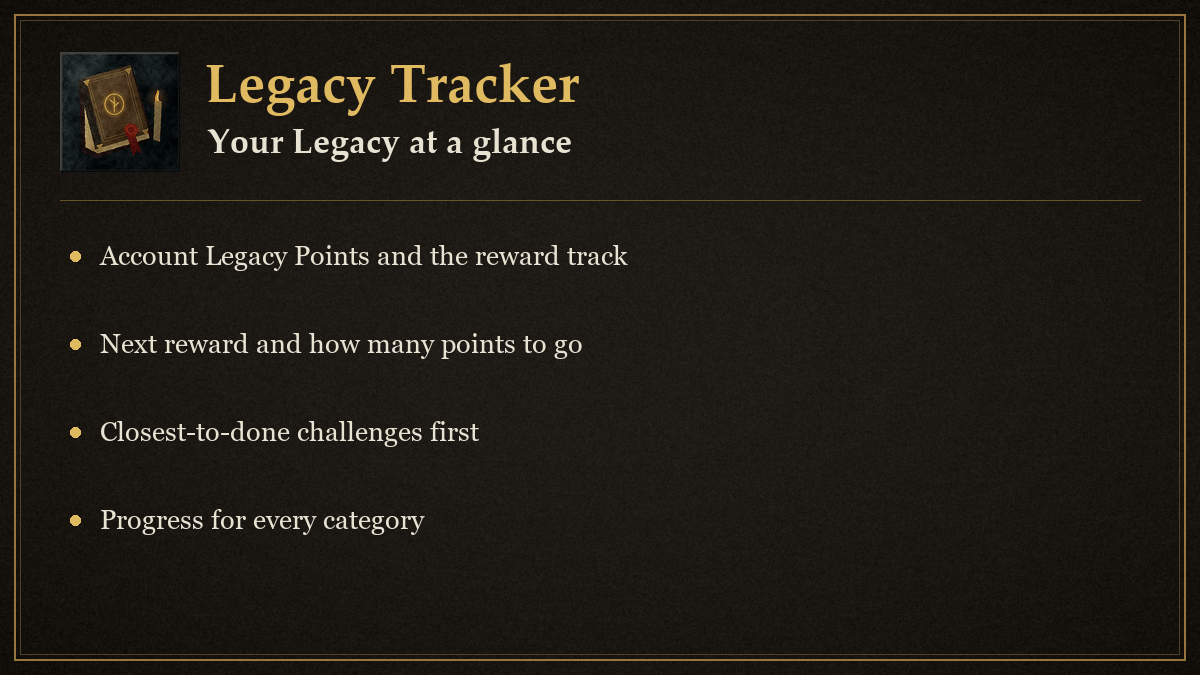
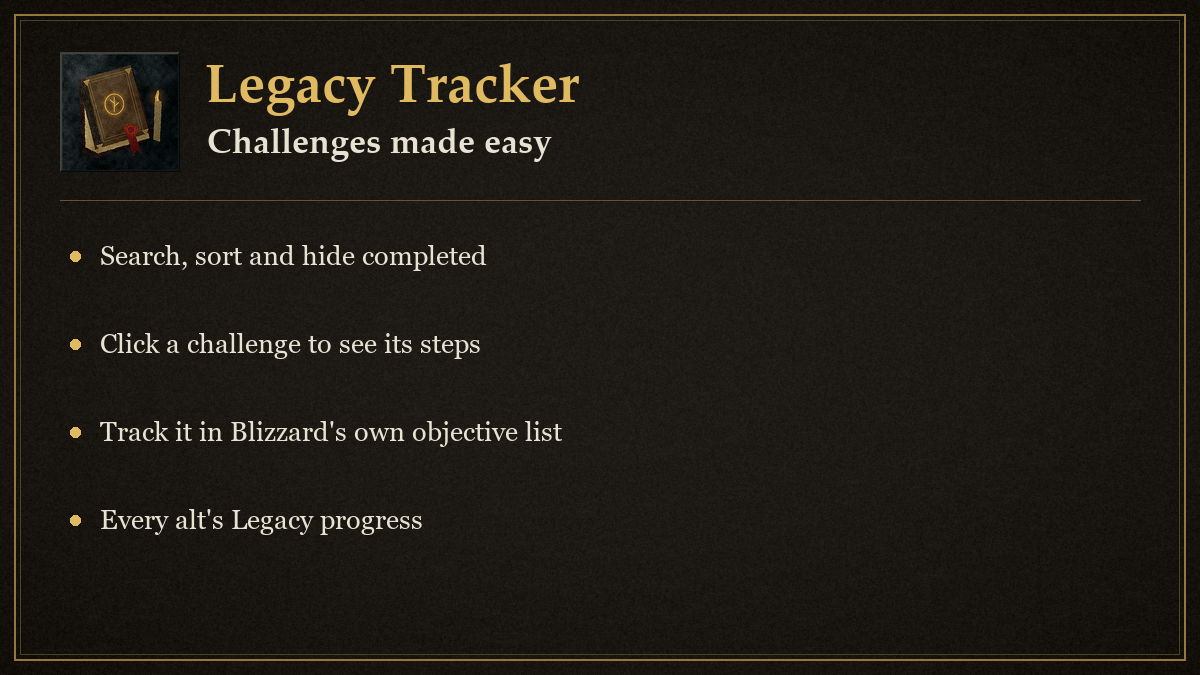
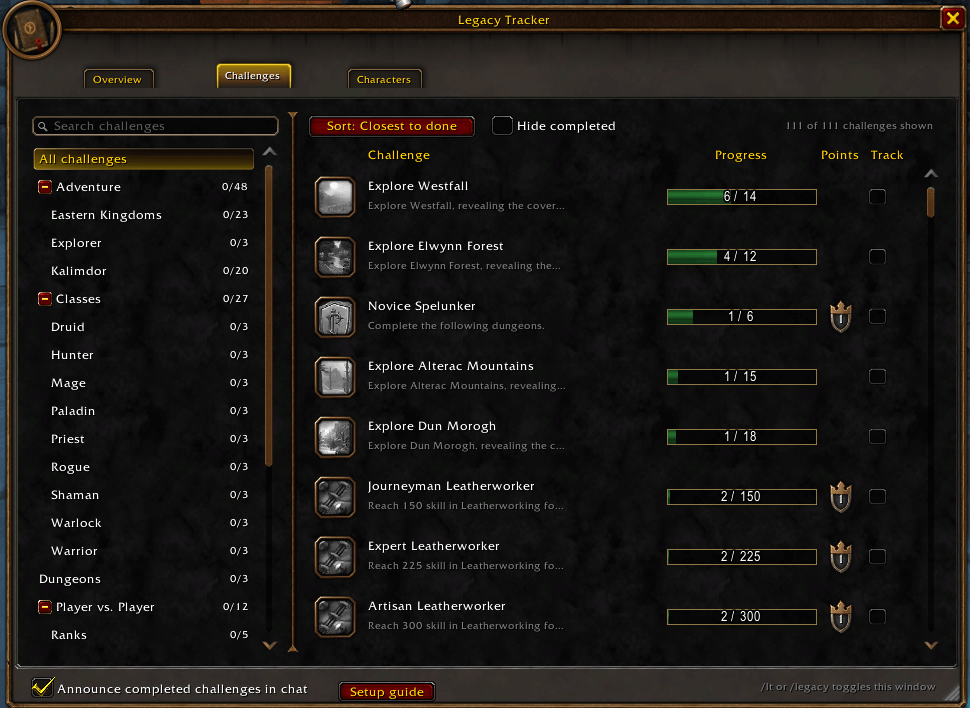
Overview shows your account Legacy Points, the points this character has spent in each Legacy tree, the reward track as cards with the next reward and how far away it is, and your closest unfinished challenges. Challenges has a collapsible category list with done counts, a search box that also matches descriptions, a sort button (closest to done, most points, name) and a Hide completed checkbox. Click a challenge to expand its steps, use the Track checkbox or right-click to show it in the objective list, and Shift-click to link it in chat. Hover a row for full details.
Characters shows each character's most recent class-challenge snapshot: level, class challenges done, points from those challenges, points spent, last seen date and the best next challenge. Log in on each character to update it. The checkbox at the bottom controls completion messages. Existing character records and settings are preserved.
Progress scans are delayed during combat. Some Legacy data may be unavailable until the game has loaded it. Multi-criterion completion percentages average the progress of each criterion.
In game
Install
- Install with the CurseForge app, or download the file and unzip it.
- Put the Legacy Tracker folder in
World of Warcraft/_forever_/Interface/AddOns/for WoW Forever (or_retail_/Interface/AddOns/for retail, if this addon supports it). - Restart the game, then type
/lt setupfor the quick setup guide.
Support and updates
- Discord: join us at https://discord.gg/YxFRuEPSxZ for help, bug reports and ideas.
📖 Full guide: https://korivash.com/addons/legacy-tracker/
- Update news: every release is posted in #legacy-tracker-updates on that server (https://discord.com/channels/1543934878096298065/1567703708966457445).
Legacy Tracker Team