Ding Dash
- By
Full 1-60 leveling guide for WoW Forever: route, grind spots, dungeons, class quests and training, with map waypoints.
dingdash-header.png
dingdash-1.png
dingdash-2.png
dingdash-3.png
Description
The full 1-60 leveling guide for WoW Forever: where to go now, what to do there, and a waypoint to get you there, without a cluttered window.
Details
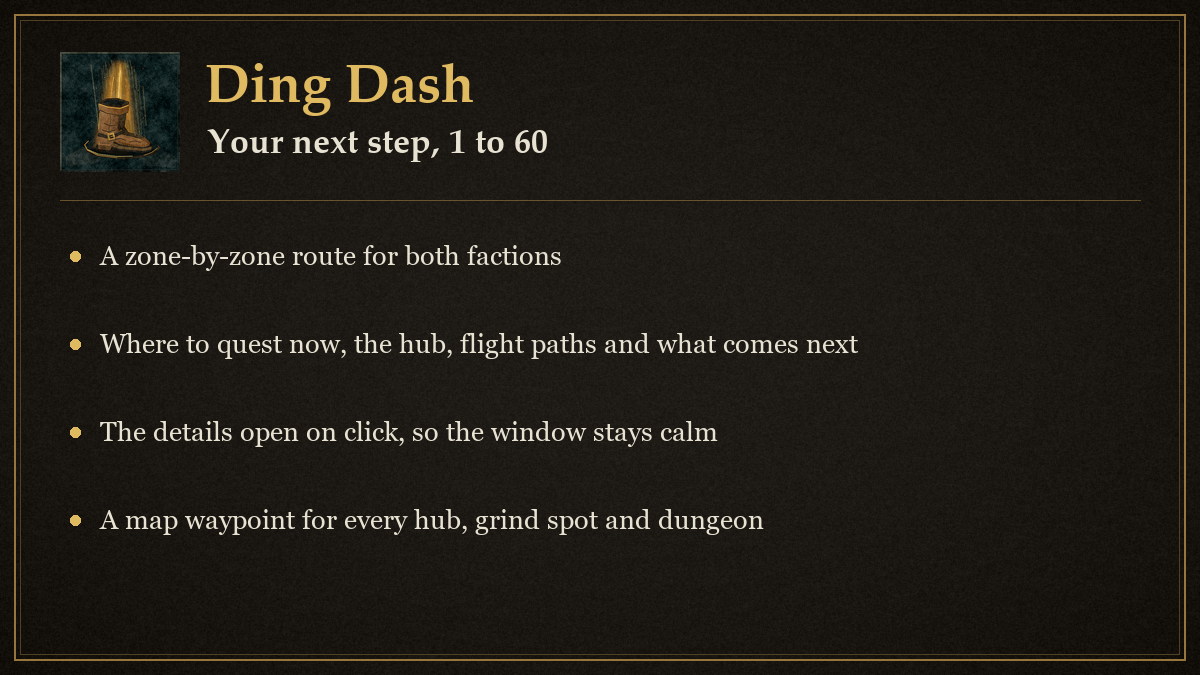
Ding Dash is a complete 1-60 leveling guide for World of Warcraft: Forever, built for both factions and all nine classes. It tells you where to be right now and what to do there, keeps the details one click away so the window stays calm, and puts a waypoint on the map for every hub, grind spot and dungeon entrance it knows. A small on-screen tracker follows your current step, quests and XP/hour while the window is closed.
Ding Dash replaces Forever Route. Its stage checklist, XP/hour, quest counts and on-screen tracker now live here, and Forever Route can be removed; finished stages and the tracker position are copied over once when both are installed.
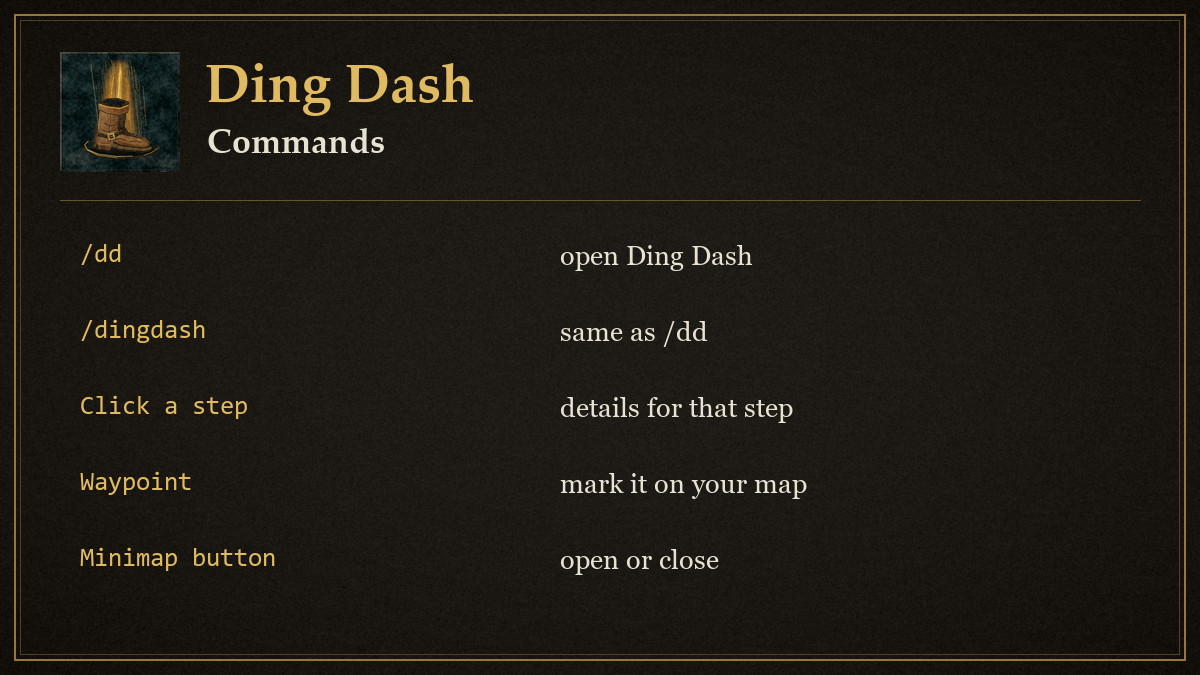
Install the Ding Dash folder in Interface/AddOns and enable it on the character selection screen. Type /dd or /dingdash, or click the minimap button, to open the window. Drag the window by its title bar; the position is saved. Escape closes it.
What you get
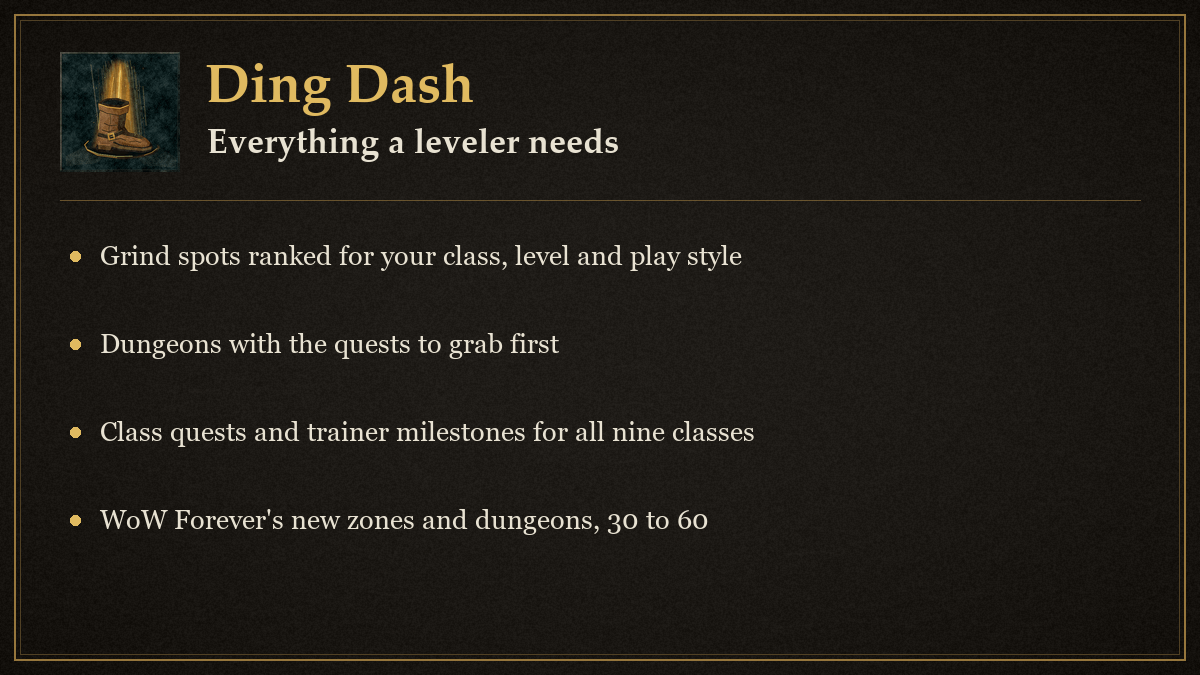
- A zone-by-zone route for 1-60, both factions. Every level has a main step ("Quest from the Rebel Camp: the Nesingwary hunting chain, the Kurzen chain and Bookie Herod") with the hub, flight paths to grab, the quest chains worth doing, a grind fallback, the dungeon that fits and what comes next. Alternative paths are offered where the route forks; one click follows them instead.
- The 30-60 content nobody else covers yet, including WoW Forever's new zones (Riverglades 35-45, Shen'dralas, Mount Hyjal at 60) and new dungeons (The Drowned City, Krol'dok, Alcaz Prison, Blackmaw Hold, Shaper's Terrace, City of Dalaran) next to every Classic zone and dungeon.
- Grind spots for every level band, ranked for your class, faction, level and play style, with mob names and levels, why the spot is good, what to watch out for, map coordinates and a confidence mark on every entry.
- Dungeons with the quests to grab first, the best run level window, entrance waypoints and a Mark done button. WoW Forever cuts dungeon kill XP and doubles dungeon quest XP, so the guide treats every dungeon as a one-time quest run.
- Class quests and trainer milestones 1-60 for all nine classes, including WoW Forever changes (Cat Form quest at 20, Travel Form at 30, Felsteed and Warhorse at 40, Dreadsteed and Charger chains at 60, new baseline spells, removed spells) plus riding at 40 and 60.
- Professions that help leveling and short WoW Forever notes (Legacy points, rested XP, Well Fed XP bonus, Cozy Sleeping Bag, dual spec at 40).
- Smart reminders: level-up messages for class quests, new skills, dungeon windows and route changes; a stay-or-move hint when you enter a zone that is above or below you; a login line with your current step. Every message can be turned off.
- Waypoints through the game's own map pin and on-screen tracking, plus a TomTom arrow when TomTom is loaded. Save your own spots with a note and find them again on any character.
- An on-screen tracker that stays out of the way: your current step, a progress bar through it, how many quests you hold in this zone and how many are ready to turn in, and your XP/hour. Click it to open the window, right-click to mark the step on the map, drag it anywhere. Lock it or hide it in combat from Settings.
- A stage checklist where you tick off route stages at your own pace, separate from where the route thinks you are, with a Go button that makes any stage the current step. Saved per character.
- XP/hour and time to level over the last 15 minutes online, rested XP and your hearthstone location, on one line at the bottom of the Route tab and on the tracker.
The window
Route is the main view and stays calm on purpose. It shows who you are and your quest counts for the zone, a Now card with your current step, a progress bar through that step, Waypoint and Details buttons, a stay-or-move verdict for the zone you are in, the Next step, an alternative path if there is one, and a short Also right now list: the best grind spot here, dungeons whose window is open, and your next class milestones. The XP line at the bottom shows XP/hour, time to the next level, rested XP and your hearthstone; hover for the numbers, click for the full breakdown. Click anything for the full details in the side panel.
Checklist lists every stage of your faction's route in level order, alternatives included. Tick the box when you are done with a stage; the count at the top tracks the main path. Go makes a stage the current step on the Route tab and the tracker until you level past it (Back to main route or /dd route undoes it). Click a stage for its details.
Grind spots lists every spot. For me ranks them for your class, level and play style; the level band buttons browse 1-10 through 50-60; search by zone or mob; tick Both to see the other faction's spots.
Dungeons lists every dungeon for your faction in run order with its level range, best run window, how many quests you can bring, an Entrance waypoint and Mark done. Click a dungeon for the quest list with quest givers, prep notes and loot worth having.
Class is the full 1-60 milestone list for your class with the current level highlighted, and below it the professions and WoW Forever notes.
My spots saves where you stand with a note. Waypoint takes you back, Delete removes it.
Settings lets you override class, faction and level to plan for an alt or peek ahead, choose group, fast or AoE preferences, hide unverified entries, show or hide alternative paths, switch every message and the minimap button on or off, and set up the tracker: show it, lock its position, hide it in combat, show XP/hour on it, or put it back in its default spot.
The tracker
A small frame, on by default, that sits under the minimap until you drag it somewhere else. Line one is the current stage and its level range, line two is what to do there, then a progress bar through the stage, then your quests in this zone (and how many are ready to turn in) with your XP/hour and the time until you ding. Click it to open Ding Dash, right-click to mark the stage on the map. Hover for the full XP numbers. It never does anything on its own.
XP/hour
The rate counts every point of XP you earned in the last 15 minutes online, or since login before that. Standing still lowers it, a /reload starts it fresh, and the time to the next level is a straight line from that rate. Quest counts are read from your quest log out of combat and never change it.
Details panel
The side panel opens to the right of the window when you click a step, spot, dungeon or milestone. It holds everything the main view leaves out: why, quest chains, mobs, dangers, respawn notes, quest givers, prep, alternatives, coordinates and the source confidence. Close it and the main view stays as calm as before.
Slash commands
/ddopens or closes the window./dd waysets a waypoint to the current route step (its hub, or its best grind spot when the hub has no coordinates)./dd grindsets a waypoint to the best grind spot for you right now./dd save <note>saves where you stand, with an optional note./dd routeclears your Follow this path and Go choices and returns to the main route./dd trackershows or hides the on-screen tracker./dd xpprints your XP/hour line in chat./dd resetmoves the window back to the center of the screen and the tracker back to its default spot.
About the data
The route, spots, dungeons and class milestones were researched on 2026-11-07 for WoW Forever 1.60.1 from Blizzard's WoW Forever posts, Warcraft Wiki Forever pages, Warcraft Tavern, Method, games.gg zone guides, Classic era leveling and grinding guides, and Wowhead. WoW Forever uses the Classic era world with the same zone level ranges, so Classic routes carry over; the beta was capped at level 30, so everything above 30 comes from Classic data plus the Forever changes that have been published. Each entry carries a confidence mark:
- Confirmed: two or more sources agree, or a WoW Forever source says so.
- Likely: one solid Classic era guide.
- Unverified: a single loose source or Classic convention. Check it in game first.
Zone names are matched to the game's maps by name, so an English client is expected. The quest counts only read your quest log; nothing in this addon accepts, tracks or abandons quests for you. It is a guide, not an automation.
Support and updates
- Discord: join us at https://discord.gg/YxFRuEPSxZ for help, bug reports and ideas.
- Update news: every release is posted in #ding-dash-updates on that server (https://discord.com/channels/1543934878096298065/1568805331889422517).
Ding Dash Team