Aggro Watch
- By
Threat meter for WoW Forever: solo mob list, group threat on your target, tank view with lost-aggro alerts, custom warning sounds.
aggrowatch-header.png
aggrowatch-1.png
aggrowatch-2.png
aggrowatch-3.png
Description
A threat meter for WoW Forever that tells you who the mobs are hitting, warns you before you pull, and lets tanks see every loose mob at once.
Details
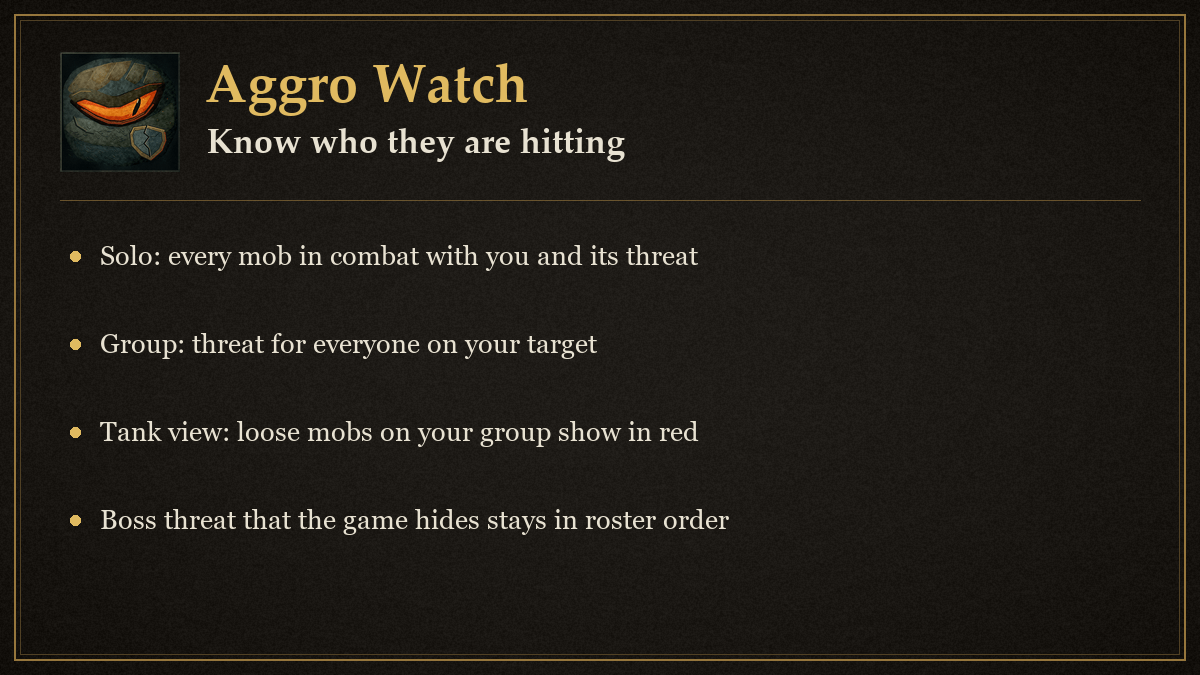
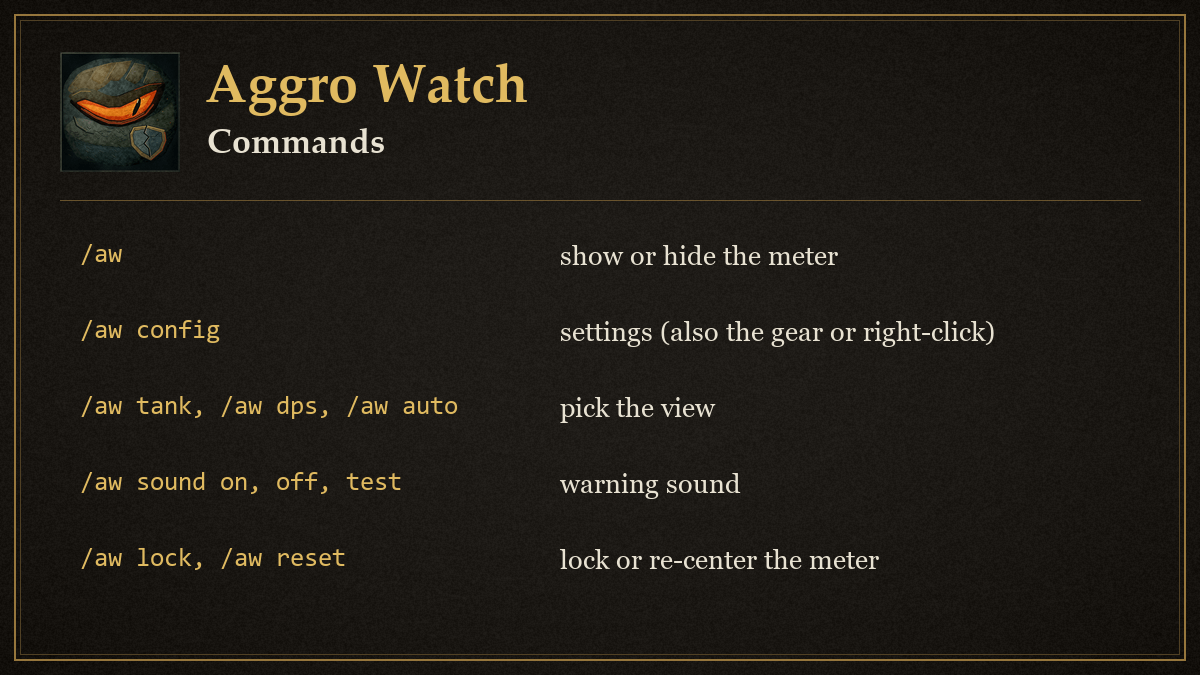
Aggro Watch shows hostile mobs threatening you while solo and group threat for your current target. Use /aggro or /aw to show or hide the meter.
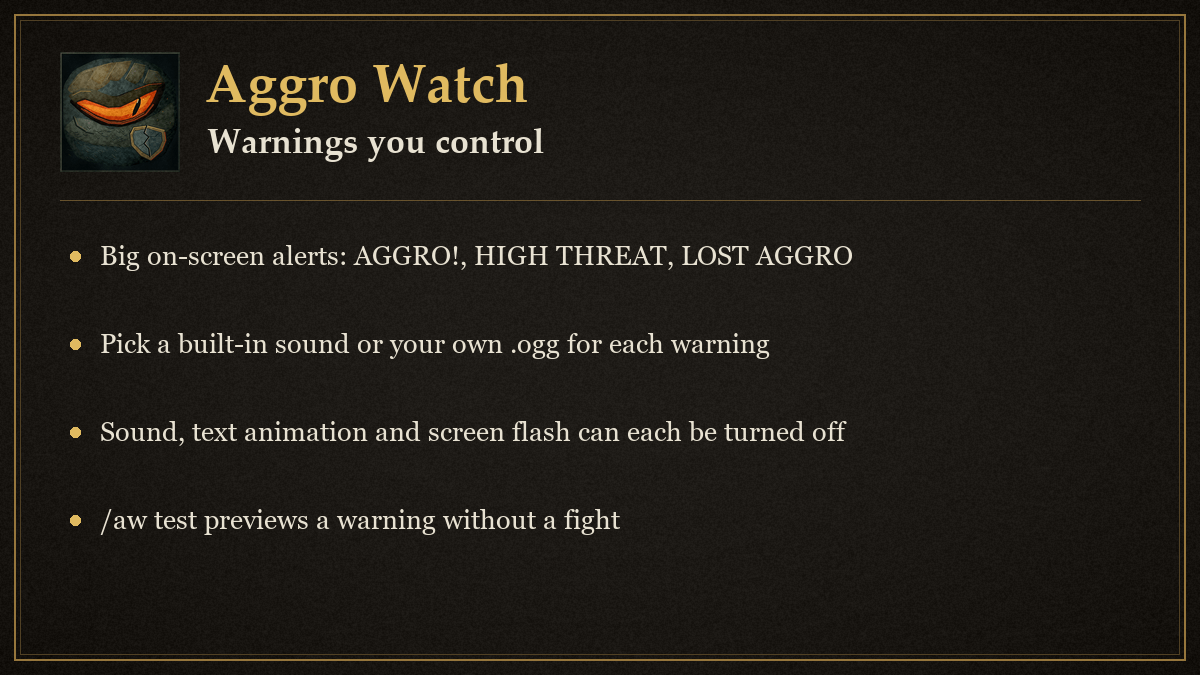
Settings: click the gear on the meter title bar, right-click the meter, right-click the minimap button, or type /aw config. Settings are grouped into General, Display, Warnings, Group view and Sound and apply as you change them. /aw help lists the slash commands (tank, dps, auto, test, sound on|off|test, lock, reset, minimap, config).
Warning sounds: pick a built-in game sound (raid warning, ready check, alarm clock, boss whisper, whisper, party invite, queue ready, map ping, level up) or your own file. For your own sound, make the folder World of Warcraft/_forever_/Interface/AggroWatchSounds/ (addon updates never touch it), put your .ogg or .mp3 there, fully restart the game, then type the file name under Sound and pick Custom file. Warning text, its fade animation, the screen flash and the sound can each be turned off.
Threat values that the client marks secret are passed directly to status bars and are never compared or sorted. Group rows use their fixed roster order whenever threat state is secret.
Support and updates
- Discord: join us at https://discord.gg/YxFRuEPSxZ for help, bug reports and ideas.
- Update news: every release is posted in #aggro-watch-updates on that server (https://discord.com/channels/1543934878096298065/1568805329490411611).
Aggro Watch Team