Lafee ElvUI Chat Frame
- By
ElvUI plugin that adds up to four profile-aware movers for existing World of Warcraft chat windows
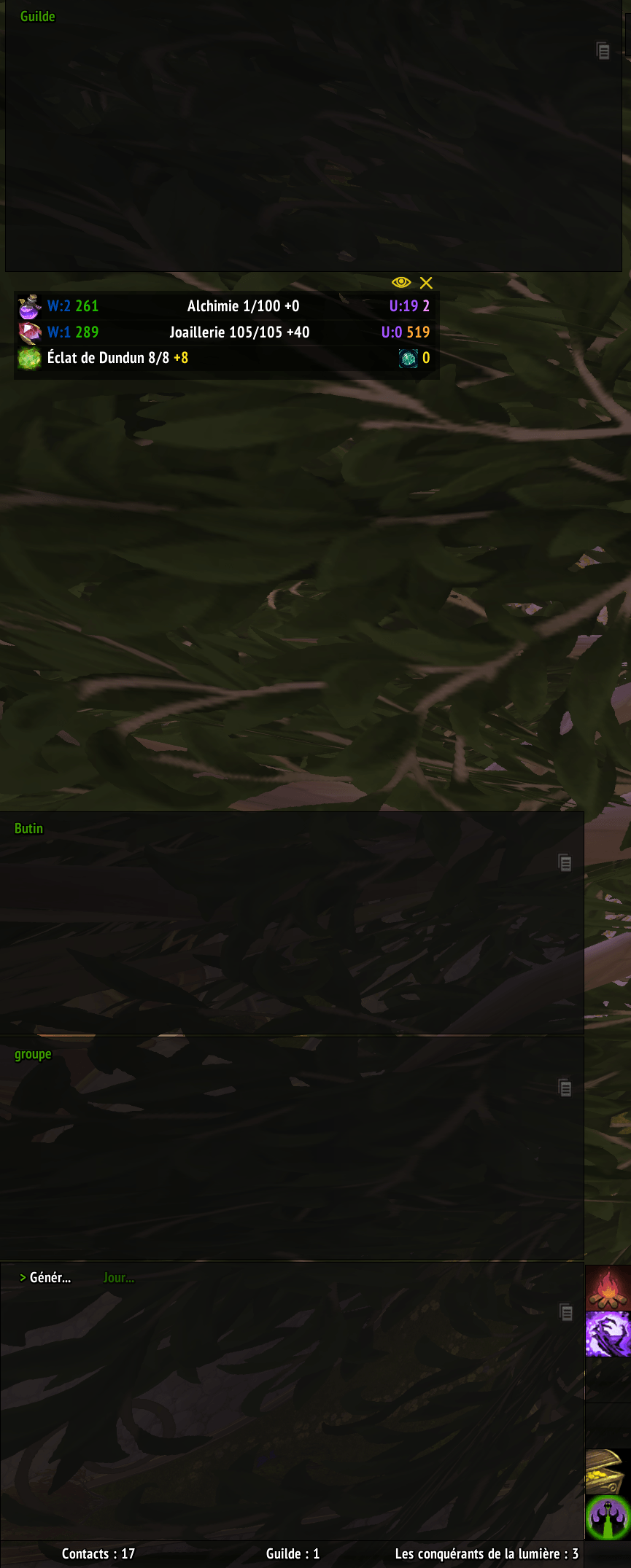
mover-mode.png
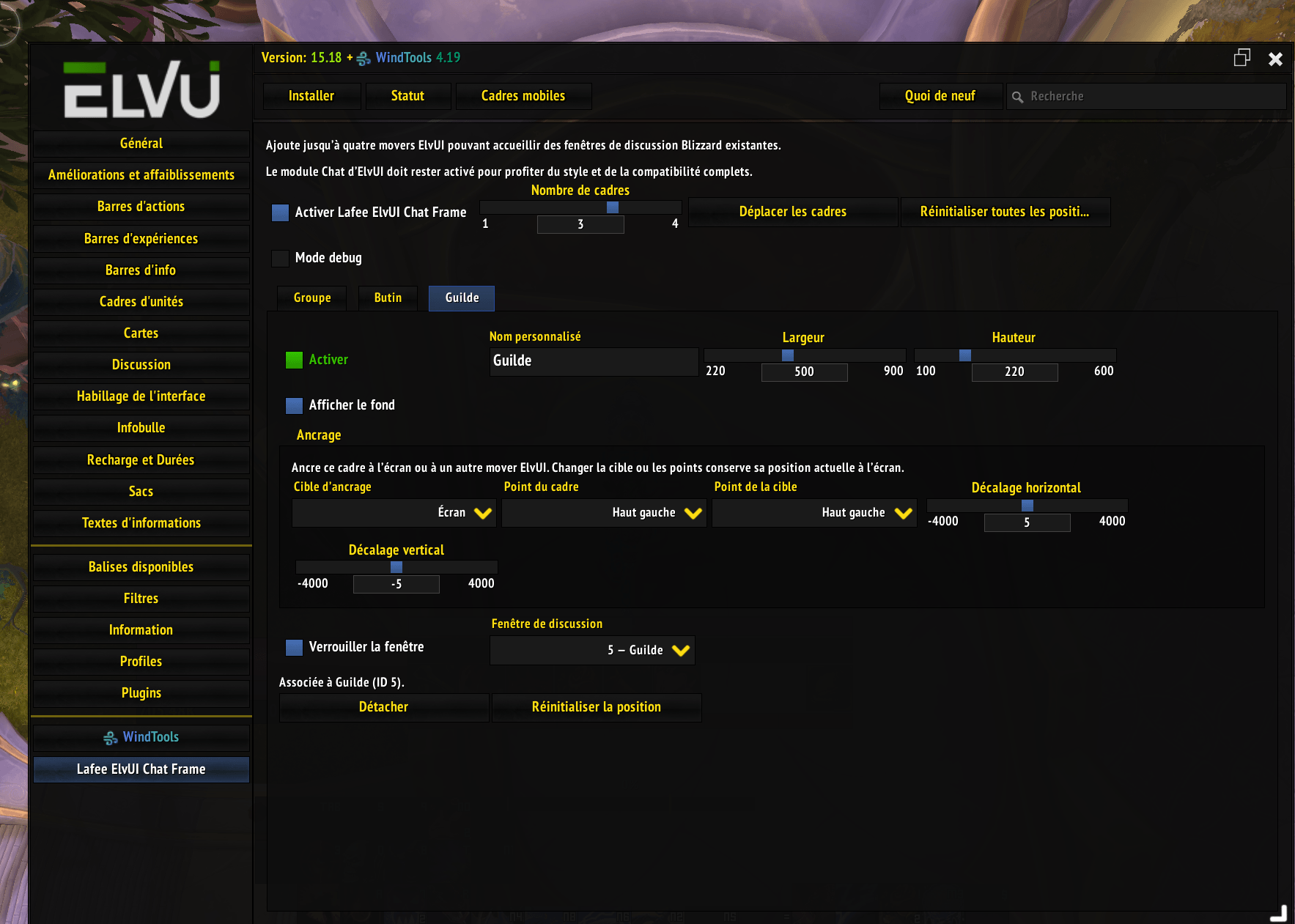
options-panel.png
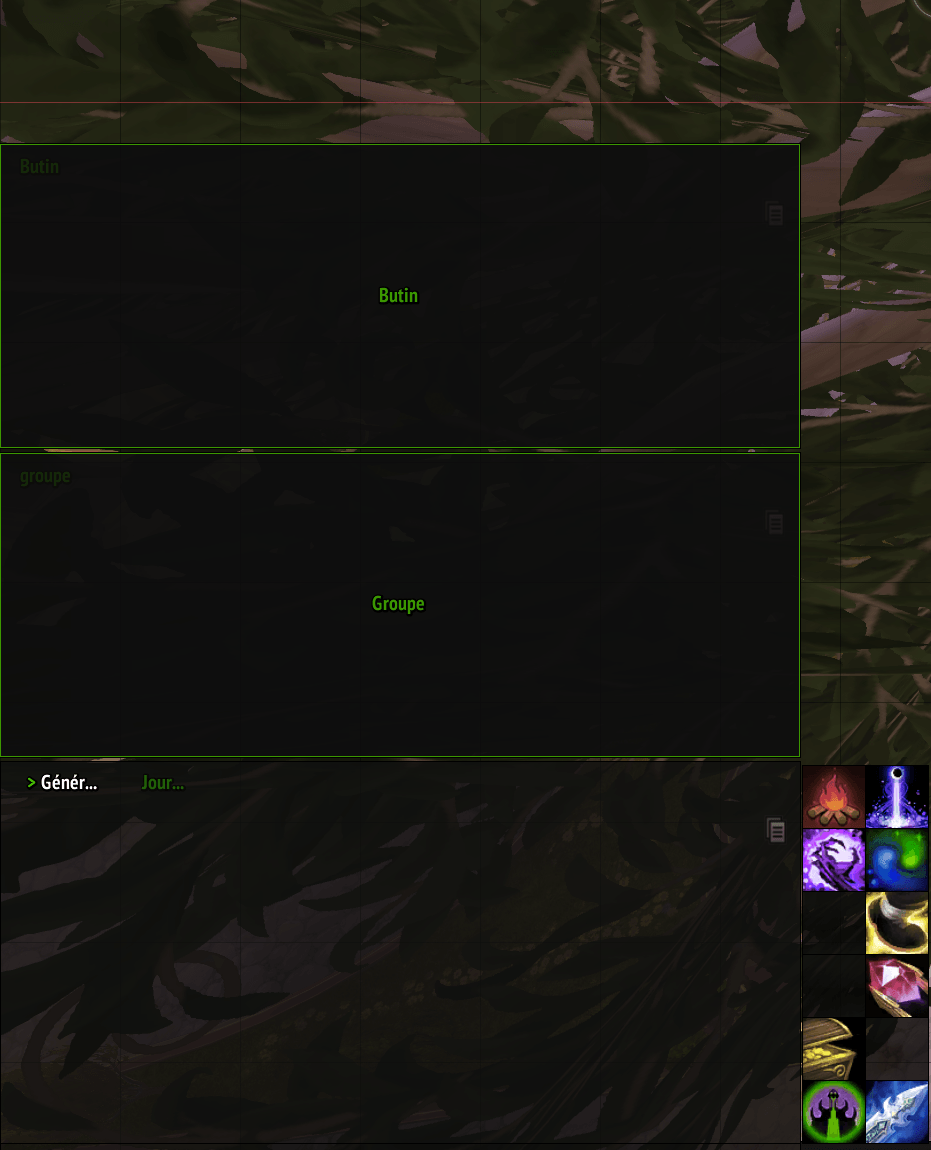
three-chat-layout.png
Description
Lafee ElvUI Chat Frame
Lafee ElvUI Chat Frame is a lightweight ElvUI plugin that adds up to four profile-aware movers for existing World of Warcraft chat windows.
It does not replace Blizzard's chat system. Attached windows remain real ChatFrame objects and keep their normal history, channels, links, player menus, whispers, scrolling, tabs, timestamps, and ElvUI chat hooks.
Screenshots
- ElvUI options panel — screenshot pending.
- ElvUI mover mode — screenshot pending.
- Four-window example layout — screenshot pending.
Future captures belong in docs/screenshots. No placeholder images are included in the repository.
Features
- One to four independent ElvUI movers.
- Per-frame enable switch, custom label, width, height, ElvUI chat-panel background, Blizzard chat lock, and chat-window assignment.
- Persistent anchoring to the screen or any loaded ElvUI mover, with independent anchor points and offsets.
- Full chat-window titles for attached undocked tabs, constrained only by the panel width.
- ElvUI-profile storage for settings and mover positions.
- Automatic restoration after reload, login, and ElvUI profile changes.
- Safe handling of renamed, closed, newly created, docked, and missing chat windows.
- Combat deferral through
PLAYER_REGEN_ENABLED. - Event-driven updates with no permanent
OnUpdatepolling. - Optional debug output, disabled by default.
- Eleven supported locales with English fallback.
Requirements and compatibility
- World of Warcraft Retail 12.0.7 / 12.1 or later 12.x builds using the same APIs.
- ElvUI 15.18 or newer.
- ElvUI's Chat module enabled is the supported and prioritized configuration.
The plugin checks for the required ElvUI plugin and mover APIs. If ElvUI is absent or incompatible, it prints a localized message and does not initialize.
Installation
- Download or clone the repository.
- Ensure the installed folder is named
Lafee_ElvUI_ChatFrame. - Place it in
World of Warcraft/_retail_/Interface/AddOns/. - Enable ElvUI and Lafee ElvUI Chat Frame on the character-selection screen.
- Log in or run
/reload.
Configuration
Open:
ElvUI > Lafee ElvUI Chat Frame
The addon starts enabled with one mover and no chat window assigned. It never moves an existing chat window on first launch.
For each active frame you can configure:
- enabled state;
- custom mover name;
- width and height;
- an optional ElvUI background, enabled by default and synchronized with the current Chat panel color;
- an anchor target (screen or another loaded ElvUI mover), frame/target points, and horizontal/vertical offsets;
- Blizzard chat-window lock;
- an existing persistent Blizzard chat window;
- detachment;
- mover-position reset.
Use Move frames or /moveui to enter ElvUI's normal mover mode. Lafee frames belong to both the global ElvUI mover group and their dedicated Lafee group. Position is stored by E.db.movers; the plugin does not duplicate that state. Size is configured with the width and height controls because ElvUI movers do not provide native interactive resize handles.
The configured width and height represent the complete panel. The attached Blizzard chat region is inset like ElvUI's built-in panels, leaving five pixels at the sides and bottom and enough room at the top for the normal chat tab. Selecting another anchor preserves the current screen position. Dragging a mover manually uses ElvUI's native behavior and anchors it back to the screen.
Attached undocked tabs expand to their full title when it fits inside the panel. Docked tabs remain controlled by Blizzard because several windows may share the same dock row.
The content of each chat window is still configured through Blizzard's normal chat-tab menu. The plugin never imposes message groups or channels.
Commands
/lecf— open the plugin options./lecf config— open the plugin options./lecf reset— request confirmation, then reset all four mover positions in the current ElvUI profile.
Chat-window identity and lifecycle
Assignments store ChatFrame:GetID(), the persistent window index used by Blizzard's FCF_GetChatWindowInfo. Renaming a tab does not change this ID, so the association survives tab renames and reloads.
When an assigned window is unavailable, the mover remains available and the configuration displays its missing ID without generating a Lua error. If Blizzard later activates a window in the same persistent slot, the association becomes valid again.
Secondary docked windows must be undocked before they can occupy independent positions. The plugin calls Blizzard's FCF_UnDockFrame only after the user explicitly selects that window. ChatFrame1 is Blizzard's permanent primary dock and cannot be undocked; the plugin can reposition it, and its docked tabs continue to follow it.
Blizzard exposes no independent GUID for a persistent chat window. If a window is closed and a different window is later created in the same Blizzard slot, it inherits that numerical ID and therefore the saved assignment. This is the cleanest available behavior without replacing or monkey-patching the chat system.
Languages
- English (
enUS, fallback forenGBand unsupported locales) - French (
frFR) - German (
deDE) - Spanish (
esES,esMX) - Italian (
itIT) - Brazilian Portuguese (
ptBR) - Russian (
ruRU) - Korean (
koKR) - Simplified Chinese (
zhCN) - Traditional Chinese (
zhTW)
Technical design
- ElvUI defaults are registered under
P.lecfand resolved throughE.db.lecf. - Movers are created with
E:CreateMoverand grouped withE:ConfigMode_AddGroup. - Options are registered through
LibElvUIPlugin-1.0(EP:RegisterPlugin). - Chat windows are discovered with Blizzard's active-window iterator and
FCF_GetChatWindowInfo. - ElvUI Chat layout methods and Blizzard
FCF_*mutations are observed with secure hooks. - Layout work is coalesced with a zero-delay timer and never runs every frame.
- Potentially unsafe layout work is deferred while
InCombatLockdown()is true.
In-game test checklist
The source passes static Lua parsing and localization parity checks. The following behavior must still be verified in the WoW client:
- Start with one enabled mover and no automatic chat movement.
- Change the count from one to four and move every mover.
- Change width and height for every mover.
- Confirm the chat text, scroll controls, and tab remain inside every mover on all four screen edges.
- Anchor a mover to the screen, then to several ElvUI movers, and verify it follows its target.
- Change frame/target points and offsets, then run
/reloadand change ElvUI profiles. - Attach an undocked persistent chat window.
- Attach a secondary docked window and confirm it is undocked cleanly.
- Attach
ChatFrame1and verify the primary dock and tabs remain usable. - Run
/reload, then reconnect, and verify all associations and dimensions. - Change, copy, and reset an ElvUI profile.
- Create a new Blizzard chat window and confirm it appears in the selector.
- Rename an assigned tab and verify the association remains.
- Close an assigned window and confirm the mover remains available with a missing status.
- Enter and leave combat while an update is pending.
- Verify item links, player right-click menus, whispers, Battle.net whispers, channels, scrolling, edit boxes, and tab menus.
- Repeat the tests with ElvUI Chat enabled; this is the priority configuration.
Please report the exact Lua stack trace and reproduction steps for any in-game failure.
Development
The addon intentionally avoids copying ElvUI or Blizzard chat implementations. Keep integrations narrow, event-driven, and guarded for combat and secret values introduced in Retail 12.x.
Source references used for version 1.0.0:
The Lafee ElvUI Chat Frame Team