Knowledge Biggins
- By
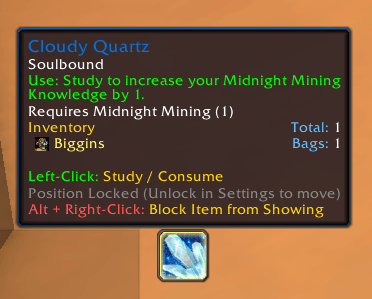
Lightweight addon that provides an instant, one-click popup button to study and consume profession knowledge items (like shards, dragon/void shards, treatises, and skill books) directly from your bags.
Description
Knowledge Biggins
Knowledge Biggins is a lightweight, low-maintenance World of Warcraft addon that provides an instant, one-click popup button to study and consume profession knowledge items (like shards, dragon/void shards, treatises, and skill books) directly from your bags without menu diving.
Features
- Universal Tooltip Detection: Uses live tooltip parsing (
C_TooltipInfo) to automatically detect any consumable item that increases Profession Knowledge or skill across all professions (Mining, Herbalism, Skinning, Inscription, Blacksmithing, etc.) and expansions. No static item databases to maintain. - Drag & Drop Custom Allow List: Drag any click-to-use item from your bags and drop it directly onto the floating button to allow it for instant one-click consumption.
- One-Click Ignore (Block List): Hold
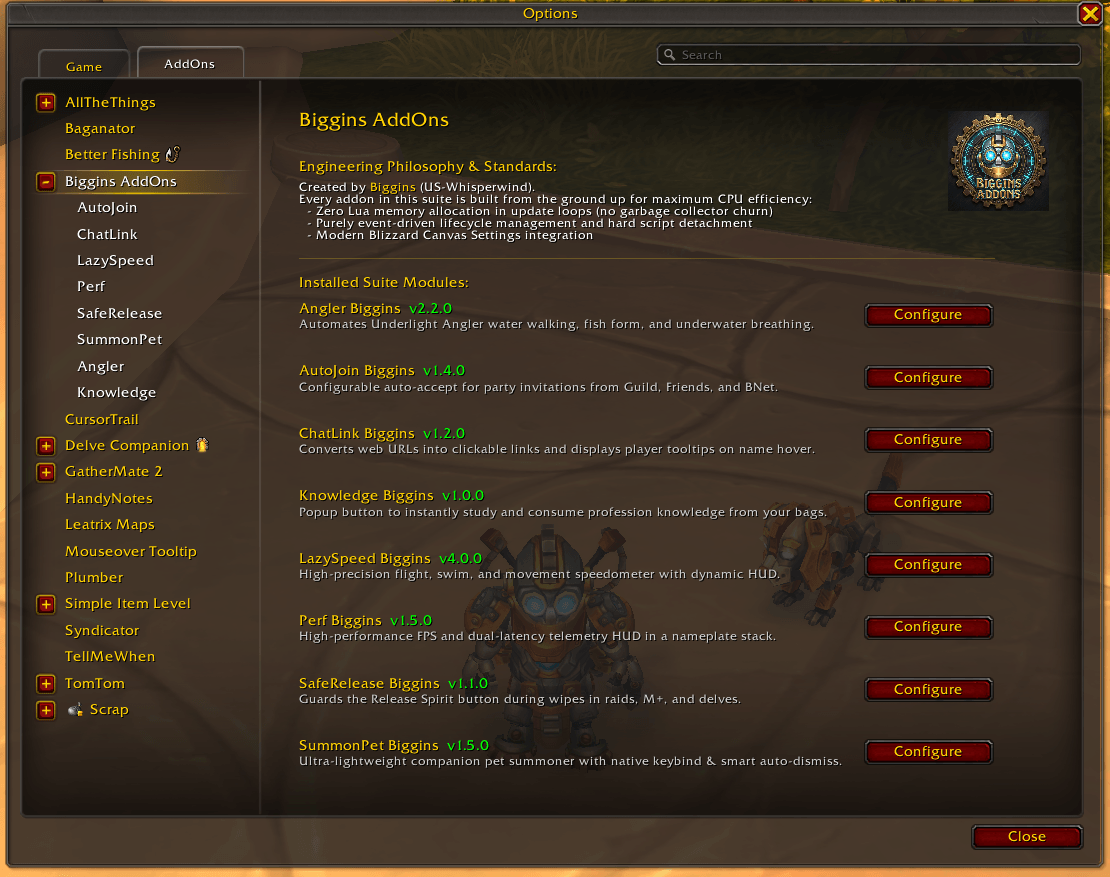
Alt + Right-Clickon the button to immediately block unwanted items from showing or save items in your bags for later without consumption prompts. - Visual Settings Trays: Inspect active allowed and blocked items in
Options -> AddOns -> Biggins AddOns -> Knowledgewith mouseover tooltips and right-click removal. - Full Reagent Bag Compatibility: Automatically scans all bags including Bag 5 (Reagent Bag), ensuring complete compatibility with unified inventory addons (Baganator, Bagnon).
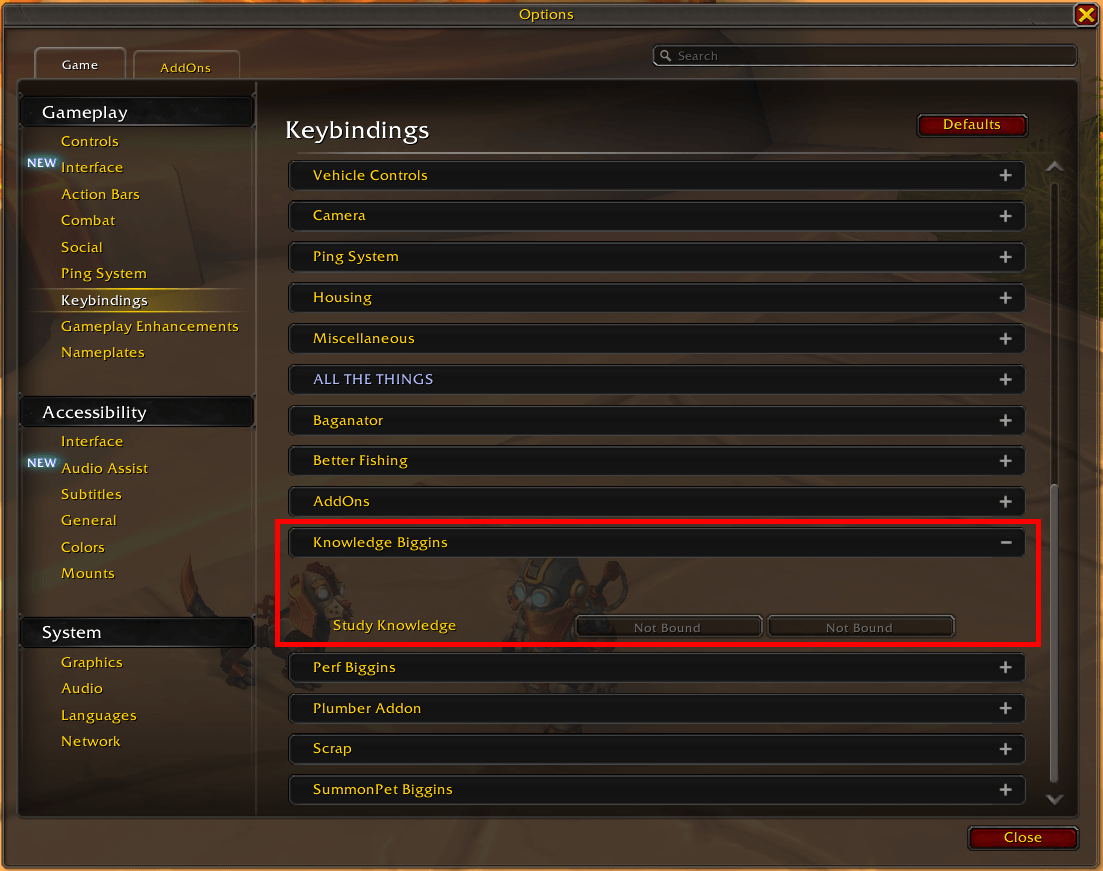
- Native Blizzard Keybindings: Assign a dedicated shortcut in
Options -> Keybindings -> Knowledge Bigginsto consume queued items directly from your keyboard. - One-Click Secure Popup Consumer: Displays a sleek, native action button on your screen whenever unstudied knowledge items are in your bags. Left-clicking securely consumes the item on the spot.
- Fully Draggable & Movable: When unlocked, hold
Shift + Left-Click Dragto reposition the button anywhere on your screen. Position is saved across sessions inKnowledgeBigginsDB. - Auto-Advancing Queue & Stack Counter: Displays total unconsumed items in your bags directly on the button face. Automatically steps through and consumes items one-by-one with each click until your bags are completely clear.
- Strict Zero Combat Taint: Respects Blizzard combat lockdown. If items enter your bags during combat, button creation and updates are deferred until combat drops (
PLAYER_REGEN_ENABLED), ensuring zero interface action errors or execution taint. - Native Blizzard UI Scaling: Fully parented to
UIParentso it seamlessly inherits and auto-scales with Blizzard's stock Graphics -> UI Scale slider, matching your action bar scale at all times. - Native Settings UI: Integrates directly into Game Menu -> Options -> AddOns -> Biggins AddOns -> Knowledge.
In-Game Commands
Configure or position your button via the native Blizzard Settings panel or by typing:
/knowledgeb          - Open settings panel
/knowledgeb lock     - Toggle button lock/unlock
/knowledgeb show     - Toggle always showing button
/knowledgeb ignore   - Block/ignore the currently displayed item (also: /knowledgeb block)
/knowledgeb allow    - Manually add an item to the allow list
/knowledgeb clear    - Clear all custom allow and block list items
/knowledgeb reset    - Reset button position to center
/knowledgeb scan     - Force an immediate bag scan for knowledge items
/knowledgeb help     - Show available commands (also: /knowledgeb ?)
Knowledge Biggins Team