Hunter Shot Timer
- By
Lightweight hunter combat timer to track auto/steady shots, latency, and provide real time clipping feedback. Part combat timer, part visual training aid, and part analytics tool to optimize shot execution and includes customizable themes and icons.
HST Options - General.jpg
HST Options - Combat.jpg
HST Options - Analytics.jpg
HST Options - Actions.jpg
Description
Hunter Shot Timer is a lightweight hunter combat timer for World of Warcraft that tracks your auto shots, cast windows, and target-warning state in real time. It helps you see when your next shot is due, how much latency buffer you are using, and whether your timing is clipping shots or overlapping casts.
What it does
- Shows a live shot timer bar for hunters.
- Tracks auto shot timing and updates the bar as your weapon speed changes.
- Shows cast overlays for Steady Shot so you can see when a cast is in progress.
- Provides a target warning when your target’s target is you.
- Includes combat analytics that can generate an optimization hint after a fight, based on clipped shots and timing patterns.
Configuration options
The addon settings are through Blizzard’s options UI.
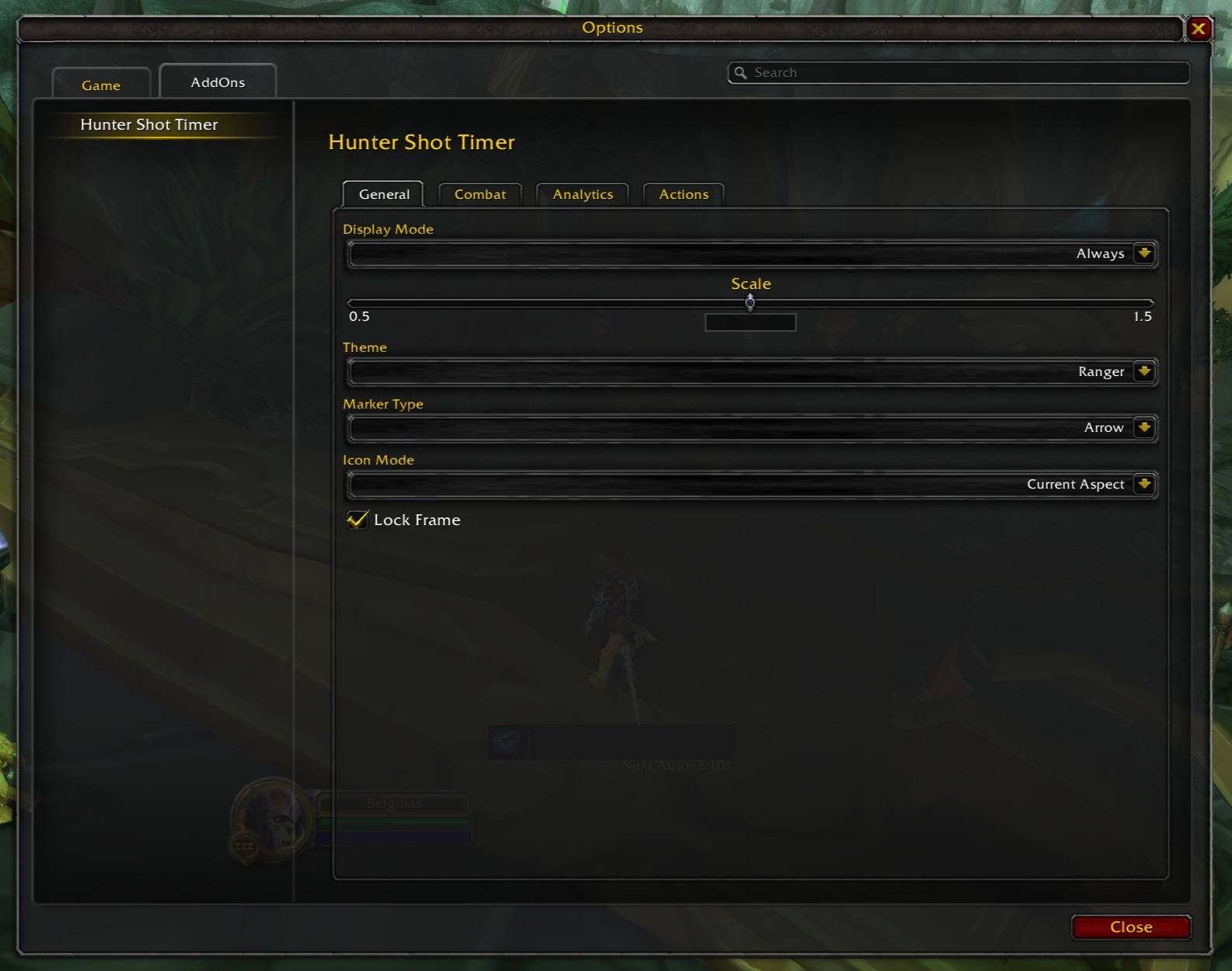
- Display Mode: controls whether the frame is shown in preview, always, or only during combat.
- Scale: adjusts the size of the timer frame.
- Theme: switches the look of the frame, with different visual styles such as Ranger, Dwarven, Sentinel, Dark Ranger, Stealth Archer, Forest Ranger, and Beastmaster.
- Marker Type: changes the marker style used on the bar, such as line, arrow, or bullet.
- Icon Mode: controls which icon is displayed, including the current theme icon, your current aspect, and other shot/action icons.
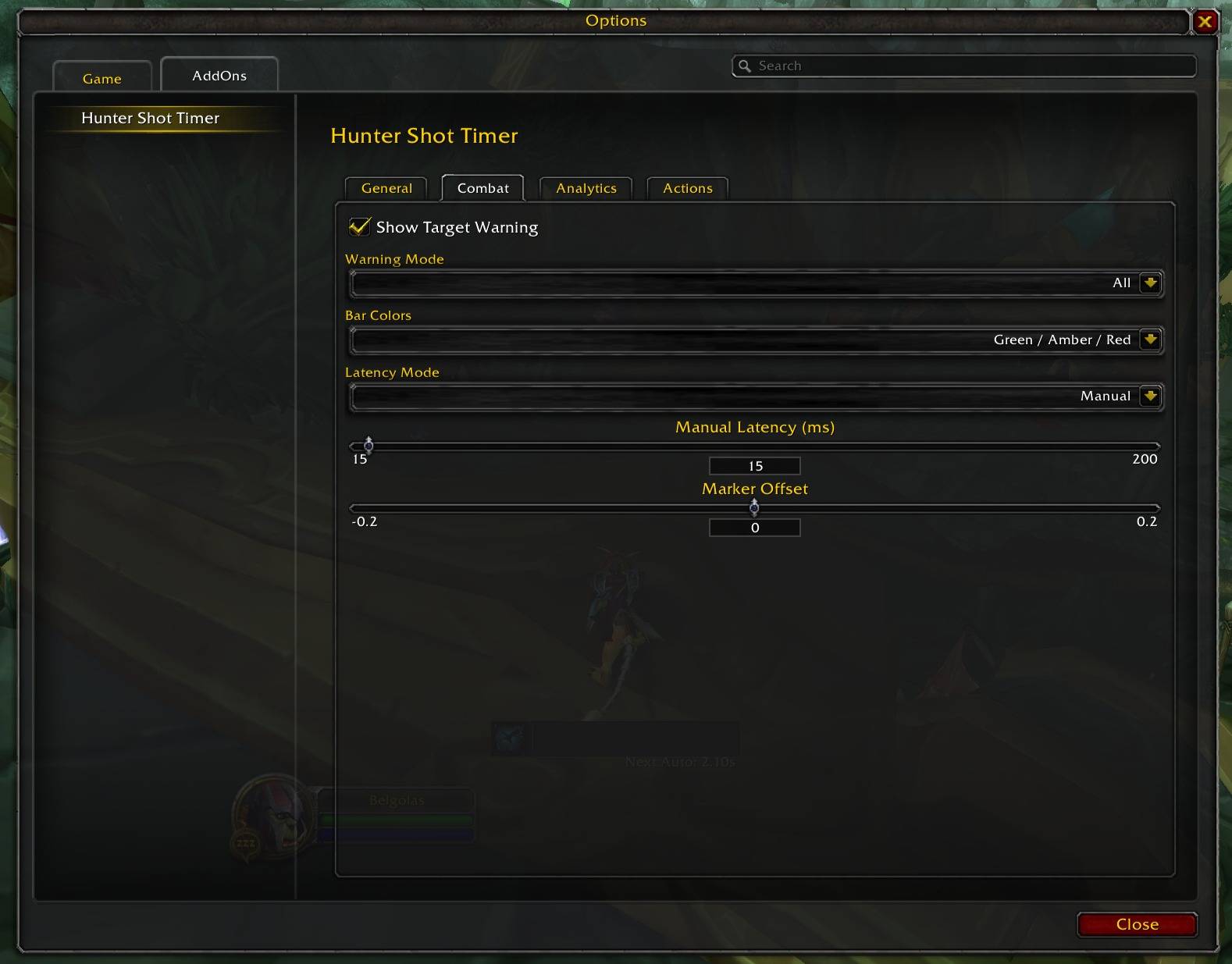
- Warning Mode: chooses when target warnings should appear, including all targets, group/raid only, or off.
- Bar Colors / RAG Indicator: controls whether the timer bar uses theme colors, red/amber/green feedback, or green/red only.
- Latency Mode: toggles between Auto and Manual latency handling.
- Manual Latency: slider for setting a fixed latency value when Manual mode is selected.
- Clip Threshold: sets the minimum delay before a shot is counted as clipped for feedback purposes.
- Marker Offset: moves the steady-shot marker earlier or later.
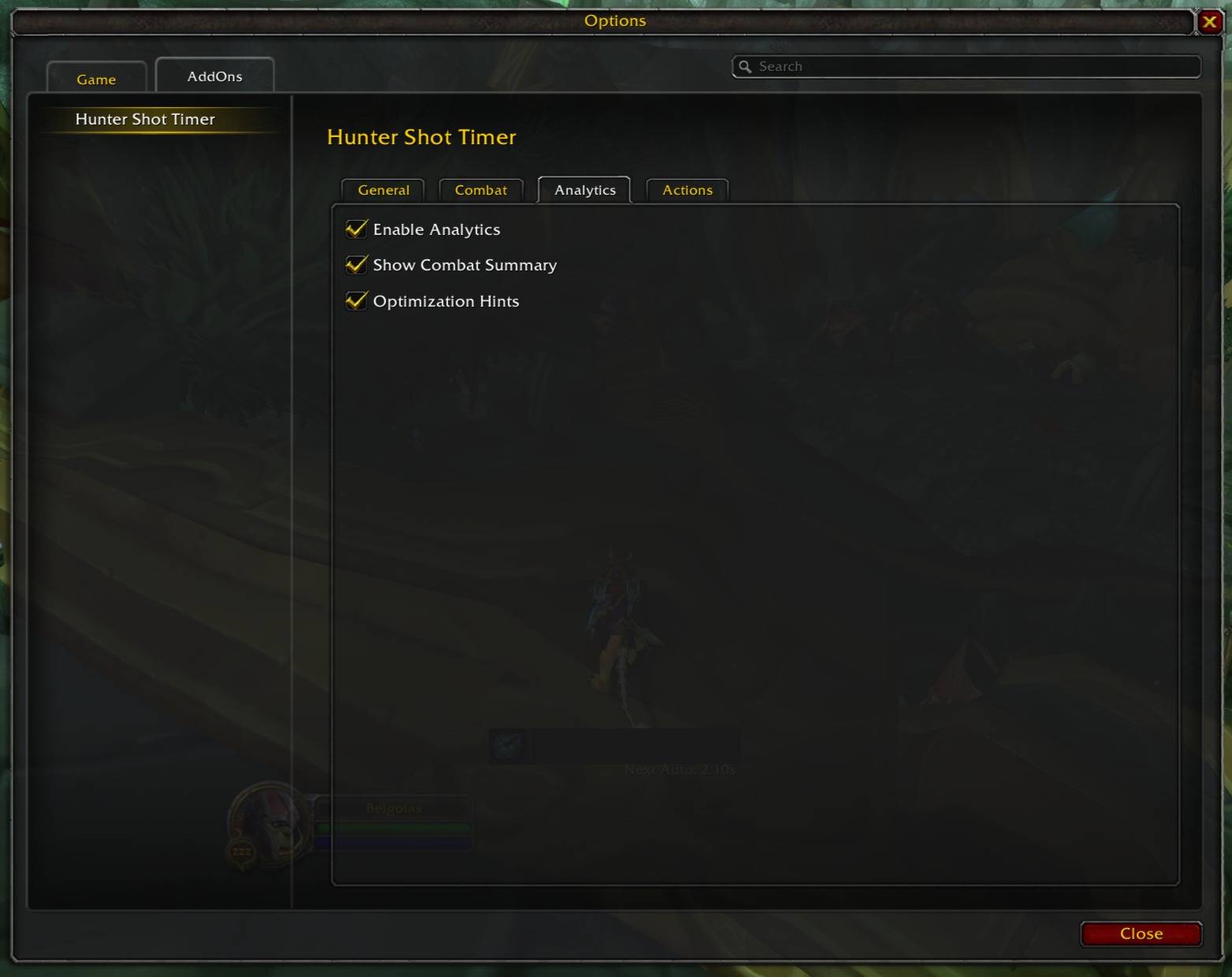
- Analytics / Combat Summary / Optimization Hints: lets you turn combat tracking and post-fight feedback on or off.
Feedback and guidance
The addon gives you feedback in a few ways:
- It can color the timer bar based on timing state, using theme colors or red/amber/green logic.
- It can show a warning when your target is targeting you.
- It can display a post-combat summary.
- It can generate an optimization hint after combat, such as whether you can safely reduce your buffer or whether delays are still happening during cast overlap.
Hunter Shot Timer Team