Hide Buff Collapse Arrow
- By
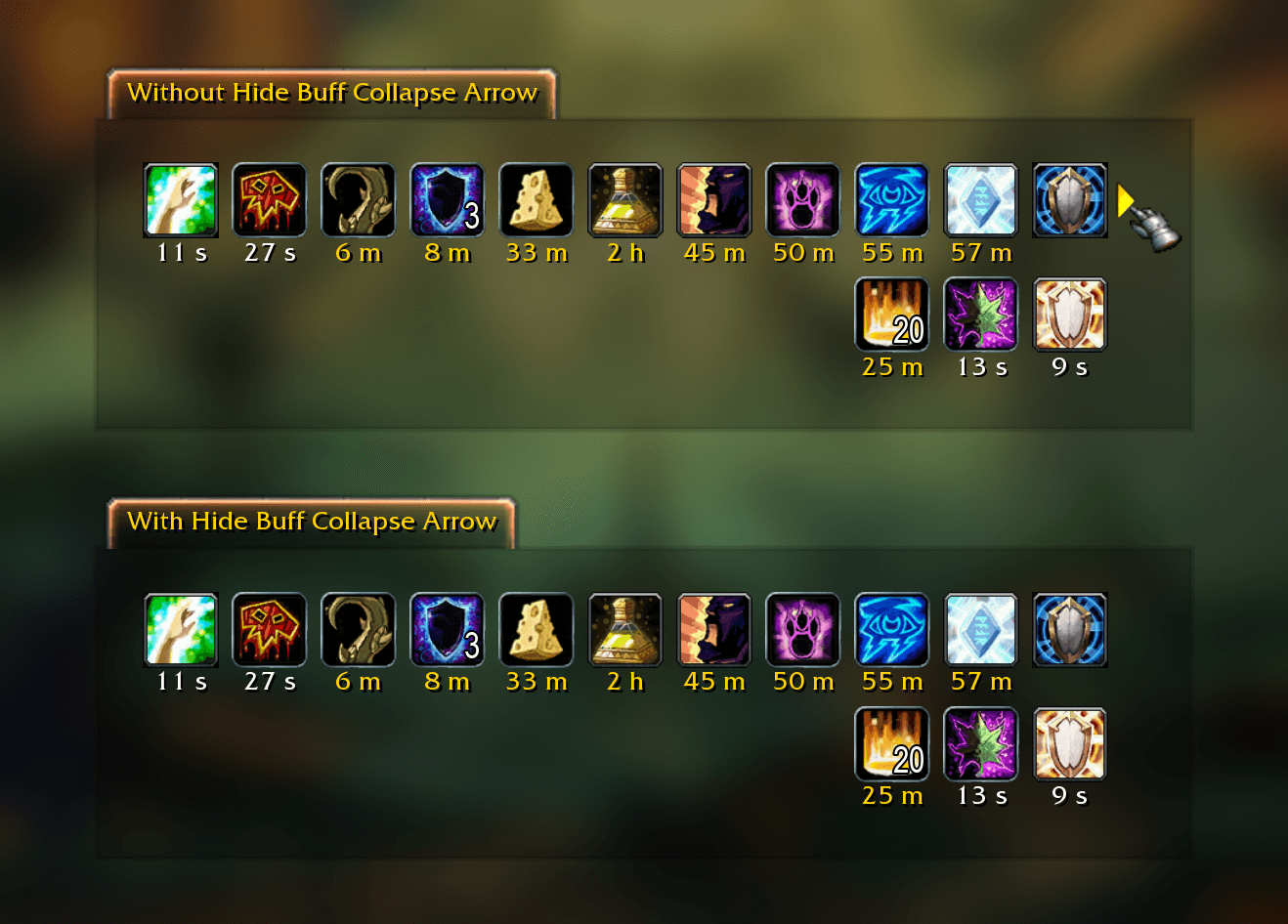
Hides the small collapse/expand arrow next to your buffs. For Midnight, WoW Forever and WoW Classic.
0-1-before-after.png
3-4-forever.png
1-2-collapsed.png
Description
Hide Buff Collapse Arrow
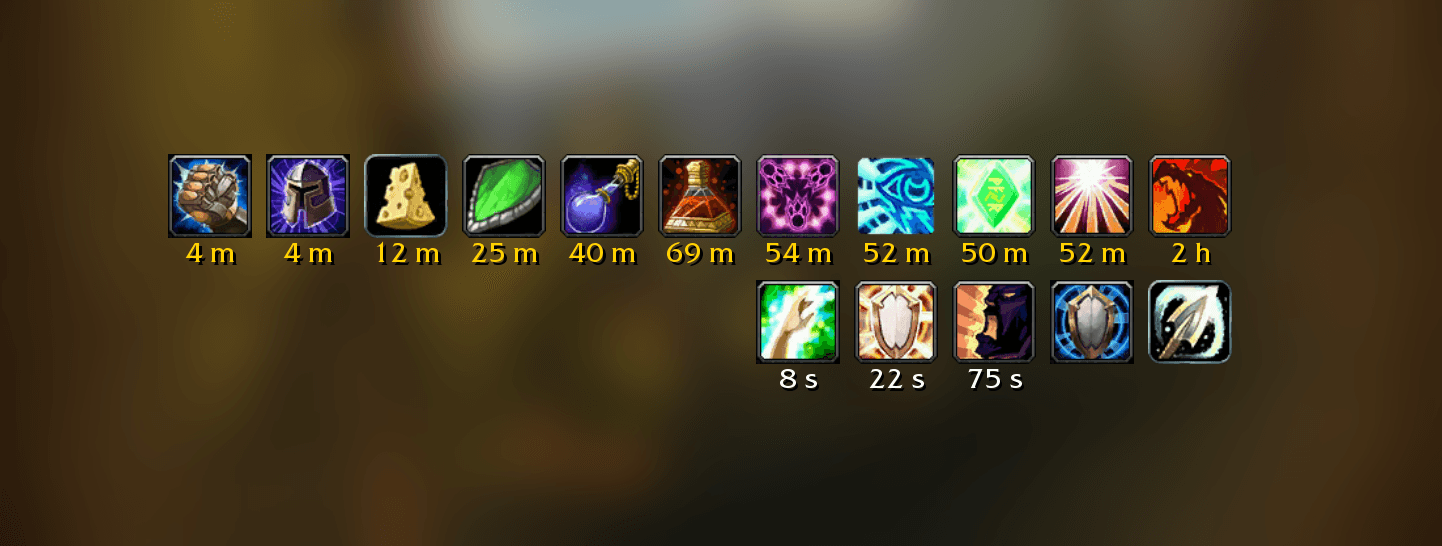
Hides the small collapse/expand arrow next to your buffs. For World of Warcraft: Midnight, World of Warcraft: Forever and WoW Classic (Classic Era, Anniversary and Mists of Pandaria Classic).
🧭 Introduction
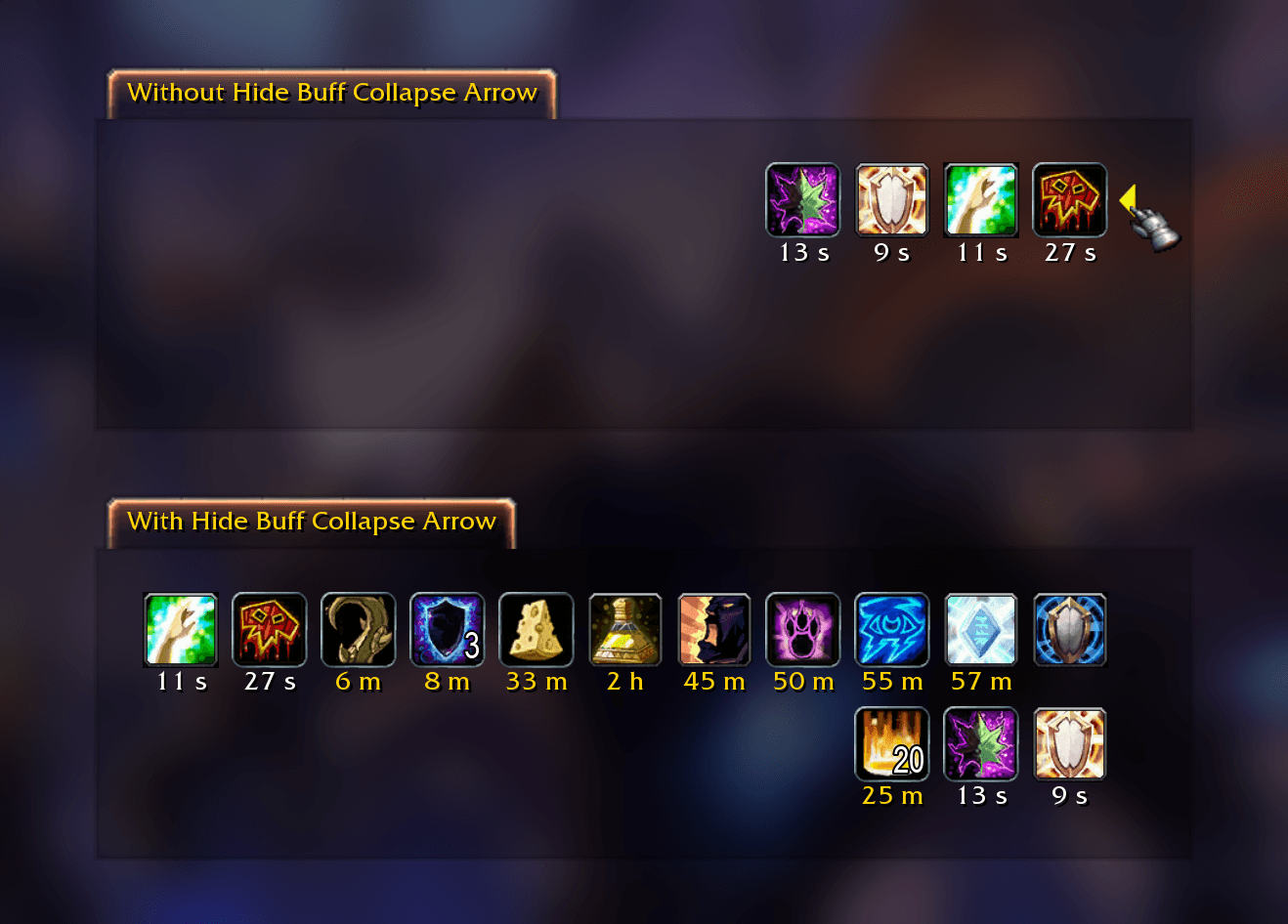
The default buff frame has a small arrow next to your buffs. Click it, often by accident, and your long buffs (more than 90 seconds left, or no timer at all) collapse out of sight.
Hide Buff Collapse Arrow removes that arrow. Your buffs stay exactly where they are, and all of them stay visible.
| Game | Version |
|---|---|
| World of Warcraft: Midnight (Retail) | 12.1.5 and 12.1.7 |
| World of Warcraft: Forever | 1.60.1 |
| WoW Classic Era | 1.15.9 |
| WoW Classic Anniversary (The Burning Crusade) | 2.5.6 |
| Mists of Pandaria Classic | 5.5.4 |
✨ Features
- 🙈 Removes the collapse/expand arrow (the buff toggle button) next to your buffs
- 👀 All your buffs stay visible, so nothing can collapse them by accident
- ✏️ Stays hidden in Edit Mode, after hiding the interface with Alt+Z and when you switch WoW Forever's gamepad mode
- ⚔️ Safe in combat: only the arrow is touched, never Blizzard's buff frame itself, so your buffs, their tooltips and right-click to cancel work as before under Midnight's addon restrictions
- 🪶 No setup and no options: install it and the arrow is gone
- 🧹 Doesn't change your game settings, so disabling the addon brings the arrow straight back
🚀 How to Use
- Download the addon. If you're not using an addon manager, place the
HideBuffCollapseArrowfolder in the AddOns folder of your game:- Midnight:
World of Warcraft/_retail_/Interface/AddOns - WoW Forever:
World of Warcraft/_forever_/Interface/AddOns - Classic Era:
World of Warcraft/_classic_era_/Interface/AddOns - Anniversary:
World of Warcraft/_anniversary_/Interface/AddOns - Mists of Pandaria Classic:
World of Warcraft/_classic_/Interface/AddOns
- Midnight:
- Log in. The arrow is gone.
❓ Good to know
- On the Classic versions the arrow is turned off by default, and the game's options only offer Consolidate Buffs. If you turned the arrow on (
/console collapseExpandBuffs 1), this addon hides it again. Consolidate Buffs keeps working as usual. - It works on Blizzard's own buff frame. If another addon draws your buffs instead (ElvUI, for example), that addon has its own buff settings and this one simply has nothing to do.
- Debuffs never had an arrow, so they look the same as before.
- Want the arrow back? Disable the addon in the AddOns list and
/reload.
Thanks for checking out the addon.
Hide Buff Collapse Arrow Team

Owner