Gulli VendorFlip
- By
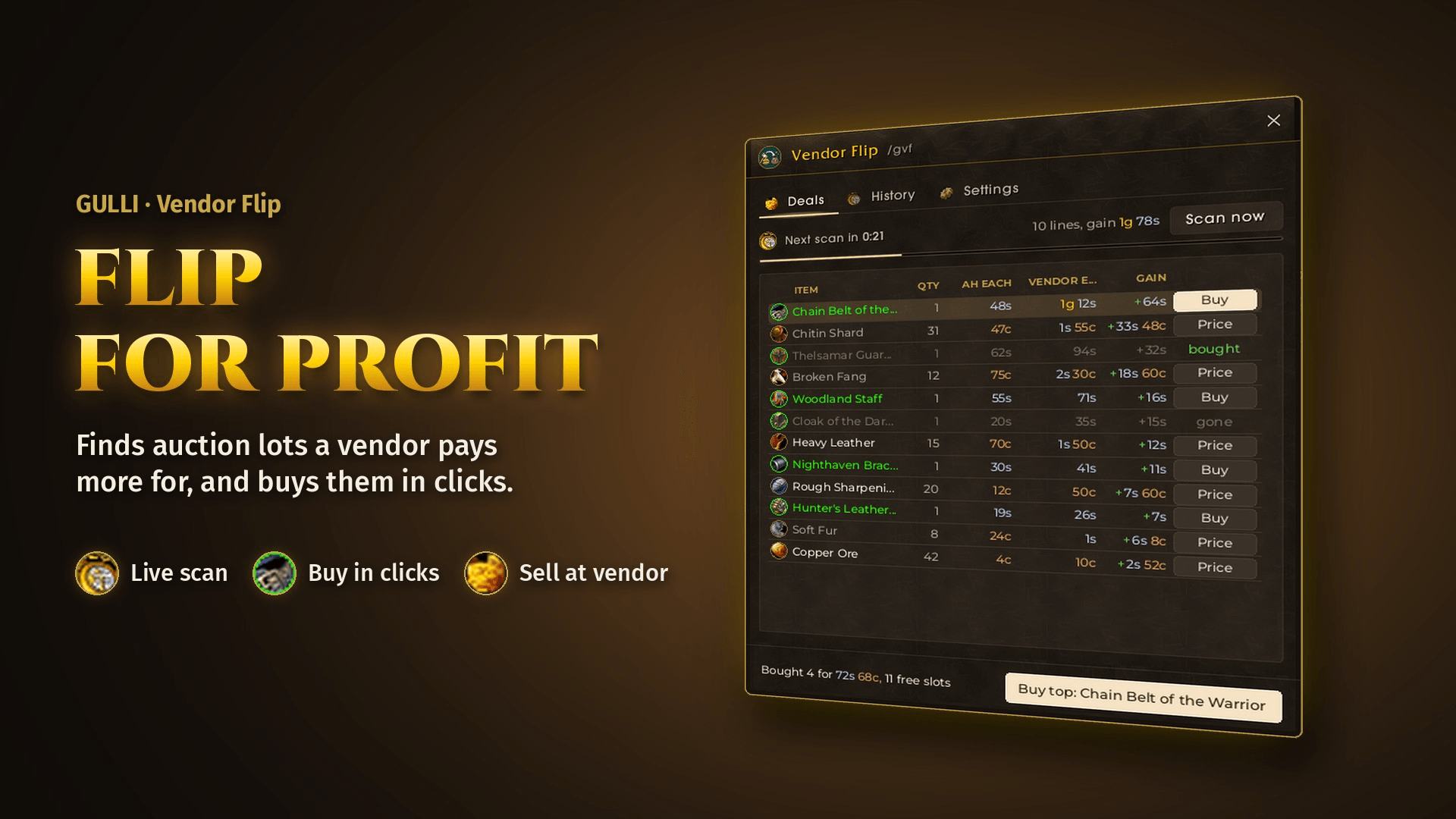
Finds auction house lots that a vendor pays more for, buys them with your clicks, and sells them on at the next vendor.
Description
Players often sell items on the auction house for less than a vendor pays. Vendor Flip finds them for you. Stand at the auction house, click down the list, then sell everything at the next vendor.
How to open: go to the auction house: Vendor Flip opens beside it and starts to scan. Anywhere else type /gvf or click its minimap button.
Features
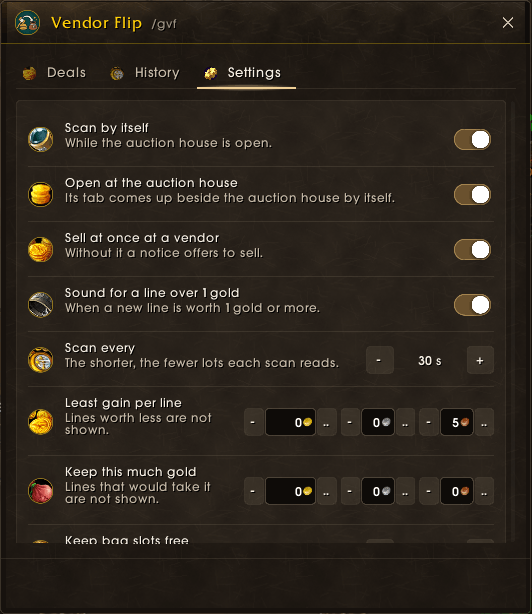
- Scans for you. While the auction house is open it reads the whole market every minute (pick 5 seconds to 5 minutes). Scan now scans at once, and a good lot shows up as soon as it is found.
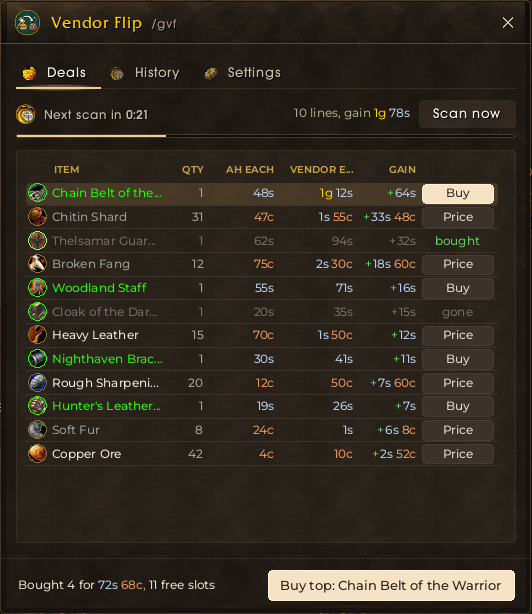
- A dense list. The item, how many one click buys, the auction price of one, what a vendor pays and your gain. The best gain is on top.
- Buy with clicks. Each line has its own button; the big button always buys the top line. Click more lines while one is bought, and they wait in a queue.
- Never at a loss. If the price went up and a vendor would pay less, the line says Too dear and nothing is bought. It only buys out, never bids, and never buys without your press.
- Your limits. Gold you keep, bag slots you keep free, the least gain (down to 1 copper), the most one line may cost.
- Only what you want. Gear or goods, qualities from grey to purple, the least gain in percent.
- It waits for you. When you search the auction house yourself, the scan waits.
- Sell at the vendor. A notice offers to sell what you bought here. It sells only what Vendor Flip bought, never your own items and never items you protected.
- History. Everything you bought, what you paid and what the vendor paid. Today, 7 days or all, with your gain on top.
- Closes when you walk away, and shares the place beside the auction house with Gulli Craft Profit and Gulli Waylaid Crates as tabs.
Why two presses for goods?
The game lets an addon ask for a price and buy only inside your own click, one step per click. So goods take one press for the price and one to buy; gear takes one.
Languages
English, Deutsch, Español, Français, Polski, Português, Русский, 中文.
Works alone
Vendor Flip needs no other addon, not even a price addon: it reads the auction house itself and the vendor price from the game. With Gulli Toolkit it also shows in the toolkit's hub, and its minimap button can be turned off there.
Source and bug reports: https://github.com/Gulliby-development/gulli-toolkit
Gulli VendorFlip Team