Gulli DungeonJournal
- By
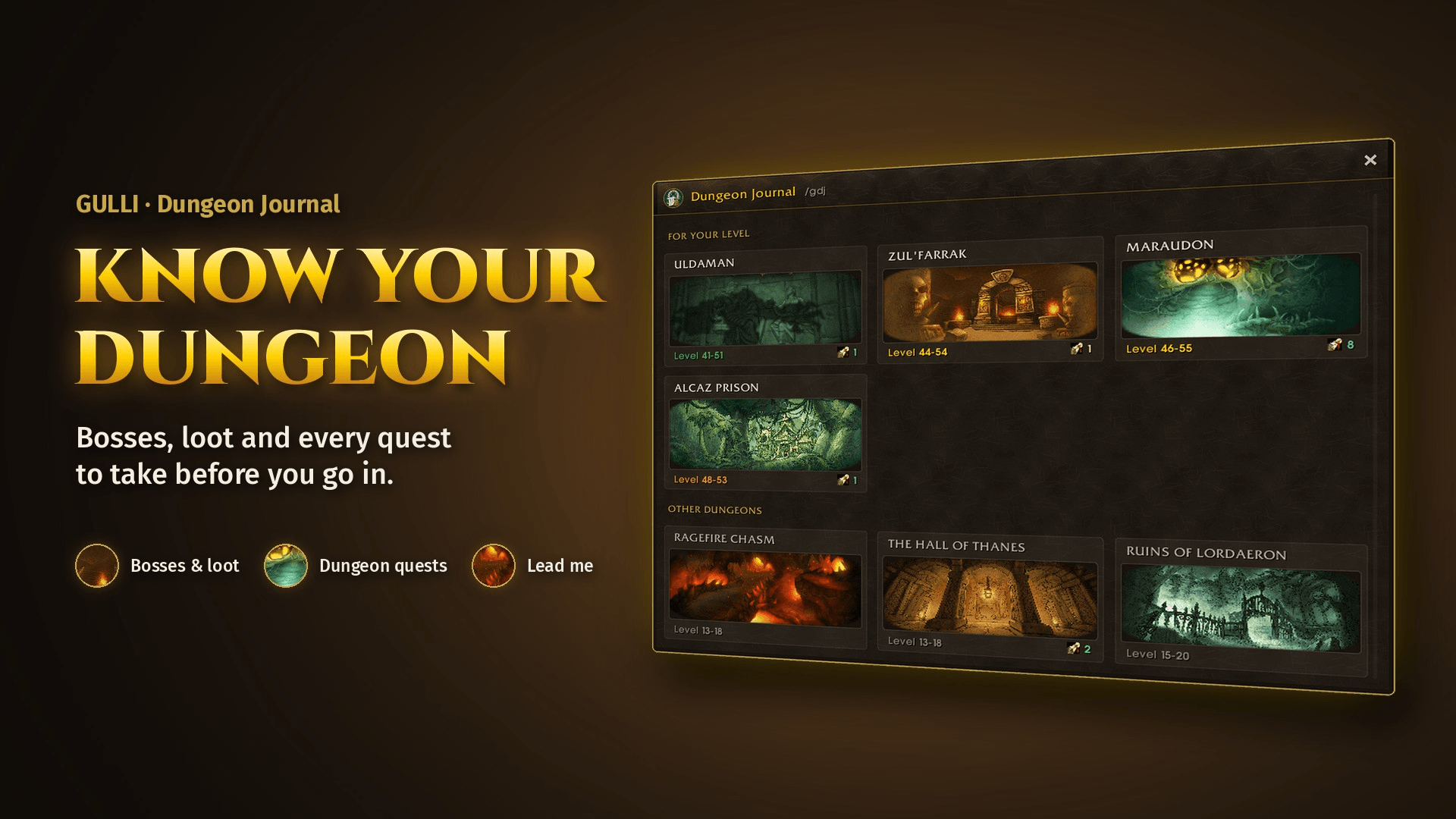
Every dungeon with its bosses, loot and drop chances, its quests and the way to pick them up before you go in.
изобÑажение_2026-11-18_022458294.png
изобÑажение_2026-11-18_022505265.png
изобÑажение_2026-11-18_022511855.png
изобÑажение_2026-11-18_022651110.png
Description

How to open: type /gdj. With Gulli Toolkit installed, you also find it in the /gulli window.
Minimap button: install Gulli Toolkit (free), open Dungeon Journal in /gulli and turn on the Minimap switch at the top of its page (or click its icon on the Minimap buttons card of the Setup page). A click on that button opens Dungeon Journal.
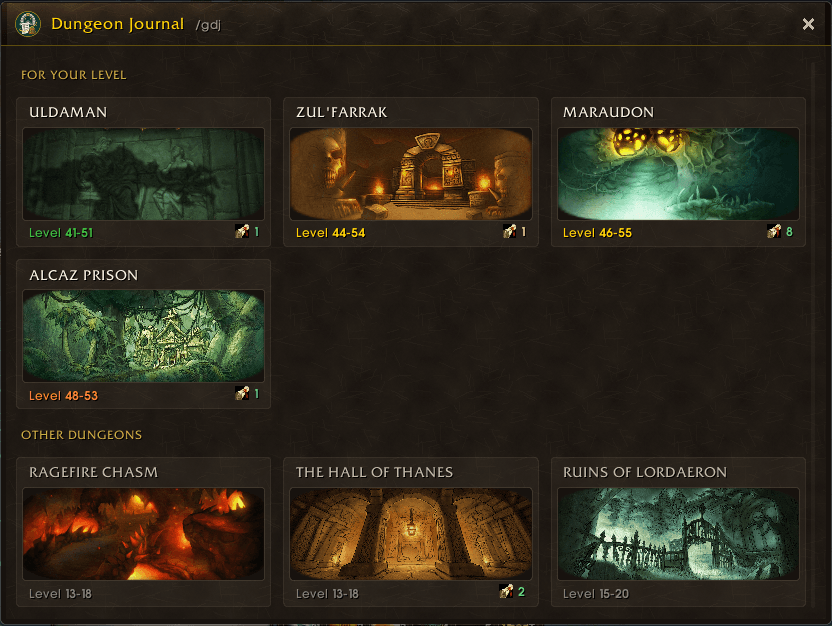
A journal for every dungeon, also the new ones: the Hall of Thanes, the Ruins of Lordaeron, the Excavation Site, the City of Dalaran, the Drowned City, Krol'dok Stronghold, Alcaz Prison, Blackmaw Hold and Shaper's Terrace.
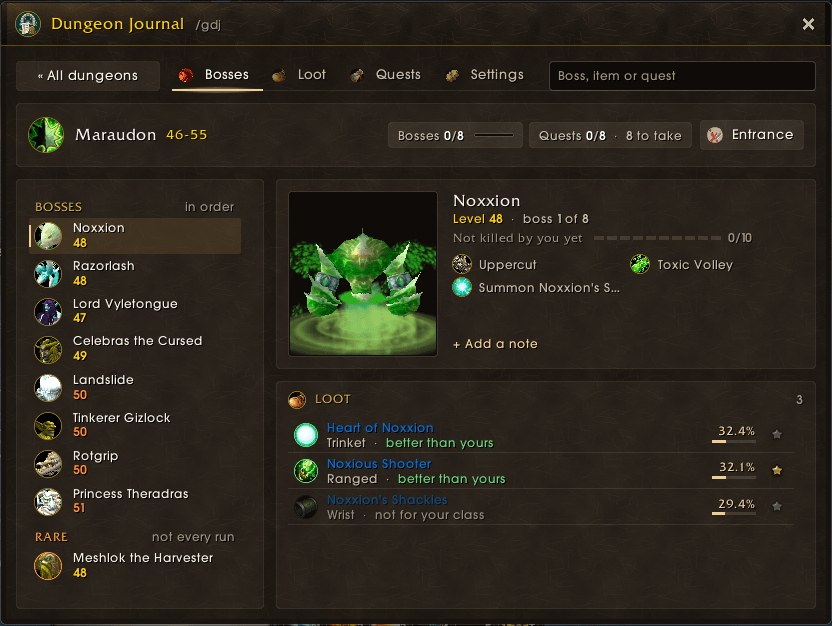
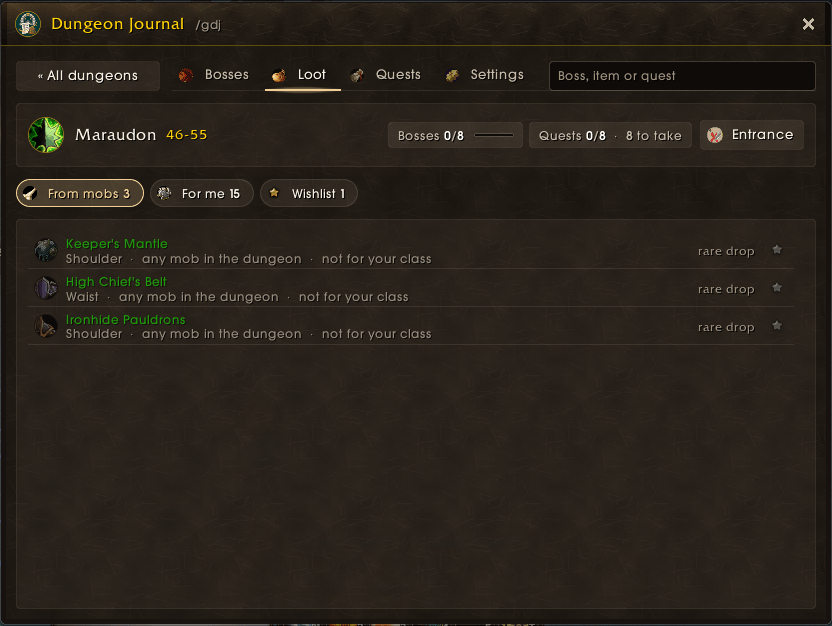
- Bosses and loot. Each boss in the order you meet them, in 3D, with its spells and every item it drops, with its drop chance. Items better than yours are marked.
- Your own numbers. It counts your kills and drops, and after 10 kills shows your own chances.
- Wishlist. Mark an item, and you get a notice when it drops.
- Levelling chains first. Only the quest chains players take for the dungeon while levelling, for your faction and class, also the steps outside the dungeon. One switch shows every quest.
- A page for each quest: where it starts, what to do and where to hand it in, each step marked done or next, and "inside the dungeon" when it happens there. The whole chain, the rewards, and a button that shows the quest's Wowhead link to copy.
- Lead me. It pins the next quest giver on the map, one after another, then who takes back your finished quests, then the entrance (and a TomTom arrow when you have TomTom).
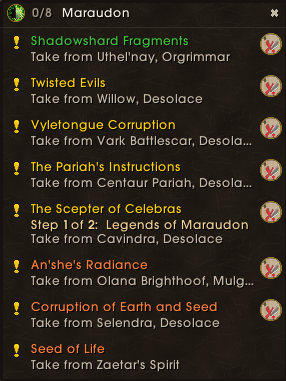
- A tracker on the screen with the dungeon's quests, one line per chain: ready to hand in, in your log with objectives, to take.
- Notes. Write your own note on a boss or a quest.
- A warning at the door when you enter with quests you have not taken, and a reminder where to hand them in when you leave.
Shows up in the Gulli Toolkit window when the toolkit is installed.
Thanks to QuestieDB for the quest data (GPLv3).
Source: https://github.com/Gulliby-development/gulli-toolkit
Gulli DungeonJournal Team