Screenshot 2026-11-06 19-46-02.png
Screenshot 2026-11-06 19-46-04.png
Screenshot 2026-11-06 19-46-07.png
Screenshot 2026-11-06 19-46-09.png
Screenshot 2026-11-06 19-46-12.png
Screenshot 2026-11-06 19-46-10.png
Screenshot 2026-11-06 19-46-14.png
Description
GuildRecruit
Keep your guild recruit message going in chat, without watching the clock.
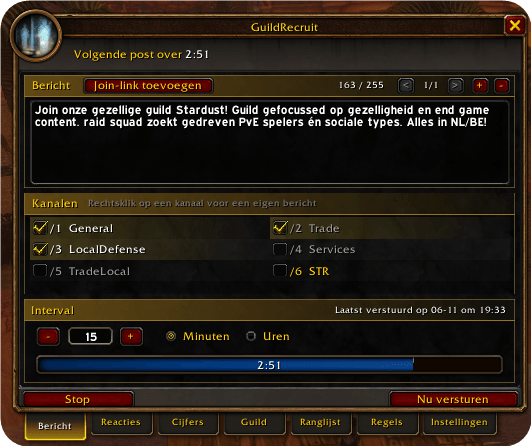
Write your message, pick your channels and set an interval. GuildRecruit counts down and gets your post ready. Your next key press or click sends it, because the game requires a real action from you for every chat post.
Recruiting
- Several messages: up to 10 messages that take turns
- A message per channel: for example a short one for Trade
- Placeholders: use
{members},{guild},{level}or{raidtime}, filled in when the message goes out - Join links: add a link to your community with one click
- Post again in a new zone: changing zone resets the timer and gets your next post ready right away, while moving around within a zone keeps it running
Follow up on responses
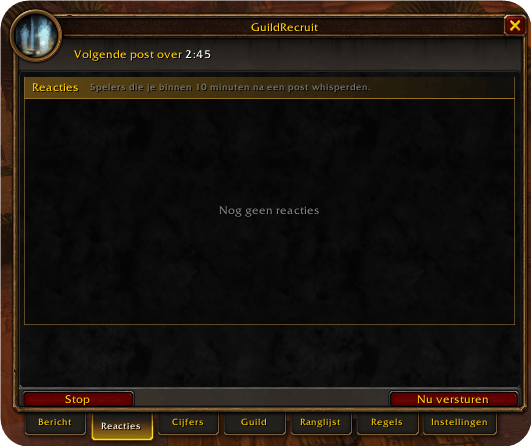
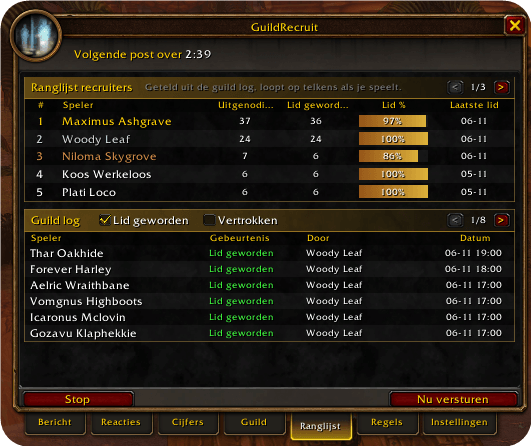
- Responses tab: lists players who whisper you within 10 minutes of a post
- Quick actions: invite or whisper a pla ❯ geef me nieuwe description voor op de website curseforge
Engels, net als je changelog. Markdown, dus direct te plakken:
GuildRecruit
Keep your guild recruit message going in cck.
Write your message, pick your channels and set an interval. GuildRecruit counts down and gets your post ready. Your next key press or click sends it, because th from you for every chat post.
Recruiting
- Several messages: up to 10 messages th again in a new zone:** changing zone resets the timer and gets your next post ready right away, while moving around within a zone keeps it running
Follow up on responses
- Responses tab: lists players who whisp post
- Quick actions: invite or whisper a player straight from the list
- Notes and reminders: add a note and get a reminder after a day, 3 days or a week
- See who joined: players from the list marked automatically matic reply:** an optional short reply, once per player per day
See what works
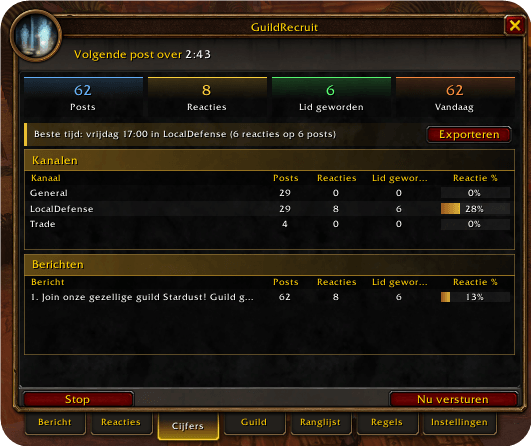
- Totals at a glance: posts, responses and new members, plus today's posts
- Per channel and per message: compare y
- Best time: the channel, day and hour with the best share of responses
- Export: copy your numbers and responses as text, for example to paste in Discord
Recruit together
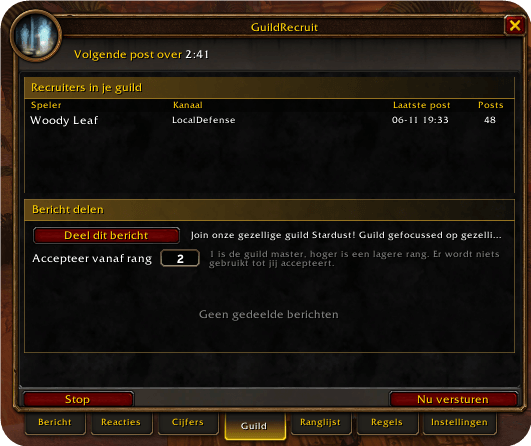
- Guild sync: skips a channel when a gui posted there
Your rules
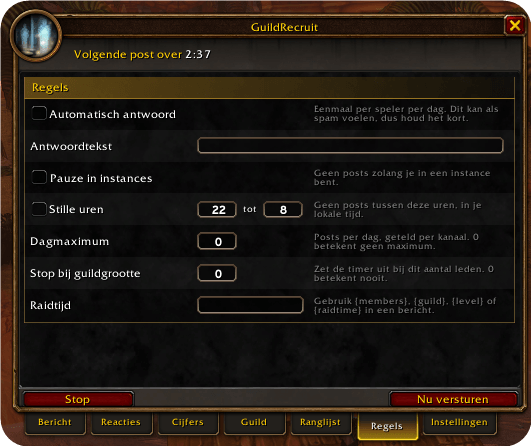
- Quiet hours: no posts between the hours you choose
- Pause in instances: no posts while you are in an instance
- Daily maximum: limit your posts per da
- Stop at guild size: turns the timer off once your guild is full
Made to fit your UI
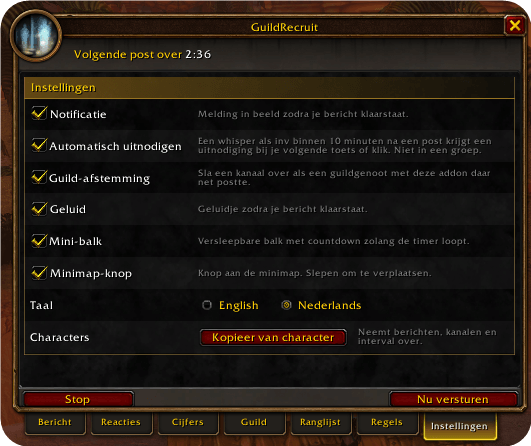
- Clean panel with tabs that follows the game's own style
- Movable timer bar, on-screen notification and optional sound
- Minimap button
- Settings per character, with a copy option for your alts
- English and Dutch
Getting started
Type /gr or /guildrecruit, or click the minimap button. Write your message, tick your channels, set an interval and press Start.
Please recruit with care. Keep your interval reasonable and follow the chat rules of your realm.
GuildRecruitment Team