ChatExtension
- By
Shows player levels in chat, like [18:Name], and copies a whole chat tab as clean text. For WoW Forever.
Screenshot 2026-11-06 20-41-04.png
Screenshot 2026-11-06 20-40-54.png
Screenshot 2026-11-06 20-40-52.png
Screenshot 2026-11-06 20-40-49.png
Screenshot 2026-11-06 20-40-44.png
Description
ChatExtension
Two small things the WoW Forever chat is missing: see how high someone's level is, and copy your chat.
Levels in chat
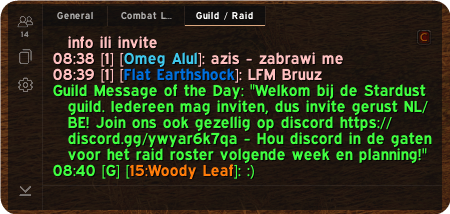
Names in chat show the player's level in front of them, in their class color:
[18:Daemonia Nymphe]: Shaman-ig :o
Clicking and right clicking a name work as usual.
Where the levels come from: WoW does not send a level with a chat message. ChatExtension remembers the levels of players you come across:
- Guild members
- Your party or raid
- Your target and players you mouse over
- Nameplates
- Online friends
- Your own
/whoresults
A player you have never come across shows no level until you do. Levels are saved for all your characters. The level of someone outside your guild or group can be out of date until you see them again.
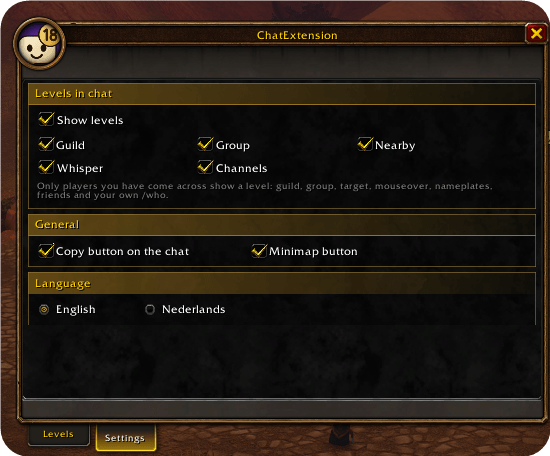
Choose where levels appear: guild, group, say and yell, whispers and channels.
Copy your chat
Click the C button on your chat, right click the minimap button or type /cx copy. A window opens with all text that tab still holds, already selected. Press Ctrl+C and paste it anywhere.
Colors, links and icons are removed, so you get clean text. Item names and time stamps stay, such as [Light Feather].
Panel
Type /cx or click the minimap button.
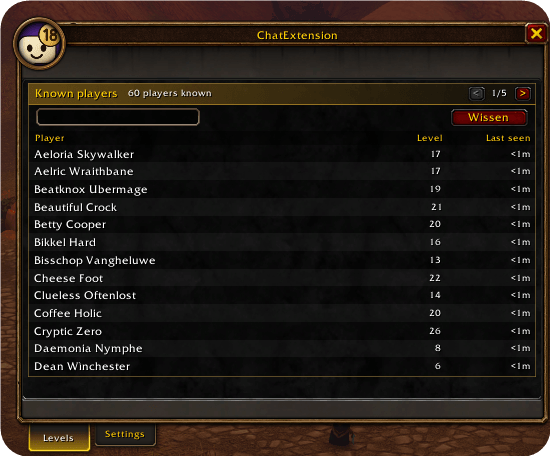
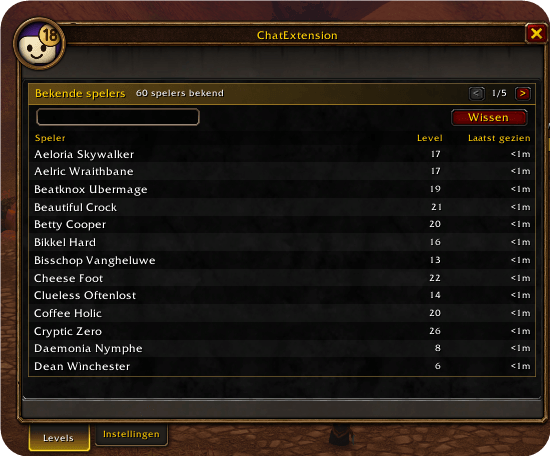
- Levels: search and sort every player the addon knows, or clear the list.
- Settings: turn levels, chat types, the copy button and the minimap button on or off.
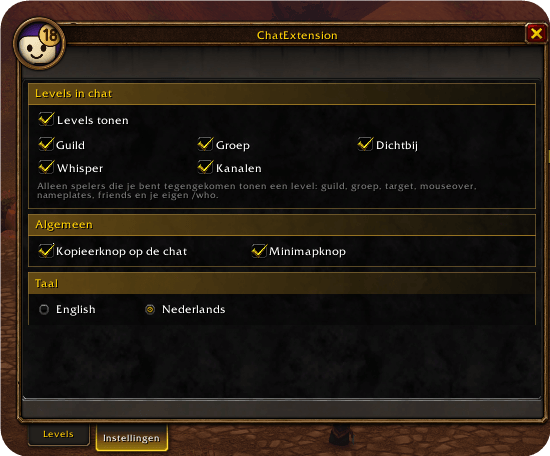
- Language: English or Nederlands.
Good to know
- WoW Forever only.
- Only new messages get a level. Lines already in your chat stay as they are.
- During chat lockdown, such as in a Mythic+ or a boss fight, WoW can hide names and lines. Those messages show no level, and the copy window tells you how many lines it could not read.
ChatExtension Team