GuildOrganiser
- By
Players type a command in your community chat and land on an invite list. One click sends the guild invite. Share community and guild links in one click.
Screenshot 2026-11-06 19-49-12.png
Screenshot 2026-11-06 19-49-15.png
Screenshot 2026-11-06 19-49-17.png
Screenshot 2026-11-06 19-49-18.png
Screenshot 2026-11-06 19-49-28.png
Screenshot 2026-11-06 19-49-24.png
Screenshot 2026-11-06 19-49-22.png
Screenshot 2026-11-06 19-49-31.png
Screenshot 2026-11-06 19-49-33.png
Description
GuildOrganizer
Run your guild from one panel. Handle invite requests, find members, spot inactive players, change ranks and read your guild's history, on WoW Retail and WoW Forever.
Features
Invite requests from community chat
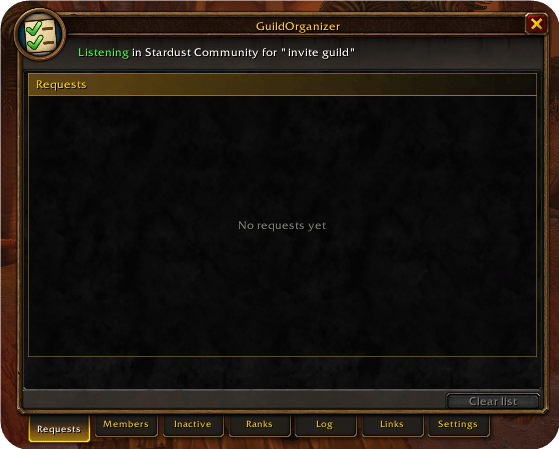
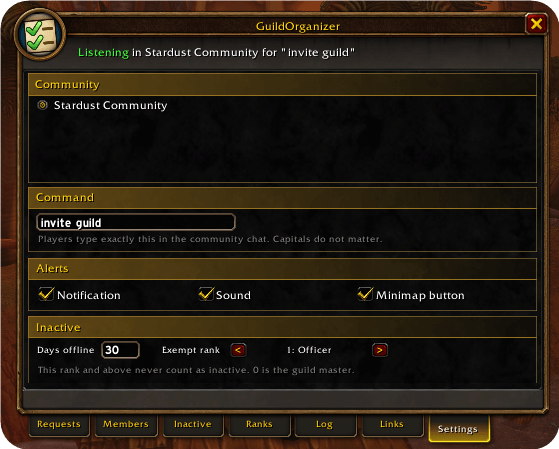
Choose a community and a command, such as invite guild. Players who type it land on a list, and one click sends the invite. Names appear once and disappear when the player joins. Declined invites are marked.
Members
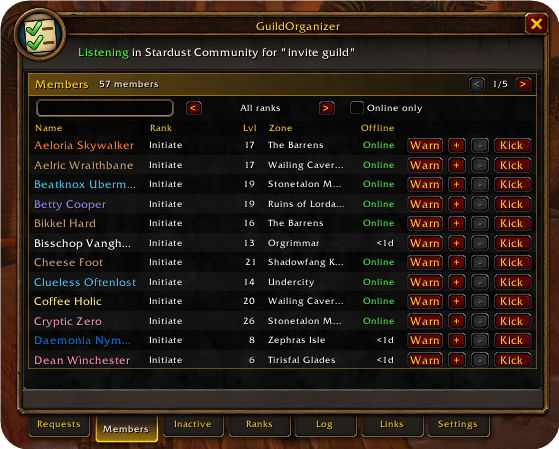
Search your whole guild by name or note. Filter by rank or online status, and sort by name, rank, level, zone or time offline. Hover over a member to see their notes.
Inactive players
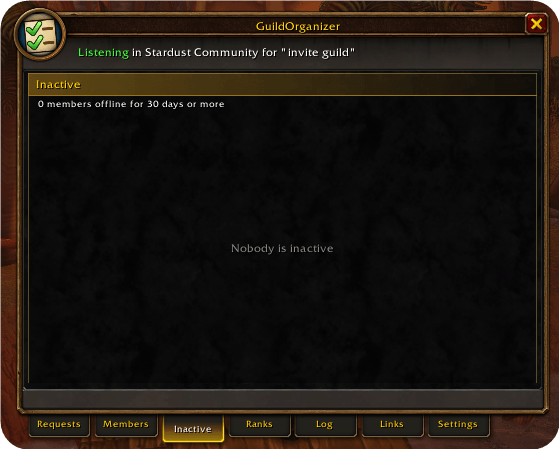
See who has been offline past the number of days you choose, with the longest offline on top. Exempt your officers or any other rank from the list.
Kick, promote and demote
Manage members straight from the list. Every action takes two clicks, so a misclick won't remove anyone, and buttons are only available when your guild rank allows the action.
Ranks
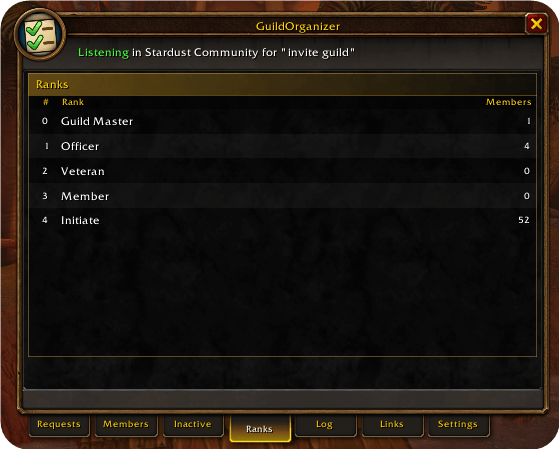
See how many members each rank has, and click a rank to open its members.
Guild log
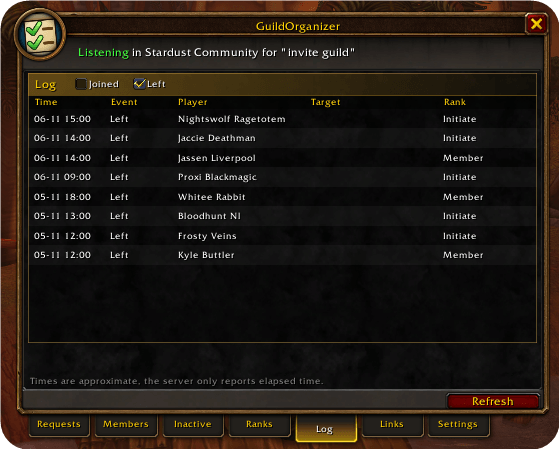
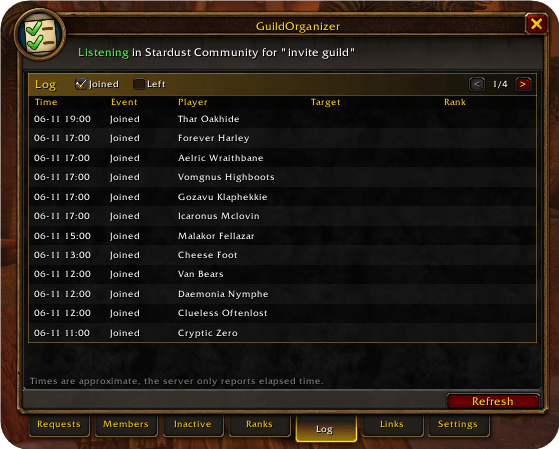
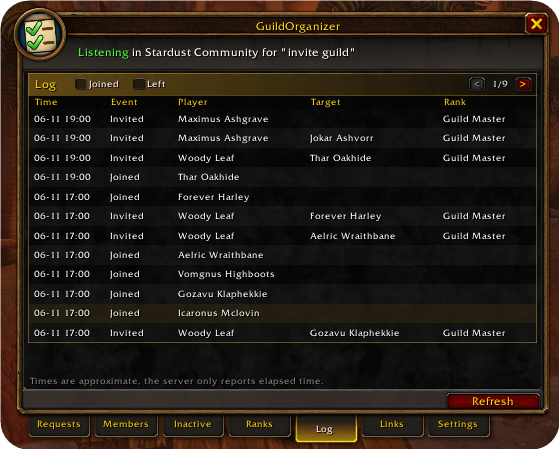
Review joins, departures and rank changes. The addon saves the history it reads, so it can stay available after the server's own log has moved on.
Community and guild links
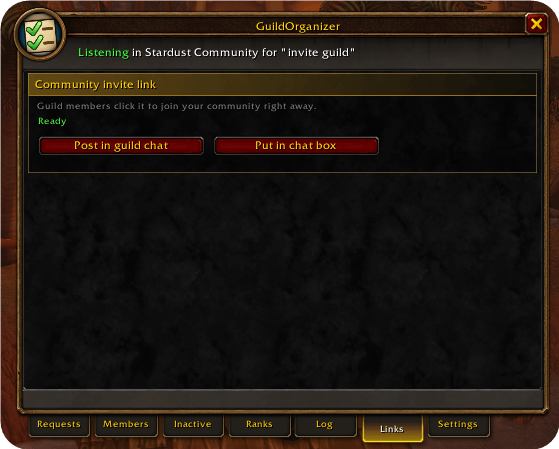
Post your community invite link in guild chat, or your Guild Finder link in community chat, with one click. You can also put either link in your chat box. The Guild Finder is not available on WoW Forever, so the guild link only works on Retail.
Notifications
A toast, a sound and a pulsing minimap button tell you about new requests. You can turn each one on or off.
Getting started
- Open the panel with the minimap button or
/gorg. - Choose your community and command under Settings.
- Set your inactivity rules under Settings.
Good to know
- Your character has to be online, and your guild rank needs the right permissions to invite, kick, promote or demote.
- Blizzard only allows kicks and rank changes one member at a time, so there is no bulk kick.
- Requests typed during chat lockdown, such as in Mythic+ or a raid boss fight, are read once the lockdown ends.
GuildOrganiser Team