Grip-EMS Modern UI
- By
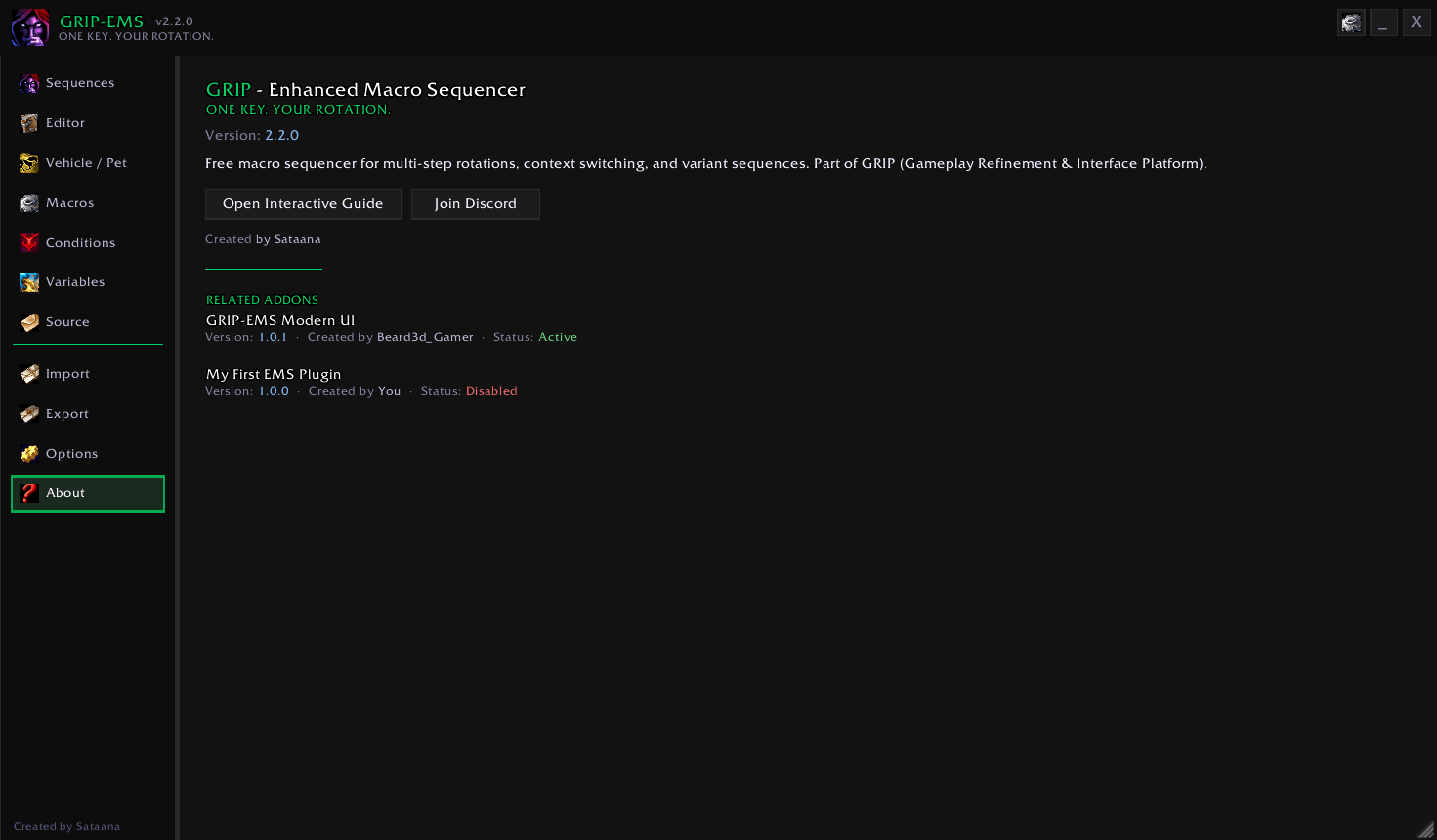
A modern 3-column UI reskin for GRIP-EMS with sidebar navigation, config sidebar, and Ability Preview footer.
Screenshot 2026-06-25 203025.png
Screenshot 2026-06-25 203151.png
Screenshot 2026-06-25 203220.png
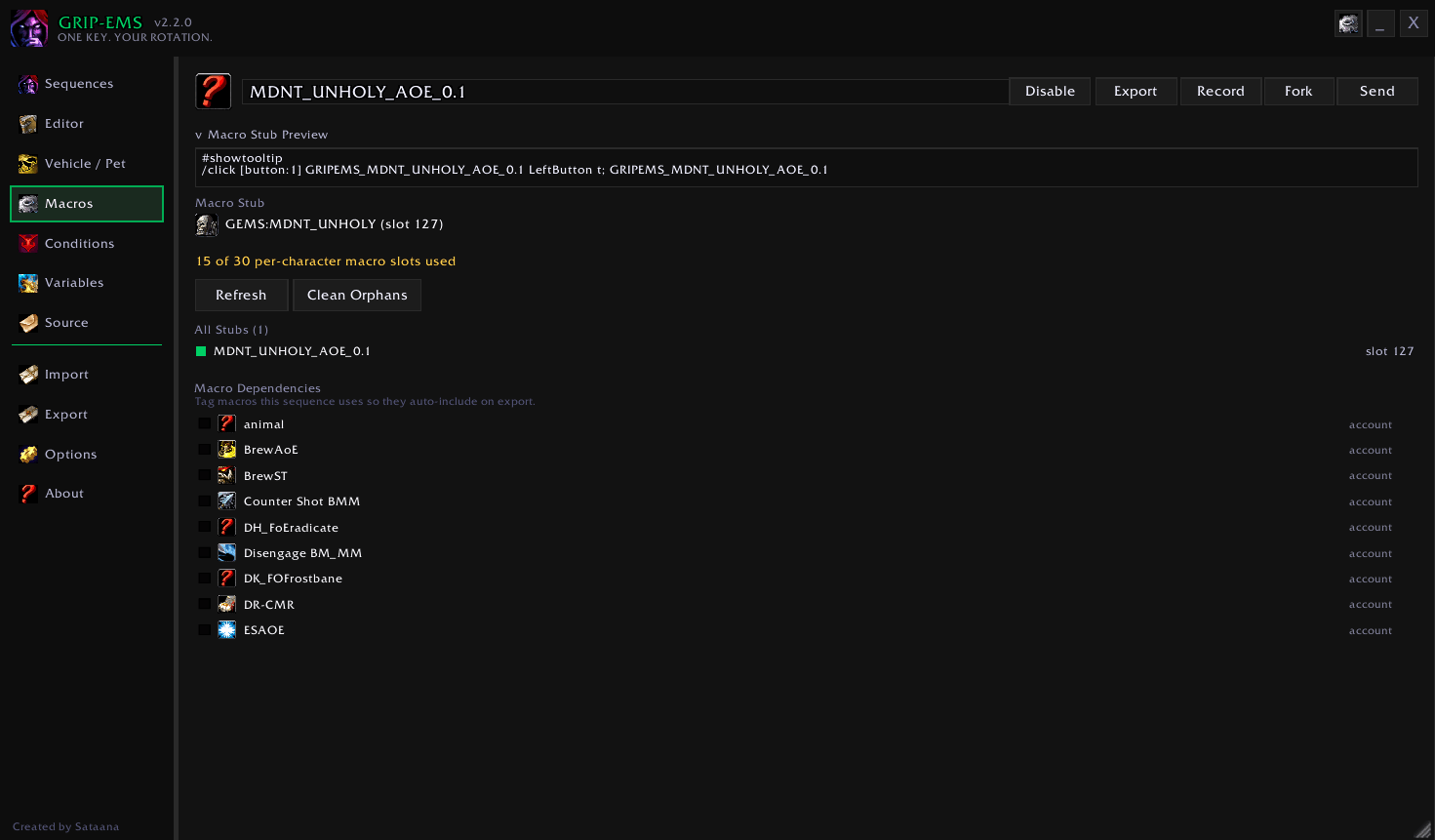
Screenshot 2026-06-25 203655.png
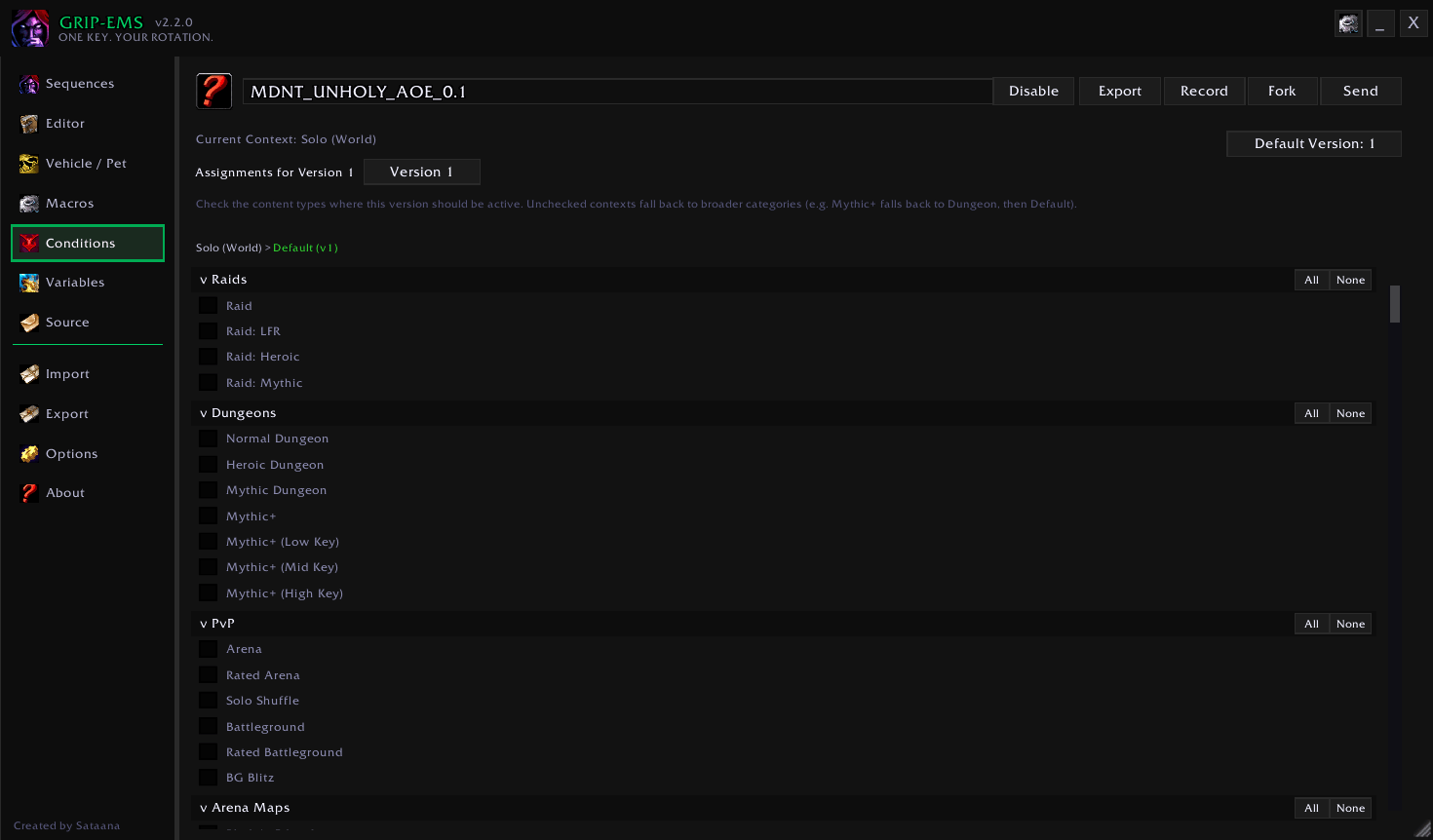
Screenshot 2026-06-25 203323.png
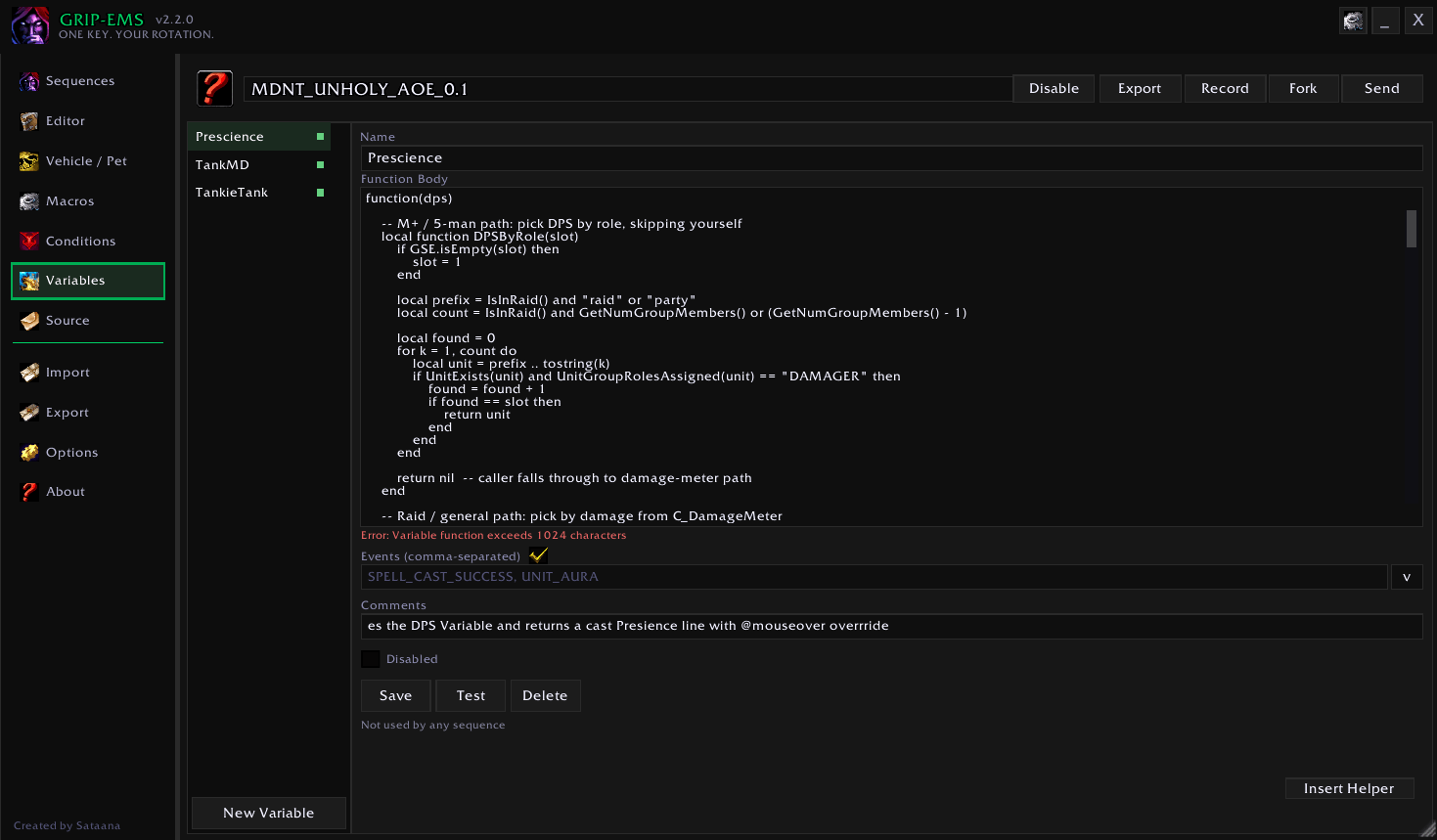
Screenshot 2026-06-25 203406.png
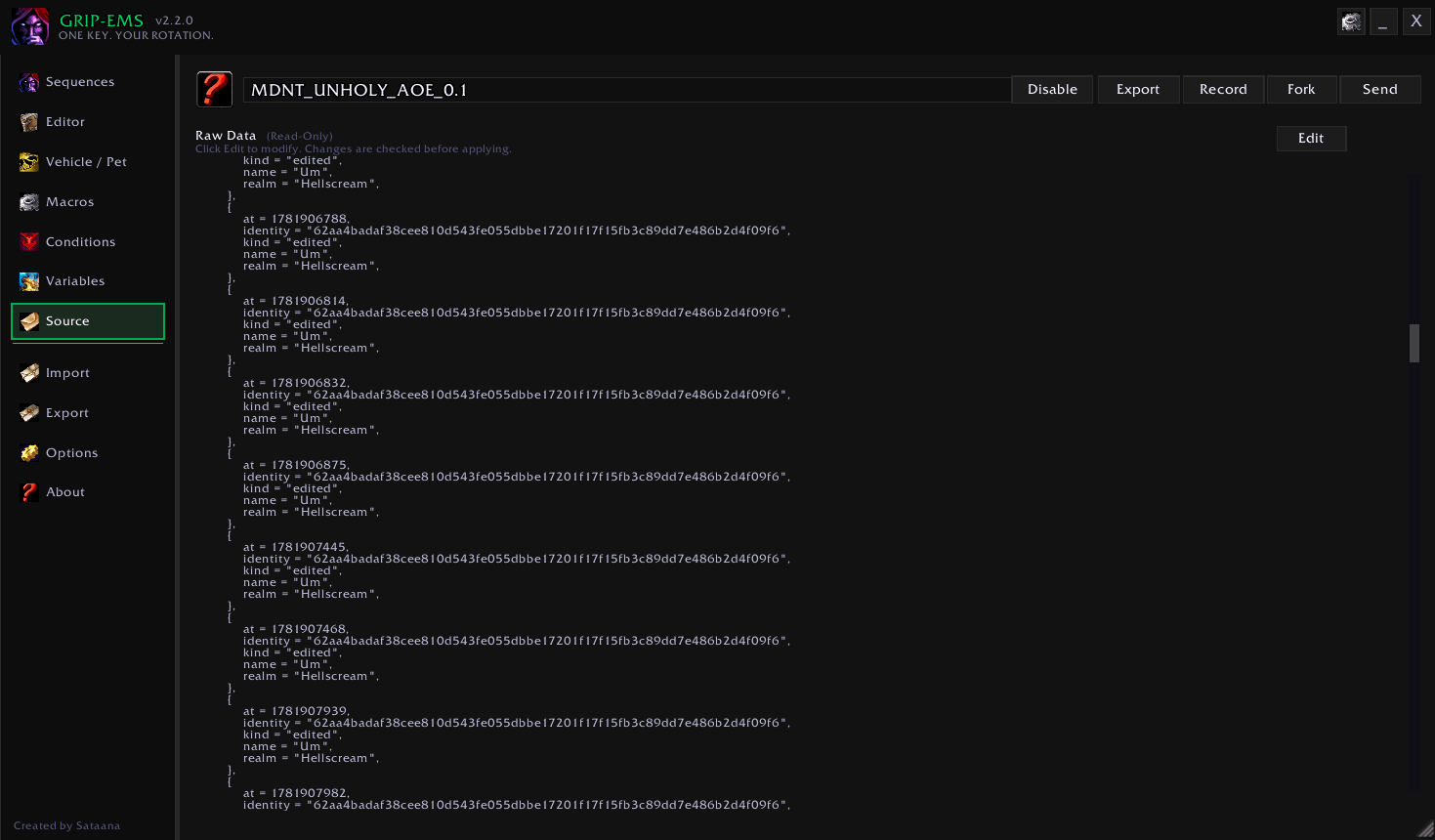
Screenshot 2026-06-25 203448.png
Screenshot 2026-06-25 203609.png
Description
GRIP-EMS Modern UI
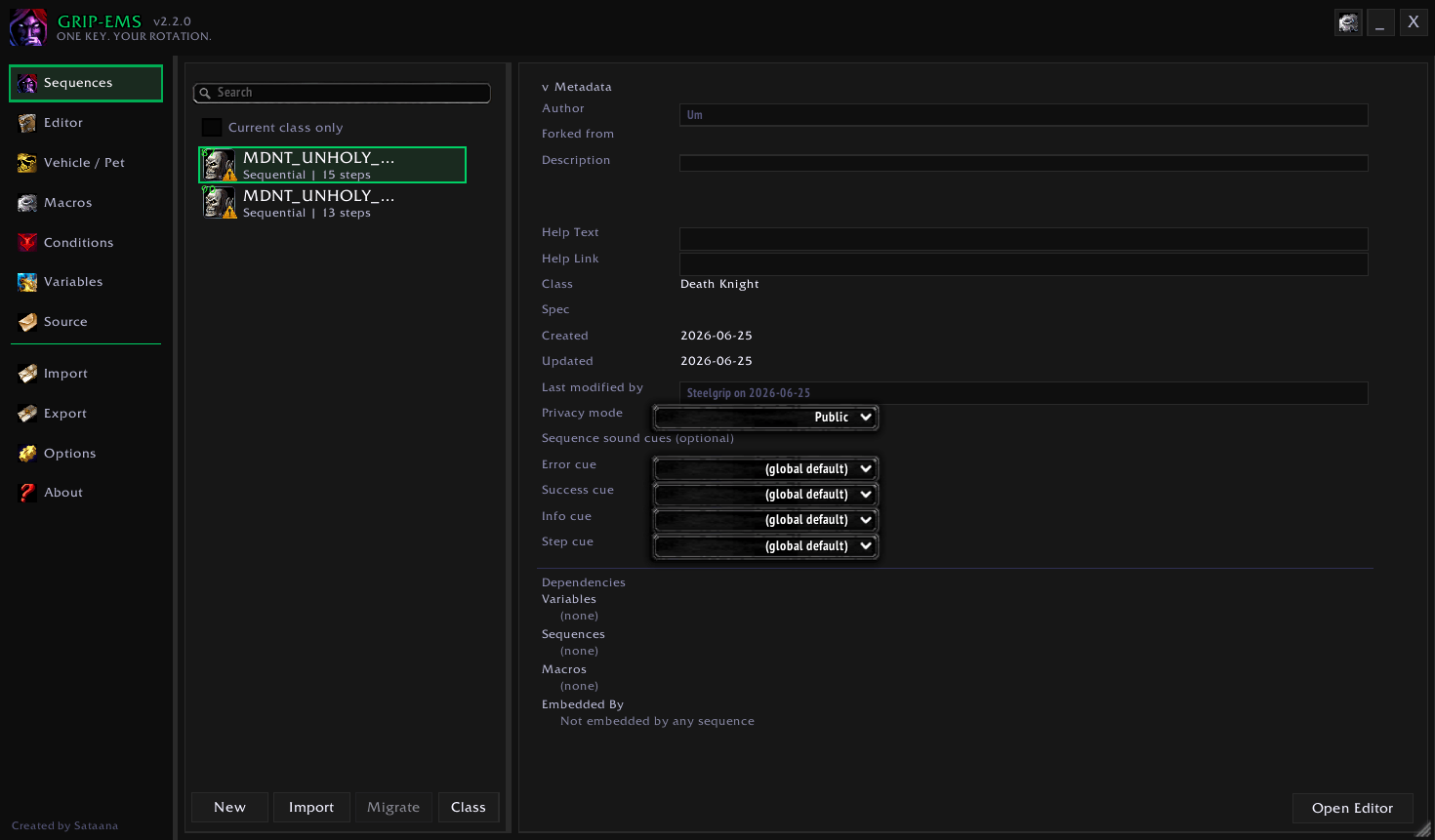
GRIP-EMS Modern UI is an optional companion addon for GRIP-EMS. It replaces the classic GRIP-EMS window with a wider 3-column layout: a sidebar for navigation, a center column for your rotations and editor, a config column for keybinds and preview, and an Ability Preview icon strip along the bottom.
Rotations, macros, variables, and saved settings stay as they are. This addon changes how the GRIP-EMS window is laid out and navigated.
Requirements
- GRIP-EMS v2.2.0 or newer (v2.4.6 or newer recommended; must be installed and enabled)
- WoW Retail (Midnight), Interface 12.0 through 12.1.5
What's included
3-column main window
- Nav rail — persistent sidebar for every major view
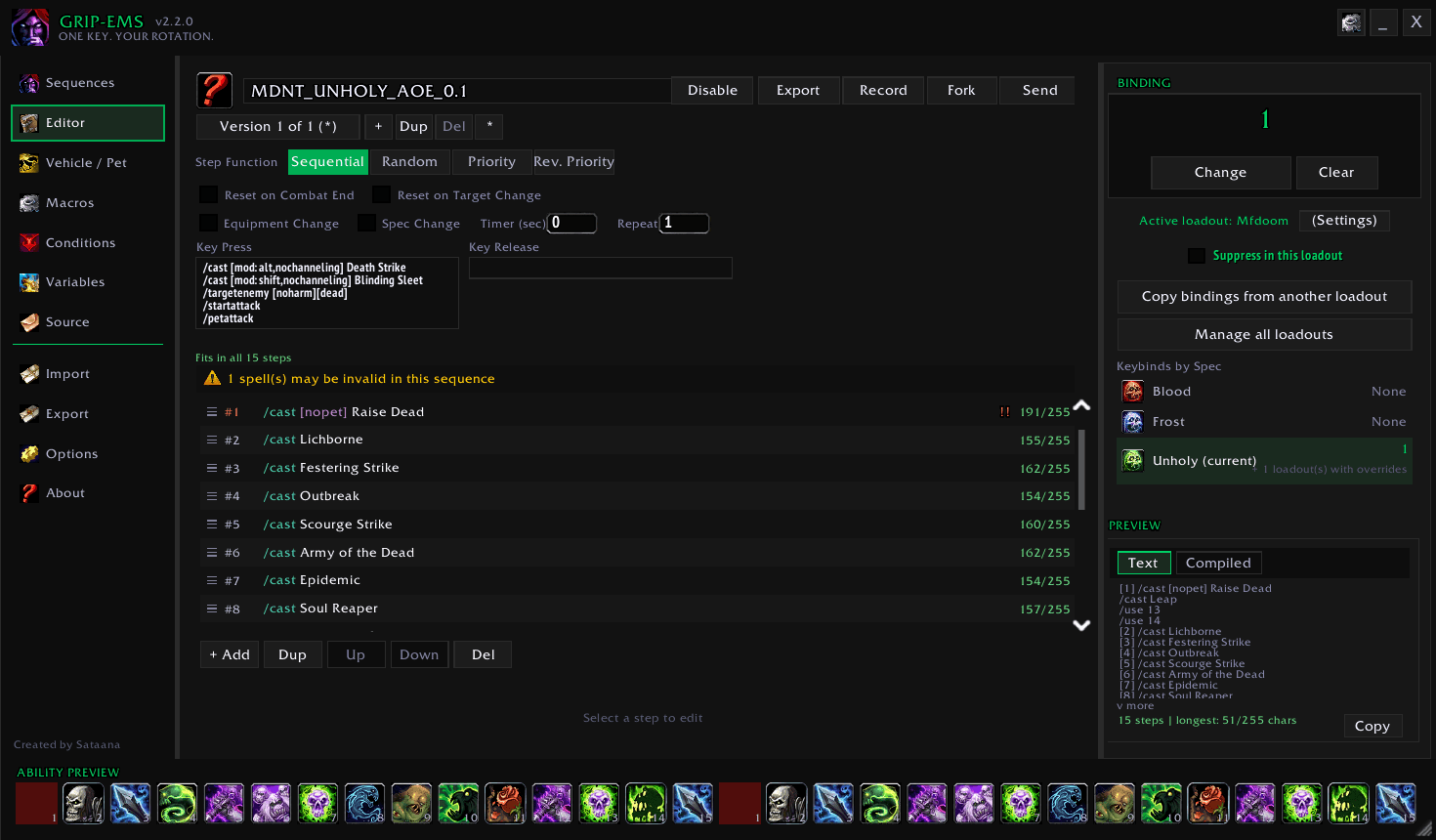
- Center column — rotation list, sequence metadata, and the sequence editor
- Config column — keybind capture and rotation preview while you edit
- The window can be resized. On the Editor view, minimizing collapses the columns to the title bar and keeps Ability Preview underneath
Sidebar navigation
- Sequences (rotation list)
- Editor (Steps)
- Macros, Conditions, Variables, Variants, and Source
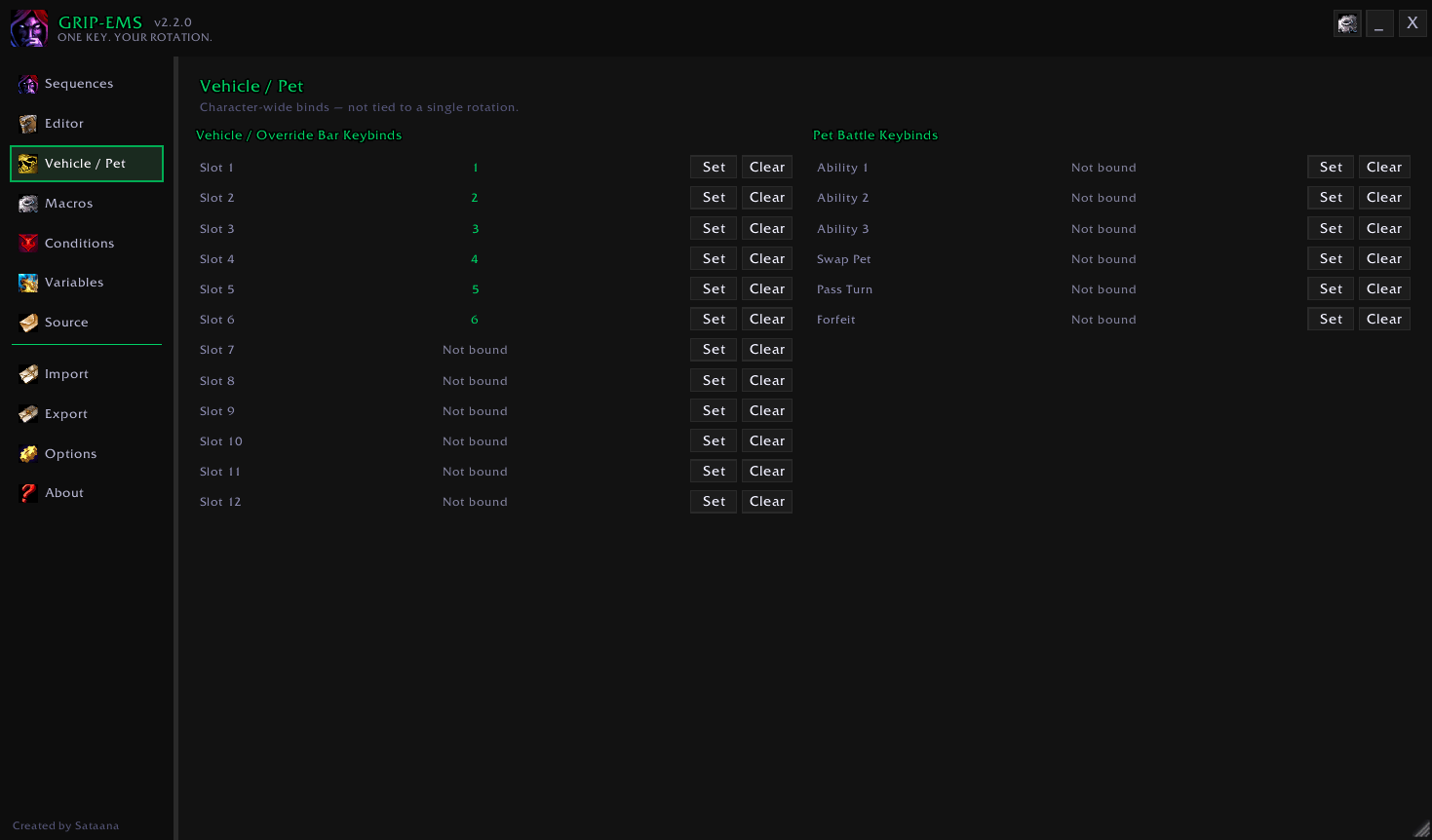
- Vehicle / Pet battle binds
- Import, Export, Theme, Options, and About
Editor
- Sequence switcher beside the name, so you can open another rotation without leaving the editor
- Key Press and Key Release fields that grow with the window and shrink when it is narrow
- Reset on Combat End, target, gear, spec, timer, repeat, Hold While Channeling, and Modifier Reset stay with the step editor
- Typing in a text box does not fire your action bars. With no text box focused, game keybinds work while the window is open
- Loop details keep an even split and use a second settings row only when the pane is narrow
Config sidebar
Keybind setup, conflict check, and preview controls stay in the right column while you edit.
Ability Preview footer
An icon strip along the bottom shows the abilities in the current rotation. A disabled step drops out of the strip before you save, and the live step can follow the key.
Sequence metadata column
While browsing rotations, class, spec, step count, versions, status, and related details sit in a column beside the list.
Theme
Accent colors and panel styling for the modern window, from the Theme entry in the sidebar.
About panel
Overview of GRIP-EMS and related addons or plugins detected on your account.
Installation
- Install GRIP-EMS and GRIP-EMS Modern UI (addon folder name:
GRIP-EMS-ModernUI) - Enable both addons on the character select screen
- Type
/reload - Open the GRIP-EMS main window. The modern layout applies automatically
If the main window was already open before installing, close and reopen it, or /reload once, so the new panels initialize.
Using the classic layout
This addon is optional. To use GRIP-EMS's original two-panel window:
- Disable GRIP-EMS Modern UI in the AddOns list
- Type
/reload
GRIP-EMS keeps working with its classic layout.
Localization
Modern UI strings are available in:
English, German, Spanish (ES/MX), French, Italian, Korean, Brazilian Portuguese, Russian, Simplified Chinese, and Traditional Chinese.
Non-English locales are machine-translated and marked for community review.
Notes
- Requires GRIP-EMS's plugin API v2 or newer. Tested with API v4. Keep GRIP-EMS updated
- Combat and sequence execution stay with GRIP-EMS. This addon does not add rotation logic
Grip-EMS Modern UI Team