Gamepad Reticle On Target
- By
Controller reticle dot follow your selected target when using a gamepad
Description
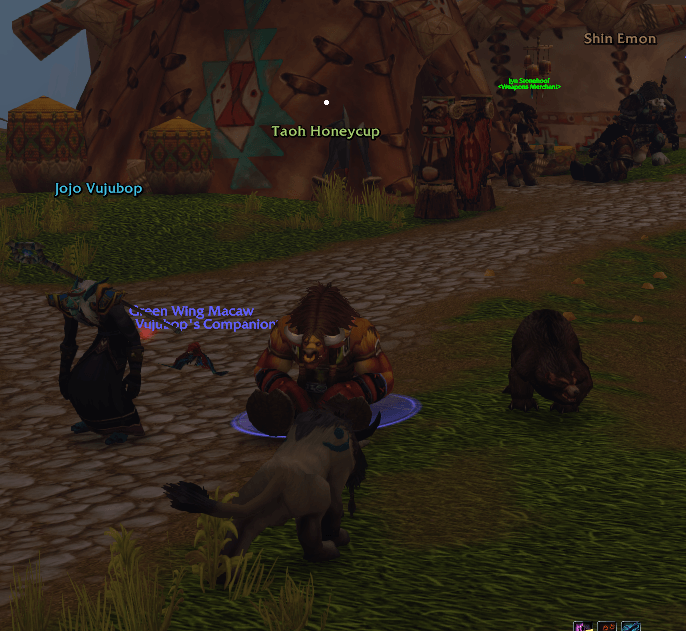
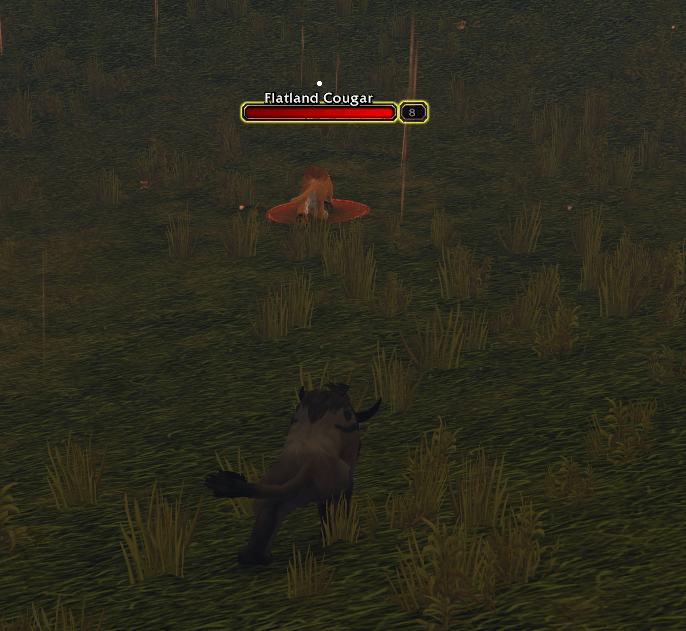
With the controller UI on, the game keeps its reticle (the aiming dot) in the middle of the screen. With an offset camera, that's often nowhere near what you're attacking.
This addon puts the reticle on your target's nameplate, right where the game shows its interaction icon, so it stays on the target as you both move. On quest givers it sits just below the name, clear of the game's "!" or "?". No target? It uses the controller's soft target, and with neither it stays where the game aims.
It's a simple tool with no dependencies:
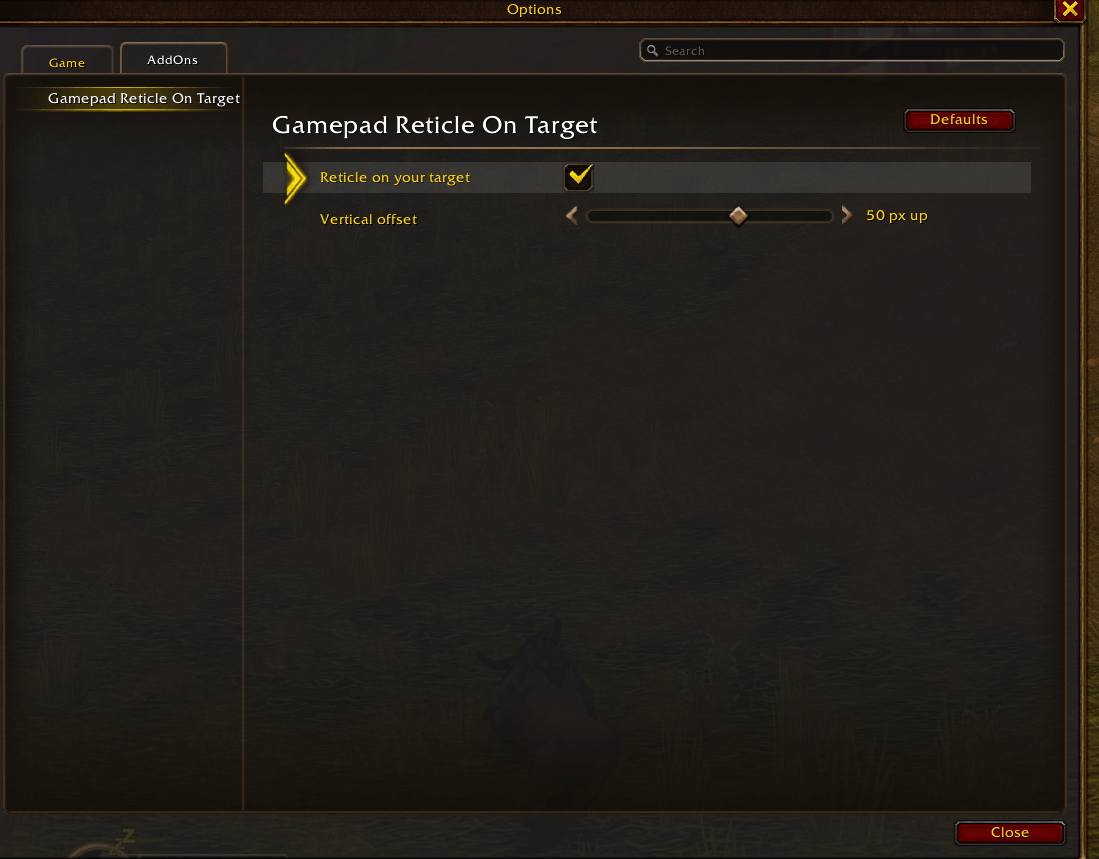
- Turn it on or off
- Move the reticle up or down, in pixels
- Settings in Options > AddOns > Gamepad Reticle On Target, or /grt
It needs nameplates to sit on. The first time, it asks before turning on the ones that are off, and turning the addon off puts them back as they were. Which unit the controller targets is still up to the game: this only moves the dot.

Fewer nameplates on screen
For friendly NPCs, neutral NPCs and friendly players' minions (pets, guardians, totems), each on its own and all off by default:
- Hide their health bars
- Hide their names
- Hide their level
- World-style names for NPCs: green or yellow, with their title under it at the size you choose
The reticle still goes on them, even with everything hidden. In dungeons and raids the game keeps friendly nameplates away from addons, so those stay as they are there.
Goes well with
- Gamepad Camera Offset: moves the camera over your shoulder.
- Gamepad Reticle Customizer: turns the reticle into an icon on your target: a player's class or faction, an NPC's job.
The code is free to copy, as long as you credit it.
Gamepad Reticle On Target Team