Gamepad Reticle Customizer
- By
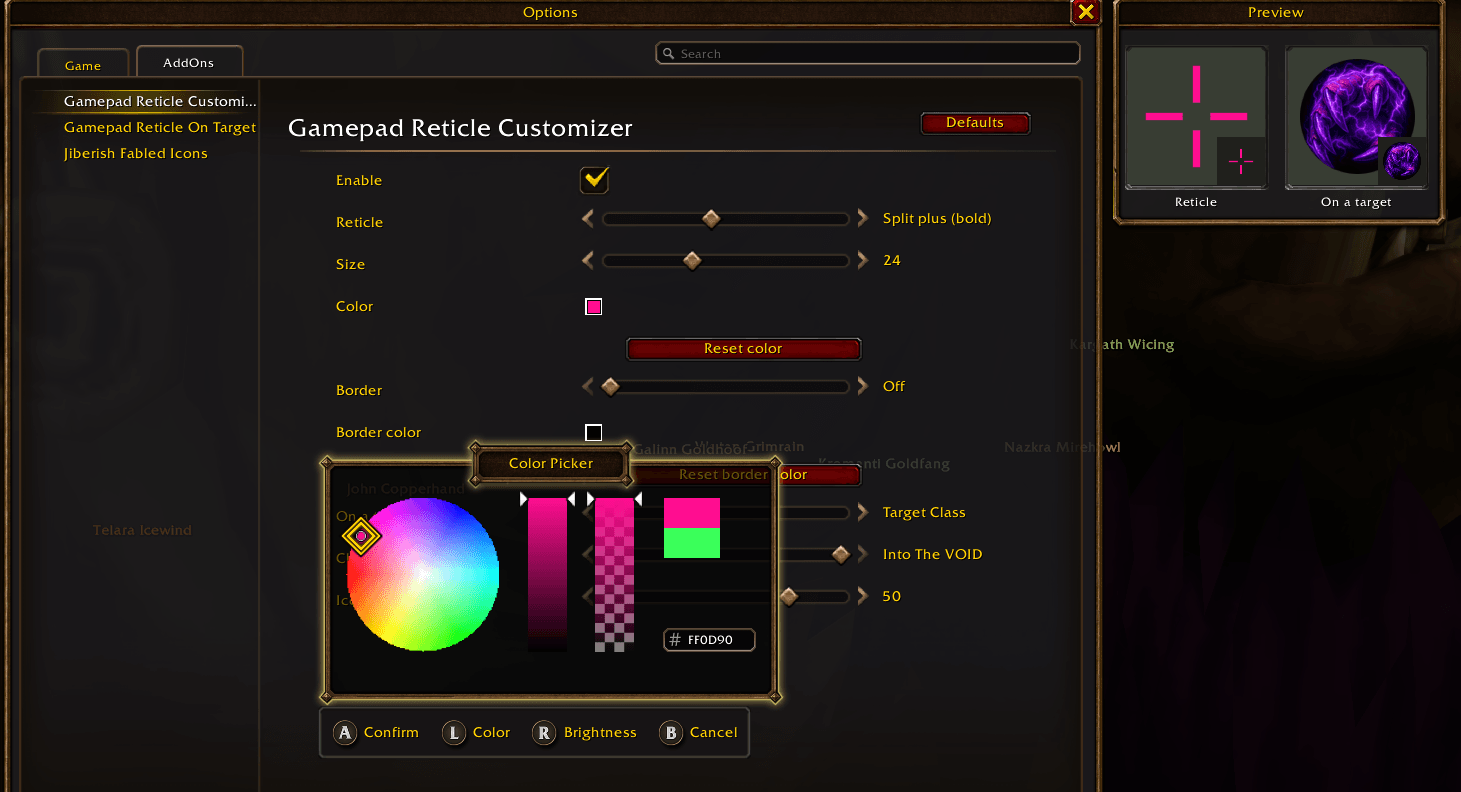
Customize your controller's reticle: its shape, size, color and border, and an icon on your target.
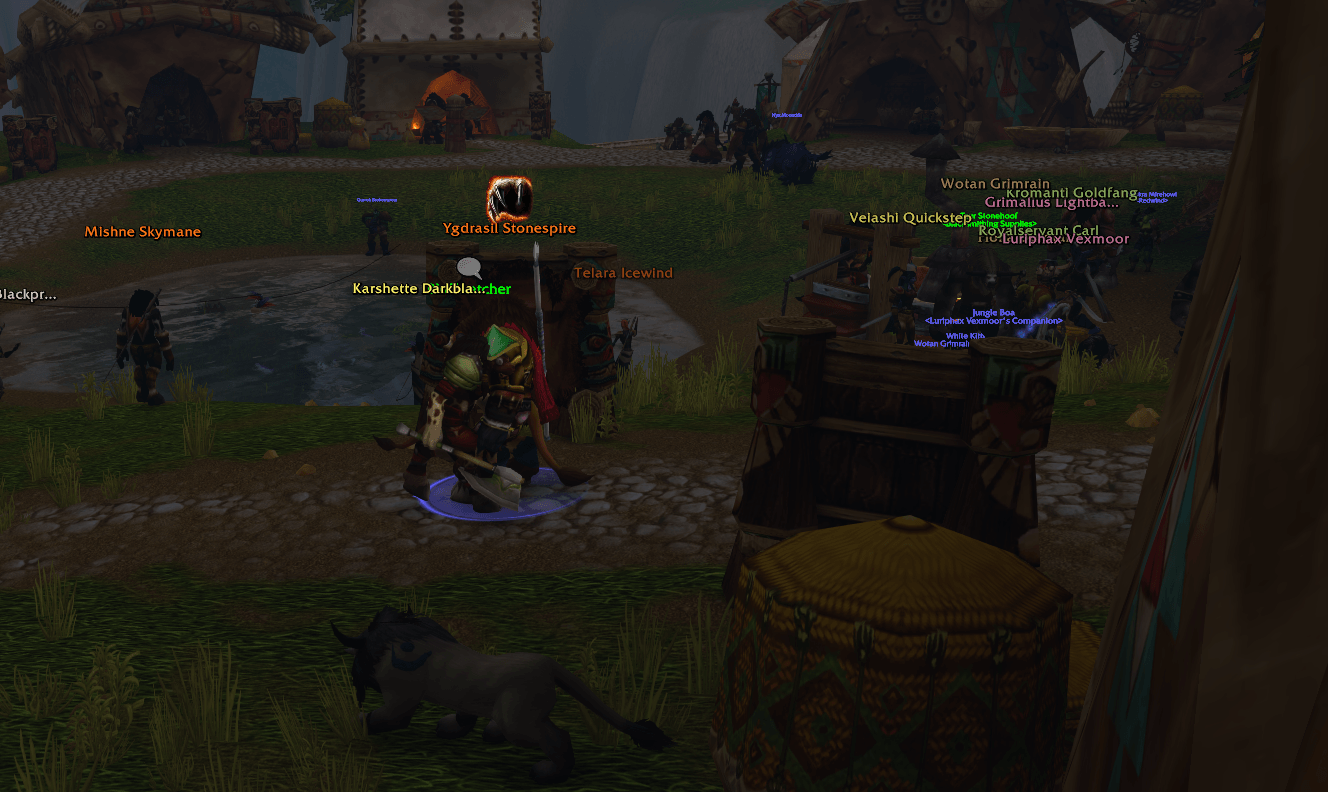
Screenshot_20261120_210257.png
Description
With the controller UI on, the game shows a small white dot as its reticle. This addon lets you change how it looks, and turn it into an icon on your target.
It's a simple tool with no dependencies:
- Shape, size, color and opacity, with a color picker that works on a controller
- A border around it, in its own color and size
- A preview on the settings page
- Settings in Options > AddOns > Gamepad Reticle Customizer, or /grc
It starts as the game's own dot, so nothing changes until you choose.

Goes well with
- Gamepad Reticle On Target: puts the reticle on your target, so it stays on what you attack with the camera offset.
- Gamepad Reticle Customizer: changes the reticle's shape, size, color and border.
On a target
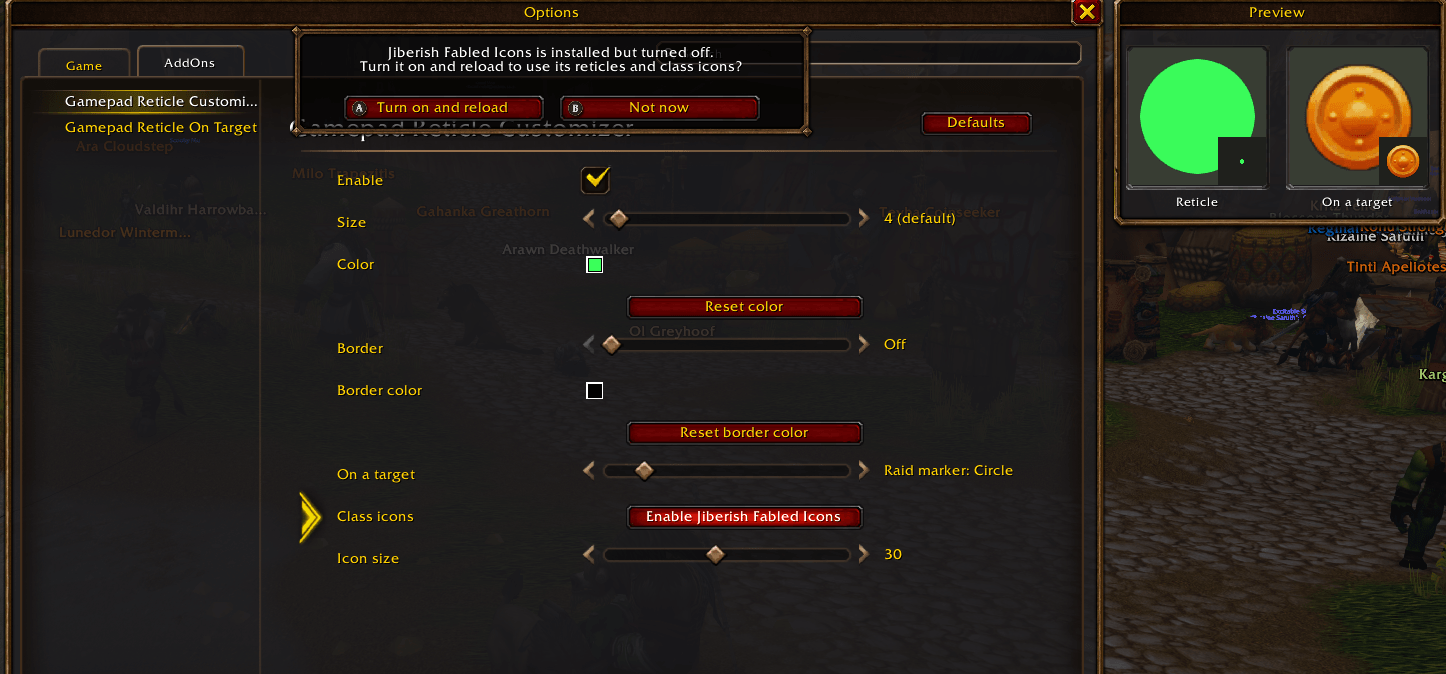
A choice for each kind of target, each starting at None (the reticle stays):
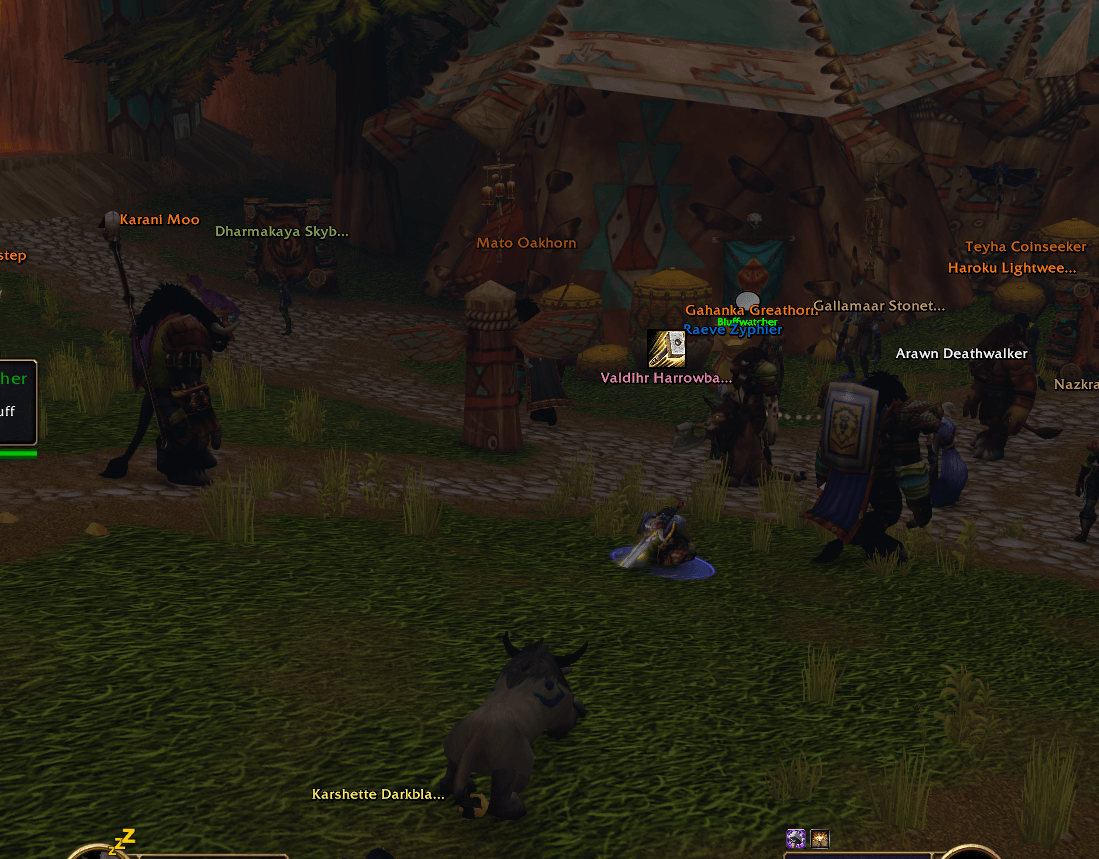
- Horde and Alliance players (yours first): their faction badge or their class icon, each faction with its own class icon style, so friend and foe are easy to tell apart
- Friendly NPCs: their job, with the game's own icon (vendor, trainer, quest, flight master…)
- Neutral NPCs: the game's gray dots
- Enemy NPCs: crossed swords
- Any of them: a raid marker or one of the game's icons
Icons show while the reticle sits on your target's nameplate. The game keeps the reticle in the middle of the screen, so use Gamepad Reticle On Target to put it there.
More shapes and class icon styles come with Jiberish Fabled Icons, if you have it installed. Its art stays its own: this addon only shows it, and never needs it.
The code is free to copy, as long as you credit it.
Gamepad Reticle Customizer Team