Gamepad Camera Offset
- By
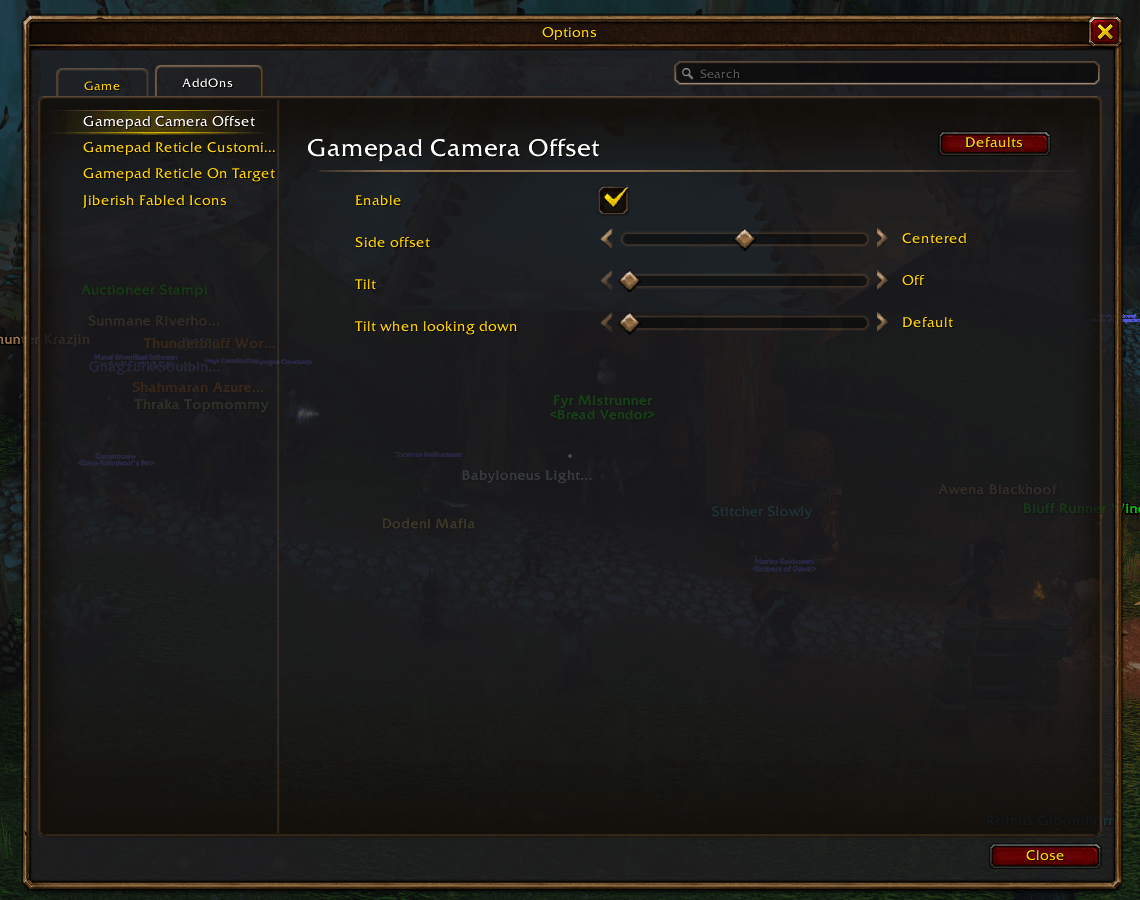
Controller users can offset the camera to the side of the character. You can also tilt it.
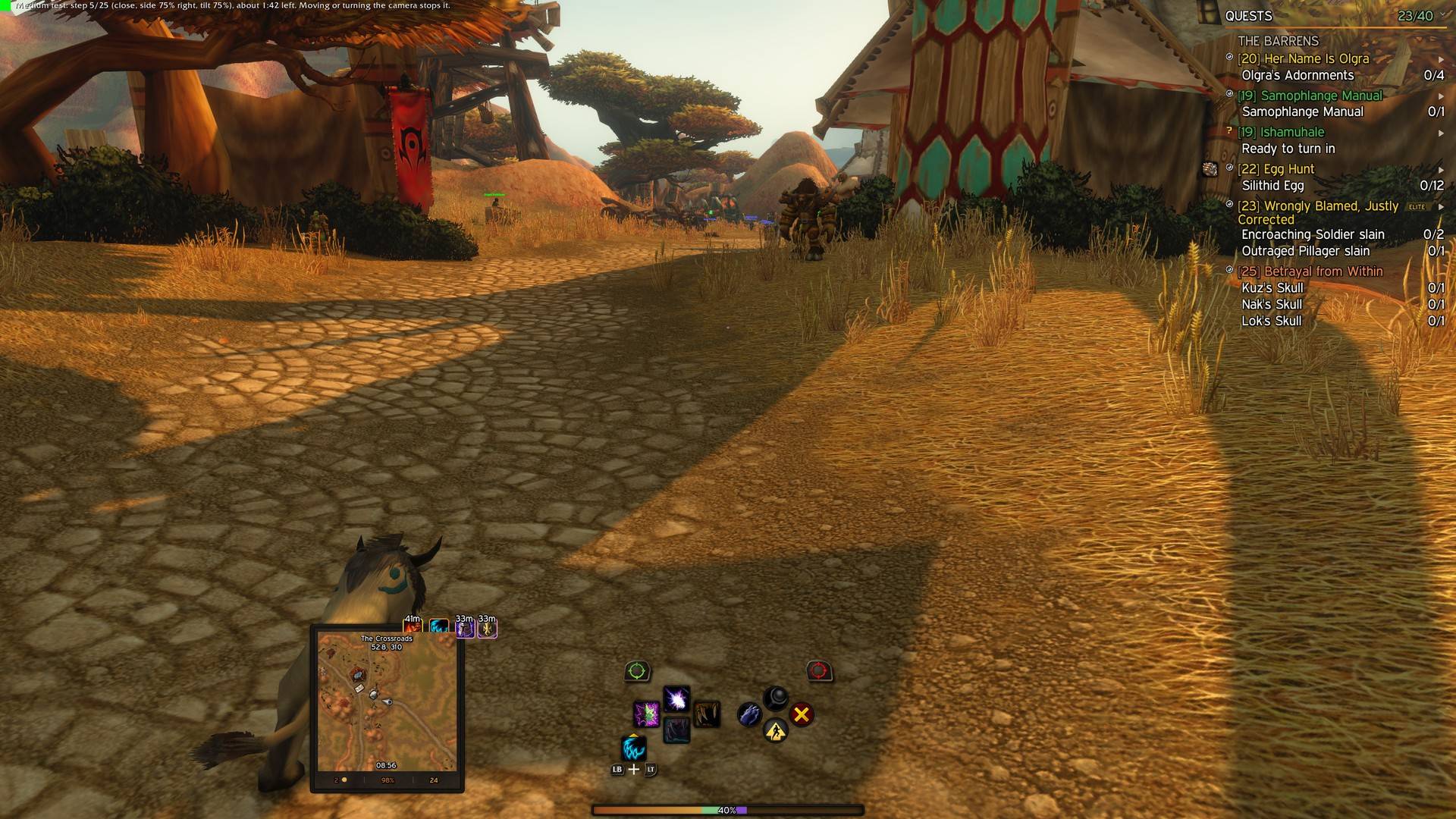
step 05.jpg
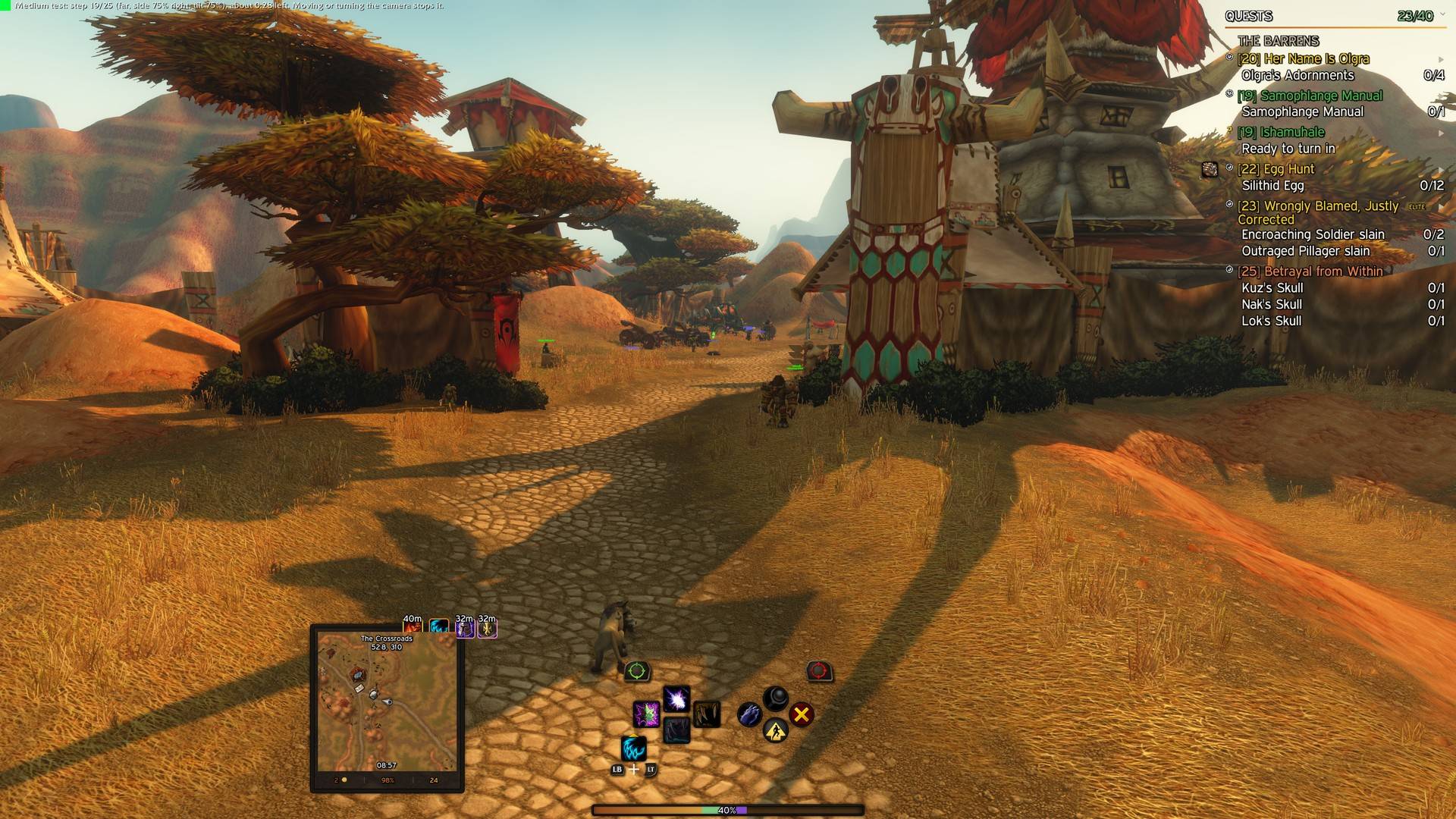
step 19.jpg
Description
With a controller, the game keeps your character in the middle of the screen, with no over-the-shoulder view. This addon adds one, and you set it up the way you like it.
Goes well with
- Gamepad Reticle On Target: puts the reticle on your target, so it stays on what you attack with the camera offset.
- Gamepad Reticle Customizer: changes the reticle's shape, size, color and border.
It's a simple tool with no dependencies:
- Side offset: the camera over your right or left shoulder
- Tilt: your character sits lower on the screen, so you see more ahead
- Tilt when looking down: how much of the tilt stays when you look down at your character
- Settings in Options > AddOns > Gamepad Camera Offset, or /gco

Every setting starts at the game's own value, so nothing changes until you move one. Set the camera where you want it and it stays there, through reloads and switches to the controller. It works with keyboard and mouse too.
It uses the game's own experimental camera settings (its ActionCam), and hides the game's warning about them. Turn the addon off and the game's camera comes back.
The code is free to copy, as long as you credit it.
Gamepad Camera Offset Team