Forever Simple Threat
- By
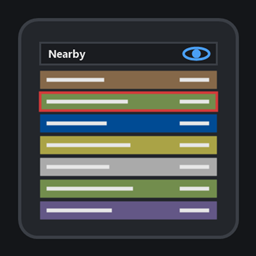
A tiny threat meter for you, your pet and your group, sorted by who is closest to pulling aggro.
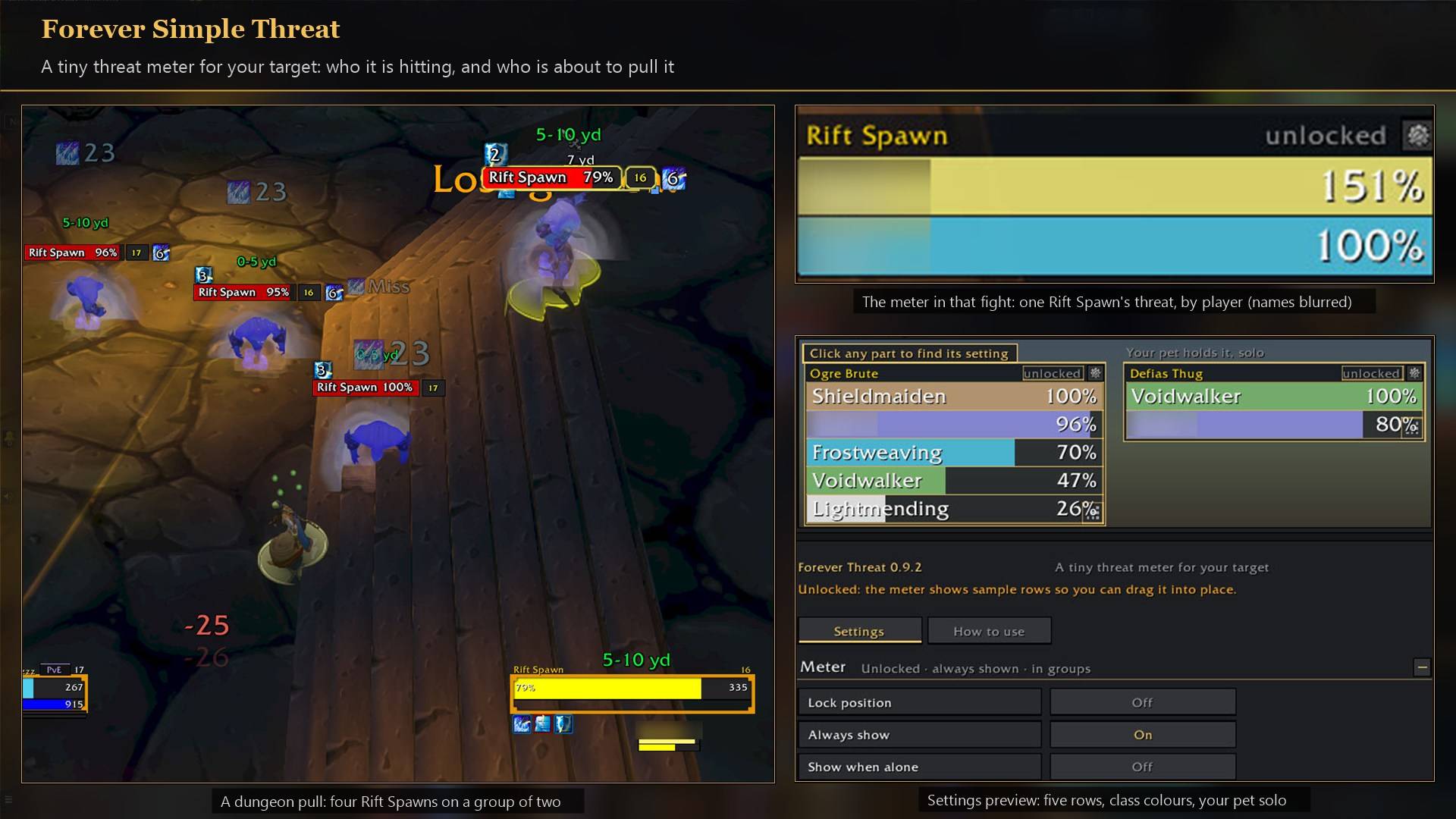
Who your target is hitting and who is close to pulling it, in a small box.
Description
Know before you pull aggro. A small meter shows you, your pet and your group on your target, closest to pulling aggro first. The tank holds 100%, so a row at 90% is about to take it. In game it is listed as Forever Threat.
What it shows
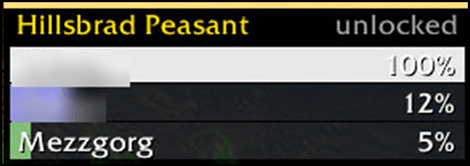
- Rows. Bars in class colours (pets green), with each player's class icon, the name on the left and the percentage on the right. It is the game's own percentage, so the melee and ranged pull margins are already counted.
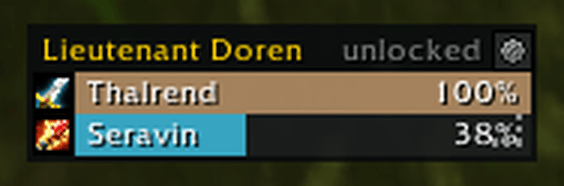
- Which enemy. Your target. While you target a friend (a healer on the tank), the meter follows that friend's target.
- When. In fights, in a party or raid, or solo with your pet out. Show when alone adds a row for just you.
- "unsorted". Shown in the corner when the game hides threat values on an enemy, which its rules allow against bosses. The bars still fill, in group order with you first.
How to use it
- Settings are in Options → AddOns → Forever Threat (or
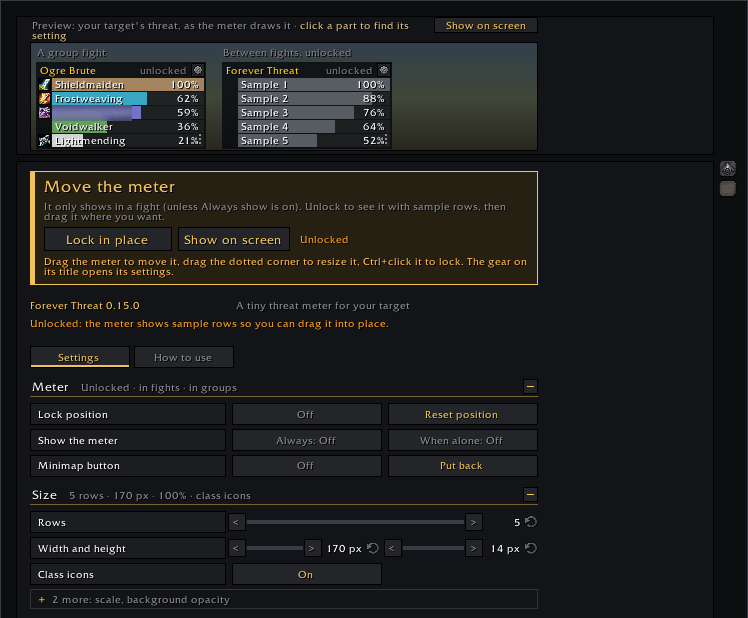
/fthreat). - At the top of the settings page, Unlock to move shows the box so you can place it any time, and Show on screen plays sample rows.
- The box starts unlocked with grey sample rows: drag it into place and size it by its corner, then Ctrl+click it or turn on Lock position. Locked, it is click-through and shows only in a fight; Always show keeps it on screen between fights. The gear on its title has quick settings, locked or not.
- Size sets the rows (1 to 10), width, row height, scale and background opacity, with a live preview above.
Feedback
We read every comment and update our addons often; many changes started as a player's comment. Something not working? Tell me and I'll look into it.
Forever Simple Threat Team

Owner