Forever Simple Range
- By
Shows the range to your target and to whatever your cursor is over, with optional range on nameplates and an aggro distance that learns from every pull.
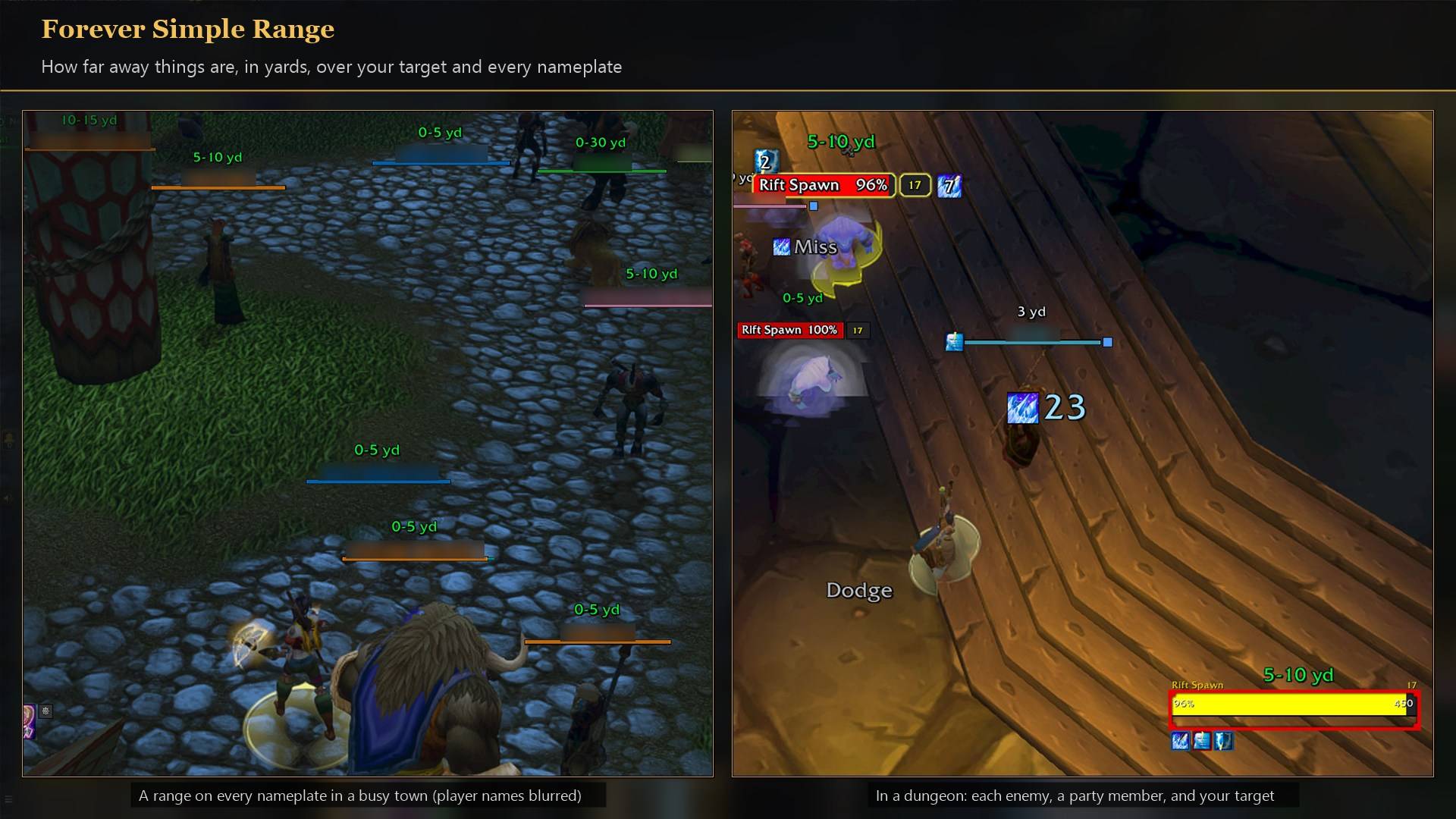
Yard ranges over your target and every nameplate, in town and in a dungeon.
Description
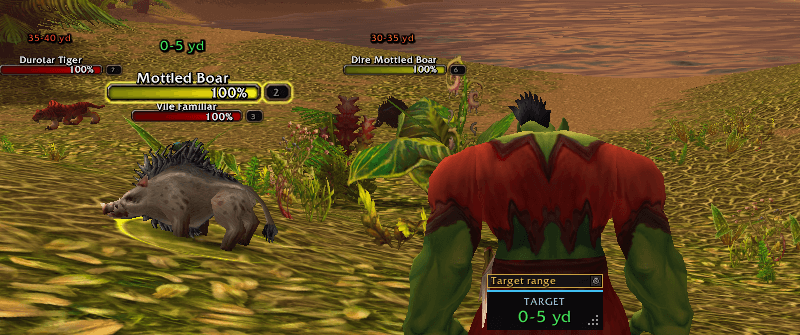
Know if you're in range before you press the button. A small box shows how far away your target is, a second one does the same for your focus, the range to whatever your mouse is over sits beside the cursor, and nameplates can show it too.
It works the range out from what your character can already check, so nothing is ever cast. In game it is listed as Forever Range.
The readings
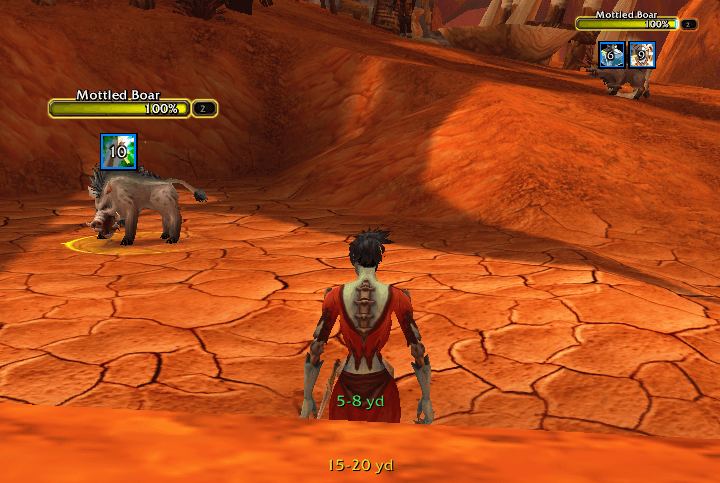
- 23 yd. A distance the game measured.
- 10-20 yd. A range between two of your checks. Walk closer and it narrows.
- Unknown or Unavailable. No check fits, or the game hides the value.
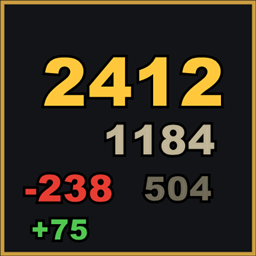
Coloured by distance. Every range reading, on the boxes and on nameplates, is coloured by how far away it is: green within 10 yards, through yellow and orange, to red past 40. Turn off Color by distance to get the plain white and gold back.
Nameplates and aggro
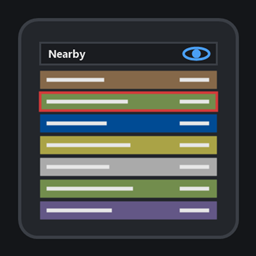
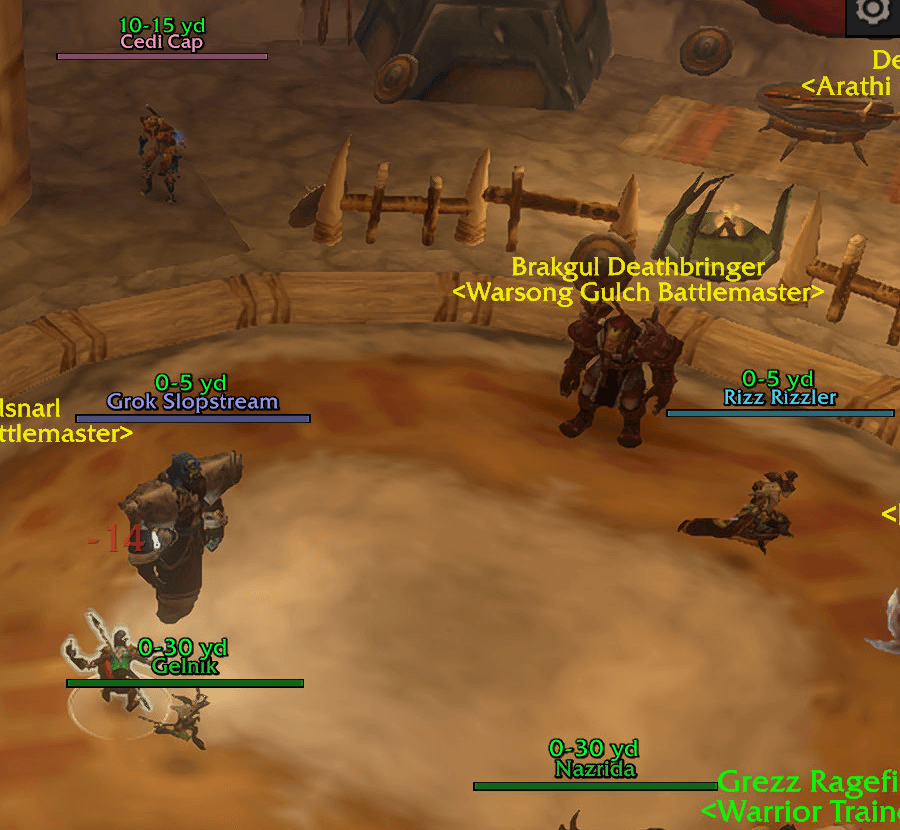
Nameplate range (off by default). A small readout above enemy or friendly nameplates, each with its own position.
Aggro distance (off by default). The estimated aggro radius in red beside the nameplate range on hostile NPCs not yet in combat, such as "12 yd 22 yd". No game data gives this radius, so it starts from 20 yards at equal level, one yard more or less per level, and learns from mobs that pull you.
Look. Text sizes and outlines, background, border, label, box size and four colours. Mouseover box: range only shows the number alone.
What it can't do, and why
- Exact yards on enemy players in battlegrounds. The game never measures their distance there, so the reading comes in steps, such as 20-30 yd.
How to use it
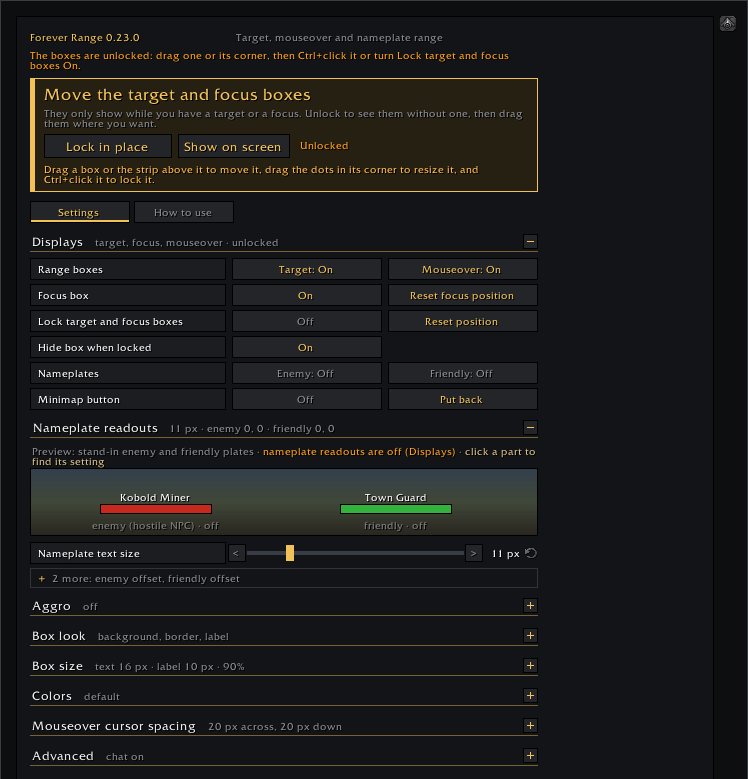
- Settings are in Options → AddOns → Forever Range (or
/frange). - At the top of the settings page, Unlock to move shows the target box so you can place it any time, and Show on screen plays sample readings.
- The target box starts unlocked: drag it into place and size it by its corner, then Ctrl+click it or turn on Lock target box. Locked, it is click-through, hides without a target, and shows only the reading while Hide box when locked is on (the default); Ctrl+click unlocks it.
- Target range and Mouseover range turn each box on or off.
Feedback
We read every comment and update our addons often; many changes started as a player's comment. Something not working? Tell me and I'll look into it.
Made for World of Warcraft: Forever.
Forever Simple Range Team

Owner