Forever Haggle - Vendor Prices, Sell Junk & Auto Repair
- By
Vendor prices on tooltips, a session loot tally, auto-sell grey junk and auto-repair for WoW Forever, all in one window (/fh).
foreverhaggle-header.png
foreverhaggle-1.png
foreverhaggle-2.png
foreverhaggle-3.png
Description
Know what your loot is worth. Forever Haggle shows vendor prices on every item, keeps a running tally of what you loot, and makes every merchant stop quick: sell your grey junk, repair your gear and never sell the things you want to keep. Type /fh and everything is in one window.
Features
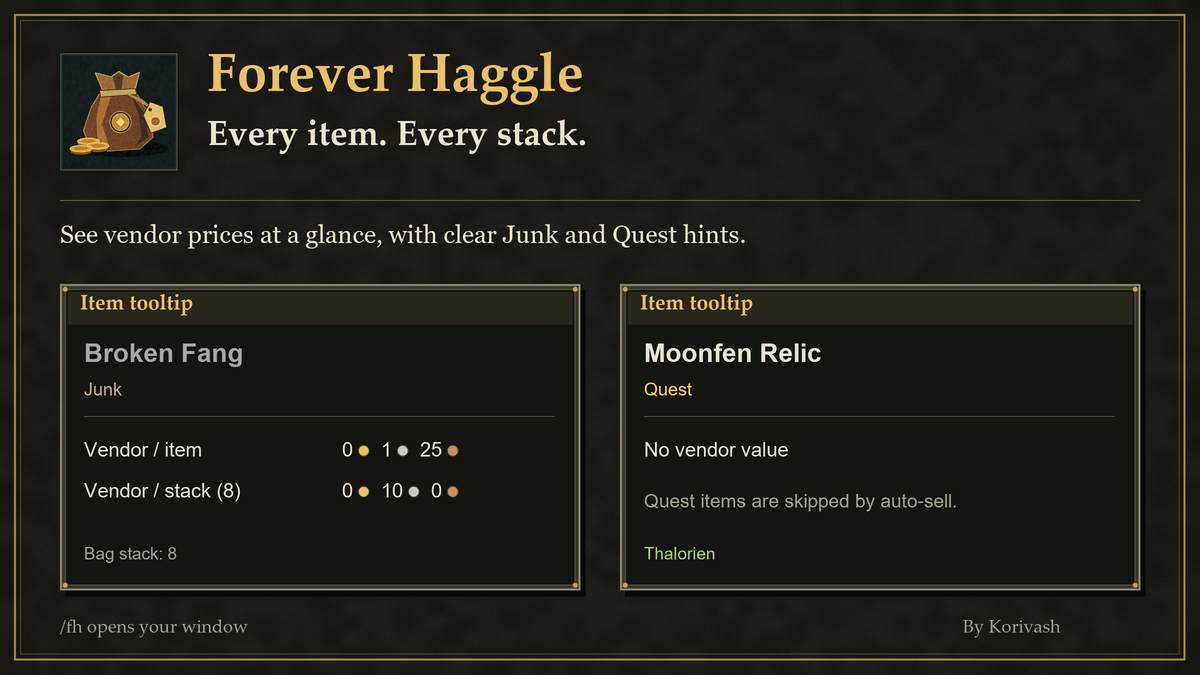
- Vendor prices on tooltips: the price for one item and for the whole stack you're hovering, with Junk, Quest item and Never sell tags.
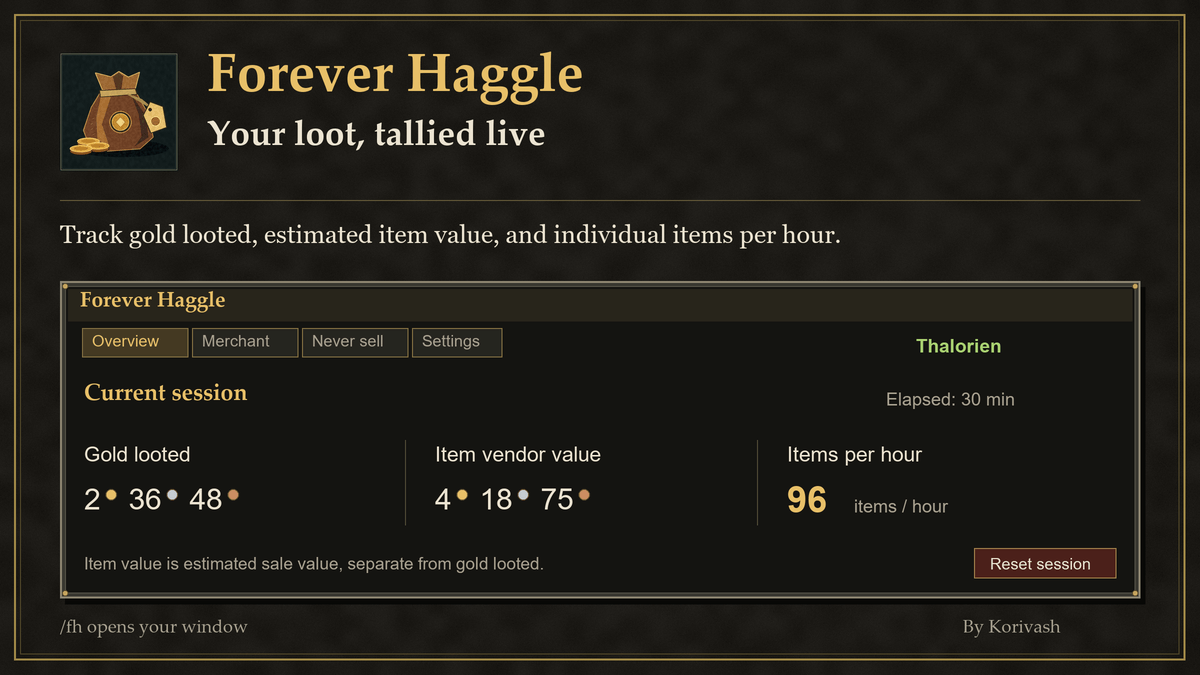
- Session tally: gold looted, the vendor value of items looted, items per hour and time played this session. Reset any time.
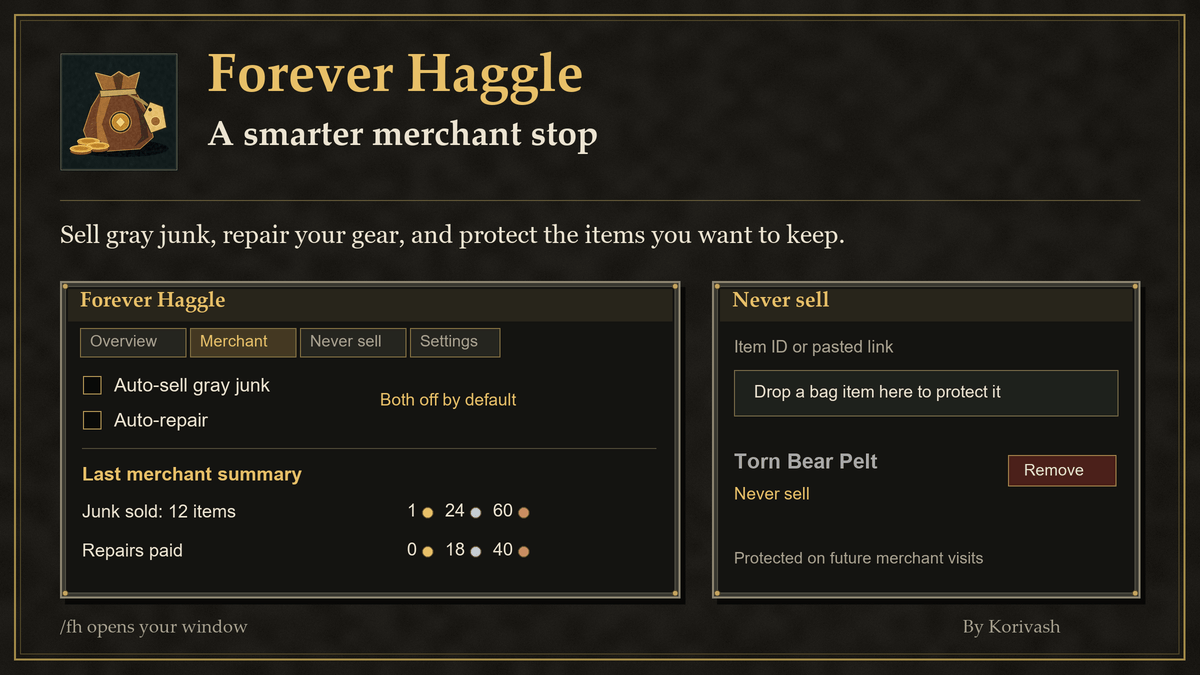
- Merchant helper (off until you turn it on): sells grey junk one item at a time and repairs your gear with your own gold, then posts a short summary. Quest items, protected items and items with an unknown price are always skipped.
- Never sell list: drag an item from your bags onto the list, or paste a link or item ID. Remove it with one click.
- One window:
/fhopens Overview, Merchant, Never sell and Settings tabs. The minimap coin opens it too. - Setup guide on first login, and an optional small session window you can move anywhere.
Commands
| Command | What it does |
|---|---|
/fh or /haggle |
Open or close the window |
/fh help |
Show help |
Older commands still work: /fh bags, log, reset, settings, setup, keep <item>, unkeep <item>, minimap, position.
Install
- Install with the CurseForge app, or download the file and unzip it.
- Put the ForeverHaggle folder in
World of Warcraft/_forever_/Interface/AddOns/. - Fully restart the game, then type
/fh.
Made by Korivash. More addons: Settings > More from Korivash.
Join the Discord: https://discord.gg/YxFRuEPSxZ
Forever Haggle - Vendor Prices, Sell Junk & Auto Repair Team