DingReport-guild-chat.png
DingReport-commands.png
Description
Ding Report
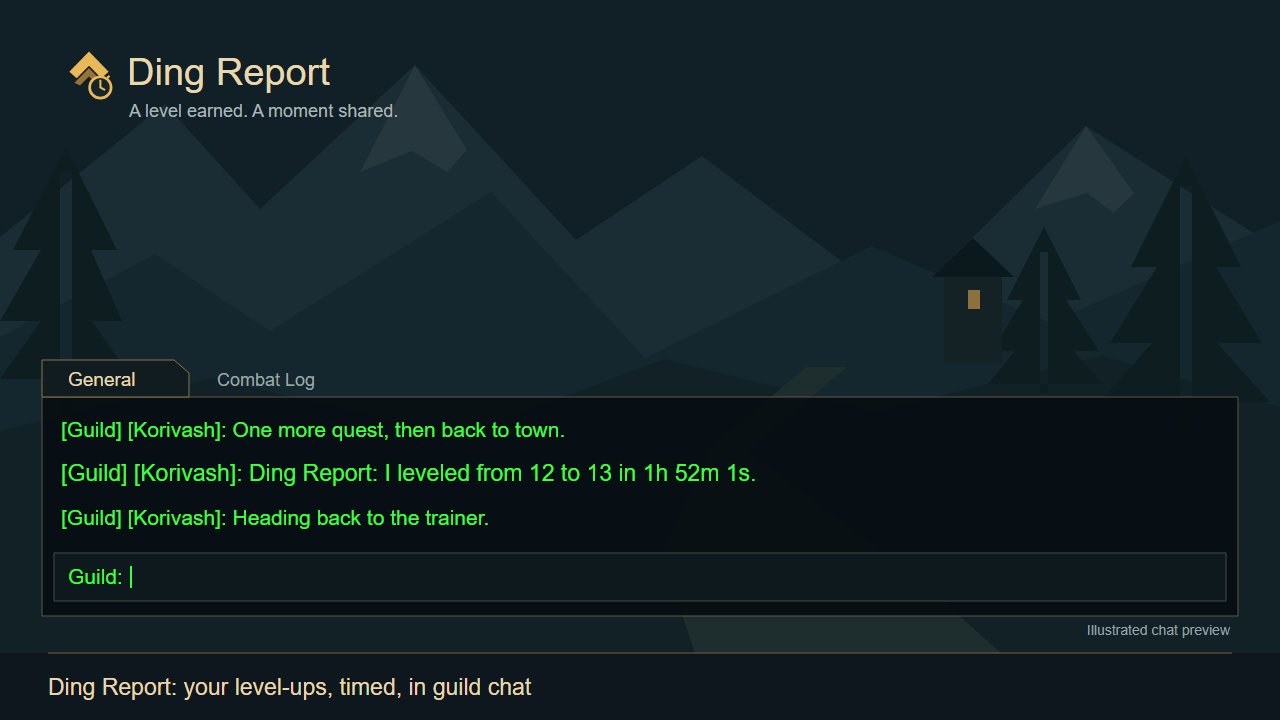
Tells your guild when you level up, and how long that level took:
[Guild] [Korivash]: Ding Report: I leveled from 12 to 13 in 1h 52m 1s.
Features
- Posts to guild chat on every level-up, with the time spent on that level
- Quick setup window on first login: pick guild, party/raid, total /played and screenshots, with a live preview
- Full options panel (Options > AddOns > Ding Report, or /dr):
- Where to post: guild, party / raid / instance, or only your own chat when you have no guild
- Message style: four built-in styles or your own text with
- Add your total /played, special message at max level
- When: start at a chosen level, every 1 / 2 / 5 / 10 levels, or only milestones (10, 20, 30...)
- Take a screenshot when you level up
- Reads /played quietly at login, so your chat isn't spammed with "Total time played"
Commands
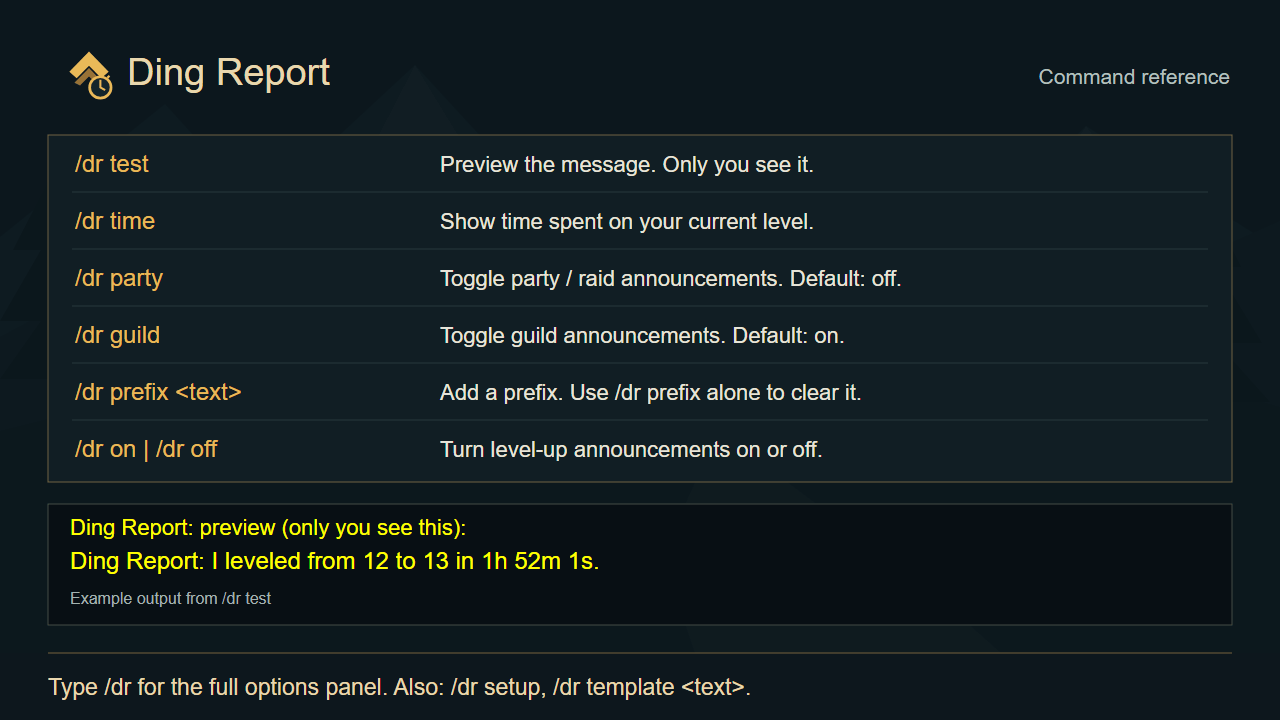
/dr - open the options
/dr setup - open the quick setup window
/dr test - preview the message (only you see it)
/dr time - time spent on your current level so far
/dr on | /dr off
/dr guild, /dr party - toggle where it posts
/dr prefix <text> - put text in front
/dr template <text> - your own message, e.g. /dr template Ding ! Took .
Ding Report Team