Forever Cuckoo
- By
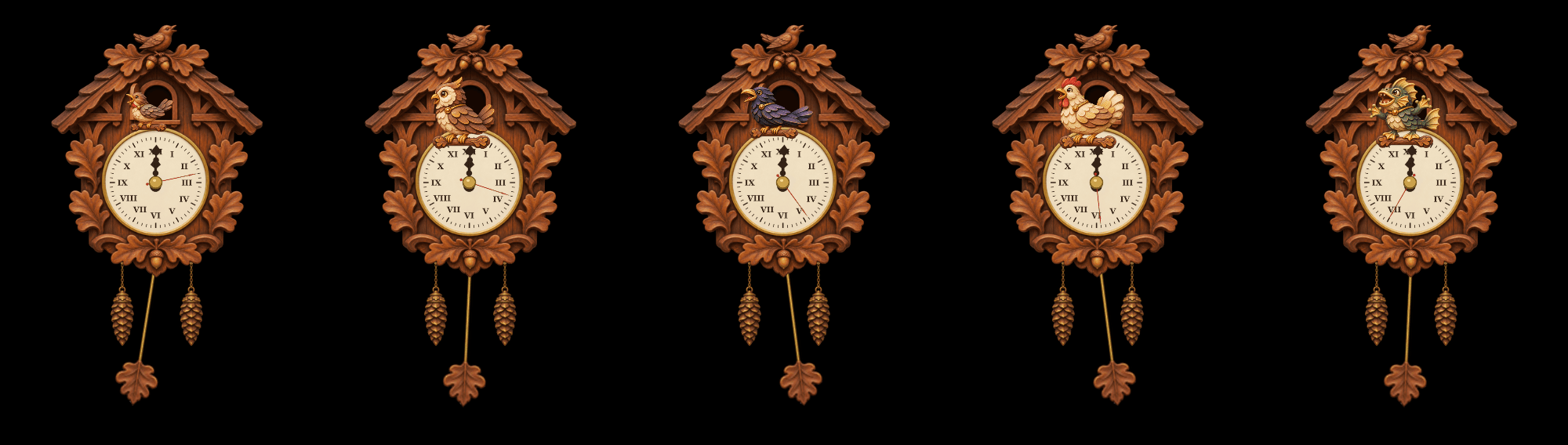
A carved cuckoo clock on your screen: the bird calls the hours, wakes you with an alarm and ends your timers. Cuckoo, owl, raven, chicken or murloc.
summary.png
01-settings.png
02-cuckoo.png
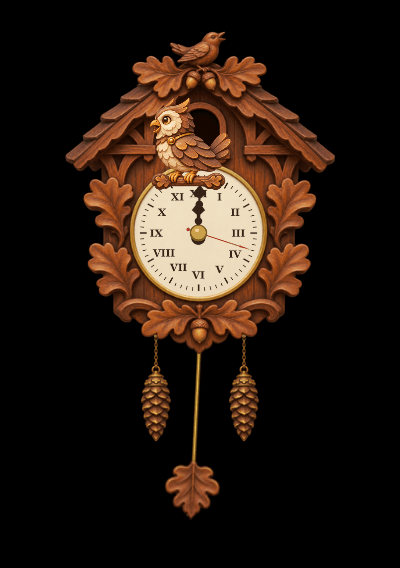
03-owl.png
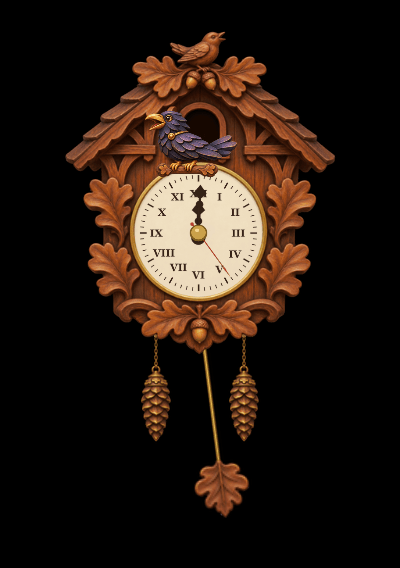
04-raven.png
Description
Forever Cuckoo Clock
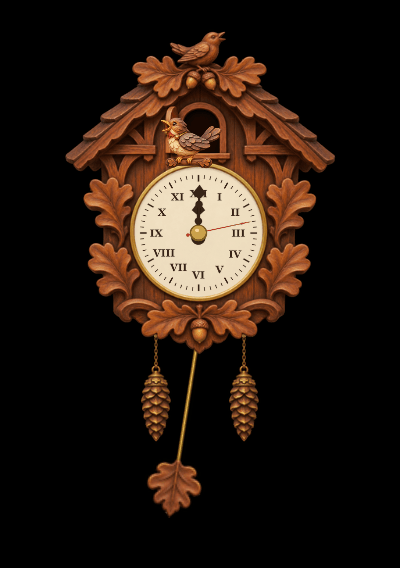
A carved cuckoo clock on your screen. It shows your PC's time, and every full hour the little door opens and the bird pops out and calls the hour: three times at 3:00, twelve times at noon. It also wakes you with an alarm and tells you when your timer is up.
- Who comes out is your choice: the cuckoo, an owl, a raven, a chicken or a murloc, each with its own call from the game. Or a random one every time, and the owl at night if you like.
- Alarm and timer.
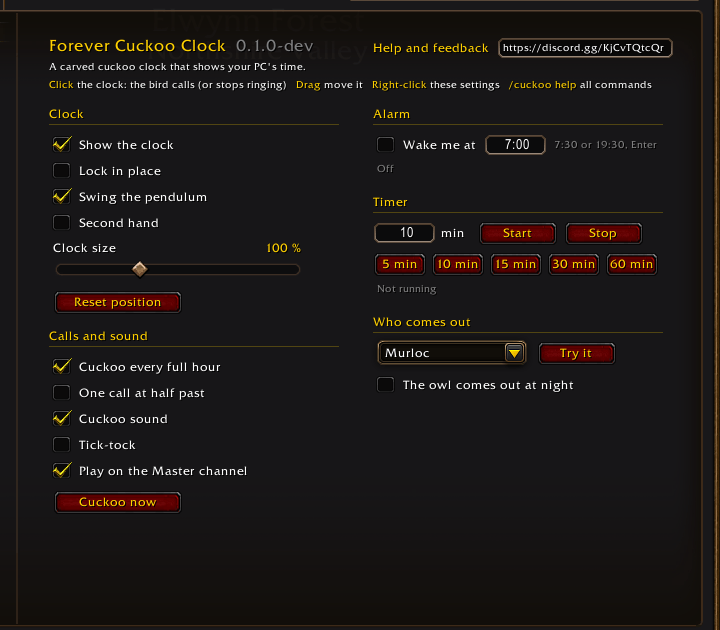
/cuckoo alarm 7:30or/cuckoo timer 10; the bird keeps calling until you click the clock. A running timer survives /reload. The settings page has quick 5, 10, 15, 30 and 60 minute buttons. - A living clock. The pendulum swings, the weights sink as the hour runs, and tick-tock and a second hand are a check box away.
- Its own art and sound. Hand-painted carved wood and a cuckoo call made for the addon.
How to use it
- The clock appears at the top right. Drag it where you want it.
- Click it and the bird calls; right-click it for the settings.
- Set an alarm or a timer there, or with the commands below.
Commands
| Command | What it does |
|---|---|
/cuckoo |
open the settings |
/cuckoo show, /cuckoo hide |
the clock on the screen |
/cuckoo lock, /cuckoo unlock |
dragging the clock |
/cuckoo now |
the bird calls the hour |
/cuckoo stop |
stop a ringing bird |
/cuckoo alarm 7:30, /cuckoo alarm off |
the alarm |
/cuckoo timer 10, /cuckoo timer 5:30, /cuckoo timer stop |
the timer |
/cuckoo size 120 |
clock size in per cent |
/cuckoo bird murloc |
who comes out: cuckoo, owl, raven, chicken, murloc or random |
/cuckoo tick on, /cuckoo tick off |
the tick-tock |
/cuckoo reset |
the clock back to the top right |
Good to know
- The clock uses your computer's local time, not the server time.
- The sound plays on the Master channel by default, so you hear the alarm with game sounds off; the settings can move it to the Effects channel.
- An alarm or timer stops by itself after 60 calls if nobody clicks the clock.
Help and feedback
Questions, bugs and ideas are welcome on the Forever Addons Discord: https://discord.gg/KjCvTQtcQr
- #help for questions about setting it up,
- #bug-reports when something is broken (the addon version and the error text help a lot),
- #feature-requests for ideas, and #releases to see every new version first.
Forever Cuckoo Team