Forever Minimap
- By
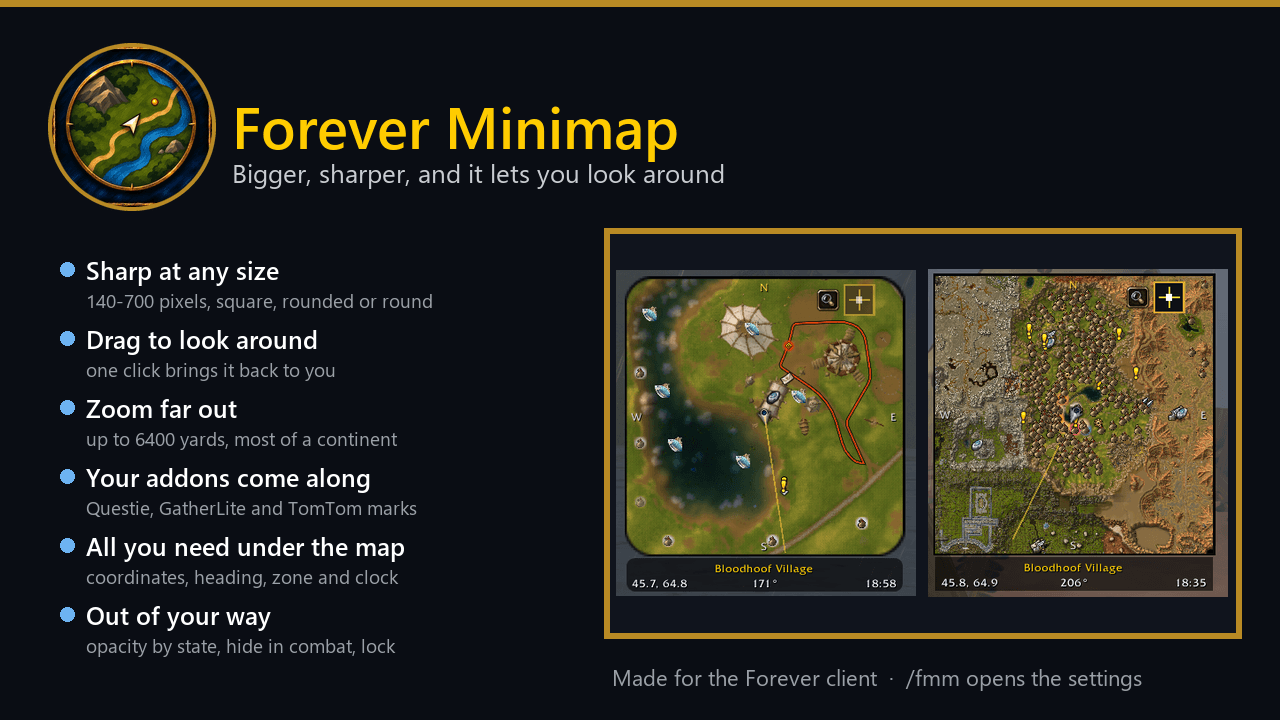
A bigger, sharper minimap you can drag around and zoom far out, drawn from the game's own tiles. Square, rounded or round, with coordinates and your addons' marks.
summary.png
01-rounded.png
02-far-zoom.png
03-sharp.png
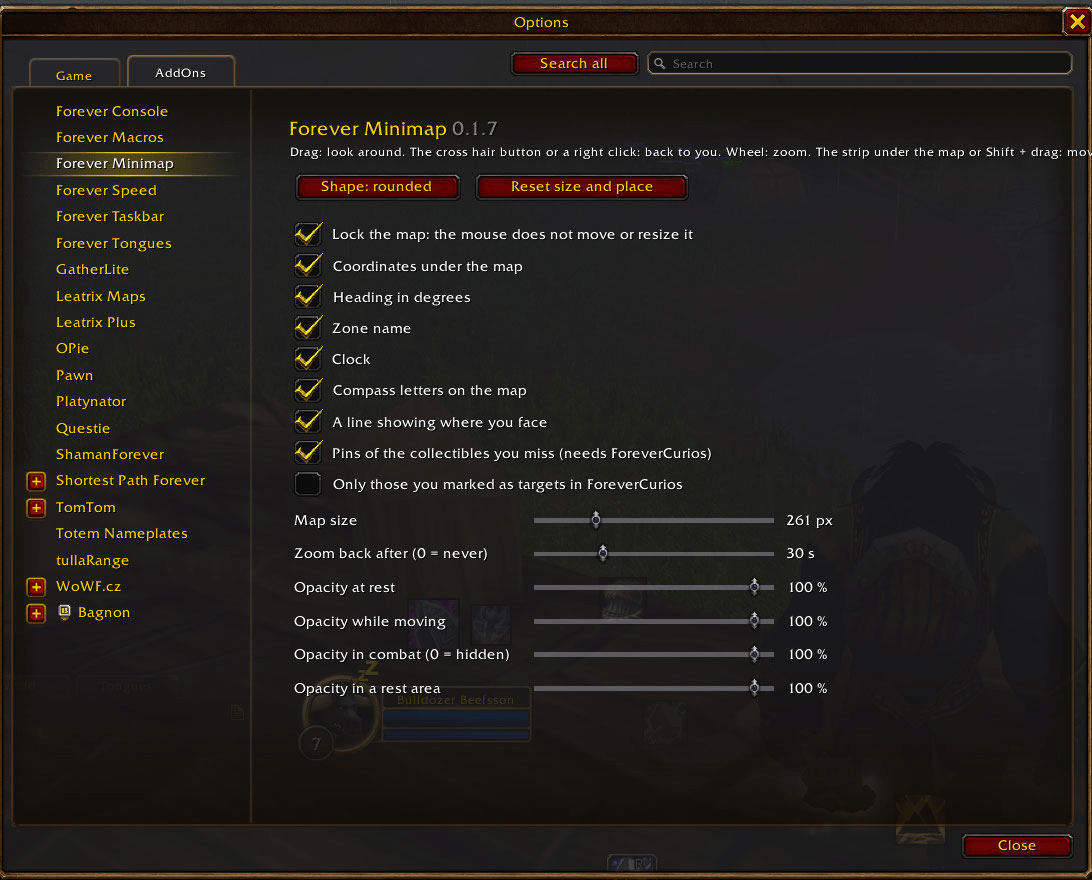
04-settings.png
Description
Forever Minimap
A bigger, sharper minimap that you can drag around and zoom far out. The game's minimap always stays on you, has six fixed zoom levels and ends at 150 yards. Forever Minimap draws the world from the game's own map tiles, so you can look at the next zone over without opening the big map, and one click brings you back.
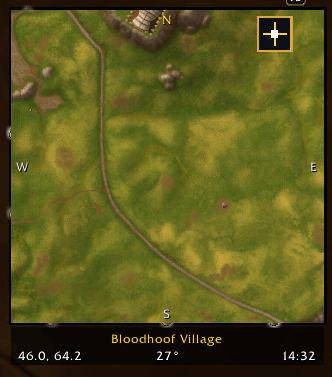
- Sharp at any size. From 140 to 700 pixels, resized from the corners. The tiles are drawn at full resolution.
- Drag to look around. Hold the map and pull. The cross hair button or a right click brings it back to you.
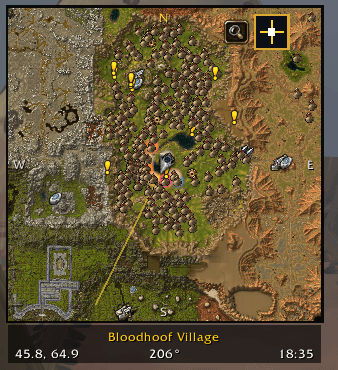
- Zoom far out. The wheel goes past the game's last step, up to 6400 yards, which is most of a continent.
- Your other addons come along. Questie, GatherLite and TomTom marks stay on the map, in the right place, while you drag it or zoom far out.
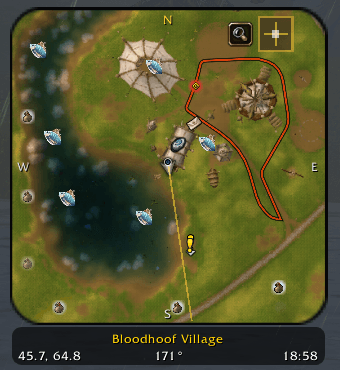
- Three shapes. Square, square with rounded corners, or round.
- What you need to know, under the map. Coordinates, heading in degrees, zone name and clock, each with a switch. Compass letters and a line showing where you face.
- Send your location. A Shift click on the strip puts
Bloodhoof Village, Mulgore 45.7, 64.8into the chat line, ready to send. - Out of your way. Separate opacity at rest, while moving, in a rest area and in combat. Opacity 0 in combat hides the map and lets clicks through. It can zoom back by itself after a time you choose.
- Lock it. A setting stops the mouse from moving or resizing it. Dragging still looks around.
- For collectors. With Forever Curios installed, the collectibles you miss show as pins on the map.
How to use it
| On the map | What it does |
|---|---|
| Drag | look around |
| Cross hair button or right click | back to you |
| Mouse wheel | zoom |
| Corners | resize |
| Shift + drag | move the map |
| On the strip under the map | What it does |
|---|---|
| Drag | move the map |
| Right click | open the settings |
| Shift click | put your location into the chat line |
Commands
| Command | What it does |
|---|---|
/fmm |
open the settings |
/fmm center |
back to you |
/fmm shape square \| rounded \| round |
the map's shape |
/fmm size <px> |
the map's size |
/fmm reset |
reset size and place |
/fmm debug |
print what the map is doing, for bug reports |
Good to know
- Made for the Forever client (Interface 16001).
- The own tiles cover Azeroth and Kalimdor. In instances, inside buildings and on other maps, you get the game's own minimap at its own zoom.
- While you drag or zoom past the game's last step, the map shows the tiles, your arrow and the marks of the addons named above. The game's own blips and pings come back when you return to you.
- Marks of other addons work through HereBeDragons, so an addon that draws its pins another way may not show them on the far zoom.
- Settings are saved per account. A new addon needs a full client restart, not only
/reload.
Forever Minimap Team