Forever Action Rings
- By
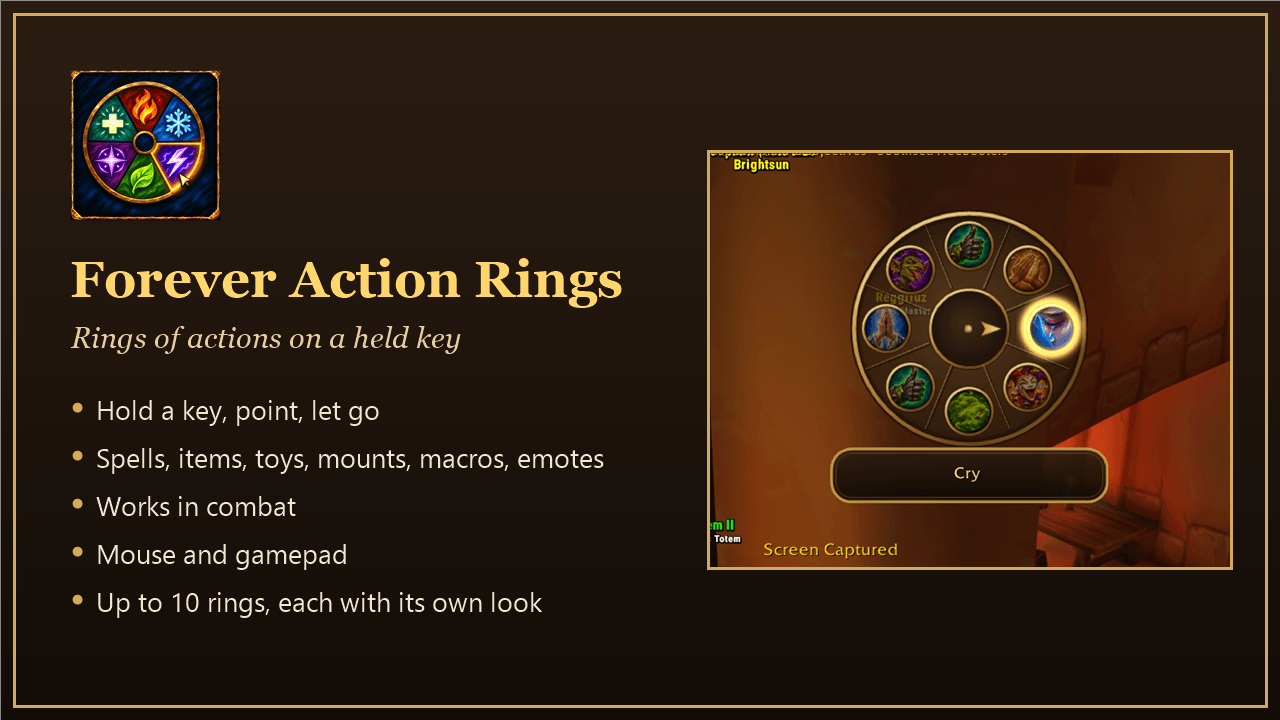
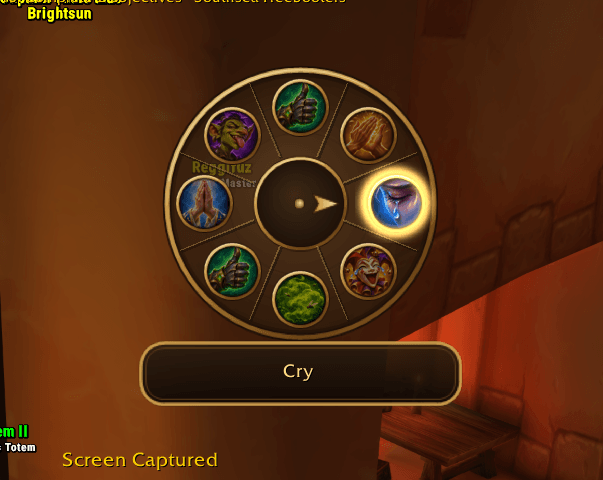
Rings of actions on a held key: hold it, point at a spell, item, toy, mount, macro or emote and let go. Works in combat, with mouse or gamepad.
summary.png
01-settings.png
02-ring.png
03-aim.png
Description
Forever Rings
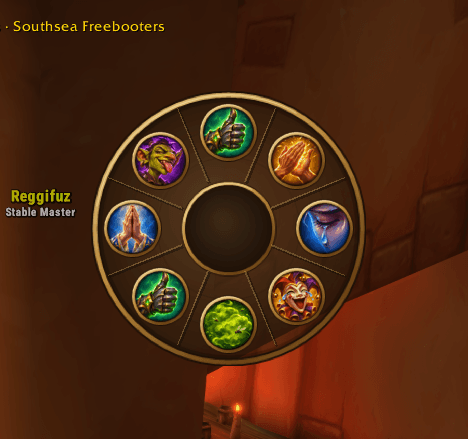
Your spells in a ring, one key away. Hold a key and a ring of actions opens around the mouse. Point at one and let go, and it is used: a spell, an item, a toy, a mount, a macro or an emote. It works in combat, because the ring casts through the game's secure buttons.
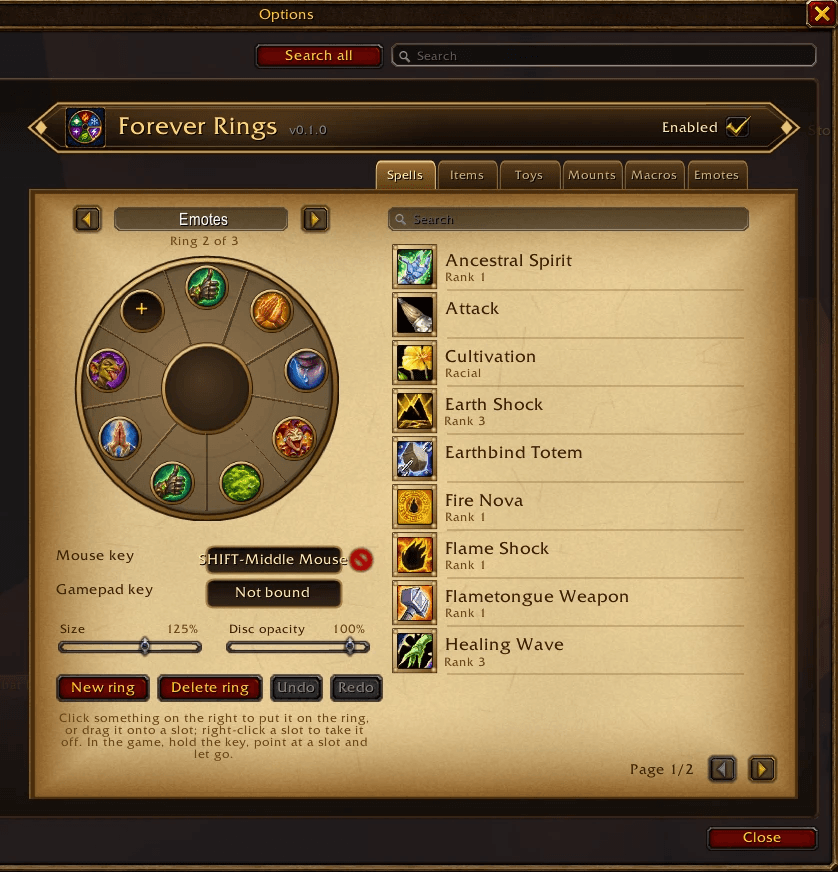
- Up to 10 rings, each with up to 12 slots and its own key.
- Spells, items, toys, mounts, macros and emotes. Emotes get their own painted icons, one for each kind of emote (waves, laughs, battle cries, …).
- Mouse or gamepad. Every ring has a mouse key and a gamepad key; with the gamepad you aim with the right stick.
- Each ring its own look. A name shown under the ring, a size from 60 to 160 % and a disc opacity that leaves the icons on it solid.
- Easy to set up. Click something in the list to put it on the ring, drag it onto a slot, drag slots onto each other to reorder them, drag one off or right-click it to take it away. Undo and Redo (Ctrl+Z, Ctrl+Y) take back any change.
- Its own art: a light bronze ring with spokes, a needle that points at your choice and its name on a plate under the ring.
How to use it
- Type
/frings(or open Options → AddOns → Forever Rings). - Put a few spells on the ring and give it a key, such as Shift + middle mouse button.
- In the game, hold the key, point at a slot and let go. Let go in the middle to use nothing.
Commands
| Command | What it does |
|---|---|
/frings |
open the settings |
/frings on, /frings off |
turn every ring on or off; their keys do what they did before |
/frings list |
list the rings with their keys and slots |
Good to know
- Rings are saved per character, because spells differ per character.
- Keys and slots cannot be changed in combat; changes made then apply when the fight is over.
- A macro slot runs a macro by its name. A renamed or deleted macro leaves a slot that does nothing.
Forever Action Rings Team