promotional bannermobile promotional banner

Flight Ledger

Searchable flight destinations on the default Flight Map, with learned taxi times, an in-flight timer, and optional party/raid/guild time sharing.
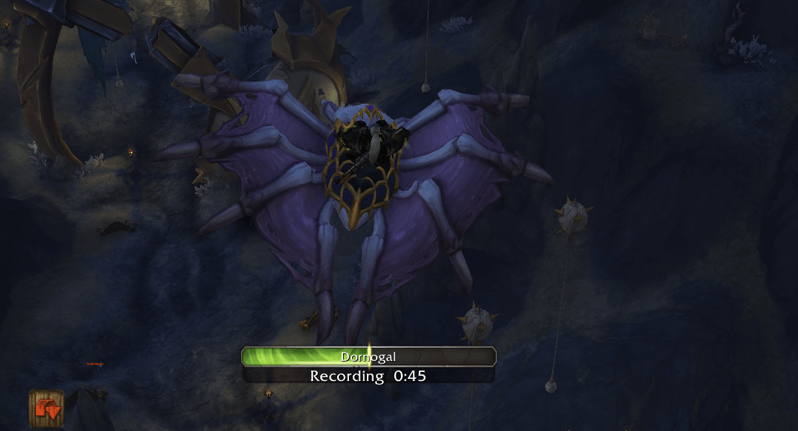
Screenshot 2026-09-05 052200.png
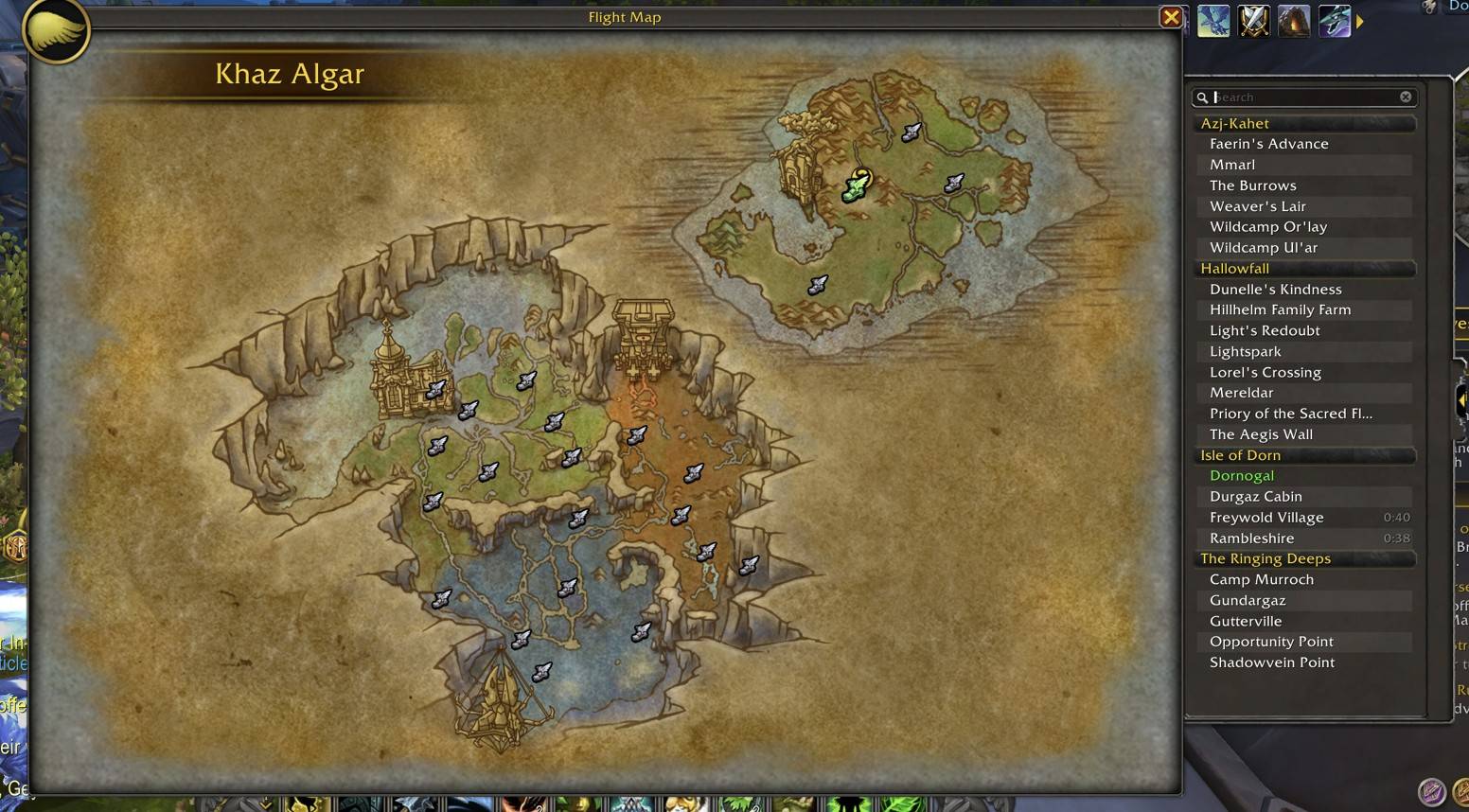
Screenshot 2026-09-05 052200.png

Screenshot 2026-09-05 052225.jpg

Screenshot 2026-09-05 052225.jpg

Description

# Flight Ledger

A destination list for the default Flight Map. Search by name, click to fly, and keep a ledger of how long each route actually takes.

## Features

- Drawer attached to the right of the Flight Map (no second window)
- Search box filters zones and landing names
- Destinations grouped by zone
- Capitals highlighted
- Click a name to take that flight; hover draws the route on the map
- Collapse tab on the right edge
- Flight times learned as you fly and shown on the list
- On-screen timer: countdown when the time is known, recording bar when it is not
- Optional sync of learned times with party, raid, instance group, and guild
- Settings under Interface → AddOns → Flight Ledger

Times are not provided by Blizzard. The addon measures real flights and stores them on your account. Other players only receive times if they also run Flight Ledger and share a channel you have enabled.

## Commands

`/flightledger` or `/fl` or `/fledger`

- `/fl options` — settings
- `/fl toggle` — collapse or expand the list
- `/fl sync` / `/fl sync off` — master sync switch
- `/fl cleartimes` — wipe learned times

Drag the in-flight bar to move it. Its position is saved.

## Install

Copy the `FlightLedger` folder into `World of Warcraft/_retail_/Interface/AddOns/`.

Flight Ledger Team

profile avatar
  • 16
    Projects
  • 3.7K
    Downloads

More from SarcazmoView all

  • Master Dialog project image

    Master Dialog

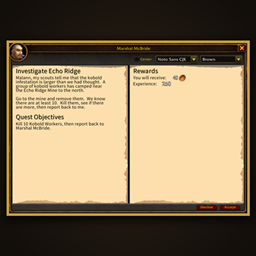
    A wider, cleaner quest window with side-by-side text and rewards, a best-value reward highlight, and on-the-fly font and parchment controls.

    • 82
    • November 5, 2026
  • Master Scale project image

    Master Scale

    Scale the in-game interface from 0.50 to 1.50 without affecting the login and character select screens.

    • 107
    • November 5, 2026
  • Master Chat project image

    Master Chat

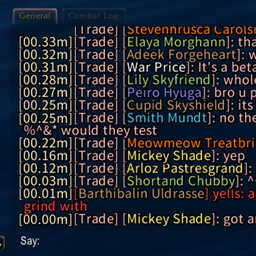
    Hide chat chrome, stack Blizzard chat buttons like classic, and show relative timestamps. Midnight and Forever.

    • 192
    • November 5, 2026
  • Master OLED project image

    Master OLED

    Covers the screen in black with a bouncing AFK message while you are AFK, to help protect OLED screens, on the default UI.

    • 59
    • October 28, 2026
  • Master Dialog project image

    Master Dialog

    A wider, cleaner quest window with side-by-side text and rewards, a best-value reward highlight, and on-the-fly font and parchment controls.

    • 82
    • November 5, 2026
  • Master Scale project image

    Master Scale

    Scale the in-game interface from 0.50 to 1.50 without affecting the login and character select screens.

    • 107
    • November 5, 2026
  • Master Chat project image

    Master Chat

    Hide chat chrome, stack Blizzard chat buttons like classic, and show relative timestamps. Midnight and Forever.

    • 192
    • November 5, 2026
  • Master OLED project image

    Master OLED

    Covers the screen in black with a bouncing AFK message while you are AFK, to help protect OLED screens, on the default UI.

    • 59
    • October 28, 2026