FlashCD - Forever
- By
Flashes your spell icons on screen when their cooldowns are ready. Groups, presets and sharing included.
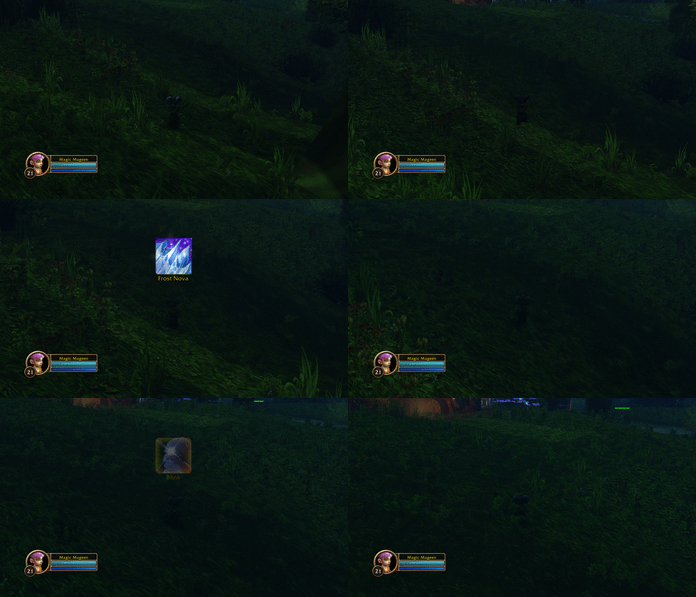
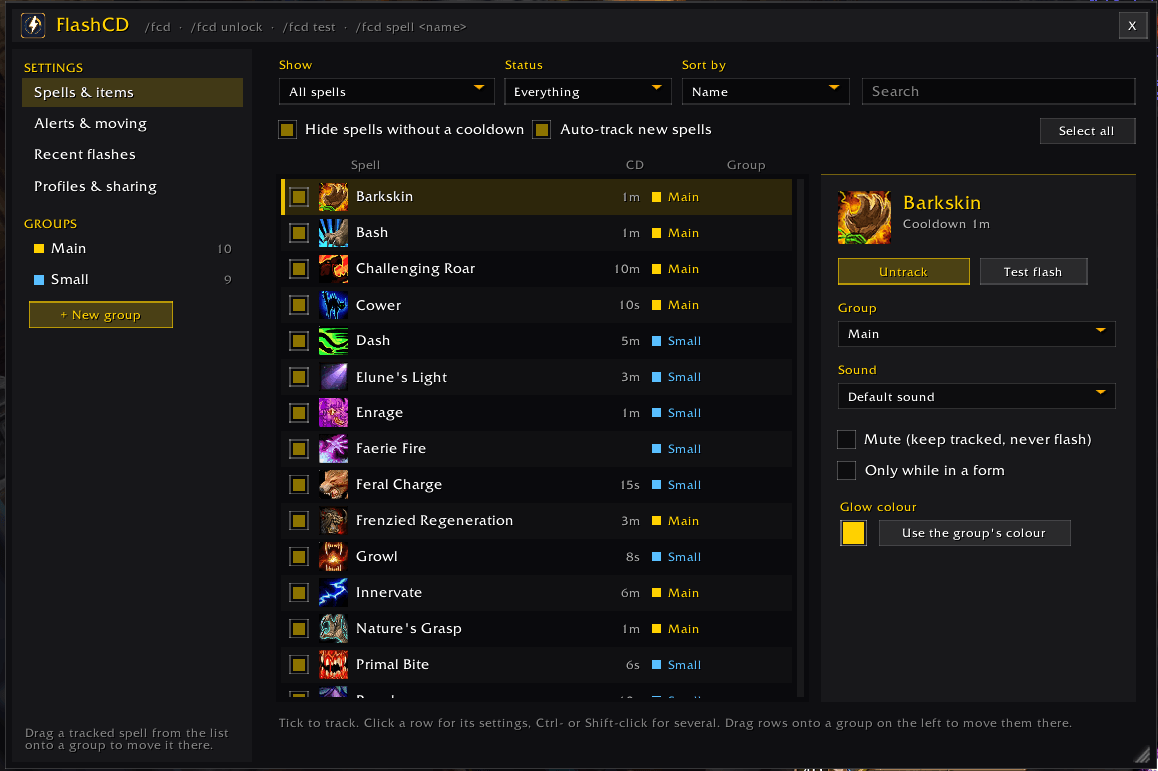
Spells.png
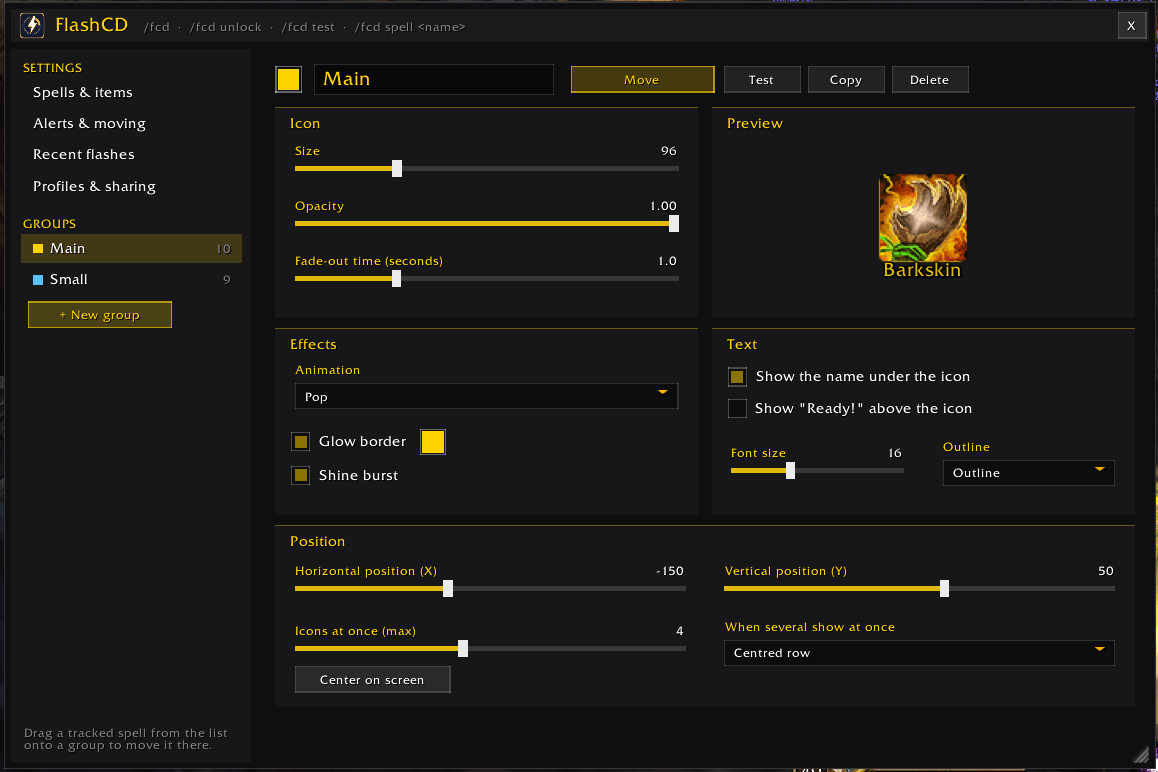
Custom.png
Movinggrid.png
Welcome.png
Description
FlashCD
FlashCD shows a spell's icon in the middle of your screen the moment its cooldown is ready. No more glancing down at your action bars to see if Barkskin or your trinket is back. The icon pops up, fades out after a second, and you get on with the fight.
It works right away
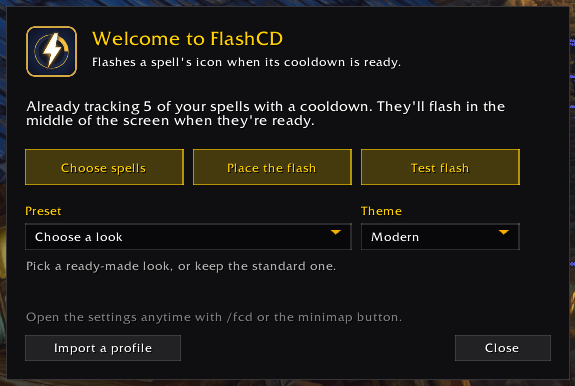
Install it and log in. FlashCD finds every spell in your spellbook that has a cooldown and starts tracking it, so there's nothing you have to set up. The first time you log in, a small welcome window lets you pick spells, place the flash, try a ready-made look or import a friend's settings.
What you can do
- Pick your spells. Tick the spells that should flash, untick the ones that shouldn't. A spell you untick stays unticked, even when you learn a new rank. Usable items like trinkets and potions work too.
- Groups. Put your big cooldowns in a large icon in the middle and the rest in a row of small icons underneath, or set it up any way you like. Up to ten groups, each with its own size, place and look.
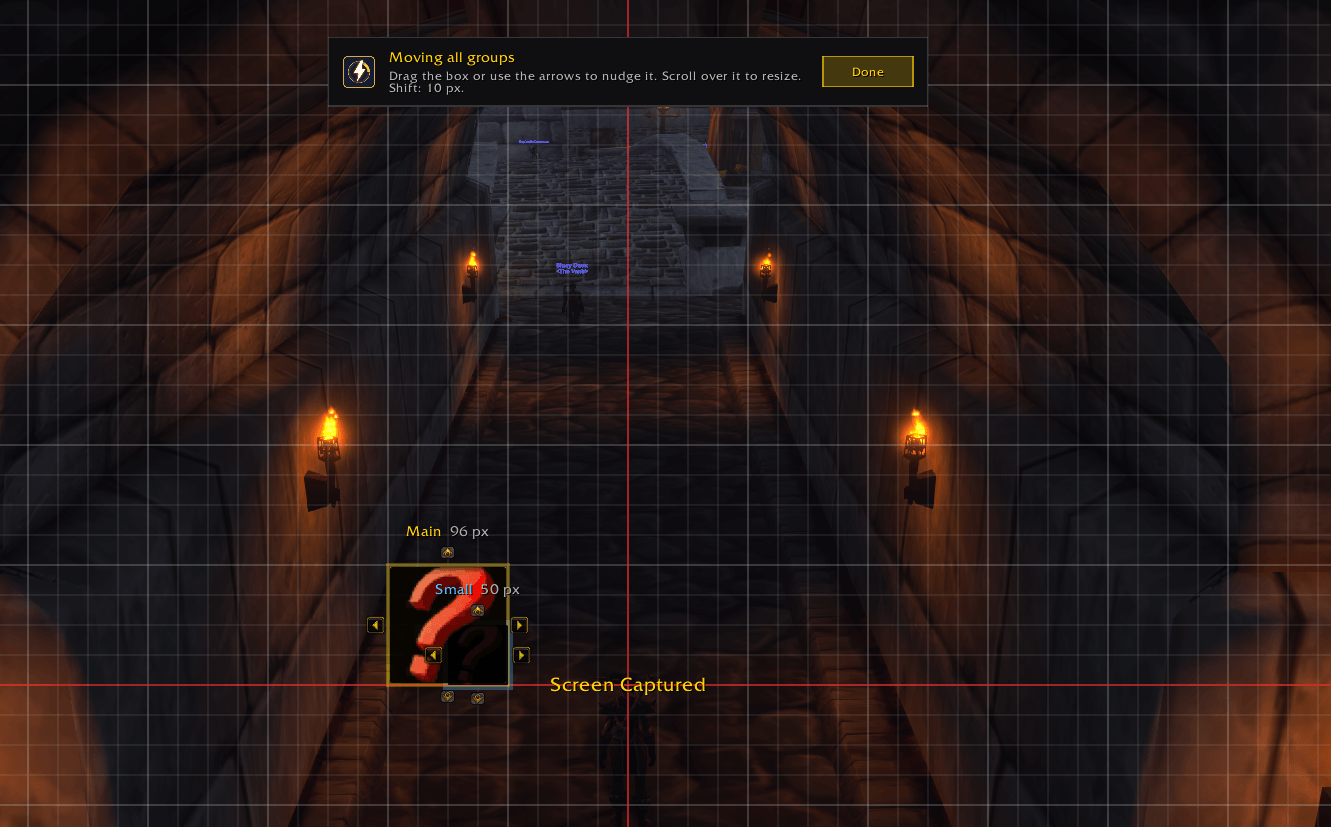
- Place it anywhere. Drag a group's box where you want it, nudge it a pixel at a time with the arrows, and scroll over it to change the size. This works in combat too.
- Make it yours. Several animations, a glow border in any colour, a shine effect, the spell name, a "Ready!" label, and a sound if you want one. Every spell can have its own sound and glow colour.
- Presets. Start from a ready-made look: Standard, Minimal, Big and bold, Big and small, or a column on the left or right of your character. Hover one to see it before you pick it.
- An early warning. Optionally, a grey "Soon" flash a few seconds before a cooldown is ready.
- Only when it matters. Flash only in combat, ignore short cooldowns, skip spells your current form can't cast, or set a spell to flash only in a form, or only in one form like Cat Form.
- Profiles and sharing. Each of your characters has a profile under its own name, and you can save copies to keep several setups. Export your settings as a line of text and send it to a friend; you choose what to share, even just the positions. Undo puts things back if you change your mind.
- See why. If a spell didn't flash, the Recent flashes page tells you why.
Commands
/fcdopens the settings (so does the minimap button)/fcd unlocklets you move all groups at once/fcd testshows a test flash/fcd spell <name>tells you what FlashCD knows about a spell, if it isn't flashing the way you expect/fcd resetputs the settings back to default (your tracked spells are kept)
Good to know
- The game hides cooldown timers in combat. FlashCD works around that, so your spells still flash when it counts.
- Wand and ranged shots briefly lock all your spells. FlashCD can tell that apart from a real cooldown, so you won't get a screen full of icons every time you shoot.
- Some spells only have a cooldown in a form, like Faerie Fire in bear form. FlashCD picks those up the first time you use them.
- Items used and ready again within the same fight may not flash, because the game hides their timers in combat.
- Settings are saved per character. A new character starts with the settings of the last one you played.
Feedback
Found a bug or have an idea? Open an issue on GitHub. If something isn't flashing, the output of /fcd spell <name> helps a lot.
FlashCD - Forever Team