OneButtonHUD
- By
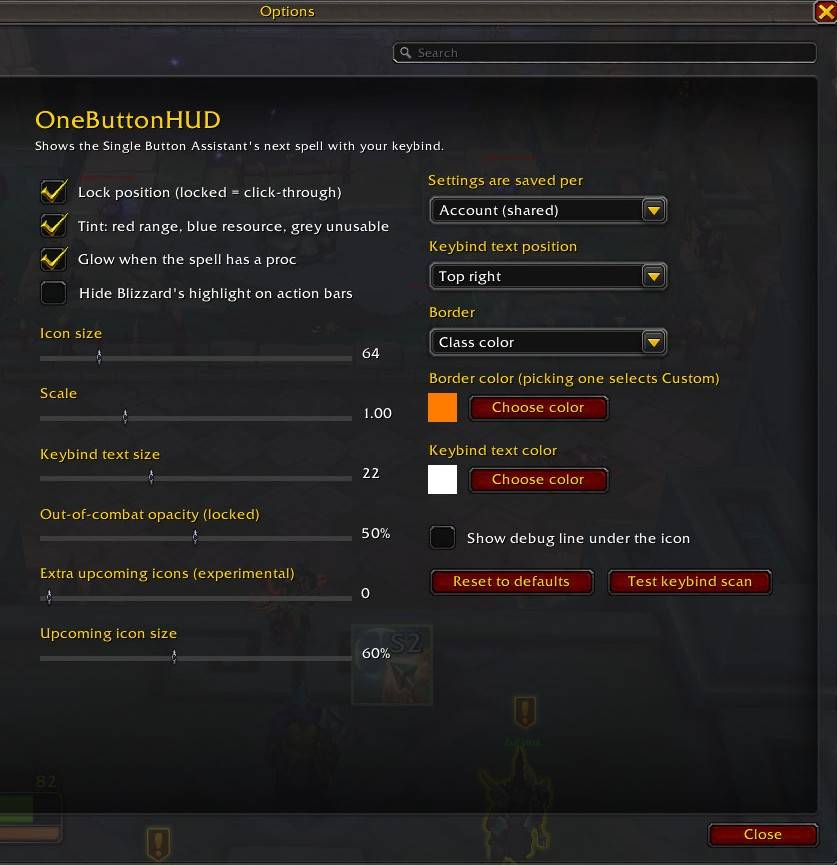
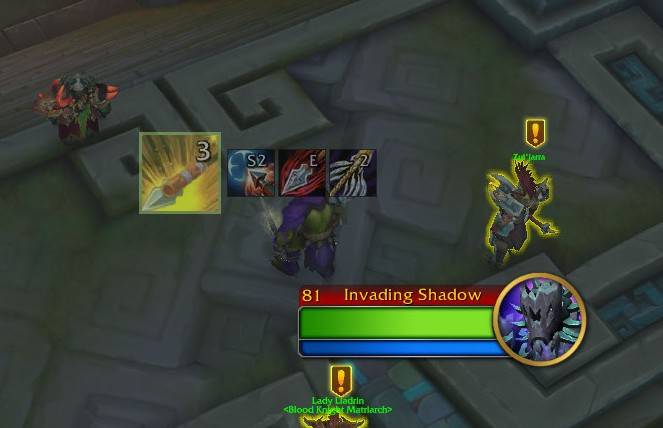
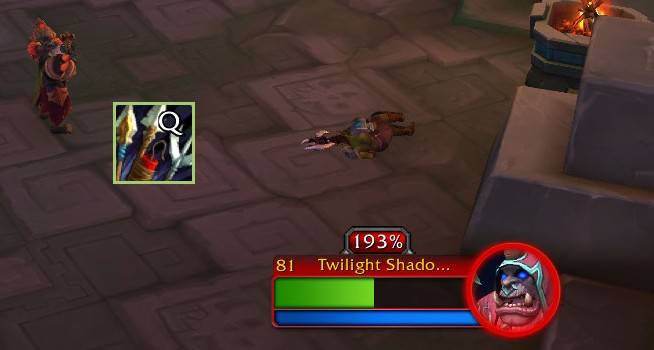
Shows the spell Blizzard's one-button assistant wants you to cast next, with your own keybind on the icon. Movable, with GCD swipe, proc glow and a settings window.
WoWScrnShot_101726_163850.jpg
WoWScrnShot_101726_164145.jpg
WoWScrnShot_101726_163823.jpg
Description
OneButtonHUD
Shows the spell the Single Button Assistant is recommending as a small icon on your screen, with the key you've bound it to on top. Handy if you want to see what to press and learn your keys, instead of hunting for the highlighted button on your bars.
It only shows what Blizzard's assistant suggests. It doesn't work out a rotation by itself.
What it does
- Shows the next spell with a cooldown/GCD swipe
- Tints red when you're out of range, blue when you're out of resource, glows on procs
- Optional icons for the next few spells (experimental)
- Move and resize it, change the key text and border, fade it out of combat
- Settings can be shared, per character, or per spec
Setup
1. Turn on Assisted Combat in the game options.
2. Type `/obh` to open the settings.
3. `/obh unlock` lets you drag the icon where you want it. Lock it again when you're done.
If the key shows up blank, type `/obh debug` and send me the line it shows under the icon along with your bug report. `/obh dump` is useful too.
OneButtonHUD Team