Epoch UnitFrames
- By
Epoch Unit Frames lets you shape your unit frames directly in a visual designer. Modular unit frames with a visual designer, dark mode and compact raid layouts.
01-dark-mode-and-threat[1].png
02-visual-designer[1].png
03-integrated-protection[1].png
04-modular-frame-switches[1].png
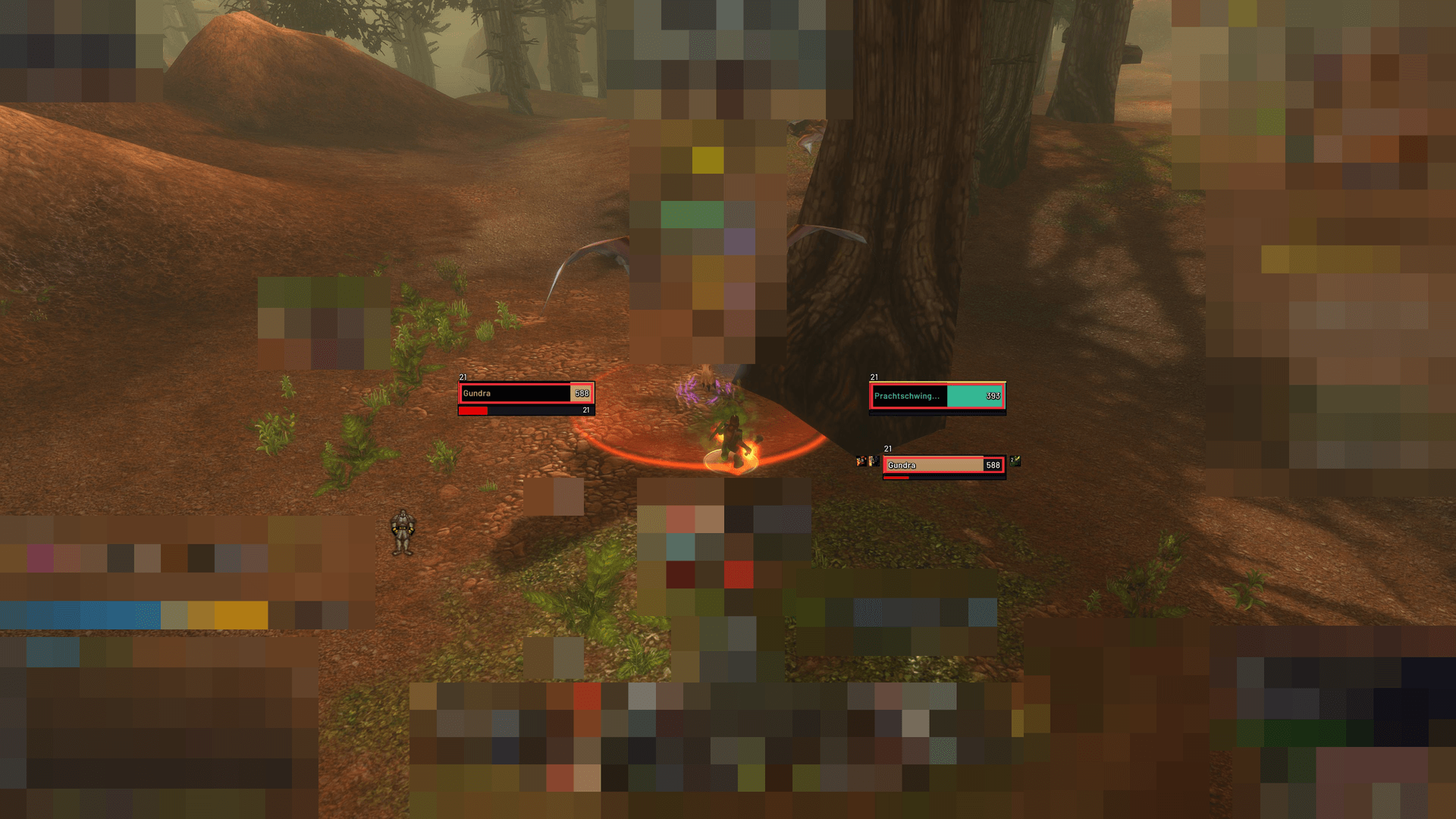
05-gameplay-context-pixelated[1].png
Description
Epoch Unit Frames
Modular unit frames with a visual designer, dark mode and compact raid layouts.
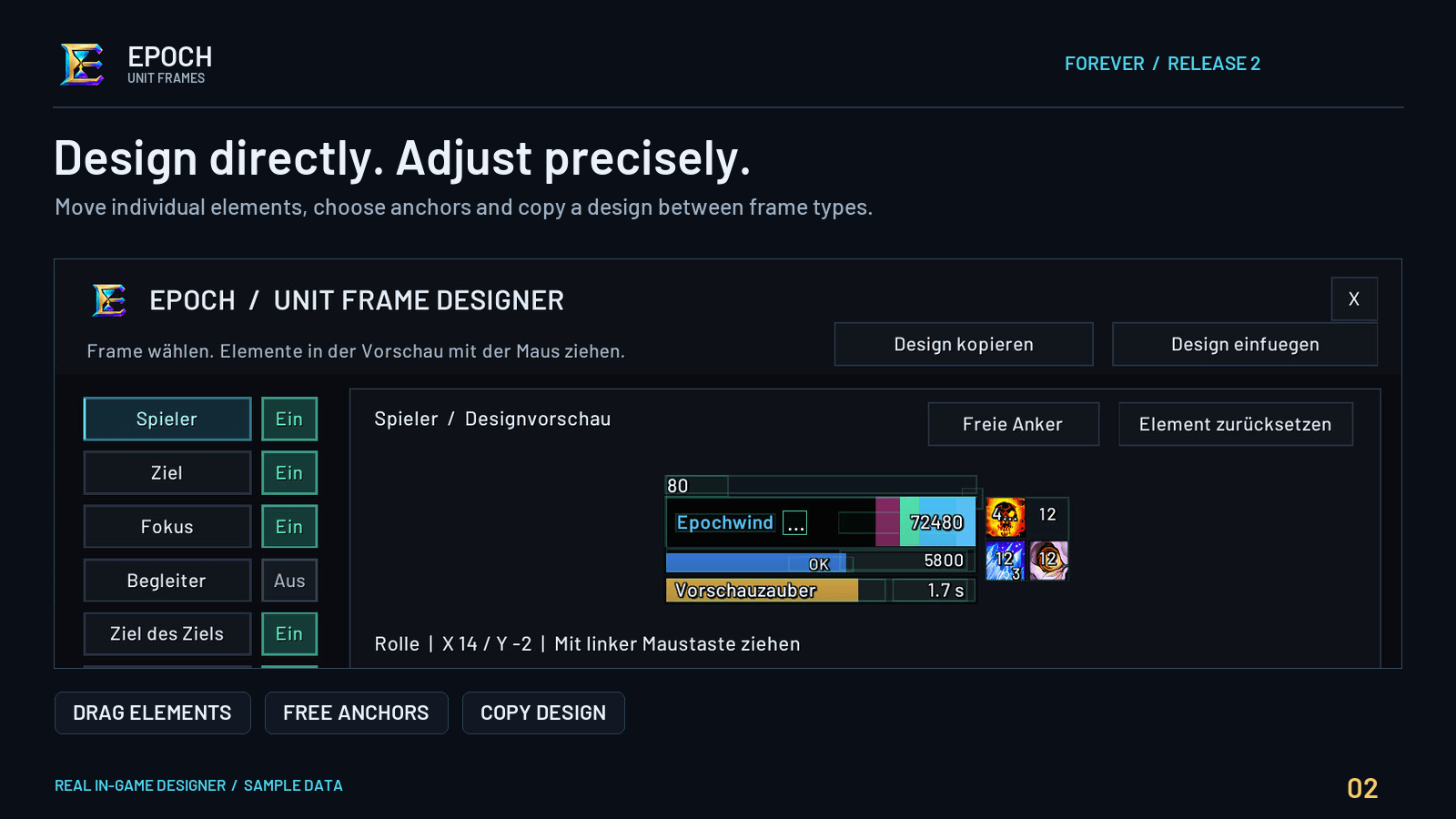
Build your own layout by dragging individual elements, entering exact coordinates and choosing custom anchors. Settings, messages and diagnostics are in English.
Features
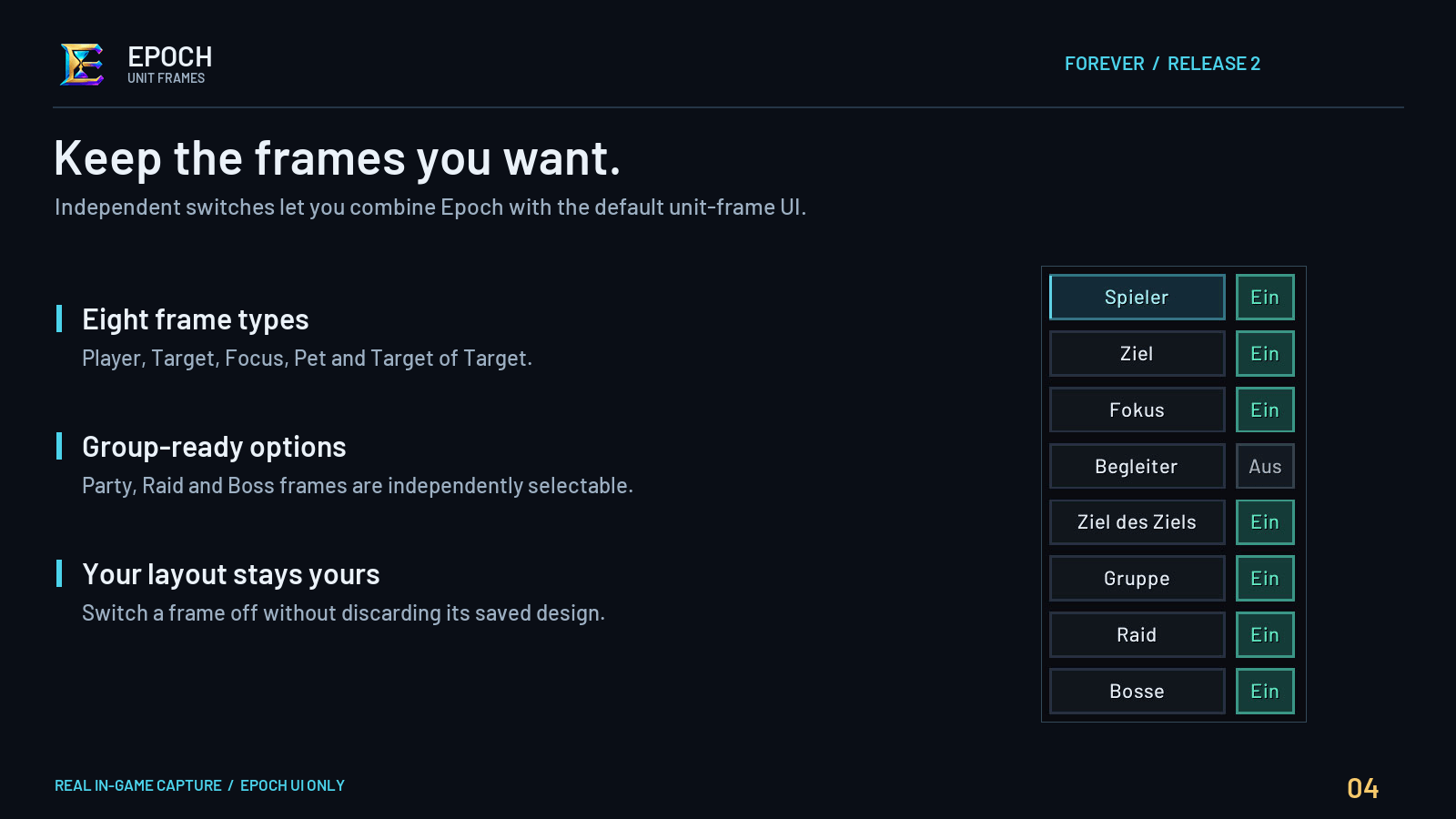
- Player, target, focus, pet, target-of-target and party frames.
- Up to 40 raid frames, native raid subgroups 1–8 and optional boss frames.
- Health, power and cast/channel bars with configurable text.
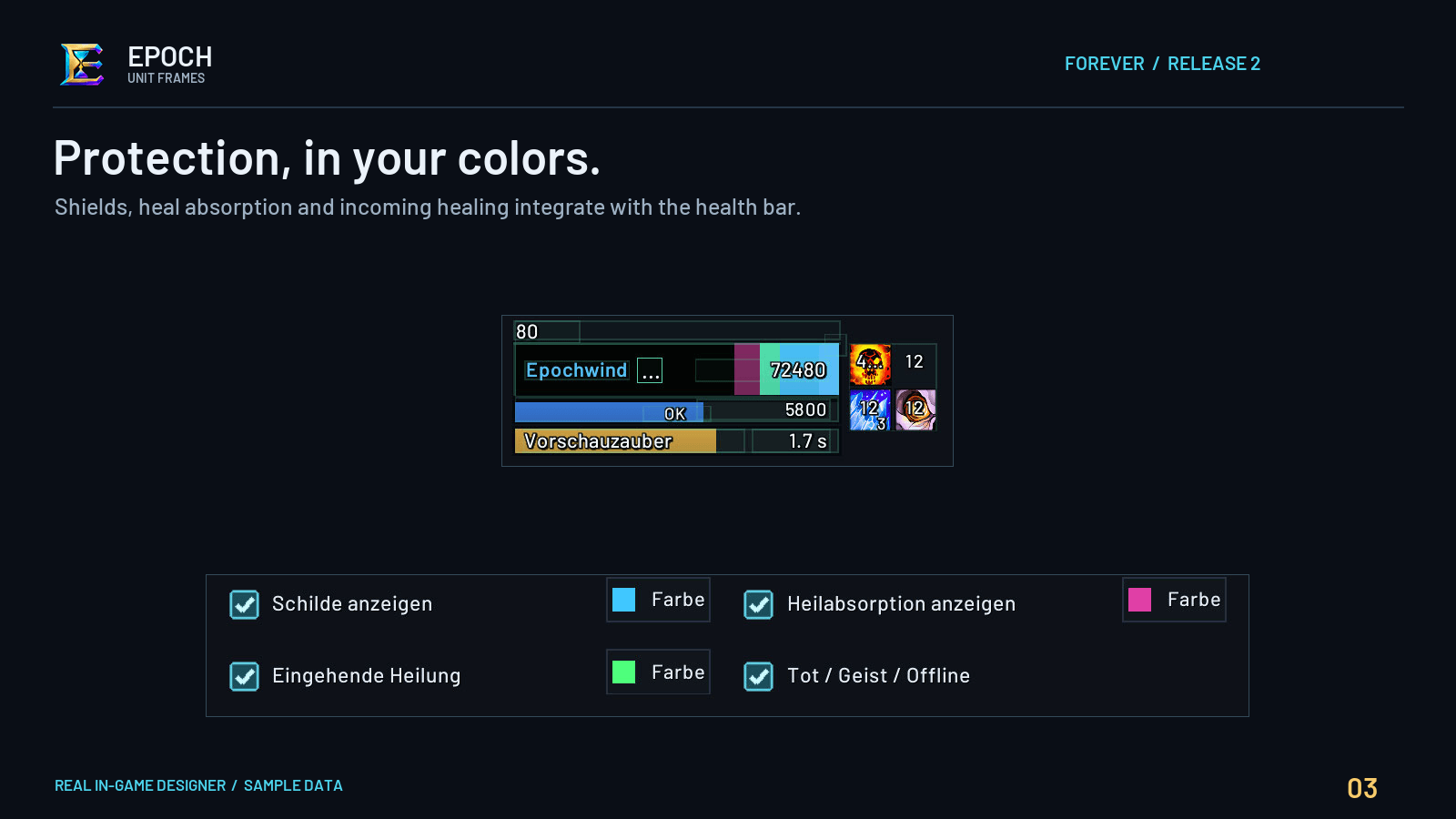
- Absorbs, heal absorbs and incoming healing inside the health bar, with adjustable colors.
- Separate buffs and debuffs with independent positions, sizes, spacing, growth directions and timer/stack text.
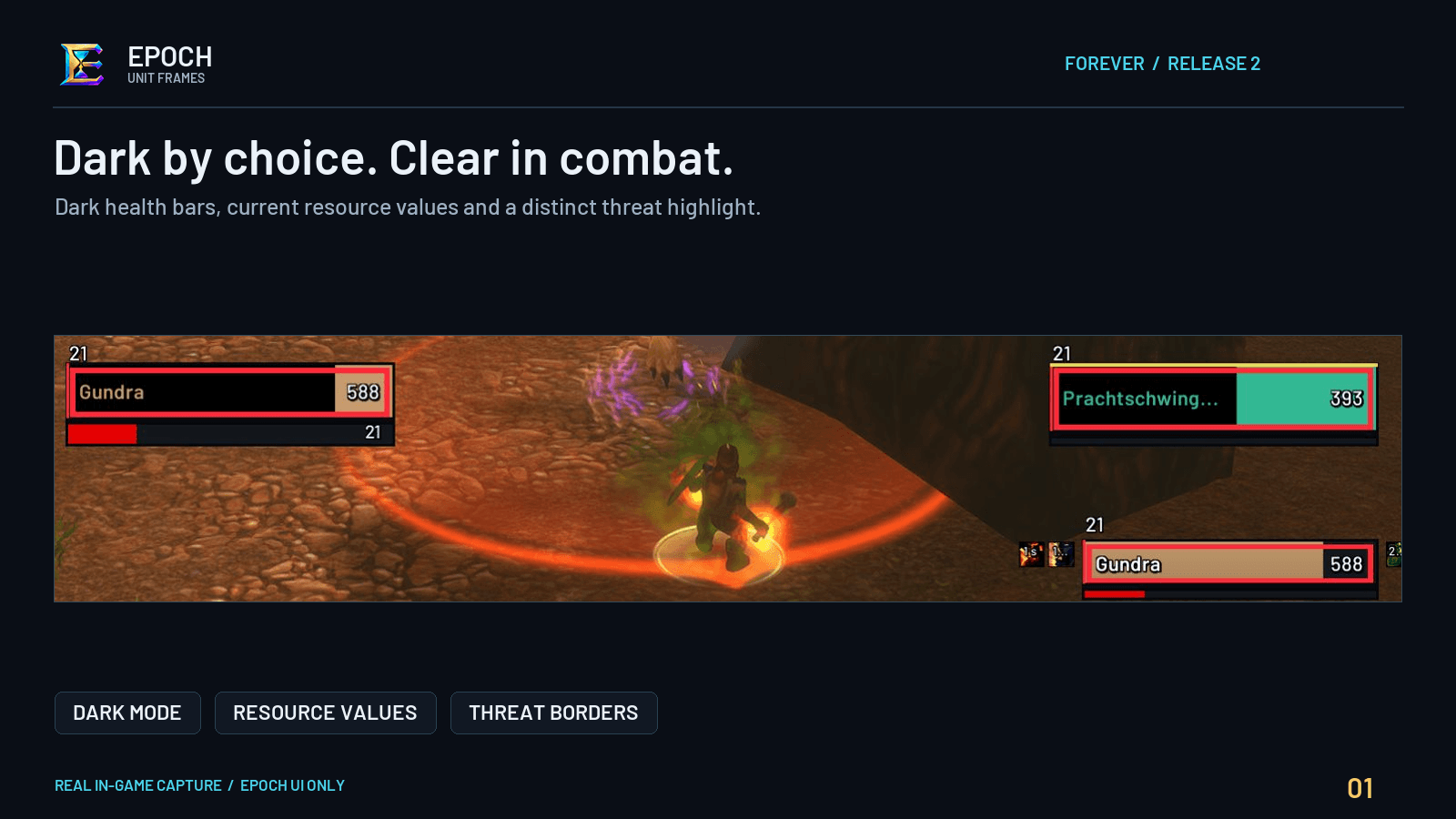
- Optional dark mode: current health is black; missing health reveals class color. Class-colored names are separately configurable.
- Visual module editor, free anchors, direct X/Y input and design copying between frame types.
- Compact raid preset, adjustable row/column gaps, layout simulations, alignment grid and snapping.
- Role, ready-check, raid/target/threat indicators and native range fading where available.
- Minimap access, copyable diagnostics and protection details inside the standard unit tooltip.
Supported versions
| Client | Game version | Addon version |
|---|---|---|
| Retail | 12.1.5 | 12.1.5-alpha.1 |
| Forever | 1.60.1 | 1.60.1-alpha.1 |
Download the file matching your client. Addon versions follow the game-version prefix, with separate revisions for addon updates.
Getting started
/epochor/euf— open the designer./epoch unlock— arrange your layout./epoch lock— finish editing./epoch grid— configure alignment and snapping./epoch status— open copyable diagnostics.
For a smaller raid layout, choose Raid → Layout → Raid groups / layout → Compact raid preset.
Settings are saved per character. Existing Epoch settings are preserved. No external addon library is required.
Alpha status
Both files are Alpha builds. Automated Lua tests and API checks are available; live combat/raid verification of these English builds is still pending.
Layout changes are made out of combat. Aura support depends on native client APIs; affected Blizzard frames are restored if native aura display is unavailable.
For bug reports, include /epoch status, any Lua error and steps to reproduce the issue in the project comments.
Epoch UnitFrames Team