Coordinates Tracking
- By
A lightweight WoW addon that displays player and World Map cursor coordinates on-screen, on the World Map, or through LibDataBroker.

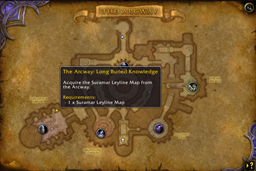
On Screen with Zone Name

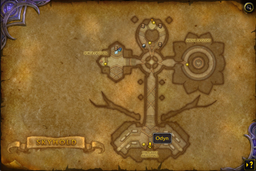
On Screen without Zone Name
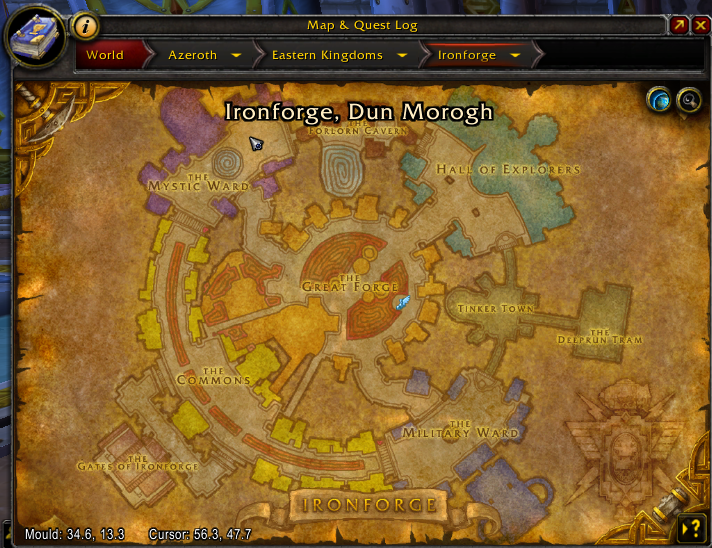
Coordinates on World Map
Description
About Coordinates Tracking
Coordinates Tracking is a lightweight World of Warcraft addon that displays your current map coordinates on-screen and on the World Map.
It is designed for players who want clear, configurable coordinate information for exploration, questing, gathering, farming, travelling, and following map-based guides.
Features
On-Screen Coordinates
Coordinates Tracking provides a movable on-screen coordinate frame that shows your current position.
- Drag the frame to any position outside combat.
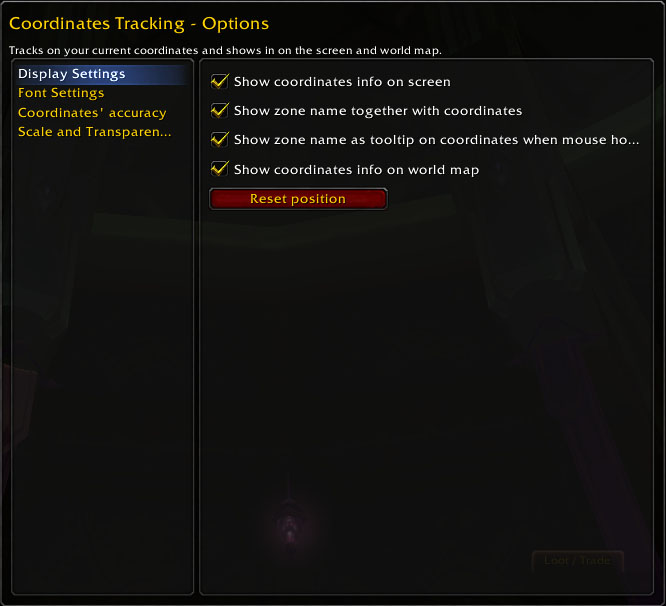
- Right-click the frame to open the options panel.
- Reset the frame position from the options panel if it is moved off-screen.
- Optionally show your current zone name alongside the coordinates.
- Show the zone name in a tooltip when the zone-name display is disabled.
World Map Coordinates
The World Map can display:
- Your current player coordinates.
- The coordinates beneath the mouse cursor.
This makes it easier to follow coordinate-based guides, locate points of interest, and share map locations with other players.
LibDataBroker Support
Coordinates Tracking supports LibDataBroker (LDB).
If you use a compatible LDB display addon, you can show coordinate information in its panel and disable the on-screen coordinate frame for a less cluttered interface.
Appearance and Precision
Customize the coordinate display to suit your interface:
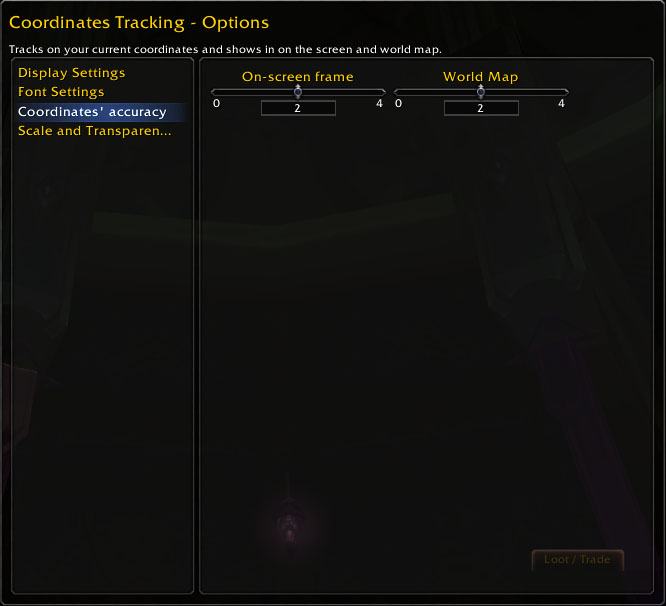
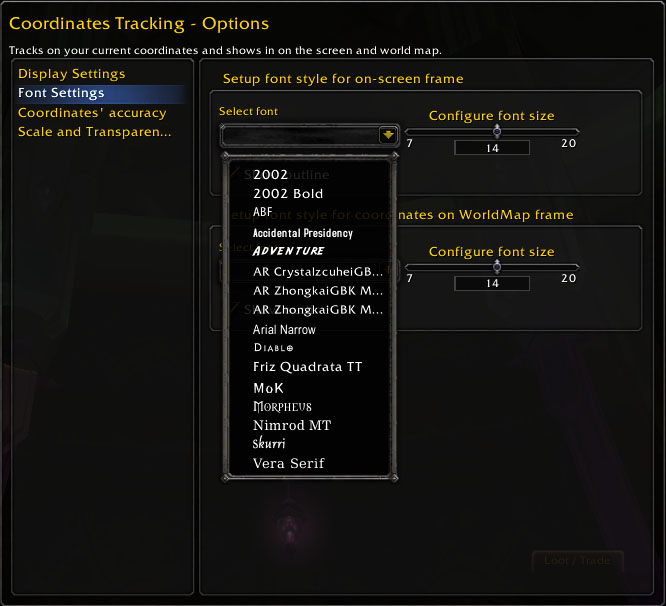
- Font face, size, color, and outline.
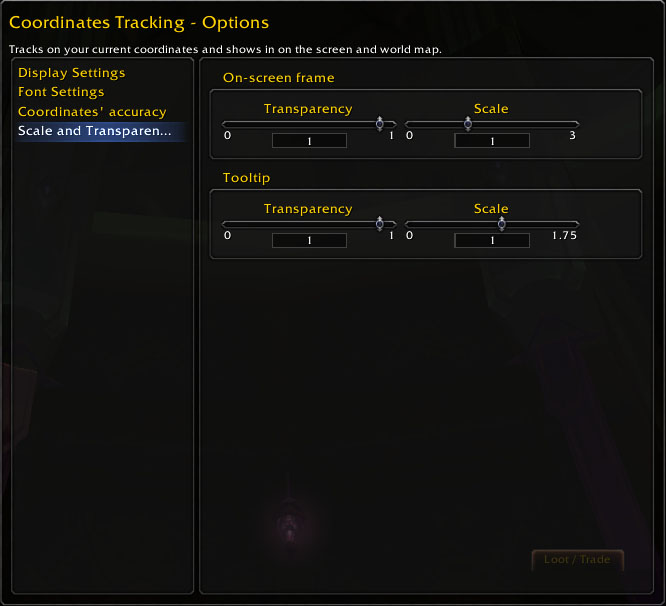
- On-screen frame scale, background, and transparency.
- World Map coordinate font settings.
- Tooltip scale and transparency.
- Number of decimal places shown for coordinates.
Why Coordinates Tracking?
Coordinates Tracking focuses on providing essential coordinate information without adding waypoint navigation, map markers, or unnecessary interface complexity.
It is a straightforward option for players who want to see their position, check World Map cursor coordinates, and customize how that information appears.
Support and Feedback
If you find a problem or have a suggestion, please use the CurseForge comments or the project's issue tracker.
When reporting a problem, please include:
- Your WoW client version and game branch.
- Your game-client locale.
- A description of what happened.
- Steps to reproduce the issue, where possible.
- A screenshot or error message, if available.
Donation
If you find Coordinates Tracking useful and would like to support its maintenance, you may donate through PayPal:

Coordinates Tracking Team

Owner