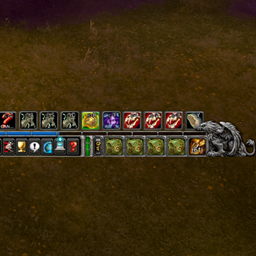
ClassicUI Forever: Standalone Damage Meter Skins
- By
Standalone damage meter skins from ClassicUI Forever, for those that only want the classic looking damage meter skins and nothing else.
ClassicUI Forever: Standalone Damage Meter Skins


The damage meter look from ClassicUI Forever, the full classic 1.x addon suite, on its own.
If you want the full addon (or more than one standalone piece) rather than this standalone, please download ClassicUI Forever's full version instead. It lets you toggle anything you want one by one.
- The game's damage meter windows in the 1.x tooltip rim
- Behind them, the marble, or a class's old talent tree art
From the author of EasyFind, 4th place in the CurseForge 2026 World of Warcraft addon contest.
How it works
Every piece has its own toggle in the options window (/fcui). Turn one off and the game's own look comes back in place. Works on WoW Forever and retail.
One ClassicUI Forever package runs at a time: with the full addon or another standalone enabled, this one stands down and says so in chat. For more than one piece, get the full addon, ClassicUI Forever, and turn off what you do not want.
Commands
/fcui: open the options window./fcui help: list every toggle and command.
Feedback
Bug reports and ideas are always welcome.
- GitHub issues: https://github.com/fallenguards/classicuiforever/issues/new/choose?addon=ClassicUI%20Forever%3A%20Standalone%20Damage%20Meter%20Skins
Links
- GitHub: https://github.com/fallenguards/classicuiforever
- Changelog: https://github.com/fallenguards/classicuiforever/blob/main/CHANGELOG.md
- The full addon, ClassicUI Forever: https://www.curseforge.com/wow/addons/classicui-forever
ClassicUI Forever: Standalone Damage Meter Skins Team

Owner