ClassicUI Forever (Classic UI for Forever AND Retail)
- By
Keep your Classic UI, forever. This is the real ClassicUI Forever (NOT Classic UI for Forever, Classic UI (Forever), Forever ClassicUI, ForeverClassicUI, or even Classic UI Forever), the best Classic UI for WoW Forever.
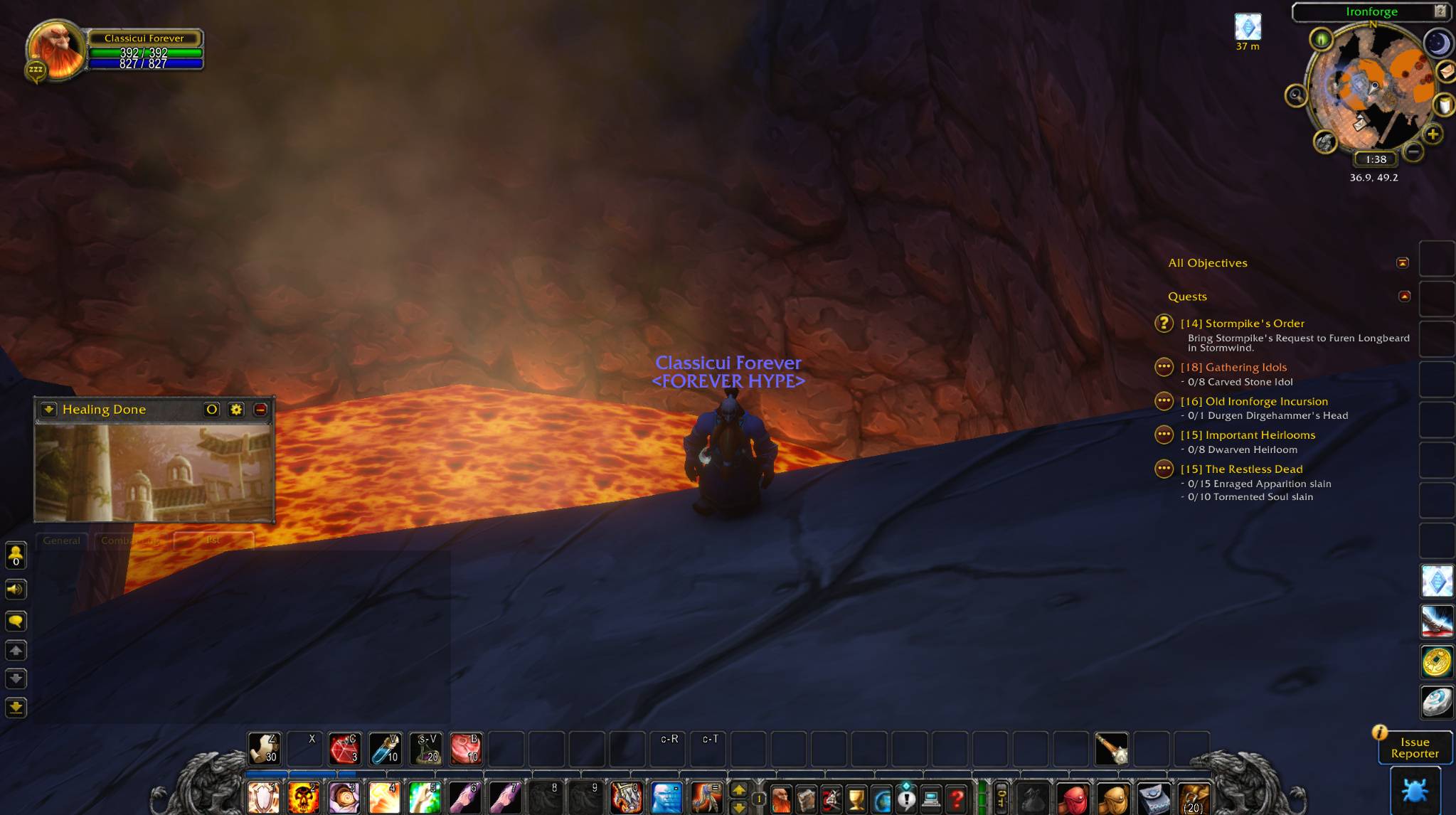
Classic WoW Forever with a classic styled skin (from talent tree art) for the base damage meter.
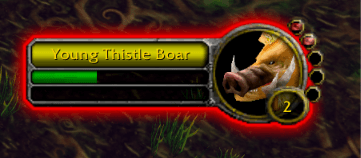
Combo points on target frame.
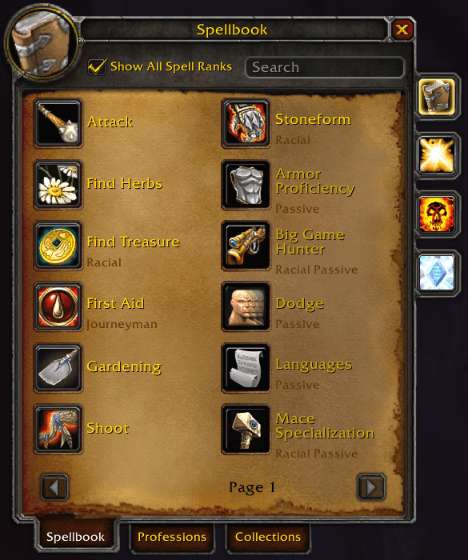
Custom classic-like spellbook with professions and collections tab (since new collections menu in WoW Forever).
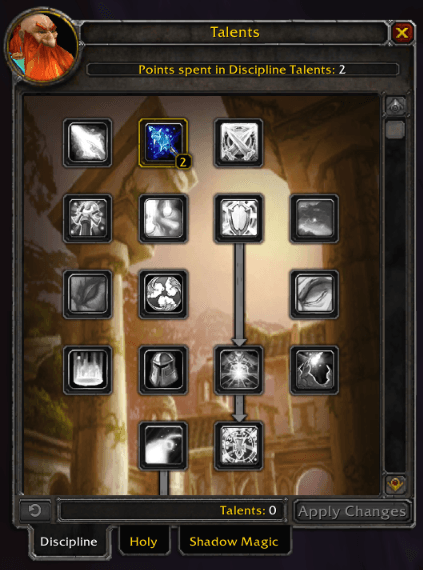
Classic style talents window.
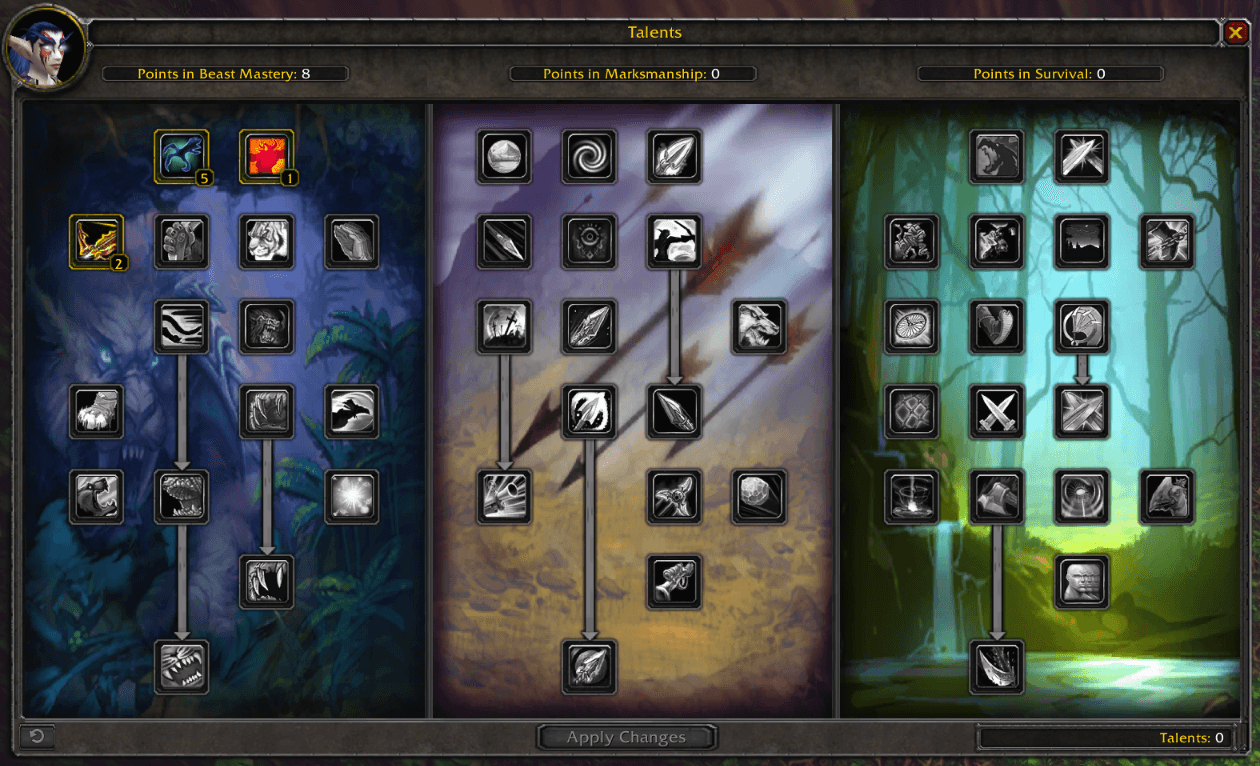
Custom triple pane Classic style talents window. Enable in the addon settings ("/fcui" or click addon button on minimap to find settings).
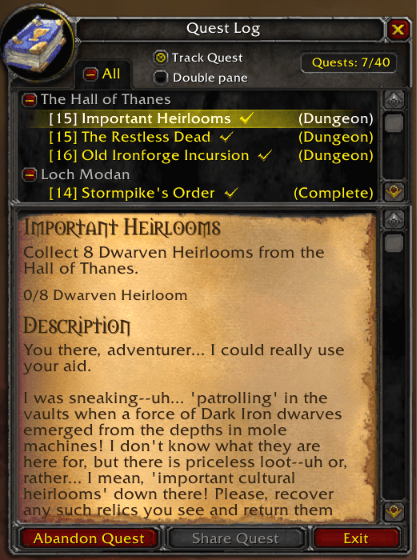
Classic single pane quest log.
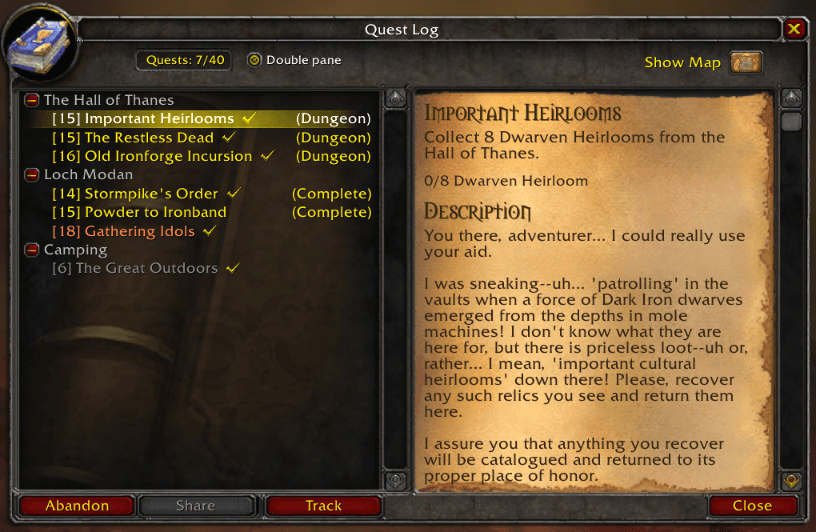
Classic double pane style quest log.
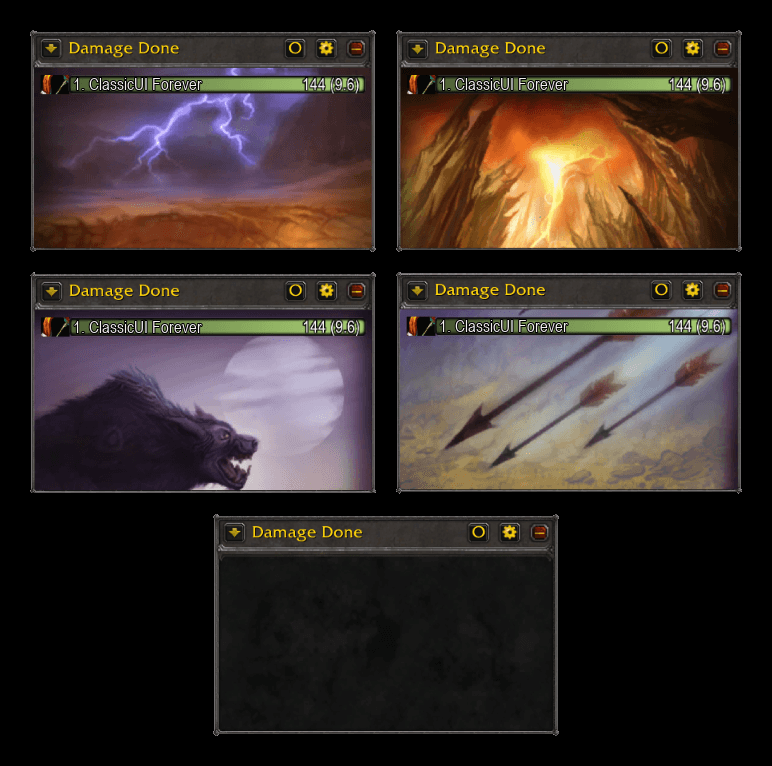
Custom classic-like skin for damage meters
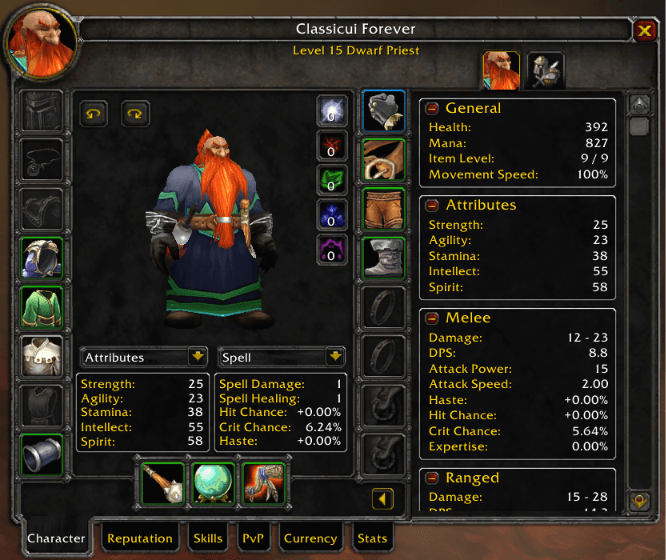
TBC style character window expansion.
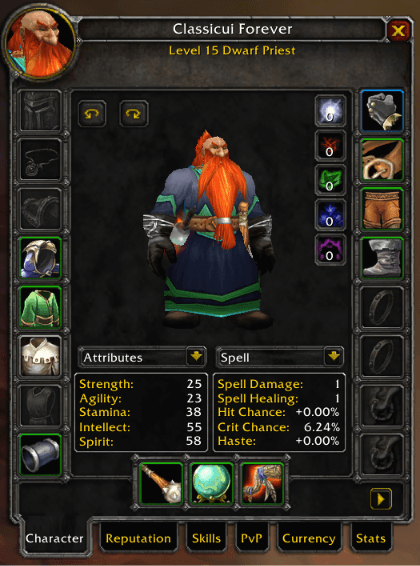
Classic style character panel
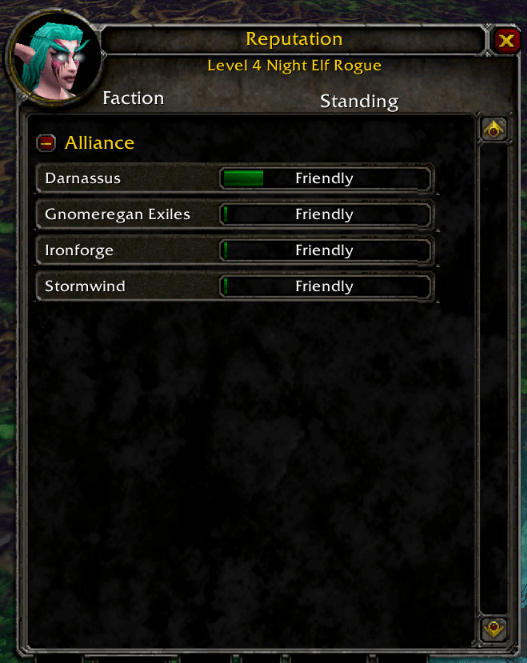
Reputations.
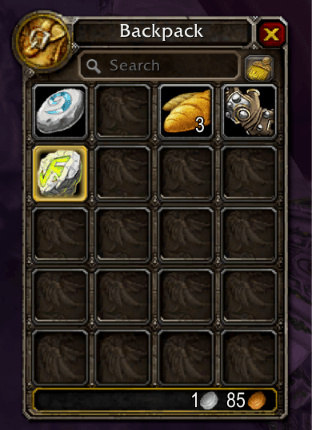
Main backpack.
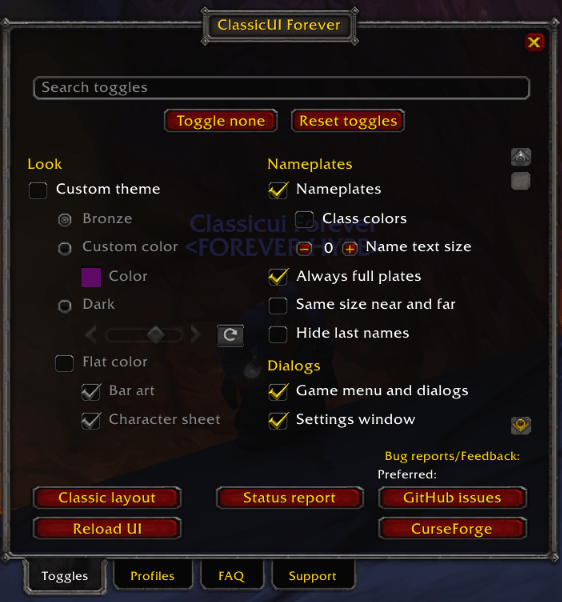
Settings panel. You can customize nearly everything, selecting what you want classic and what you want Forever style.
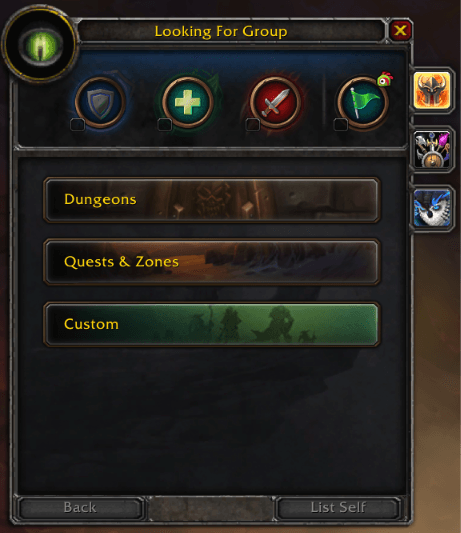
LFG window.
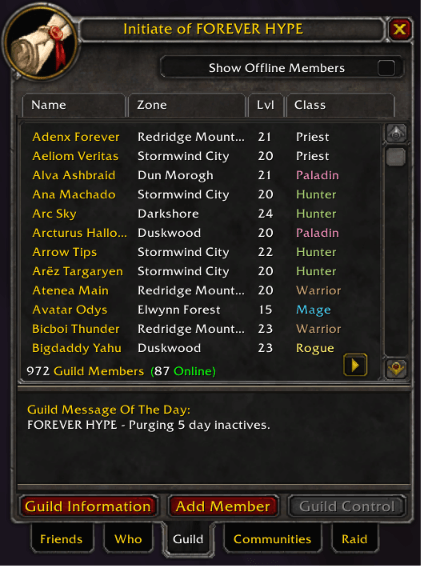
Classic style guild roster window.
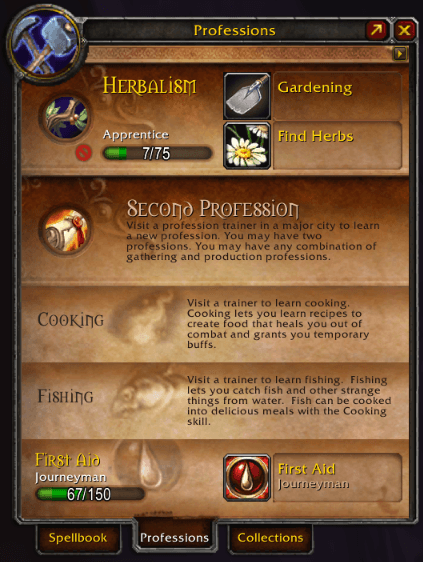
One of the custom professions window styles. If you prefer this to the addon's default, enable in the addon settings ("/fcui" or click addon button on minimap to find settings) by checking "Cataclysm-style book".
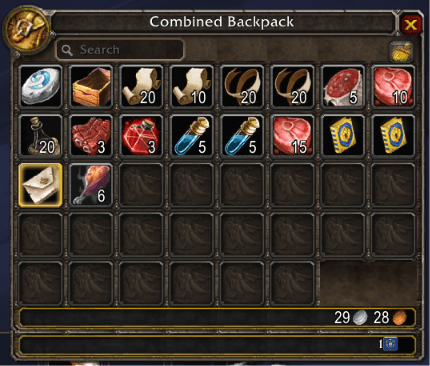
One bag for classic style bags.
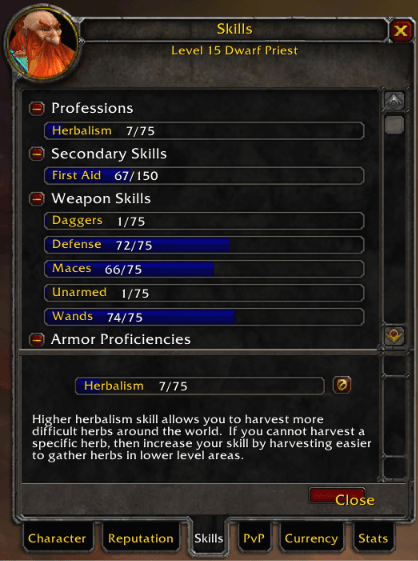
Classic skill frame style.
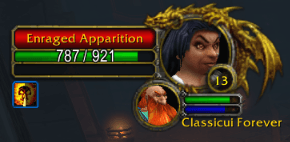
Classic elite frames.
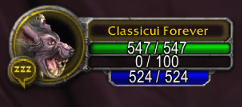
Druid classic frame with mana bar (can be hidden in settings if you don't want it shown).
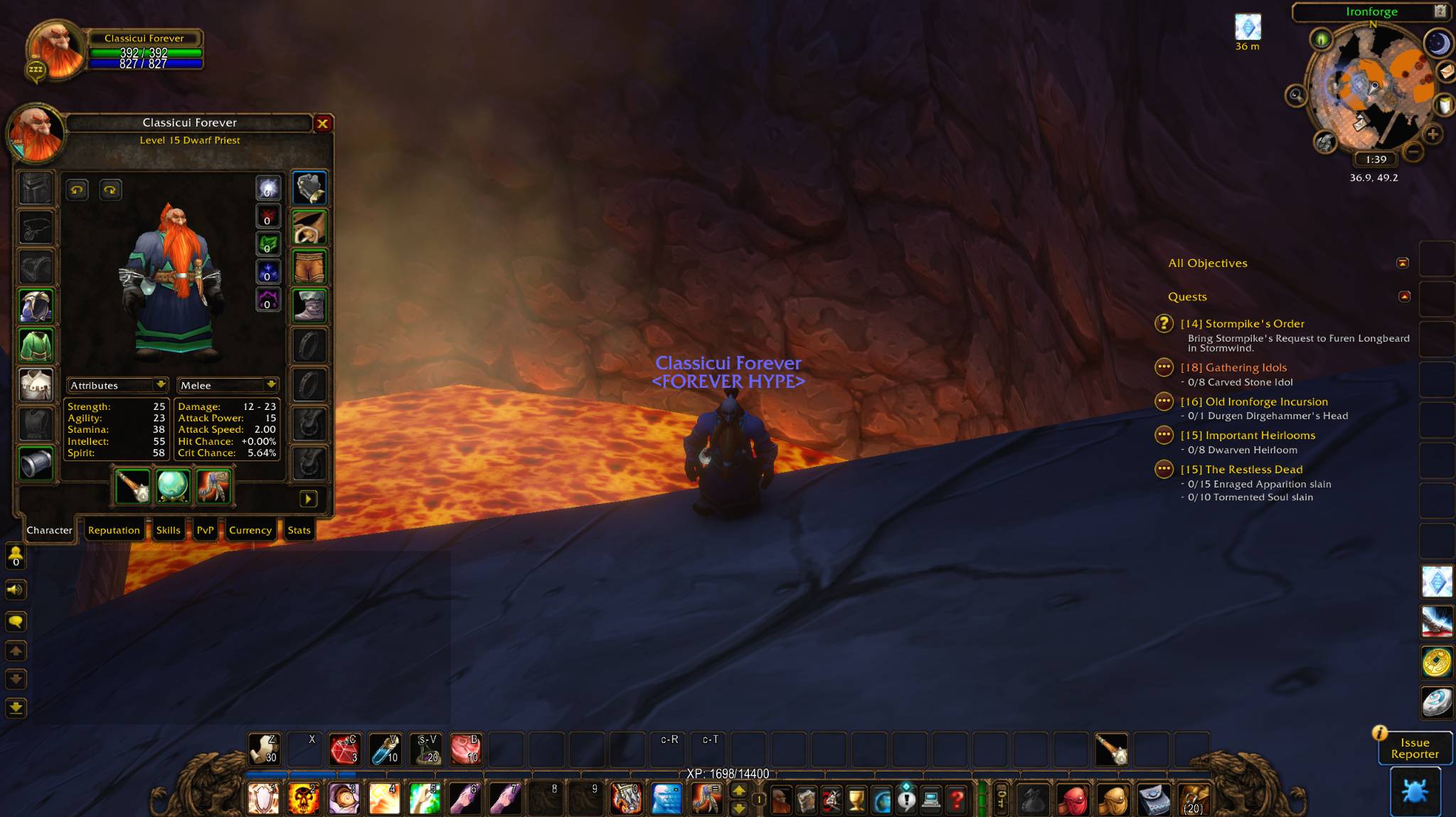
One of the other UI color themes (bronze). Enable in the addon settings ("/fcui" or click addon button on minimap to find settings).
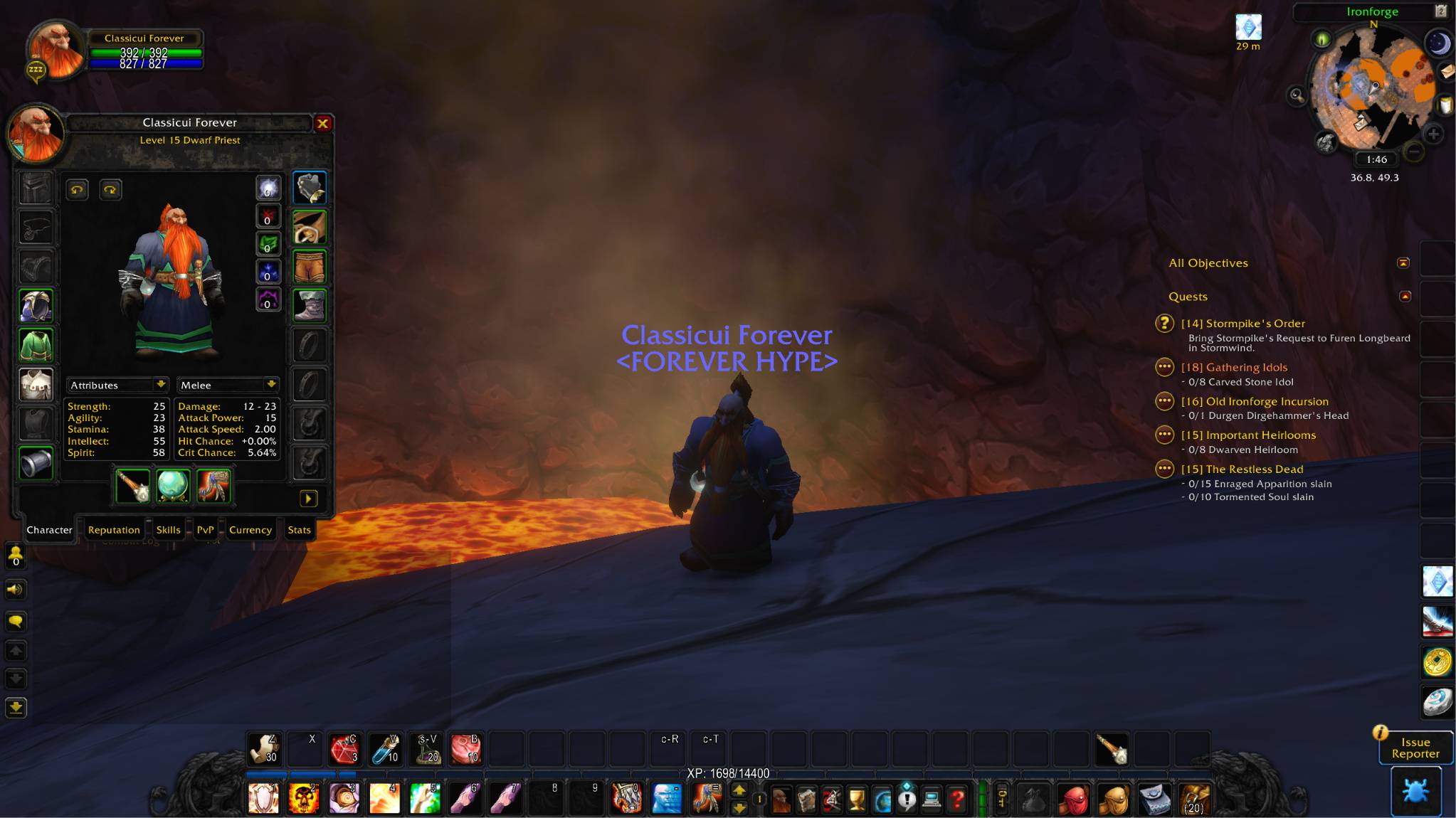
One of the other UI color themes (dark).
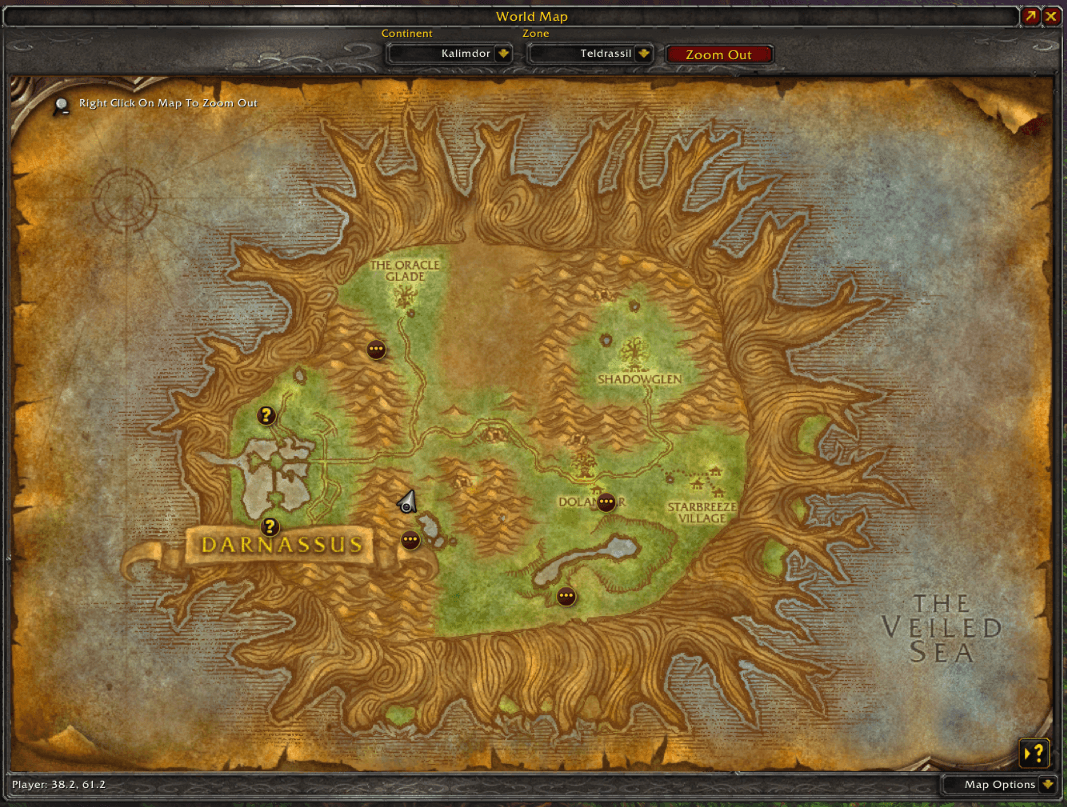
Classic style map.
Custom Classic style/size talents window.
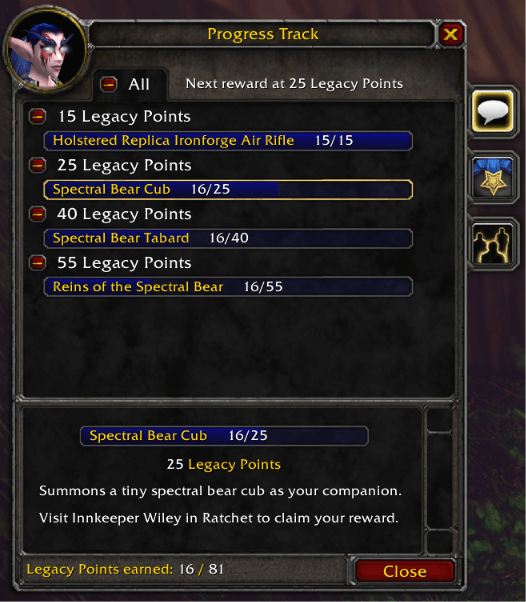
Custom WoW Forever progress track.
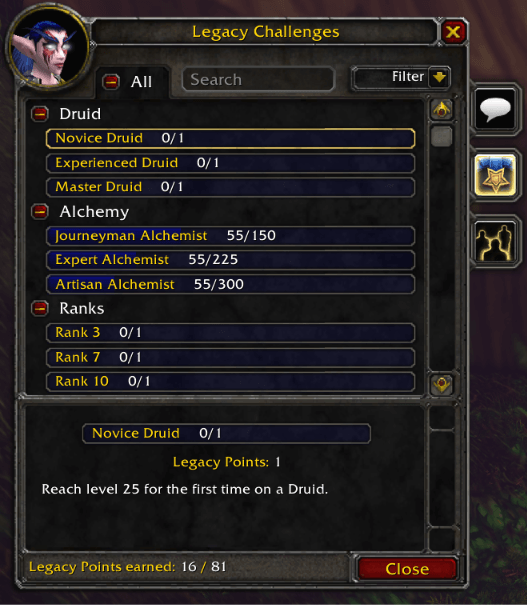
Custom WoW Forever legacy challenges window.
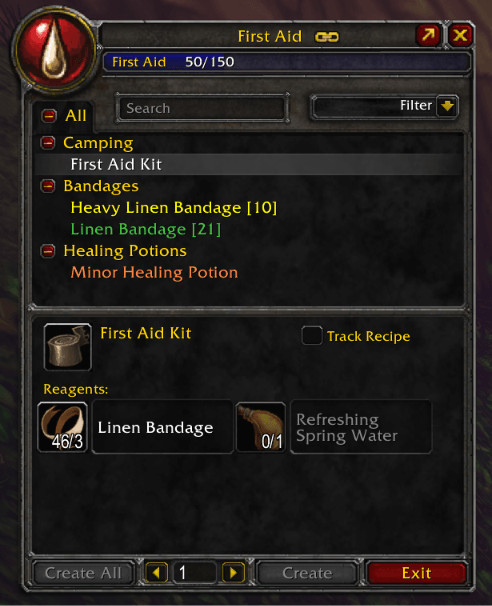
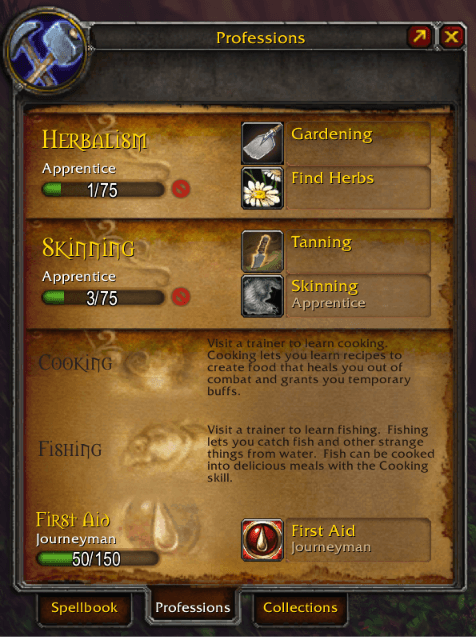
Classic style profession window.
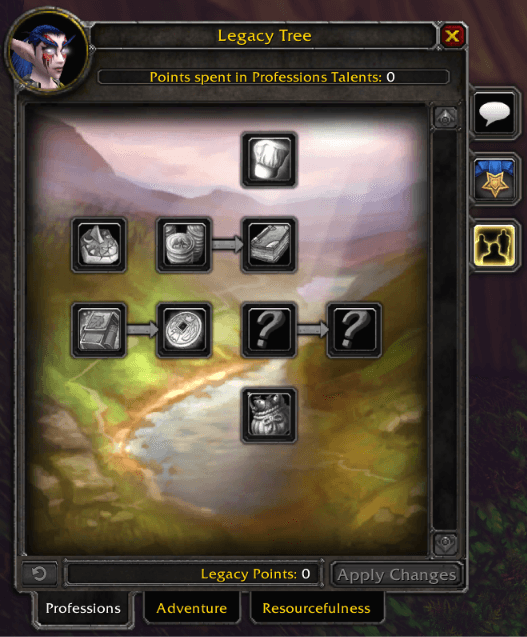
Custom WoW Forever legacy tree window.
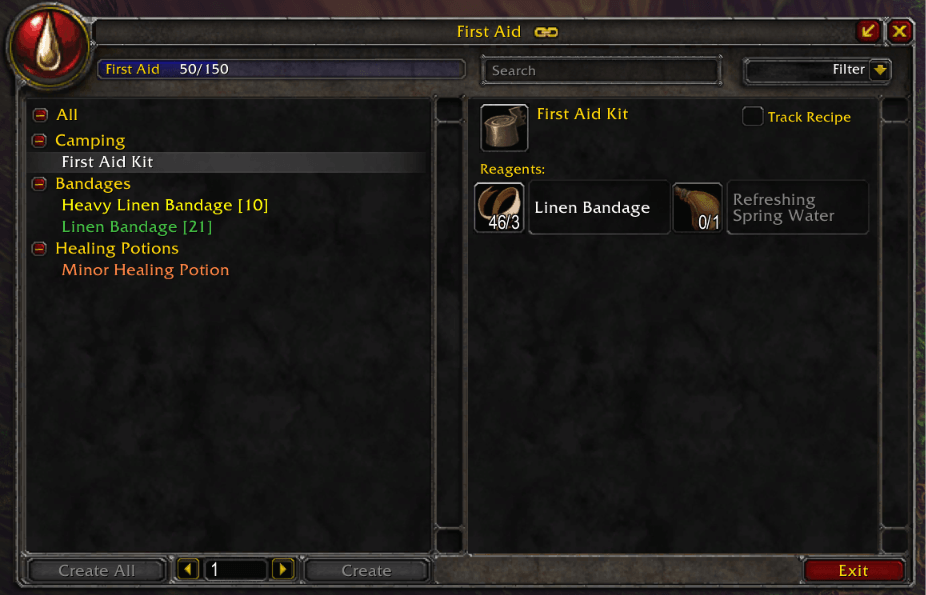
Double-pane Classic style profession window. Enable in the addon settings ("/fcui" or click addon button on minimap to find settings).
Description
ClassicUI Forever


ClassicUI Forever puts the original Classic look back on top of the modern interface in World of Warcraft: Forever. Every piece has its own toggle, so you can keep any of the new stuff you like.
From the author of EasyFind, 4th place in the CurseForge 2026 World of Warcraft addon contest.
What it restores
Bars and buttons
- The main bar with its gryphons and stone band, the micro menu and bags in their old sockets, and the old square buttons.
- Shaded XP and reputation bars, the key ring, and Classic-sized bag slots if you want them.
Unit frames and combat
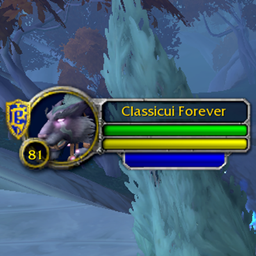
- Player, target, focus, target of target, pet and party frames with the old art, elite dragons and class colors.
- Classic cast bars, combo points, swing timers, the breath and fatigue bars, and classic damage numbers over the mob you hit.
- The 1.x nameplates, with the elite dragon and class colors if you like.
- The game's damage meter in the old look.
Windows
- The 1.x spellbook, quest log and character sheet, with the old reputation, skills, PvP, currency and stats tabs.
- The classic talent window, with an option to show all three trees side by side.
- A classic Legacy window for Forever's Legacy trees, challenges and reward track, also with its three trees side by side if you like.
- The classic professions book, the 1.x trade skill window (or a wider double pane) and the classic trainer.
- The social window with the old friends list, Who list, guild roster and raid tabs, and the group finder dressed to match.
- Classic bags, or one bag for everything, with the reagent bag inside it if you like.
- The classic world map with its quest list, and Era's quest watch.
- The merchant, mail, quest, gossip, trade, bank and loot windows in the old metal border and stone, and the old loot roll frames.
- The game menu and settings as the old dialogs, with the old check boxes, sliders and drop downs.
Minimap and chat
- The round minimap with the old tracking, mail, zoom, calendar and clock spots.
- Micro menu buttons as icons on the minimap ring, and a bag that collects other addons' minimap buttons.
- The old chat look.
Themes
- Dark and Bronze themes for the classic art, and a flat color look.
Move and size your windows
Unlock any window with the lock in its title bar, drag it anywhere, size it from its corner grip, and click reset to put it back. Reset windows in the options puts every window back at once. Windows open side by side as they did in Era.
An optional classic edit mode layout, offered on first login, puts the bars where 1.x kept them. Your current layout and keybinds are left alone.
How it works
Every piece is a checkbox in the options window (/fcui) or in the game's Settings. Turn one off and the modern look comes back in place. The art is read from the game client, with bundled copies of the original Classic files as a fallback for the pieces the client no longer ships.
The addon also loads on retail, for the pieces retail has.
Commands
/fcui: open the options window./fcui help: list every toggle and command./fcui welcome: show the welcome note again./fcui status: a status report to paste into a bug report.
Feedback
This addon is a work in progress. If something looks wrong, say so; every report helps.
- GitHub issues (preferred): https://github.com/wowaddonmaker/classicuiforever/issues/new/choose
- CurseForge: https://www.curseforge.com/wow/addons/classicui-forever
Links
ClassicUI Forever (Classic UI for Forever AND Retail) Team

Owner