Fallen's UI Color Picker (Dark, Bronze, or Custom) Forever and Retail
- By
Recolor your entire UI. Dark mode, bronze theme like Forever, or even a completely custom color of your choosing.
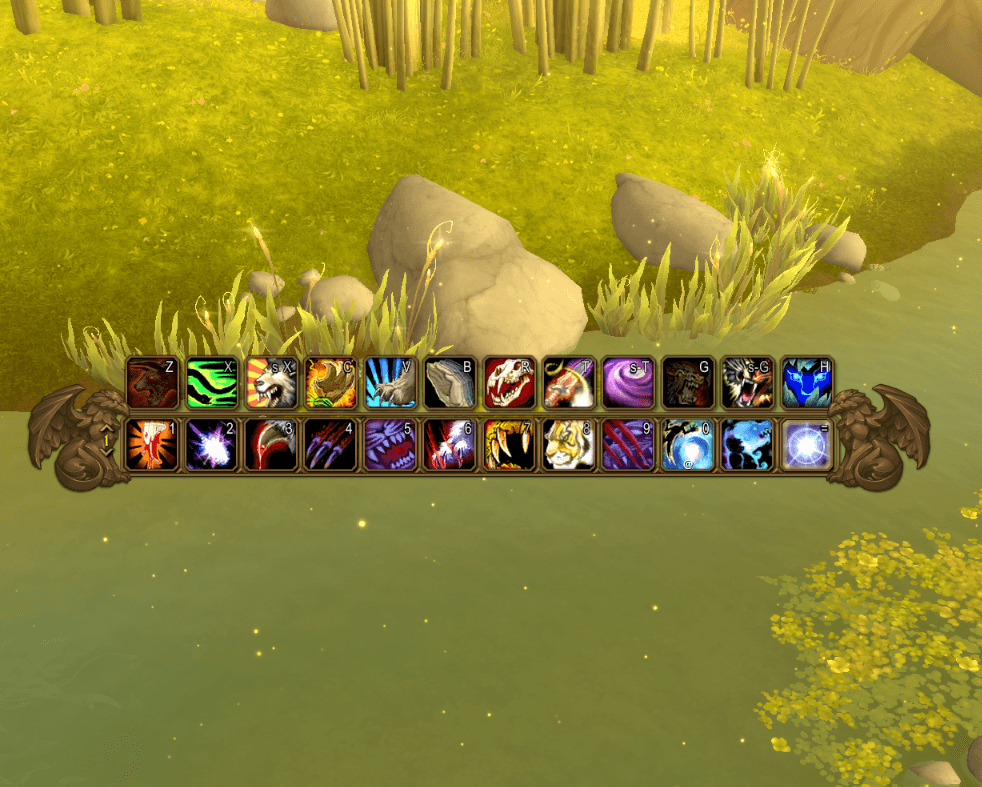
Example of action bar bronze theme.
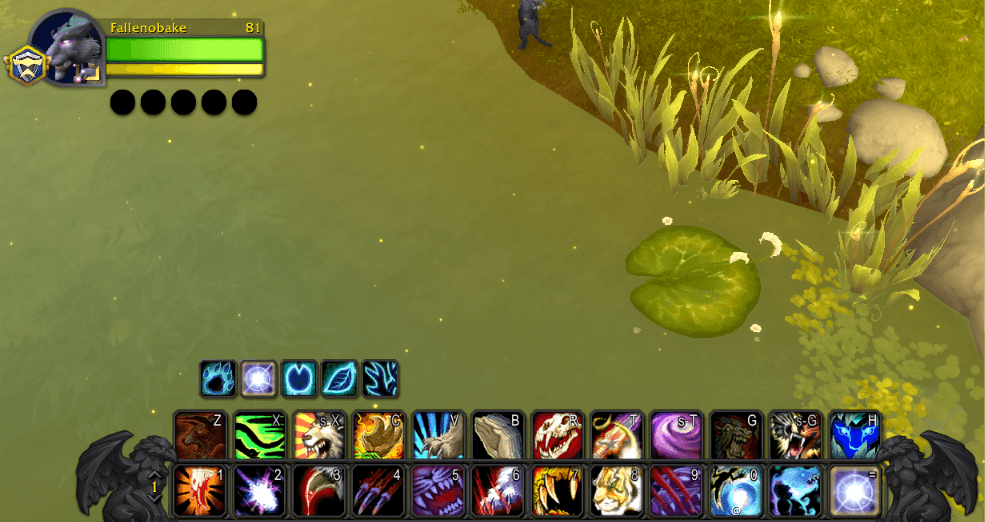
Example of action bar dark theme.
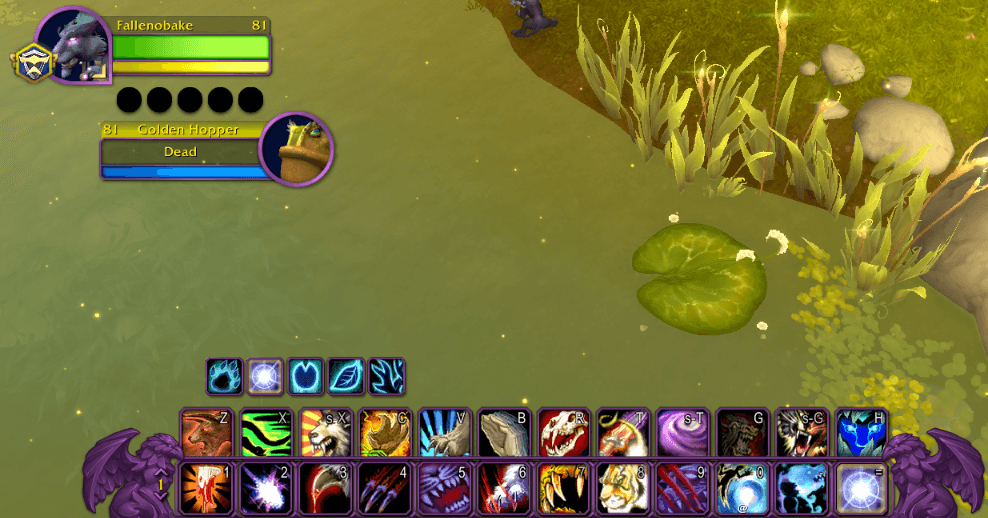
Example of a custom UI color theme (purple in this case).
Description
Fallen's UI Color Picker


Recolor the game's whole interface in one place.
- Dark, with a slider from light gray to black
- Bronze
- Any color you pick, flat or textured
- A shade slider for the backgrounds behind the frames
- Pick which parts take the color: action bars, unit frames, nameplates, the minimap, bags, tooltips, menus, chat, windows and more
From the author of EasyFind, 4th place in the CurseForge 2026 World of Warcraft addon contest.
How it works
Pick a look and the parts it colors in its settings window (/fcp or its minimap button); the game's own look stays until you pick one. Works on WoW Forever and retail. Originally developed as part of ClassicUI Forever, the full classic 1.x addon suite.
Commands
/fcp: open the settings window.
Feedback
Bug reports and ideas are always welcome.
Links
Fallen's UI Color Picker (Dark, Bronze, or Custom) Forever and Retail Team
Owner