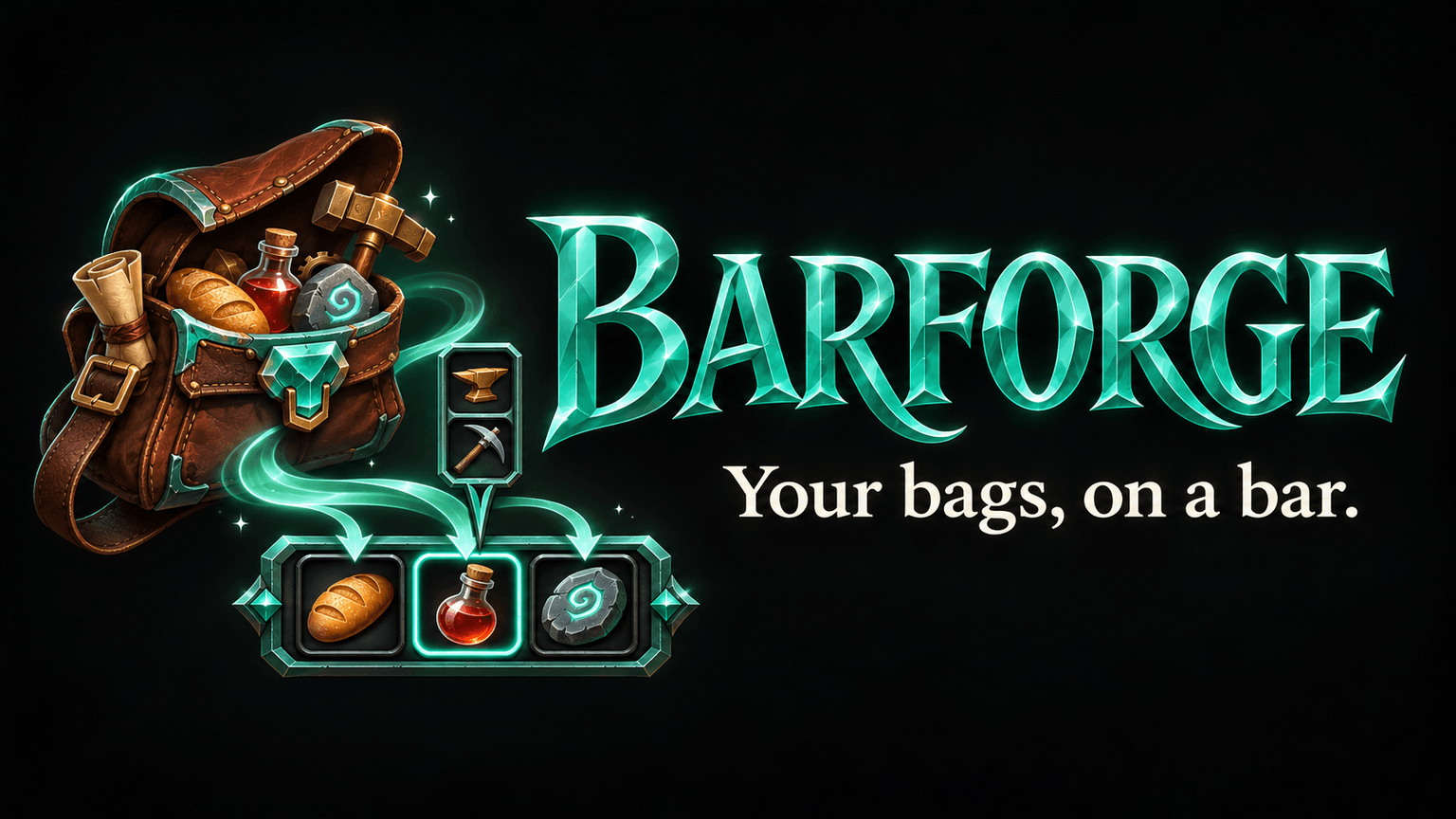
Your bags, on a bar.
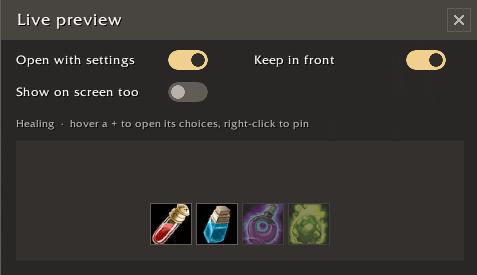
Docked to settings and works like the real bar. Hover a + to open its flyout.
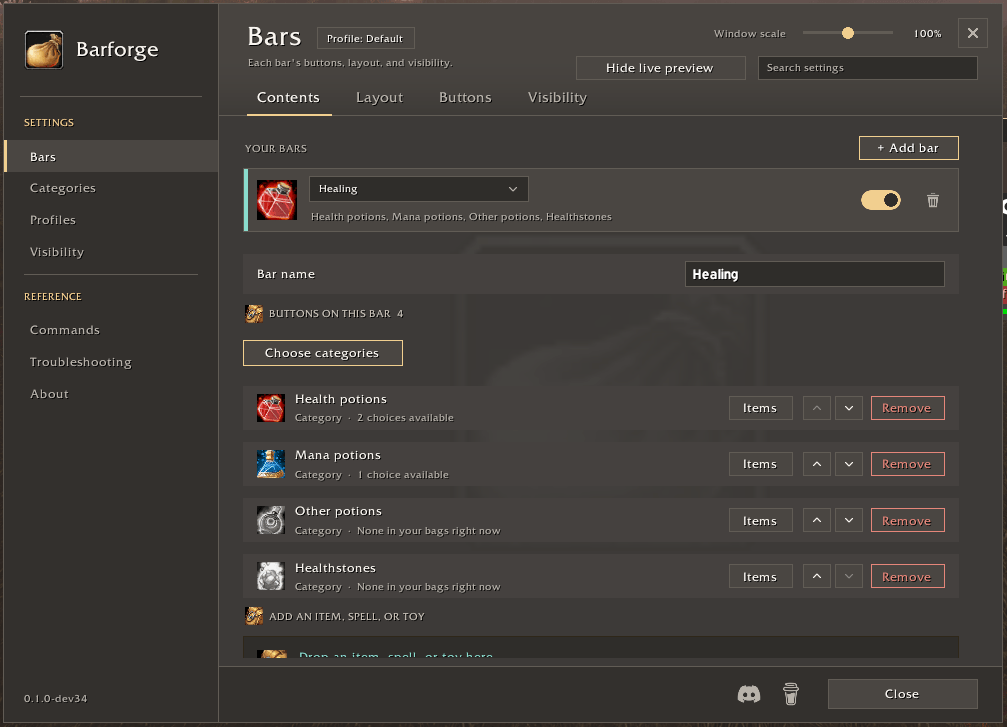
Pick a bar, choose its categories and add your own items, in bar order.
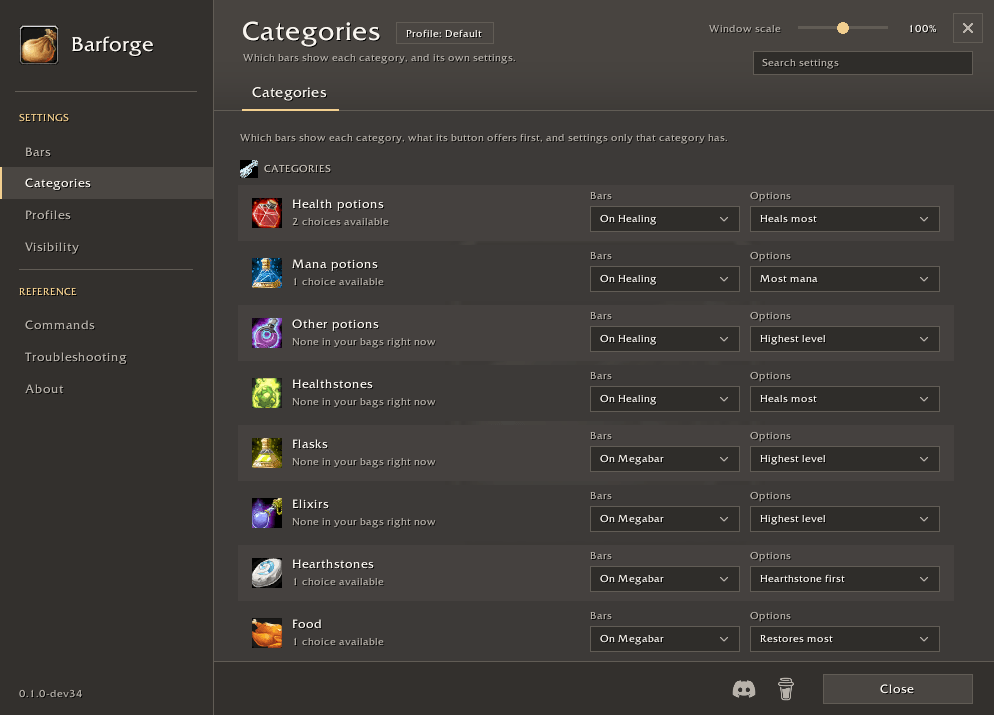
Which bars show each category, and what its button offers first.
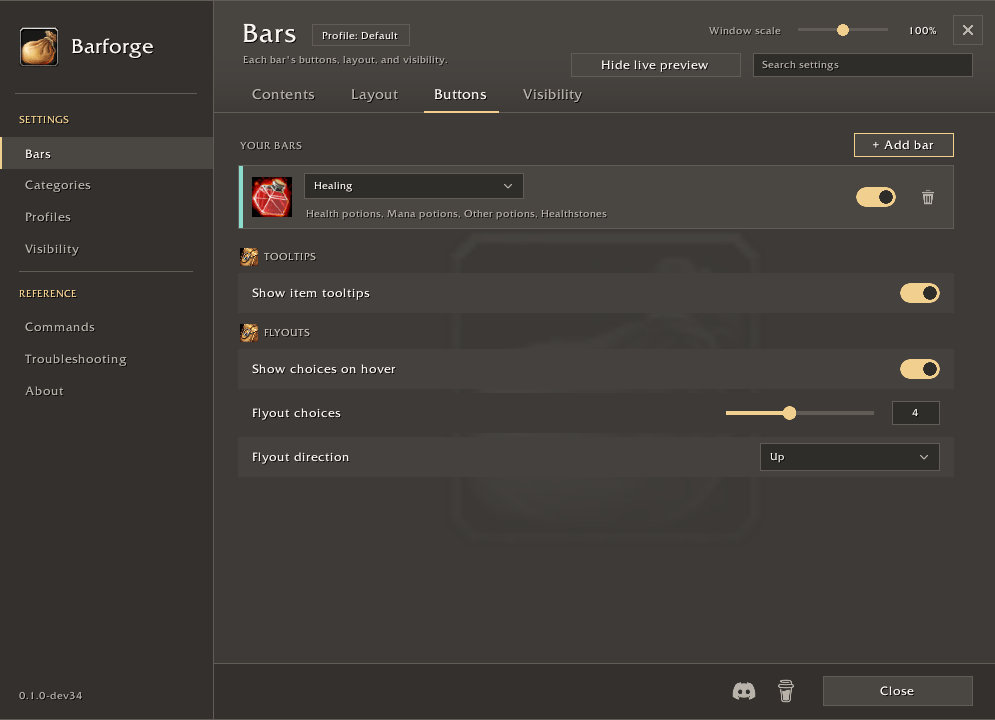
Tooltips, hover flyouts, how many choices a flyout shows and which way it opens.
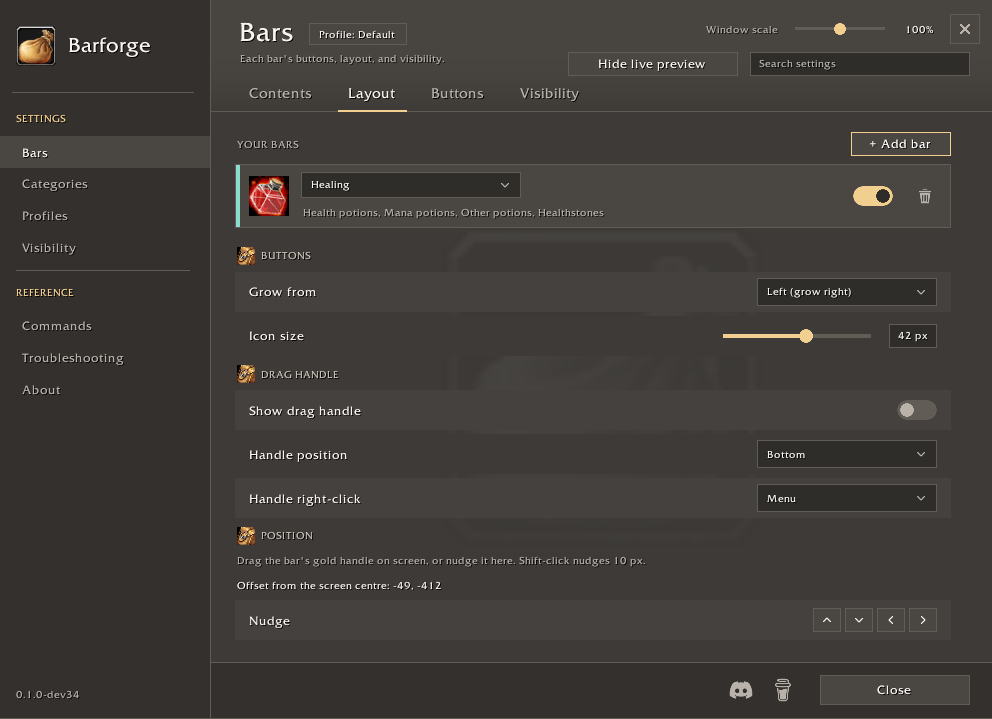
Where the bar grows from, icon size, the drag handle and nudges.
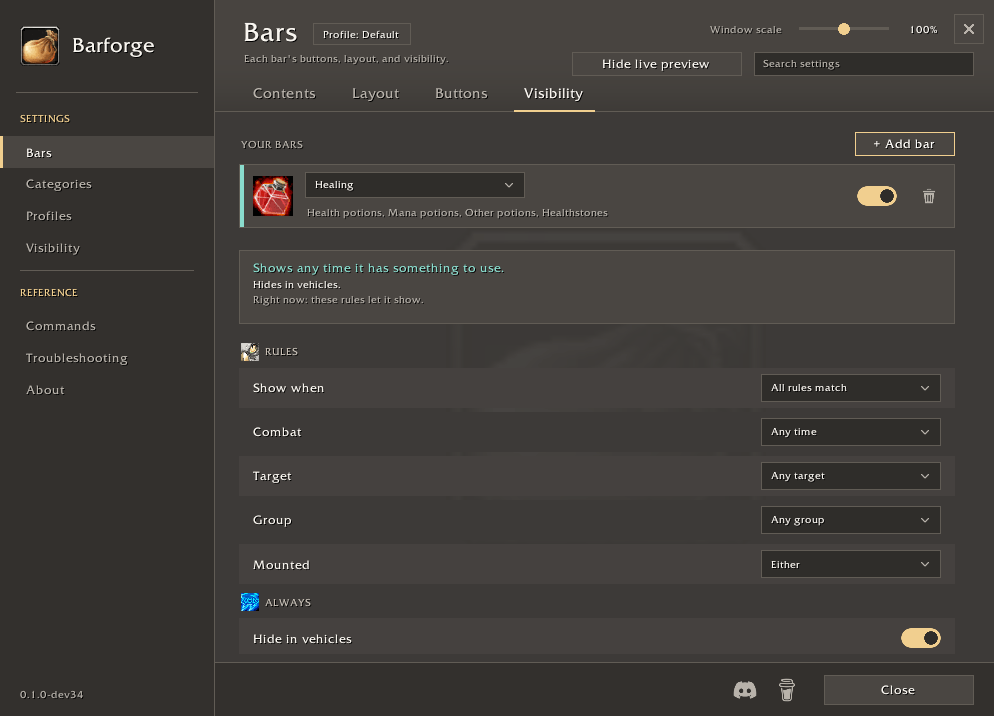
When each bar shows: combat, target, group and mount rules.
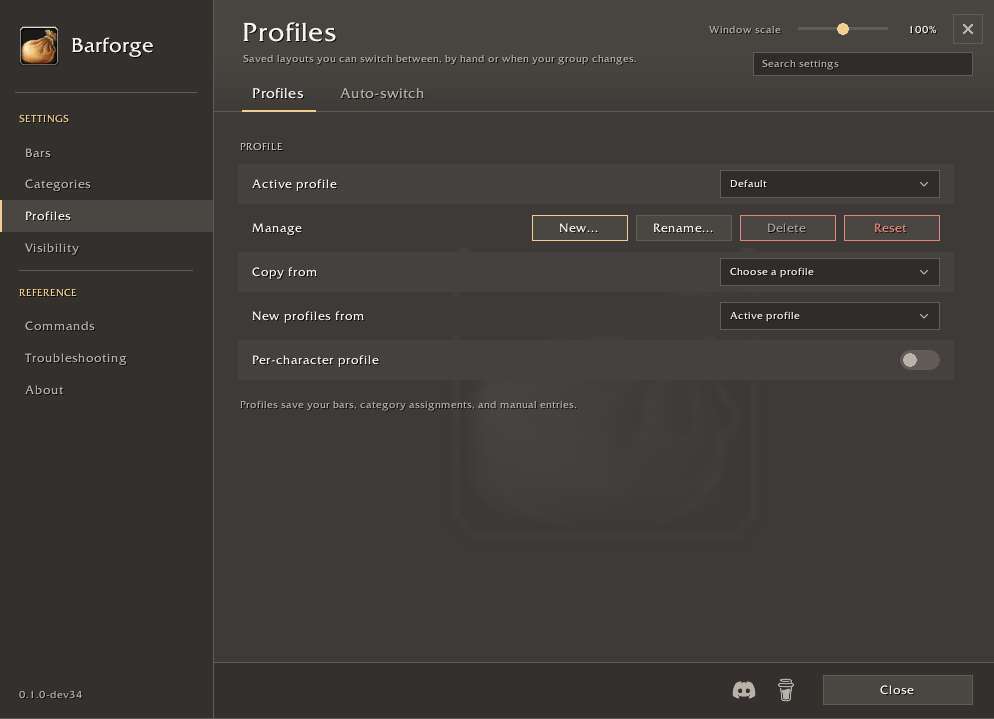
Shared or per-character profiles, with auto-switch.
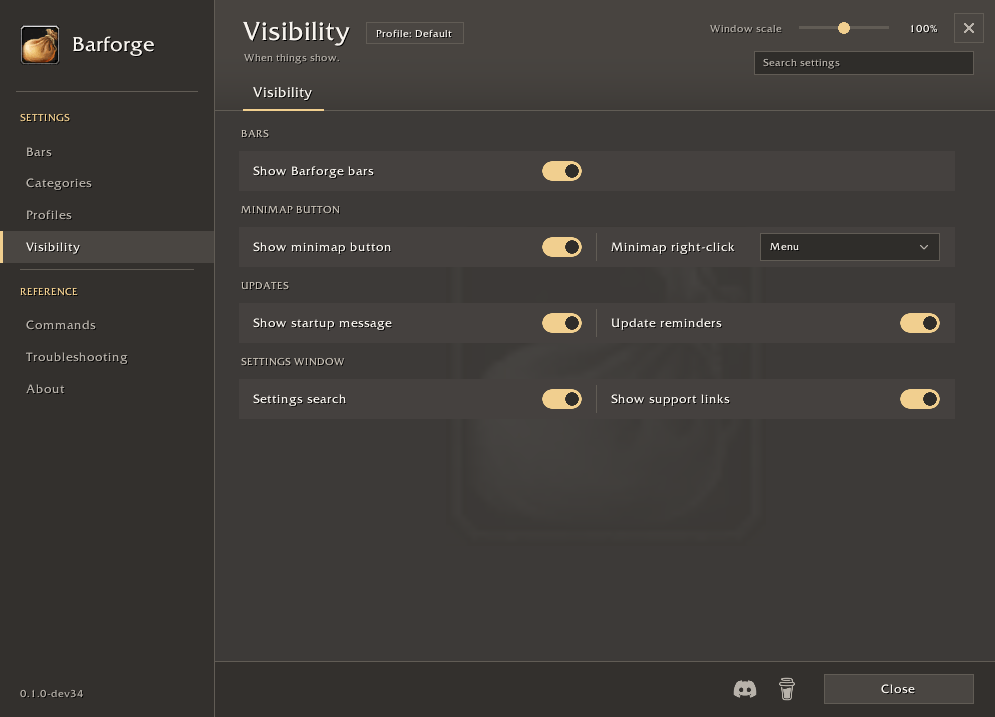
Hide every bar at once, plus the minimap button and update reminders.
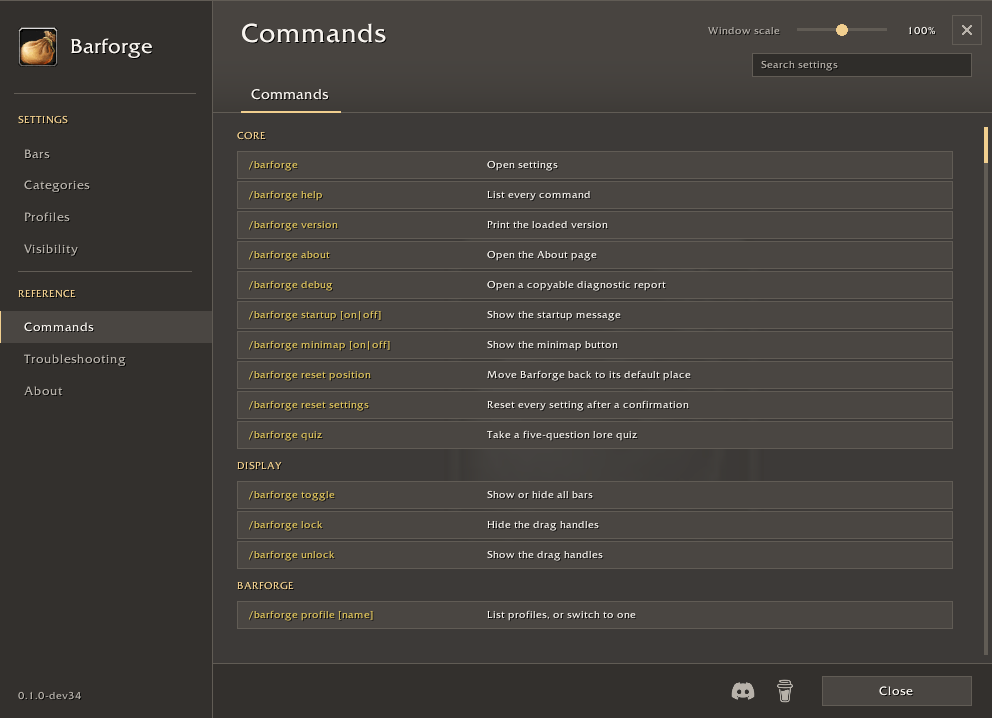
Everything /barforge (or /bf) can do.
Description
Barforge
Auto-filling utility bars for your items, spells and toys.
No more digging through four bags for the good potion mid-pull.







Barforge gives you bars that fill themselves from your bags, spellbook, mount journal and Toy Box. You pick which categories go on a bar, and it keeps up as you loot, eat and drink your way through things. Supports Retail and WoW Forever.
What it does
- Lets you make as many bars as you want. Each one has its own position, size, layout and show/hide rules.
- Sorts things into categories like food, drink, buff food, potions, healthstones, flasks, elixirs, bandages, scrolls, quest items, hearthstones, mounts, toys and profession spells.
- Shows one button per category with your best option on it, like the food that heals the most. Hover the button to pick something else from the flyout, or right-click to keep it open.
- Lets you add your own items, spells and toys, and hide anything you don't want a bar to show.
- Can hide bars in or out of combat, in groups, on a mount and so on, or fade them until you mouse over.
- Has a preview window next to settings, so you can see the bar while you set it up.
- Supports profiles, shared across your account or per character.
Getting started
Type /barforge or /bf, click Add bar, then Choose categories. Drag
the little gold square to move the bar, or right-click it for that bar's
options. Click an icon to use it.
Bars can't change during combat, so new stuff in your bags shows up once you're out. Some sorting reads English tooltip text, so on other languages a few drinks and potions may land in the wrong category for now.
GPL v3. See the licence.
Barforge Team