BagPurge
- By
BagPurge scans your bags for the lowest-value item and lets you delete or consume it in one click, automatically protecting consumables and any items you choose from being deleted by mistake.
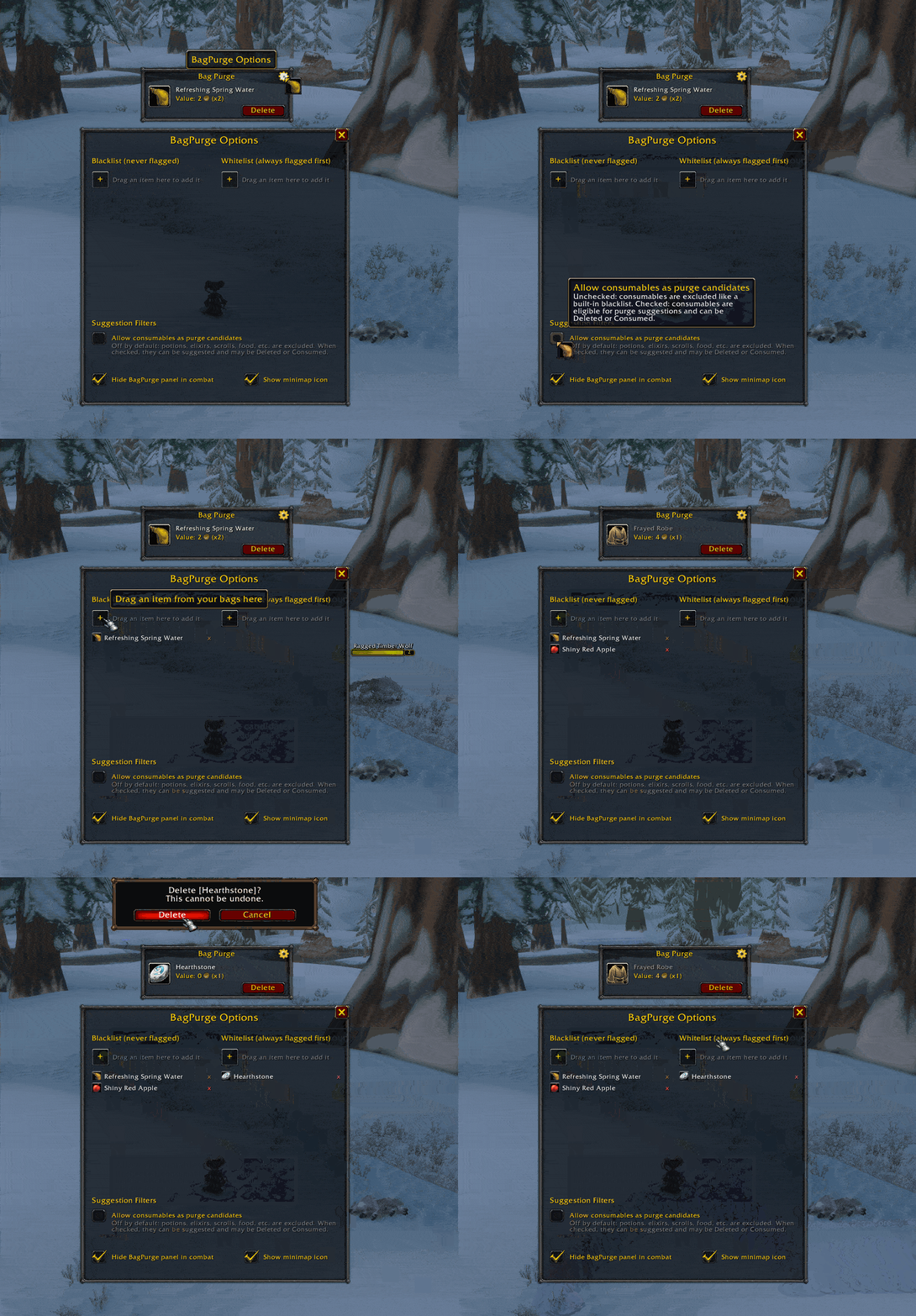
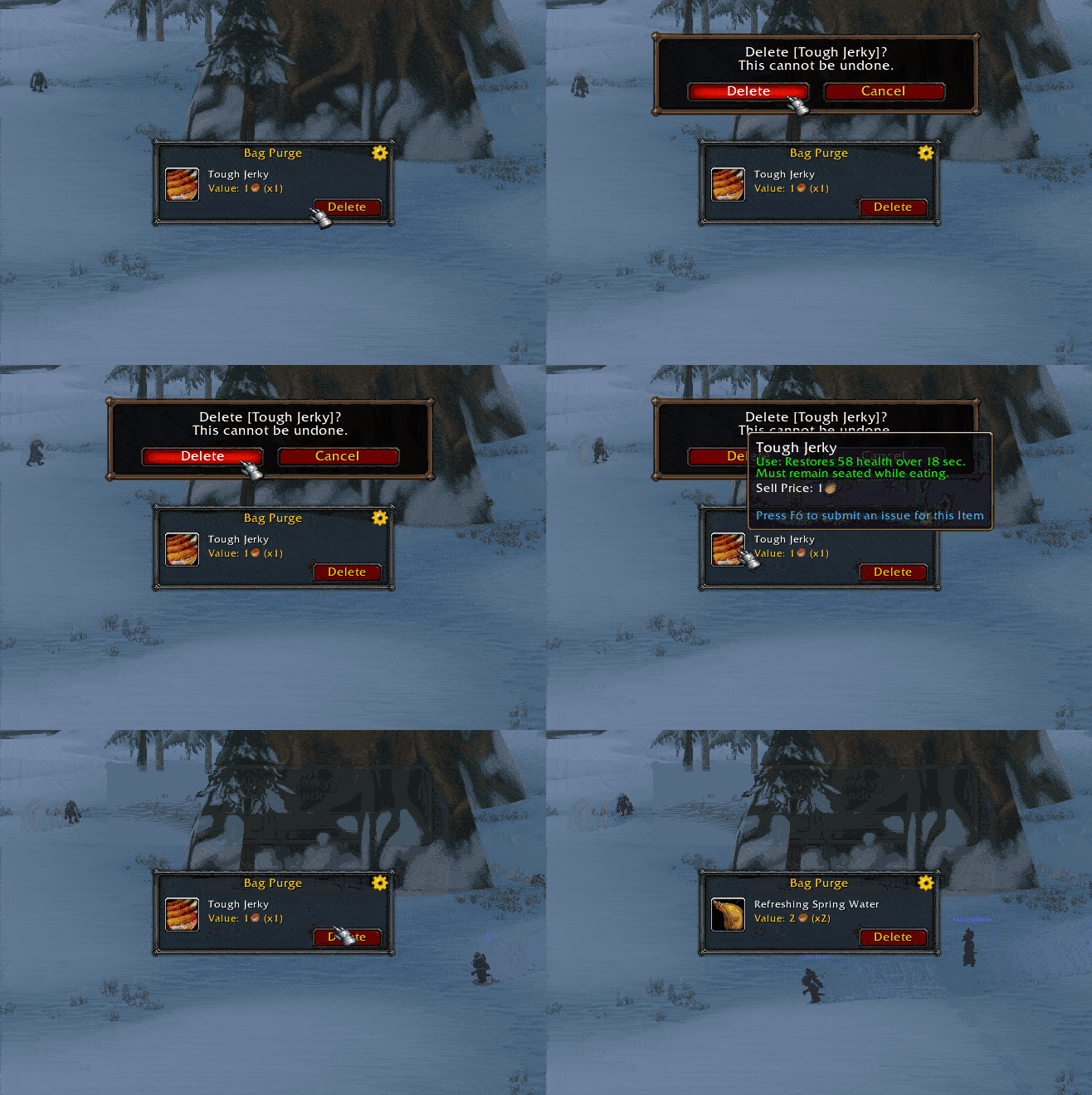
Bag Purge example 11.gif
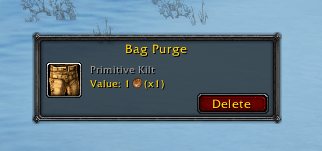
image.png
Description
BagPurge
Stop manually hunting for junk to delete. BagPurge finds it for you.
BagPurge scans your bags in real time and identifies the single lowest-value item you're carrying, so you can clear bag space in one click instead of opening every bag and eyeballing item tooltips.
How it works
A small, movable panel shows you exactly one item at a time: whatever currently has the lowest total vendor value in your bags. It displays the item's icon, name, and sell price, along with a highlighted glow on the actual bag slot so you can see it at a glance.
Features
- Automatic scanning. Continuously re-checks your bags as items change, no manual refresh needed.
- One-click Delete. Destroy the flagged item instantly, with a confirmation prompt so you never lose something by accident.
- Smart Consume button. If the lowest-value item is a consumable (food, potions, etc.), BagPurge swaps the Delete button for a Consume button instead, since using it clears the slot without wasting it.
- Built-in protections. Consumables can never be deleted outright, and quest items are automatically excluded from consideration. You can also add your own list of protected item IDs (mounts, toys, keepsakes, etc.) that should never be flagged, no matter how low their value.
- Quality filter. Only considers common, low-tier gear and trade goods by default, so it won't suggest deleting anything Rare or higher.
- Draggable, persistent panel. Position it anywhere on screen; it remembers where you left it between sessions.
Commands
/bagpurge or /bp: Toggle the panel on/off and force a rescan.
Why use it
Bag space management usually means either manually right-clicking junk one item at a time or trusting an auto-vendor addon to guess what's safe to sell. BagPurge takes a more deliberate approach: it always shows you exactly one candidate, tells you what it's worth, and lets you decide whether to delete it, use it, or leave it, with safeguards built in so valuable or important items are never at risk.
Notes
- Built for the current retail client.
- Lightweight: no external libraries required.
- Fully open to configuration. Quality threshold and protected item list are both easy to edit directly in the addon file.
The BagPurge Team