AtlasViewer
- By
A texture atlas browser for World of Warcraft. Search every atlas the game knows, see what it looks like, and copy the name or the code to use it.
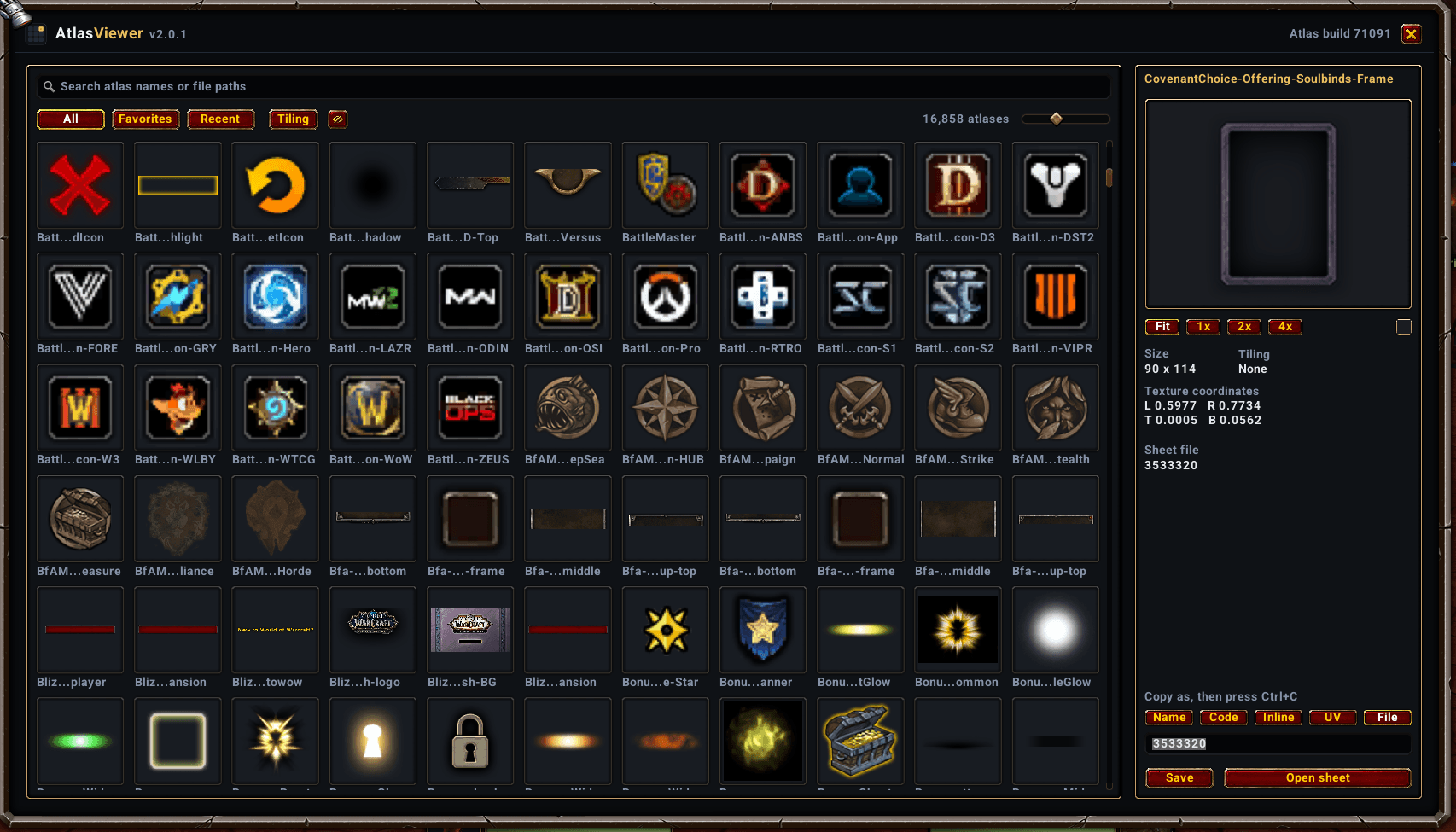
2026-11-24 22_48_15-World of Warcraft.png
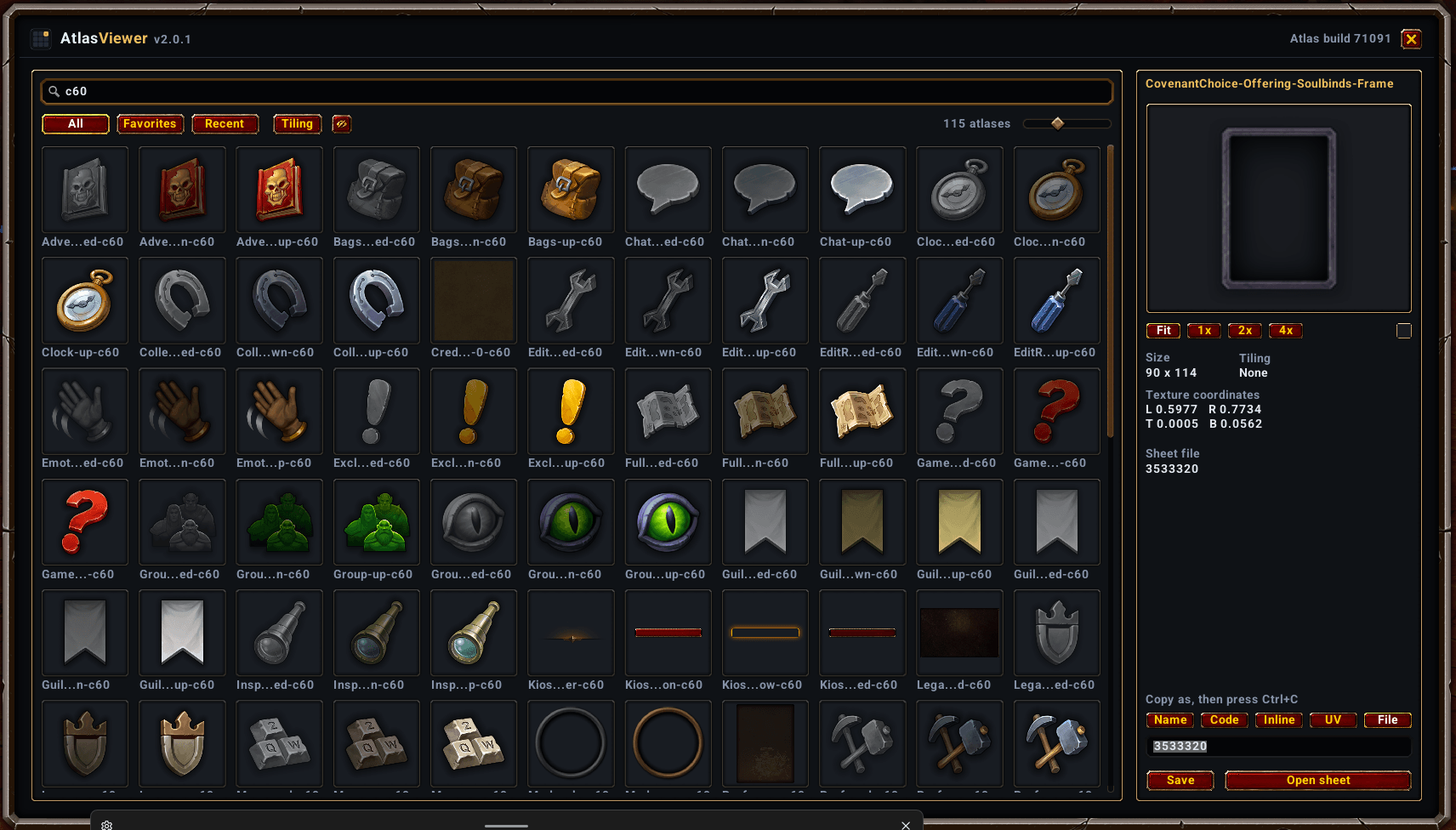
2026-11-24 22_48_49-World of Warcraft.png
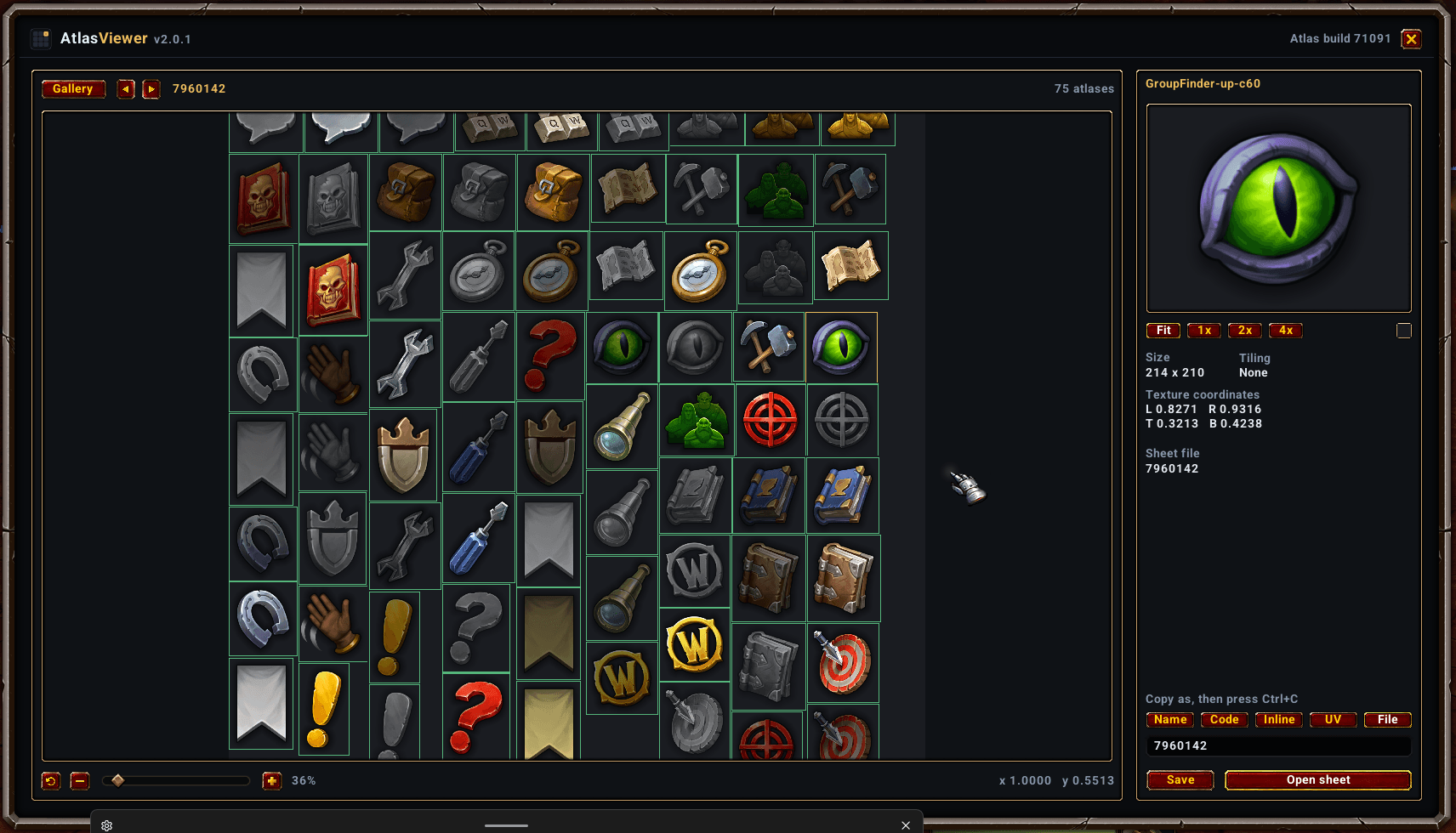
2026-11-24 22_49_11-World of Warcraft.png
Description
AtlasViewer



A texture atlas browser for World of Warcraft. Search every atlas the game knows, see what it looks like, and copy the name or the code to use it.
What it does
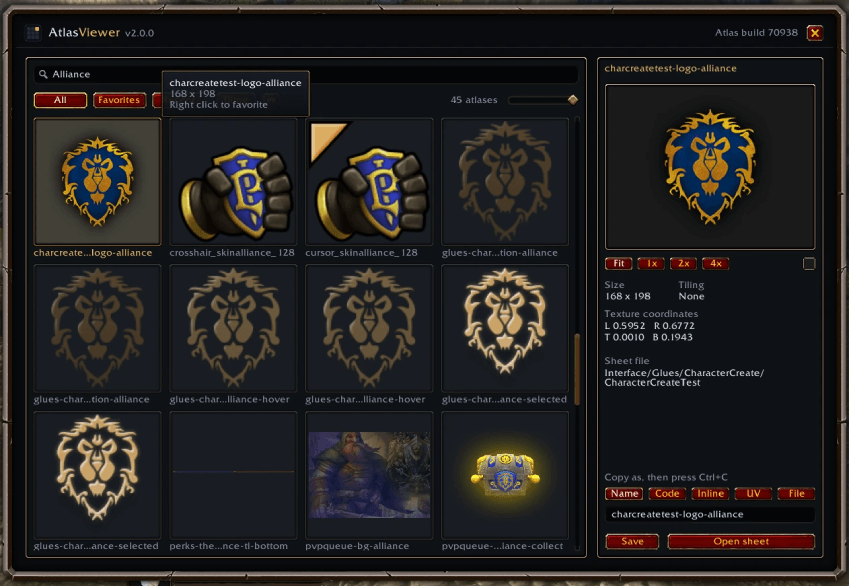
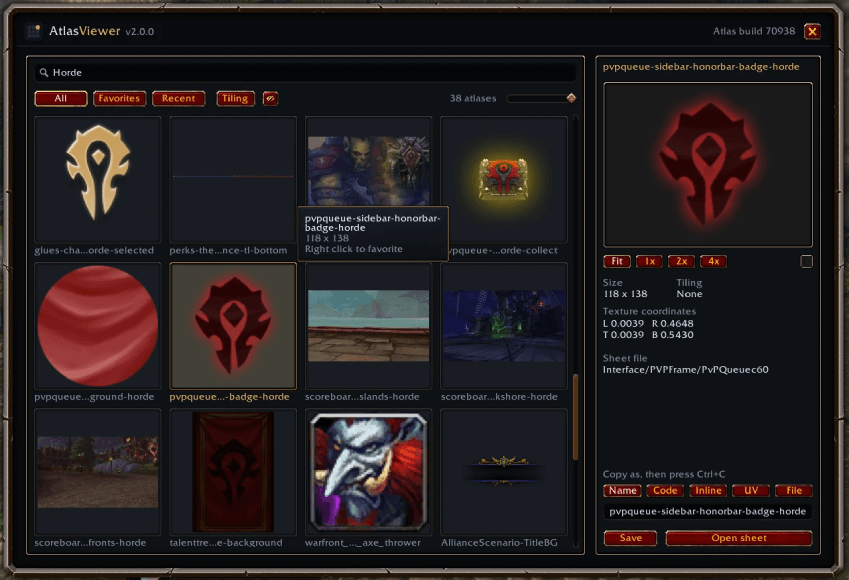
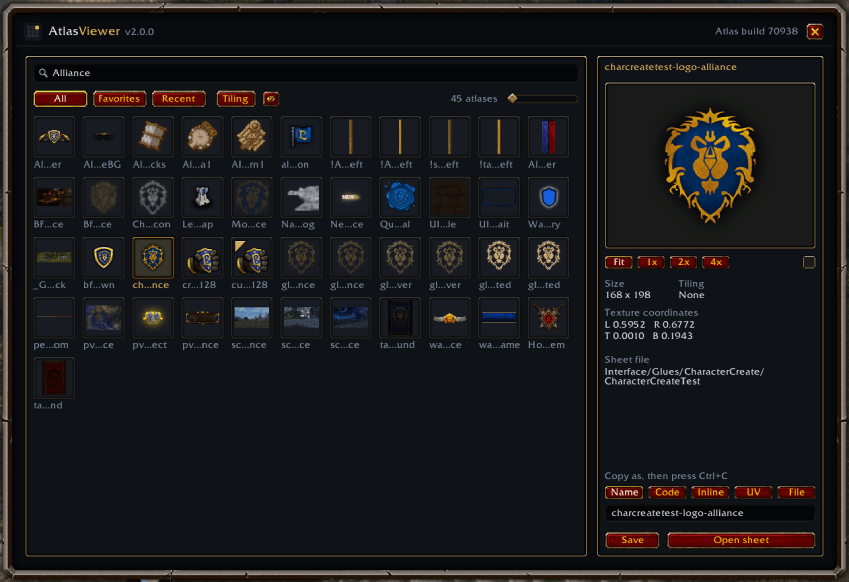
- Searches atlas names and file paths as you type, with name matches ranked ahead of path matches.
- Shows results as a grid of real thumbnails, so you find the right art by sight.
- Opens a detail drawer with a large preview, size, tiling and texture coordinates.
- Copies an atlas as its name, a
SetAtlascall, aCreateAtlasMarkupcall, UV coordinates or the file path. - Opens the whole texture file in a sheet view, with every atlas outlined, clickable and zoomable.
- Keeps favorites and recent picks, and filters to tiling atlases or atlases the client no longer resolves.
- Builds its look from art that ships with the game, so the window matches the client and falls back to flat widgets where a client lacks a piece.
Screenshots
Supported clients
- Retail, Classic Era, Mists of Pandaria Classic and WoW Forever each ship their own atlas data.
- The TOC also lists TBC, Wrath and Cata. Those clients read the atlas list from the game itself, which has not been tested there.
Get it
Download the latest release from the Releases page and extract the AtlasViewer folder into your Interface/AddOns folder for the client you play.
Quick start
- Install the addon and restart the game, or
/reload. - Open the window with
/avor/atlasviewer. Add text to search straight away, for example/av button. - Click a thumbnail to see its details. Right click one to save it as a favorite.
- Use the arrow keys, Page Up and Page Down to move through the grid.
- Choose Open sheet to see the atlas in its texture file.
The window closes when you enter combat and when you press Escape. Drag the header to move it, and drag any edge or corner to resize it.
Keeping the atlas data current
Each game type has a data file under AtlasViewer/Data. After a patch you can rebuild it from the game itself.
- In game, type
/av dump. This saves every atlas your client knows. - Type
/reloador log out so the game writes the file. - Run
tools/update_atlas_data.cmd, orpython tools/update_atlas_data.py --from-client.
The dump always matches the build you are playing. Run /av dump clear to remove it from your saved variables. /av probe reports which window art your client resolved.
Support the work
Free forever. If it saved you time, chip in.
Every bit goes back into building more.
Community
- Glitch Haven Discord at https://discord.gg/FaVGhTYmck
- Website at https://kkthnx.com
License
All Rights Reserved. See LICENSE for details.
AtlasViewer Team

Owner