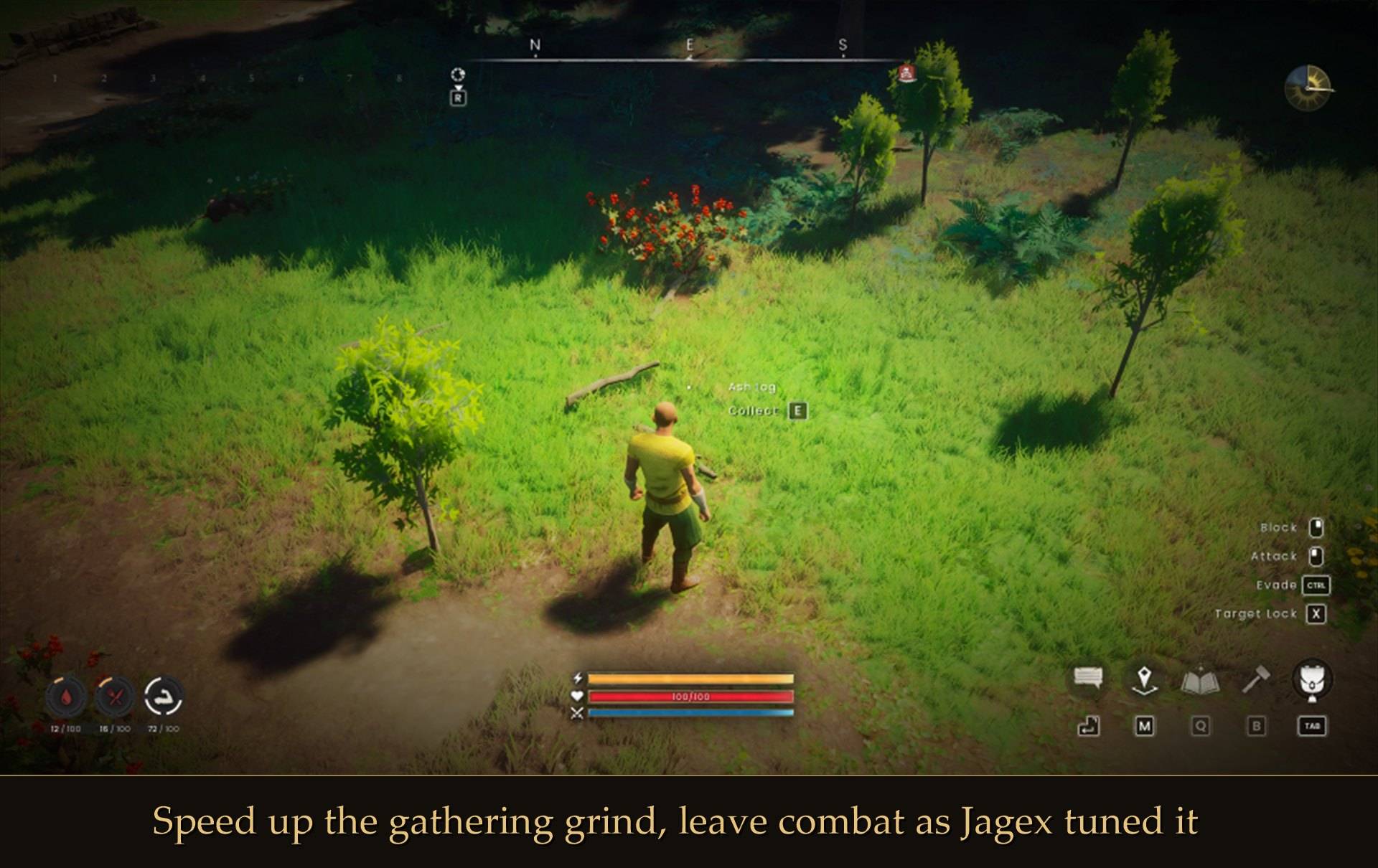
Press Esc. Pick XP SLIDERS. Drag a slider. Level that skill faster.
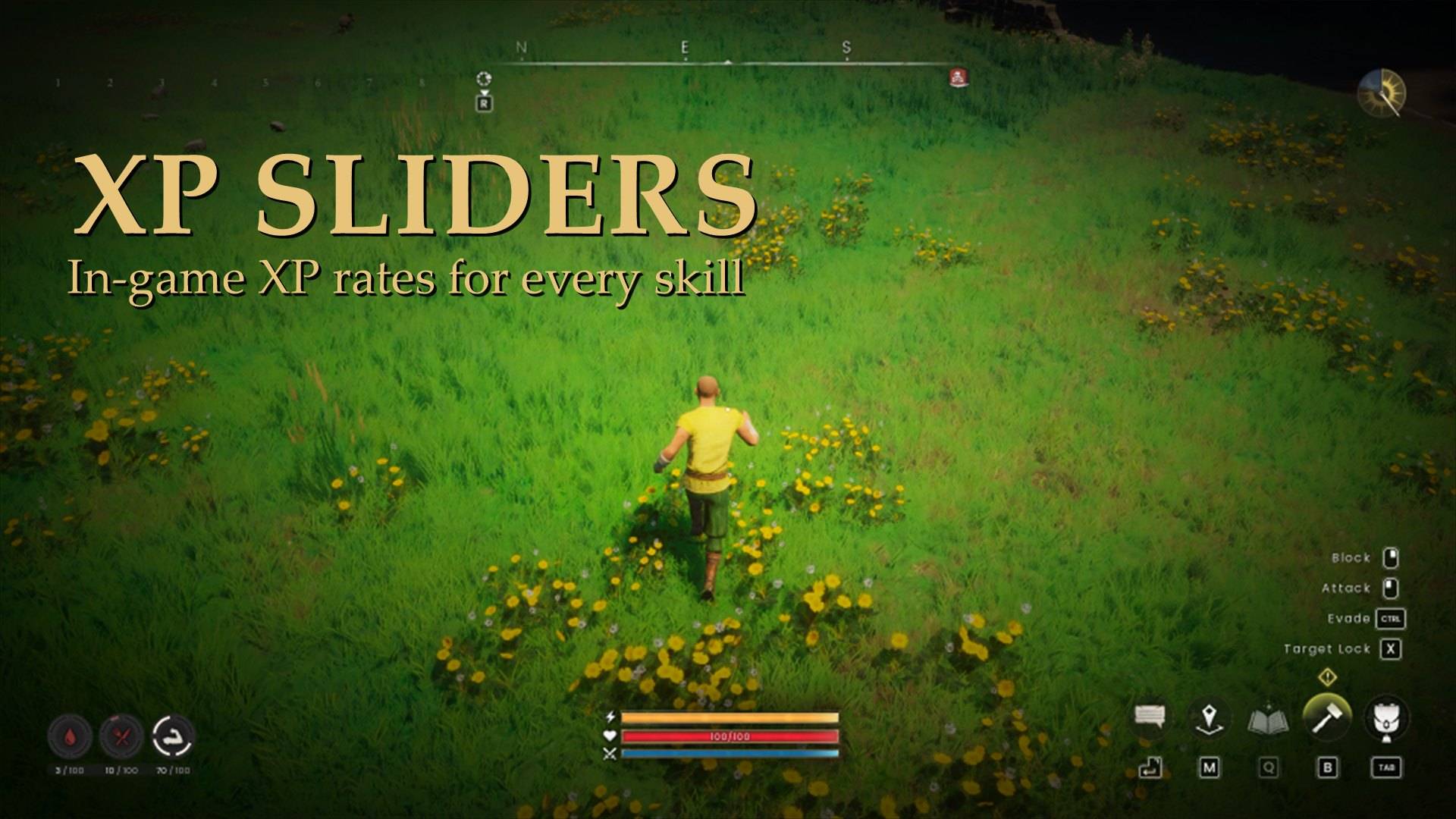
In-game XP sliders for all 12 skills in RuneScape: Dragonwilds. Speed up the grind you hate, and leave everything else exactly as Jagex tuned it.
COMPATIBILITY
✔ Single player · ? Co-op guest
✔ Dedicated server · ✔ Controller
Install on your PC, or on the server for a dedicated server. ? = not tested yet.
Why you will want it
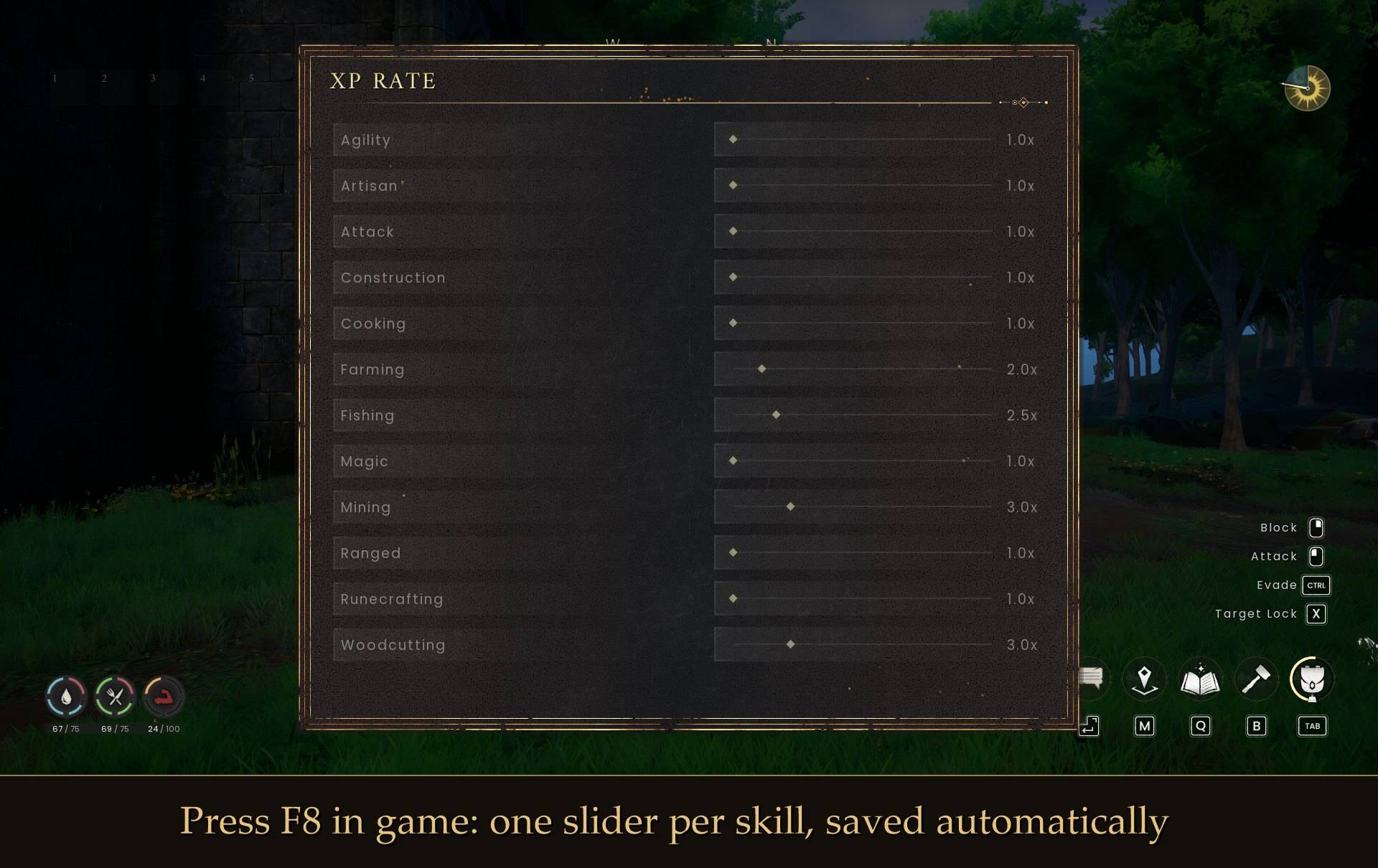
- A real in-game menu. One slider per skill, from 1.0x to 10.0x, built from the game's own menu pieces so it looks like it belongs there.
- Right in the pause menu. Press Esc and XP SLIDERS sits between Settings and Exit, in the game's own button style. No function keys needed, so it works on any keyboard or laptop.
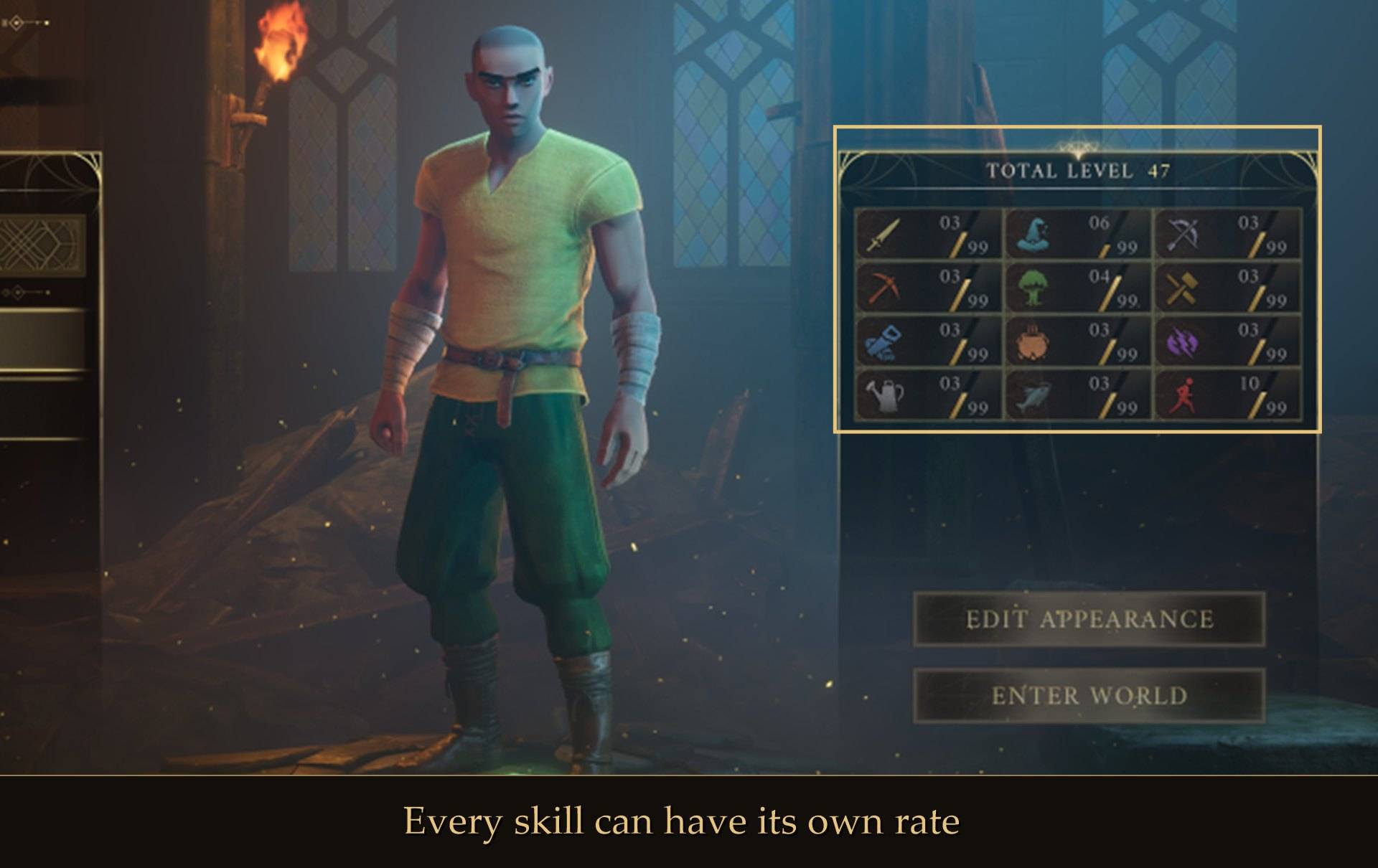
- Your pace, skill by skill. Woodcutting and Mining x3 with combat untouched? Everything x2? Your call.
- Instant. A change applies while you drag, and it is saved for next time when you close the menu.
- Works on Standard worlds. Custom worlds only get one XP slider for everything, and Standard worlds get none. XP Sliders gives you a slider per skill on either.
- Every kind of XP. Gathering, crafting, combat, and the Agility XP you earn just by running around.
Install
- Install UE4SS for RSDragonwilds (free, from the UE4SS for RSDragonwilds page on Nexus Mods)
- Drop the
XPRate folder into RSDragonwilds/Binaries/Win64/ue4ss/Mods/
- Launch the game, load into a world, press Esc and pick XP SLIDERS. Close the panel with CLOSE or Esc.
On Game Pass: use the BE version of UE4SS with the SCO signature, the normal build does not load there (thanks JourneyOver for testing). Game Pass also installs the game under Binaries/WinGDK/ instead of Binaries/Win64/, so the XPRate folder goes in RSDragonwilds/Binaries/WinGDK/ue4ss/Mods/. If you use a mod manager, check that is where it ended up.
To uninstall, delete the XPRate folder.
Prefer a text file?
Every setting also lives in config.txt inside the mod folder. Edit it with the game closed.
Everything twice as fast:
Multiplier = 2.0
Only the gathering skills, combat left alone:
Multiplier = 1.0
Woodcutting = 3.0
Mining = 3.0
Fishing = 2.0
F8 also opens the panel as a shortcut. Pick a different key, or turn the shortcut off (the pause menu entry always works):
MenuKey = F9
MenuKey = none
Leave the pause menu untouched:
ShowInPauseMenu = false
Dedicated servers
- Install it on the server. XP Sliders works on a dedicated server when it is installed on the server. The server needs UE4SS running on it.
- No menu on a server. Set the rates in
config.txt in the XPRate folder on the server. Changes are picked up in about 10 seconds, no restart.
- One setting for everyone. It then applies to every player on the server. A copy on a player's own PC does nothing on a server.
- XP you already have: what a character has when they join is never multiplied. On a server, after each join, the first XP in a skill that is at exactly 0 is not multiplied.
- Solo and hosting from inside the game work as before, with the in-game sliders as usual. Tested on the Windows dedicated server.
Good to know
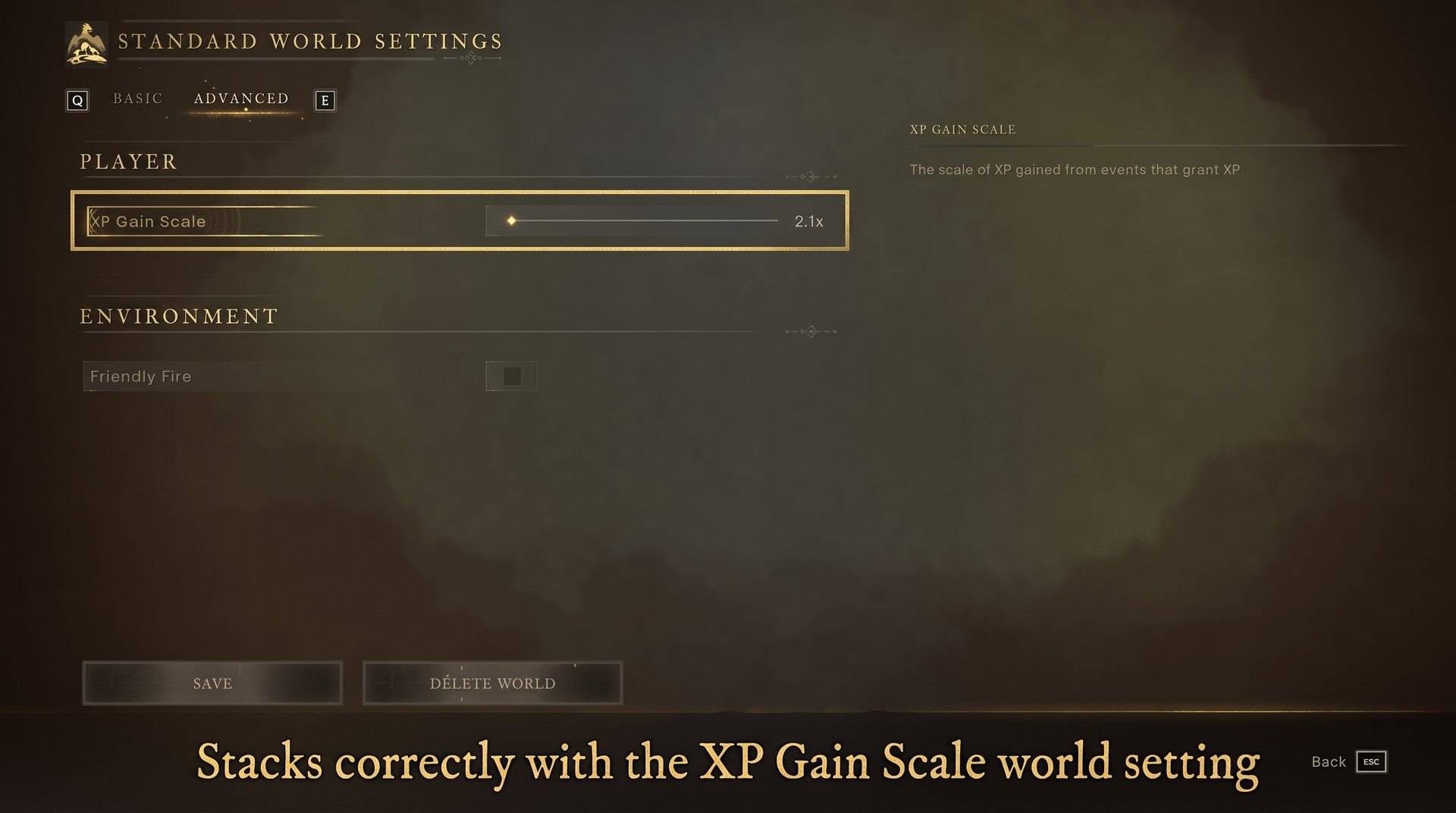
- Speeds XP up only. The game cannot take XP away, so nothing goes below 1.0x. For a slower game, use a Custom world's XP Gain Scale.
- Solo, host or dedicated server. In co-op hosted from inside the game it boosts the host's own character. If you join someone else's world, your copy does nothing. On a dedicated server it goes on the server, see Dedicated servers above.
- Plays nicely with XP Gain Scale. If your world already has an XP scale (a Custom world, or a Standard world unlocked by another mod), XP Sliders reads it and stacks on top correctly.
- Extra XP is real XP. It saves with your character. Removing the mod stops future boosts and keeps what you already earned.
- XP you already have is never touched. Only new gains are boosted.
- Fails safe. If a game patch ever changes how XP works and the numbers stop adding up, XP Sliders switches itself off and says so in UE4SS.log instead of handing out runaway XP.
- Controller: the XP SLIDERS pause menu button opens the panel with A, and holding B closes it. To change the rates with a controller, use pause menu > MODS (Mod Menu).
- Works on Steam and Game Pass. On Game Pass, use the BE version of UE4SS with the SCO signature (thanks JourneyOver for testing).
- Not sure it is running? UE4SS.log shows a line starting with
XP rate active.
How it works
Much of Dragonwilds' XP is handed out inside the game's own code, where mod hooks cannot see it. So XP Sliders intercepts nothing and changes no game files. It watches your skill totals a few times a second, and when a skill goes up it adds the extra through the game's own XP system, so level-ups, notifications and saving all behave normally.
Tested on RuneScape: Dragonwilds 1.0 in a real save: all 12 skills, the slider menu, per-skill rates, a world with XP Gain Scale set, and saving.