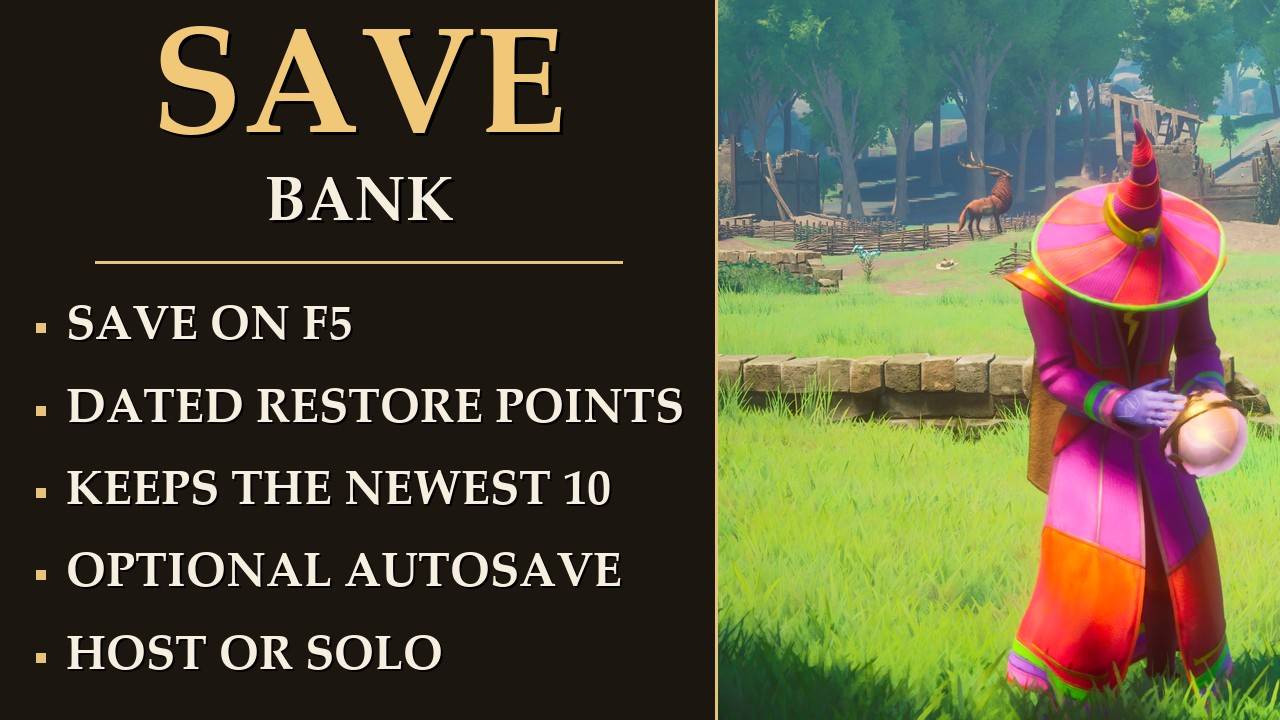
Quick save on F5, and a bank of restore points to fall back on
F5 saves your world and your character. Every save also banks a dated copy of your save files, so you can go back to an earlier one by hand.
Needs UE4SS. Mod Menu is optional. Host or solo only.
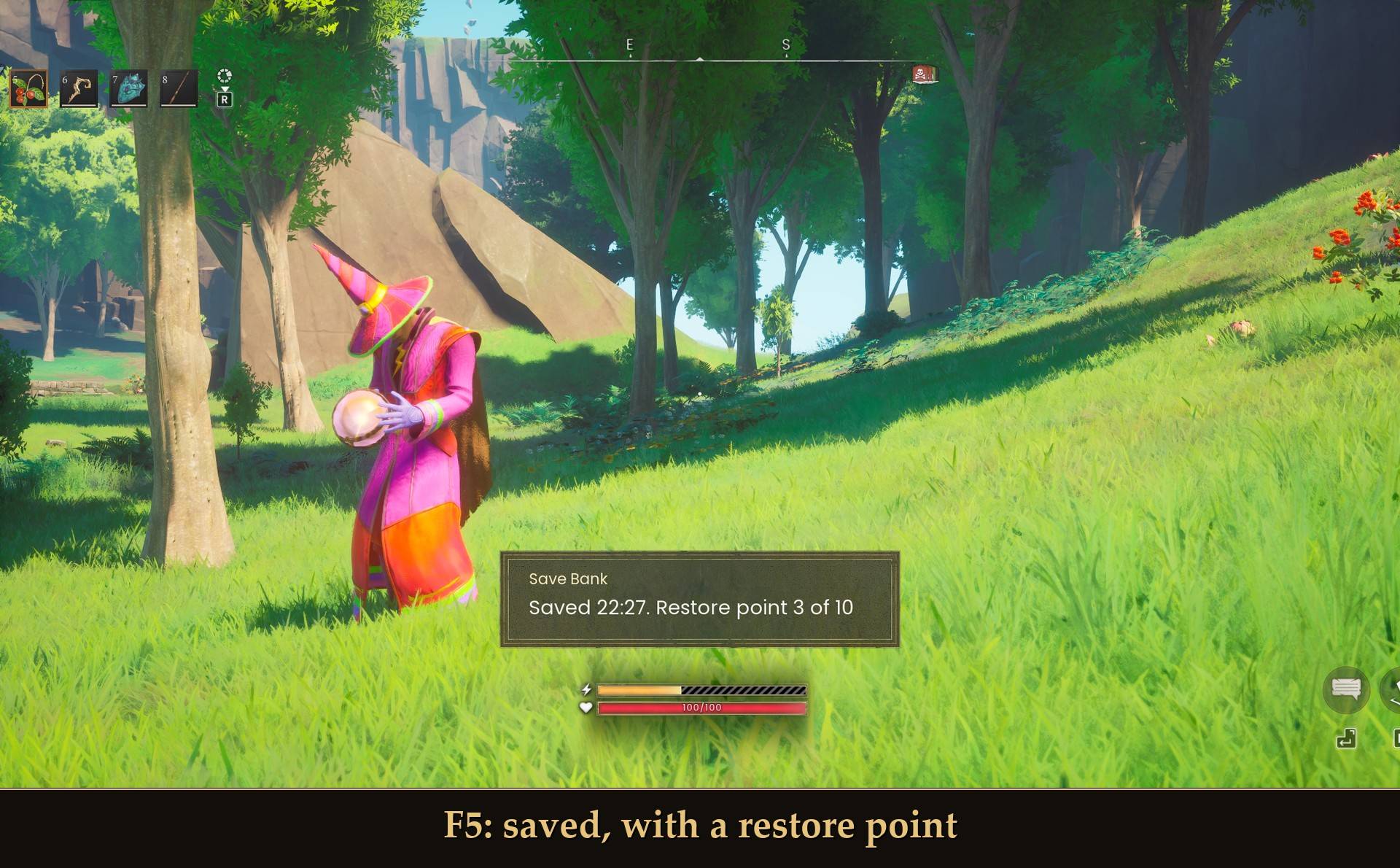 F5: saved, with a restore point
The game already saves on its own: when you open the pause menu, when you quit, and every so often while you play. It also keeps one .backup of each save file. The catch is that every save turns the save before it into that .backup. So if something goes wrong and the game saves twice after that, your good copy is gone.
I wanted a quick save on a key, without opening a menu, and a few older saves I could fall back on. That's all this is. Think of it as a bank for your world: every save puts a copy in, and if a save goes bad you take an older one back out. The restore points are the real reason it exists.
What it does
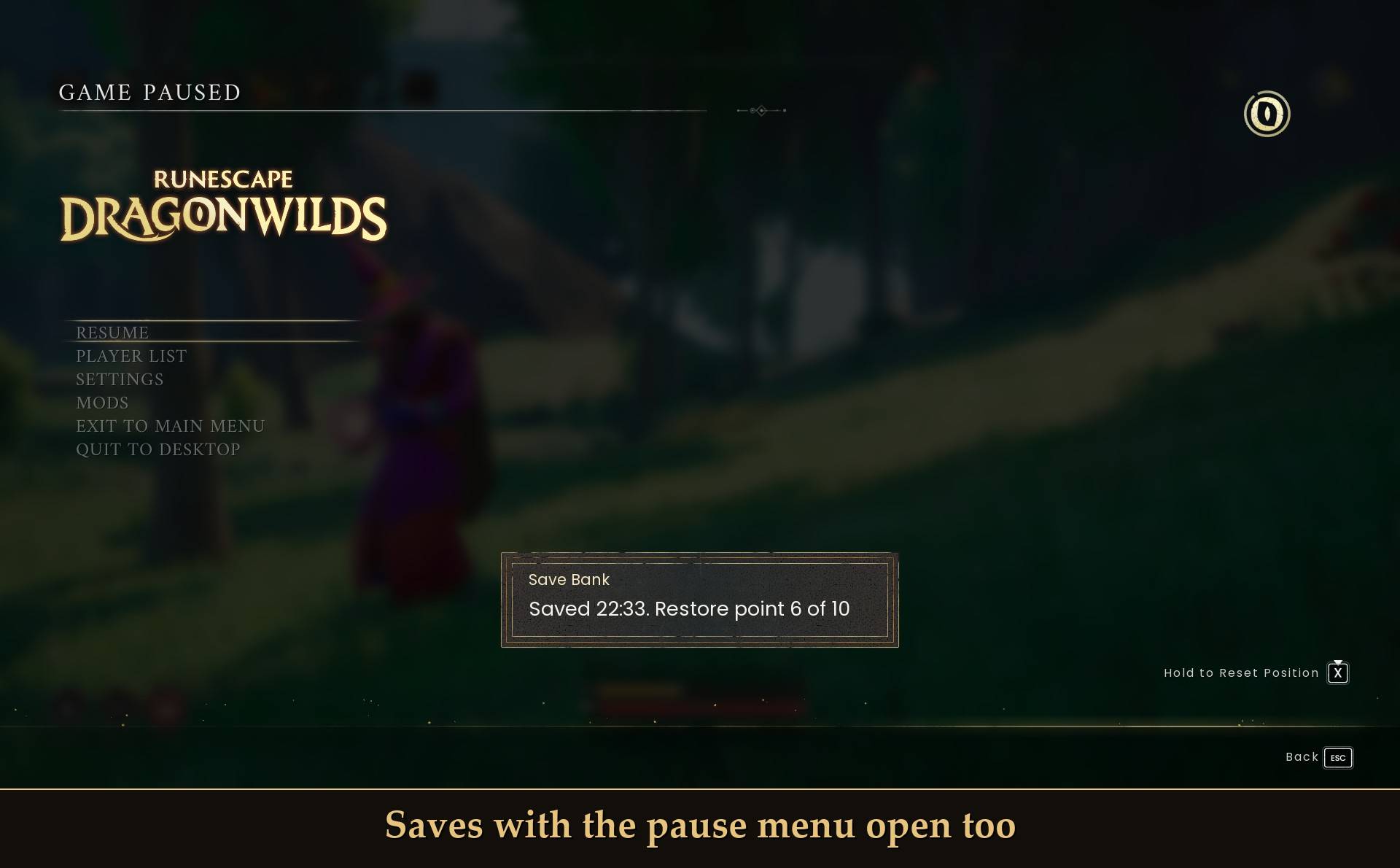
- Save on a key: F5 by default. It runs the game's own save for your world and your character, and a small message pops up: "Saved 14:32".
- Restore points: after each key save, your world file and your character file get copied into a folder named after the date and time you pressed. The message then says "Saved 14:32. Restore point 3 of 10". It keeps the newest 10 per world by default (1 to 50) and drops the oldest when a new one goes over.
- Autosave, if you want it: off by default. Turn it on in Mod Menu and pick 1 to 60 minutes. A key save restarts the timer. Autosaves don't make restore points unless you turn that on too, so they never push out the ones you made on purpose.
- It tells you when it didn't save, and why. More on that below.
Where the restore points are
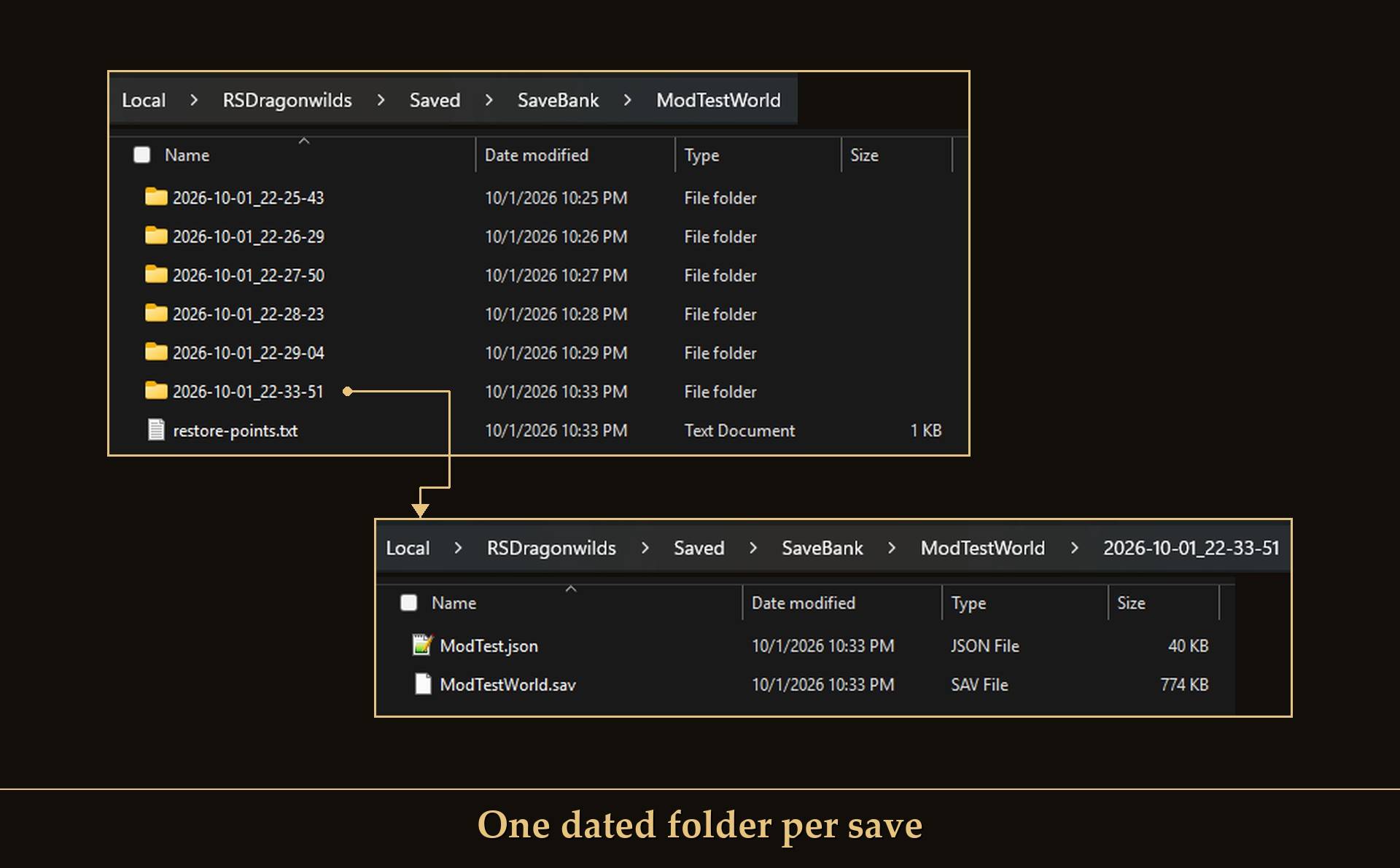 One dated folder per save
%LOCALAPPDATA%\RSDragonwilds\Saved\SaveBank\<world>\<YYYY-MM-DD_HH-MM-SS></code>
- Each folder has two files:
<world>.sav (your world) and <character>.json (your character). I checked what one save actually writes: those two, plus the game's own .backup of each. So those two files are the whole save.
- There's a
HOW-TO-RESTORE.txt in the SaveBank folder. Each world folder also has a restore-points.txt the mod uses to keep track, so leave that one alone.
- On my test world one restore point was about 0.8 MB, so 10 of them is about 8 MB. A bigger world means bigger copies.
Going back to a restore point
There's no load key. The mod never writes the game's own save files, so going back is a by-hand job:
- Quit the game completely. It saves when you quit, and that would overwrite what you put back.
- Copy your current files somewhere first, in case you want them back:
Saved\SaveGames\<world>.sav and Saved\SaveCharacters\<character>.json
- Copy BOTH files from the restore point folder over those two. Always do both together. Leave the game's .backup files alone.
- Start the game. If Steam asks about a Cloud conflict, pick the files on this computer (local).
I did this on my test world. My character was back where the restore point was made, with the same health as then, and Steam didn't ask anything.
When it does not save
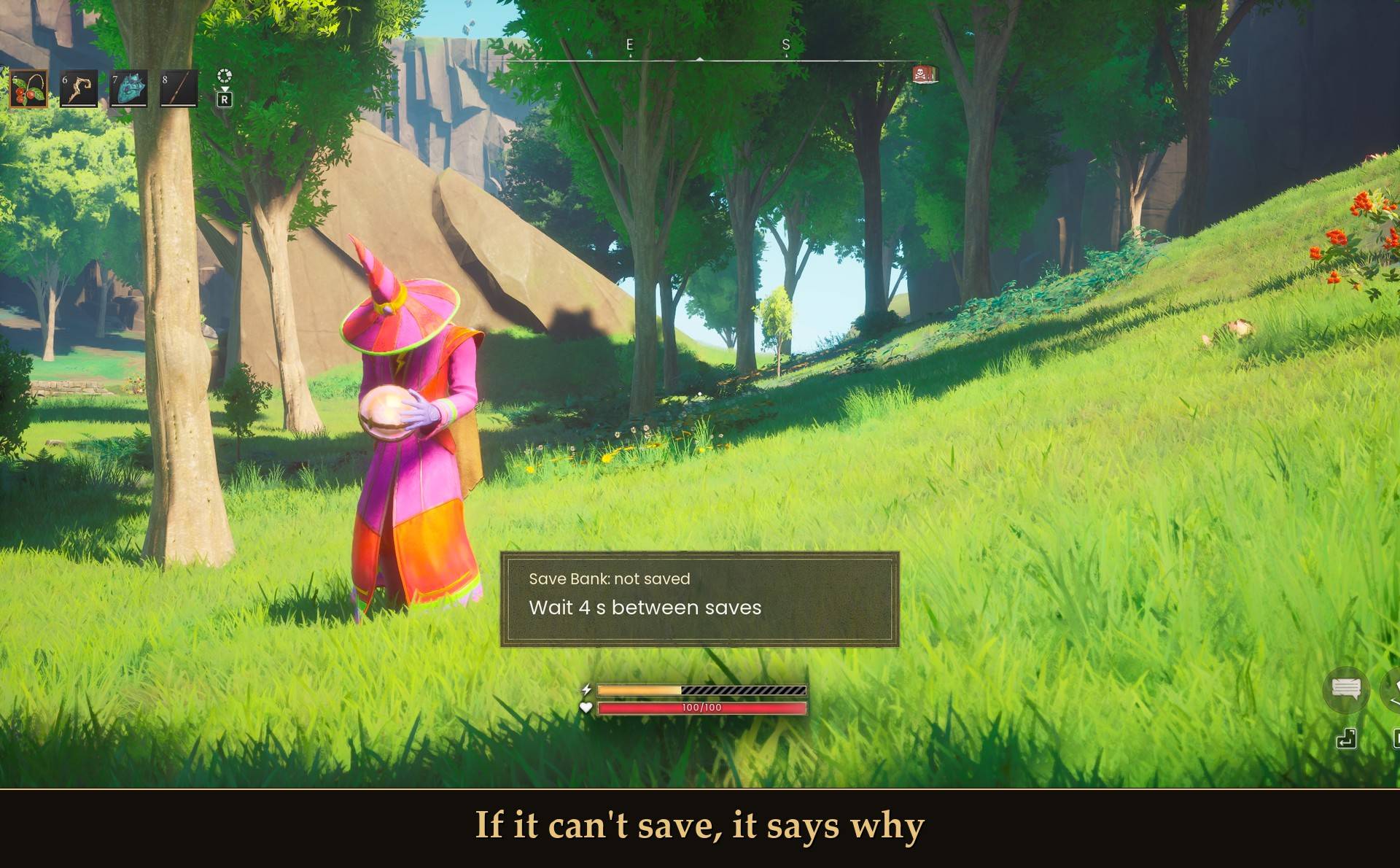
If it can't save, it says why
- Right after loading in: it waits 40 seconds after you load into a world. A press before that saves nothing, and once the world is ready you get "Pressed while loading. Ready now".
- Too soon: there are 5 seconds between saves. Press again too early and you get "Wait 2 s between saves" (or however long is left).
- Already saving: "A save is already running" while the last restore point is still being made.
- No restore point: if the save worked but the copy couldn't be made, the message still says "Saved 14:32" and gives the reason, for example "Save files not found". Your save still happened.
Settings
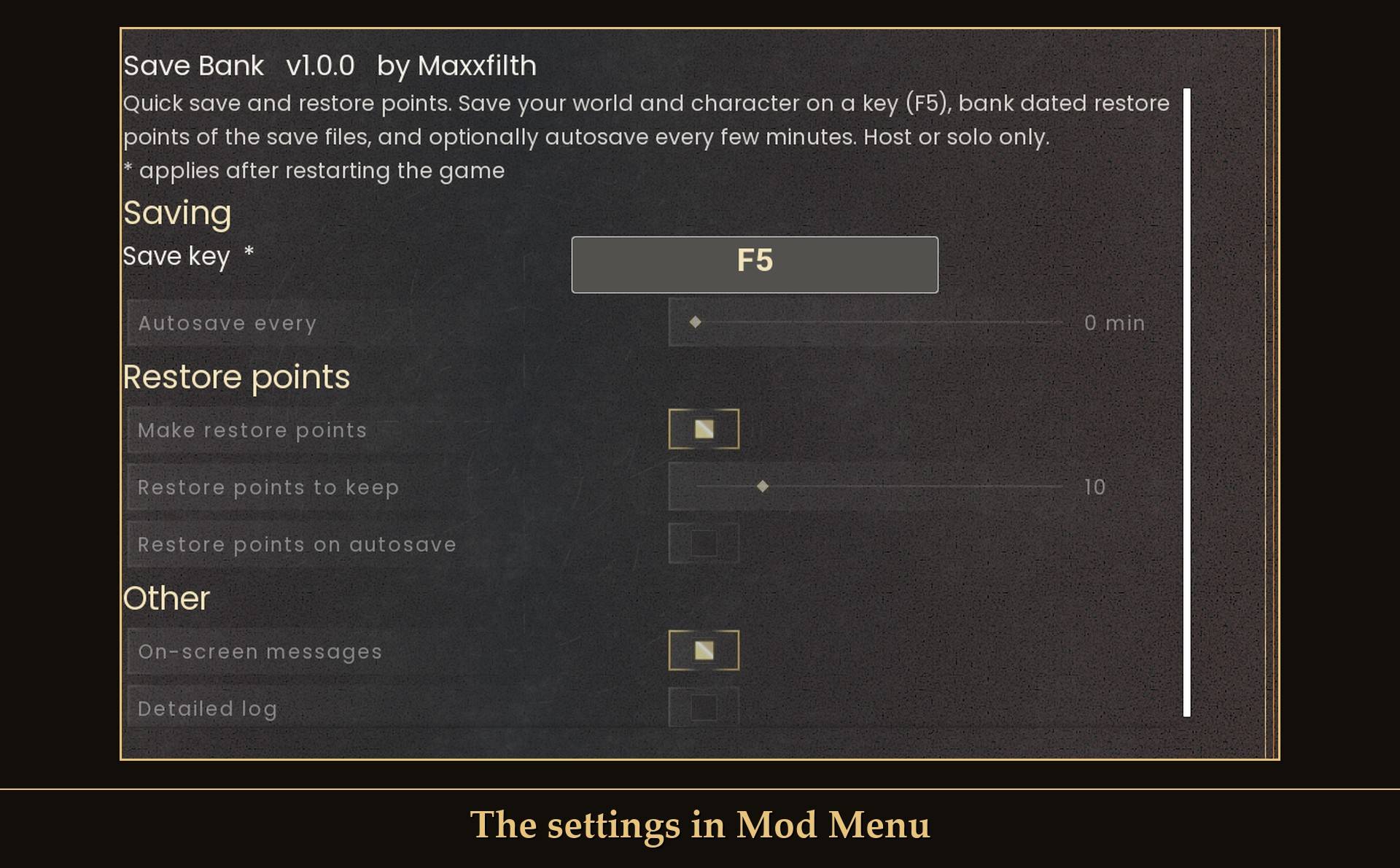
The settings in Mod Menu
All live in Mod Menu (Esc > MODS > Save Bank), or in config.txt in the mod folder. Everything but the key applies right away.
- Save key: F5. A new key needs a game restart. F10 (UE4SS console) and F11 (fullscreen) aren't allowed and fall back to F5. Set it to
none in config.txt if you want no key at all.
- Autosave every: 0 min, which means off (0 to 60 min).
- Make restore points: on.
- Restore points to keep: 10 (1 to 50), per world.
- Restore points on autosave: off. Turn it on and autosaves make restore points too, and they count toward the number kept.
- On-screen messages: on.
- Detailed log: off. Extra lines in UE4SS.log if something isn't working.
Install
- Install UE4SS for RSDragonwilds.
- Drop the
SaveBank folder into RSDragonwilds/Binaries/Win64/ue4ss/Mods/
- Optional: install Mod Menu to change the settings in game.
On Game Pass: use the BE version of UE4SS with the SCO signature, the normal build does not load there. Game Pass also installs the game under Binaries/WinGDK/ instead of Binaries/Win64/, so the SaveBank folder goes in RSDragonwilds/Binaries/WinGDK/ue4ss/Mods/. I haven't tested Game Pass. If its save folder is somewhere else, the save still works but you get "No restore point" with "Save files not found".
To uninstall, delete the SaveBank folder. Your restore points stay in Saved\SaveBank, so delete that too if you don't want them.
Good to know
- Host or solo only. A co-op guest who presses the key gets "Only the host can save this world", and autosave switches itself off for that world. I haven't tested co-op yet.
- It never changes or deletes the game's own save files. It only reads them to make the copies. The only thing it ever deletes is its own old restore points. The game's .backup files stay exactly as the game wrote them.
- It's quick. The game's own save took under a tenth of a second when I timed it (78 and 86 ms). The copies get made a second or two after that.
- Mid-fight, in build mode, with the pause menu or inventory open: saving worked in all of them. I put the mid-fight restore point back and it loaded fine.
- Save On Demand (another mod here on CurseForge) is on F5 too. If you run both, move one of them to another key.
- It's a keyboard key. I haven't tried it with a controller.
- Not sure it's running? UE4SS.log shows
[SaveBank] loaded v1.0.0.
What I tested
Tested on RuneScape: Dragonwilds 1.0 (Steam, build CL-245400) with UE4SS 3.0.1 stable, solo, on a test character and world: the real F5 key (and F5 without the mod, which saves nothing), restore points, keeping only the newest ones, autosave, restore points off, the refusal messages, saving mid-fight, in build mode and with the pause menu and inventory open, and putting a restore point back by hand. Not tested yet: co-op (as host or as guest), a controller, Game Pass, Hardcore worlds, and loading back a save made in build mode.