COMPATIBILITY
✔ Single player · ? Joining a friend
✔ Dedicated server · ✔ Controller
Install on your own PC. Joined players only get the penguins within about 150 m (the game sends no more), and no map pins. ? = not tested yet.
Never lose track of a penguin again.
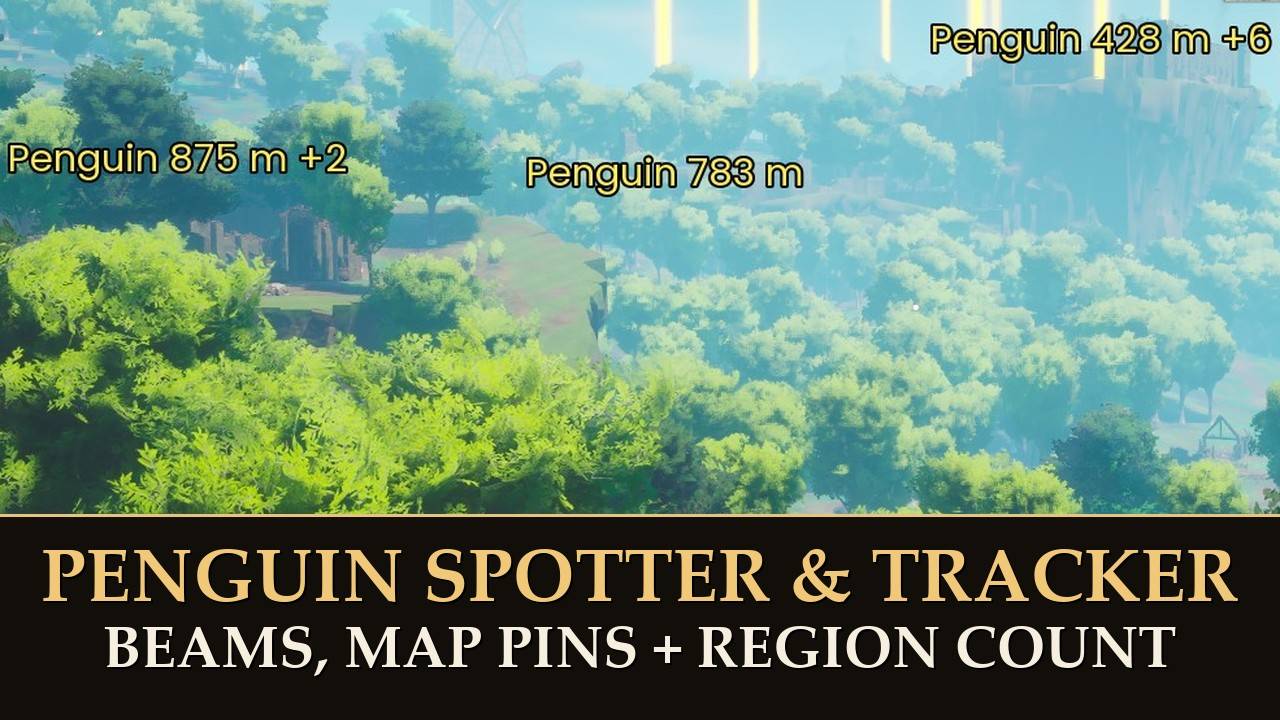
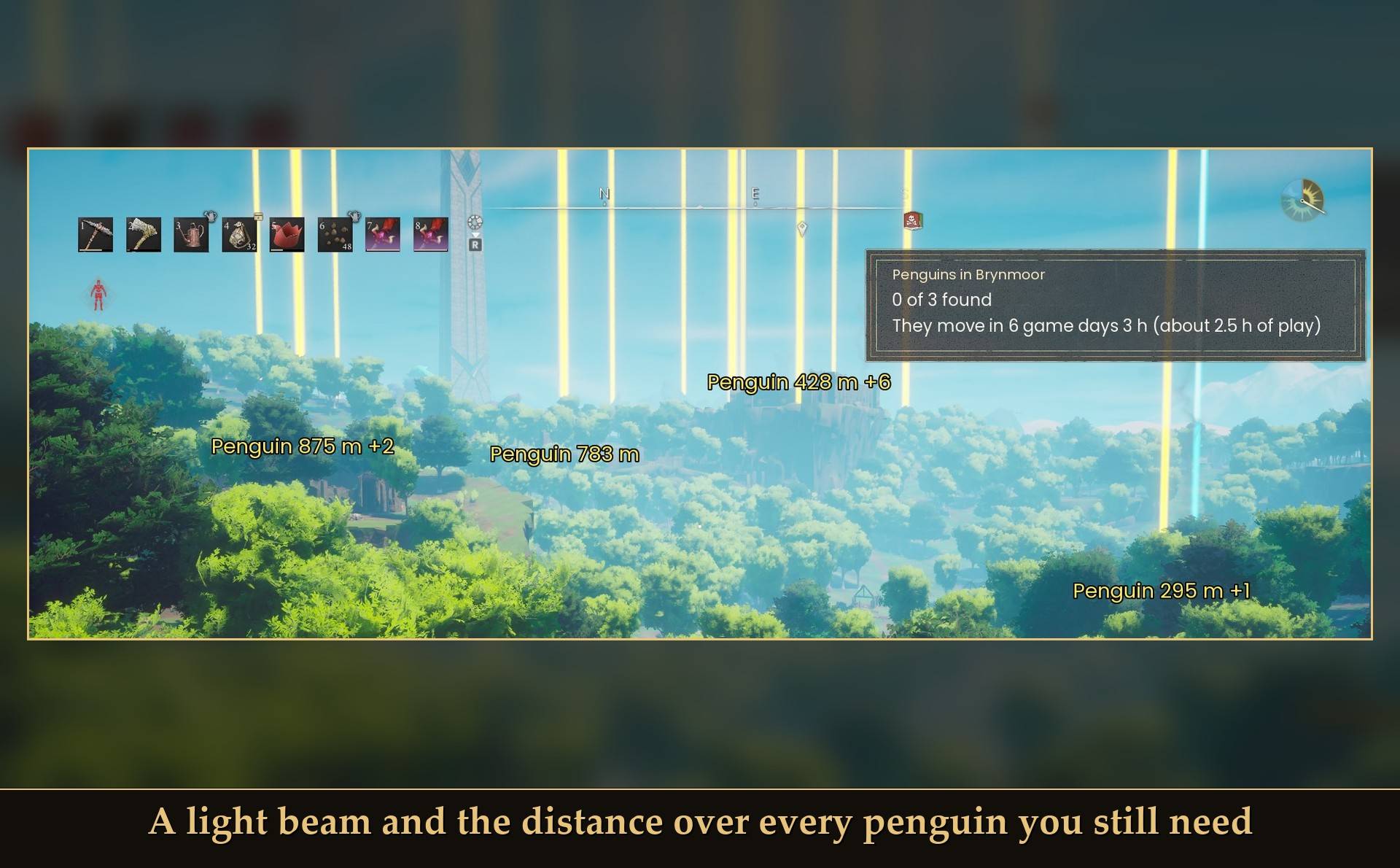
Every penguin of Penguin Hunting you have not found yet gets a light beam you can see from across the map, a glow and a distance text. Each one is pinned on the game's own world map, and the map shows how many you found in each region before they move.
The game hides 18 penguins at a time, 3 in each of its 6 regions, and moves them every 7 in-game days. It does not keep a list of the ones you found. Penguin Spotter and Tracker marks the ones you still need, pins them on the map, and counts them per region.
What sets it apart: you see them in the world, not only on the map: a beam, a glow and the distance, plus a found and missing count per region, and a Fair mode for players who still want to search.
What it does
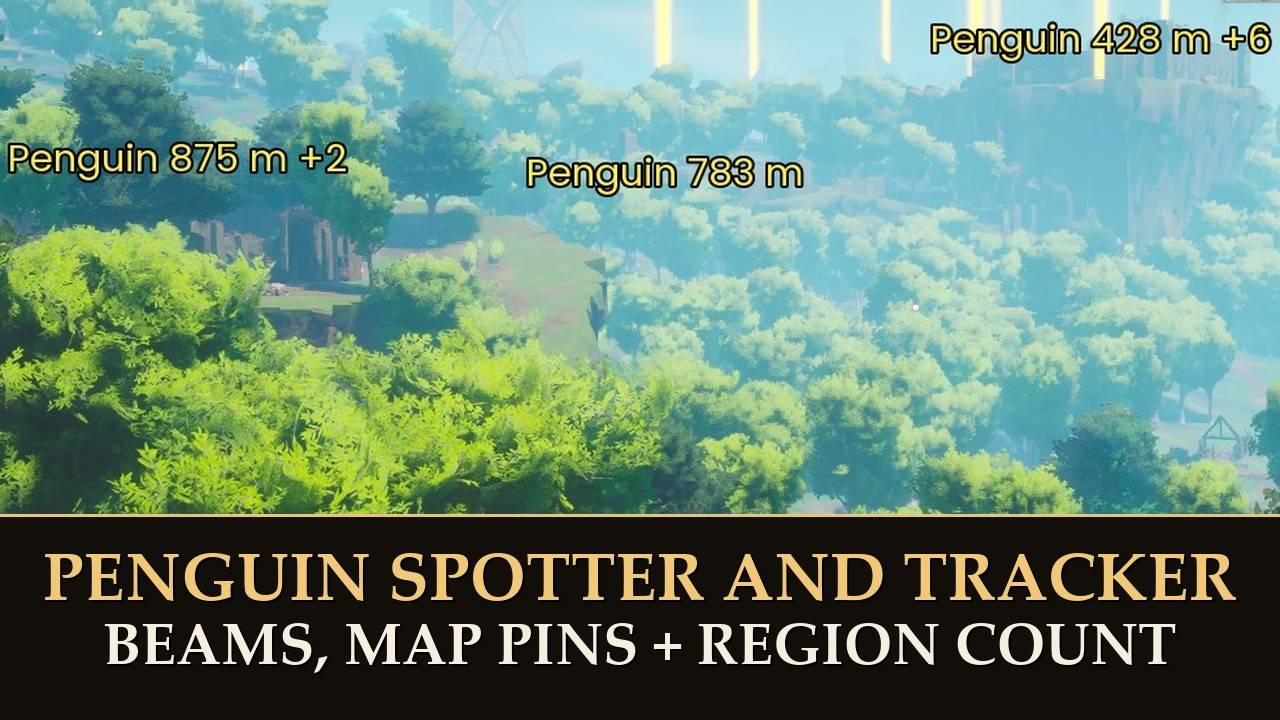
- Light beam: a tall beam over each penguin, in the look of the game's waypoint pillar. It gets wider with distance, so you can see it from kilometers away, and hides when you are within 12 m.
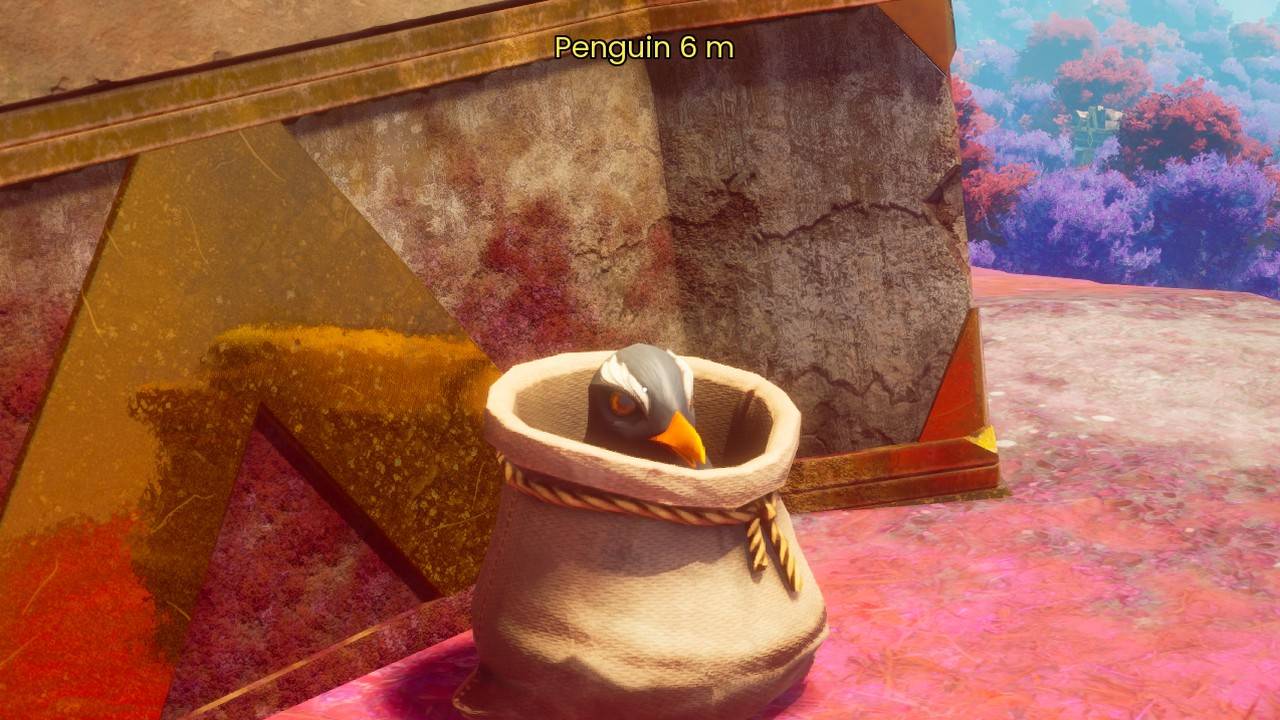
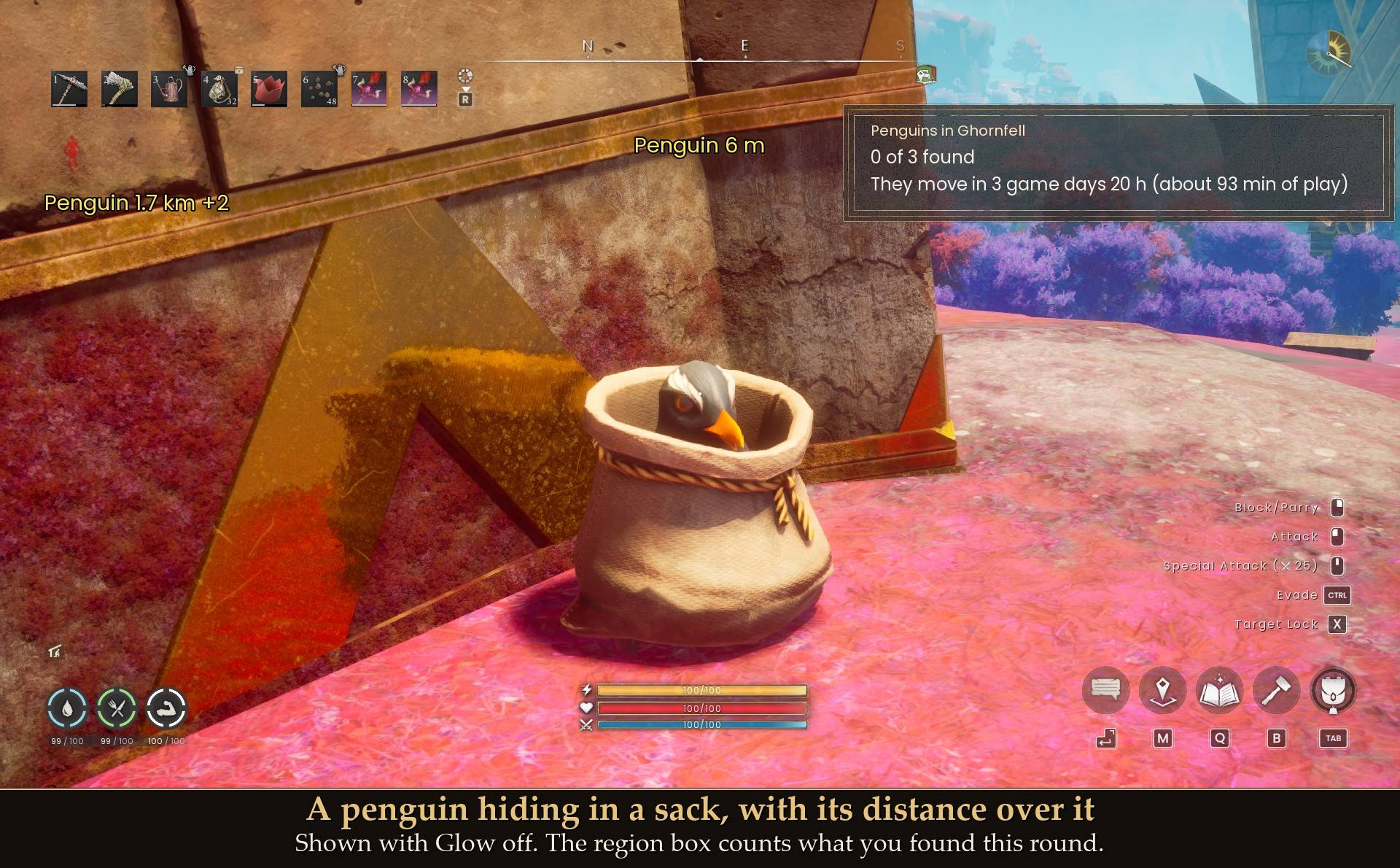
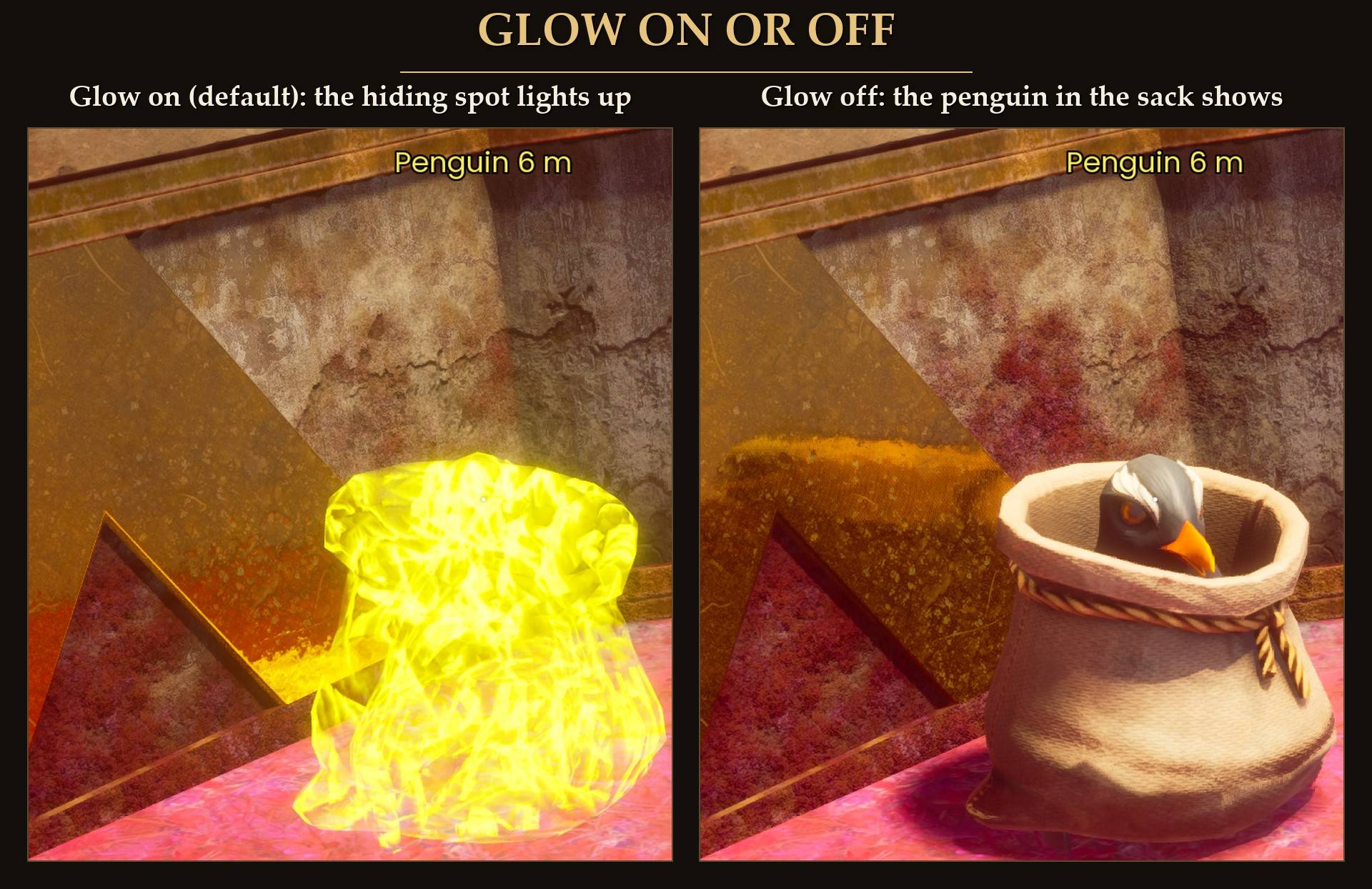
- Glow: the disguise (a barrel, a sack, a pot and more) is drawn in a bright color until you find the penguin.
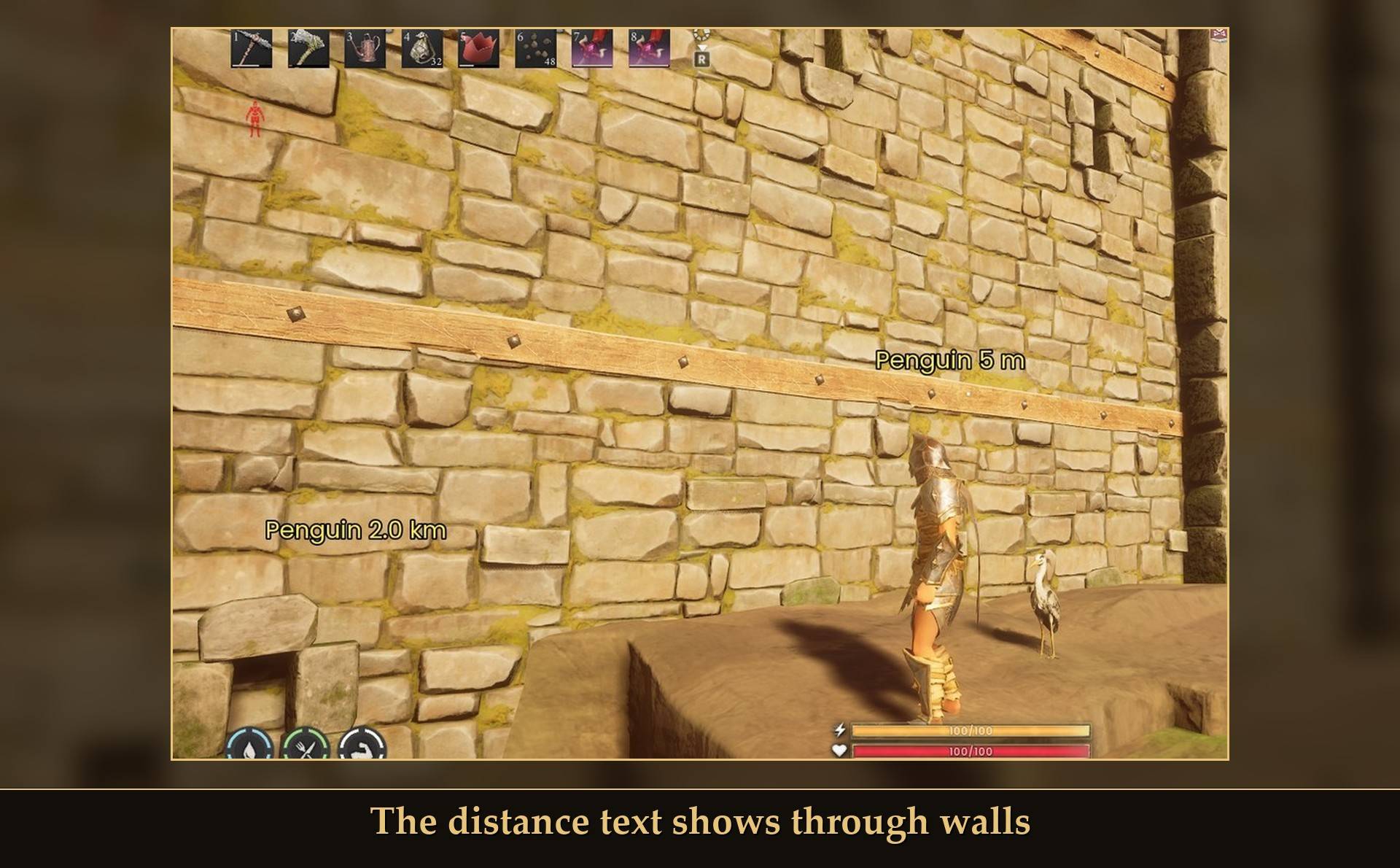
- Distance text: "Penguin 240 m" over each penguin, through walls. Penguins in the same direction share one text ("Penguin 2.3 km +2"), and at most 5 texts show at once (a setting), so far ones do not pile up on the horizon.
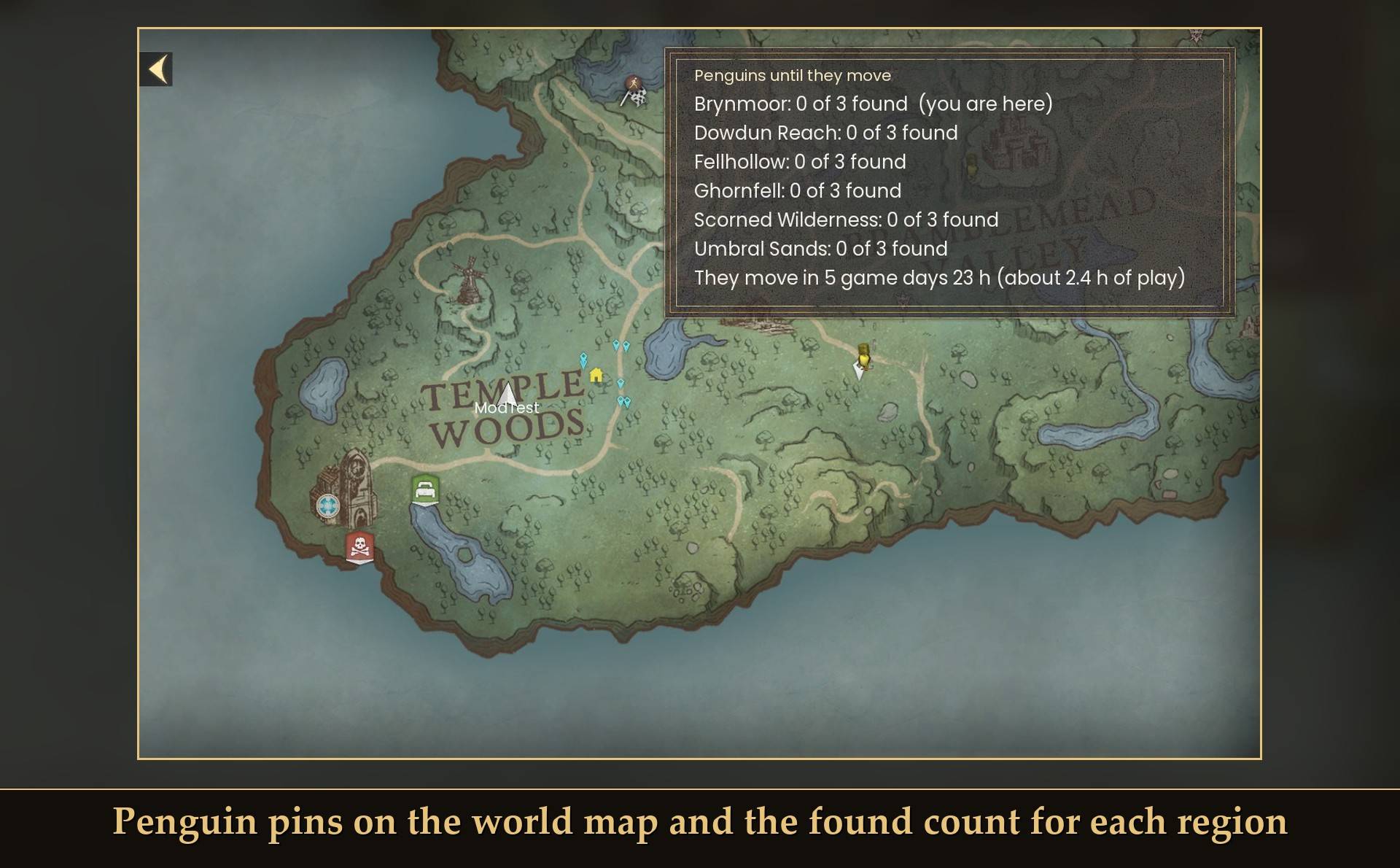
- Map pins: a penguin icon on the world map for each penguin you have not found yet, in the mark color. Pick All, This region or Off. A pin goes away when you find its penguin. Map pins are for solo play and the host.
- Region list on the map: while the map is open, every region with how many of its penguins you found this round ("Brynmoor: 1 of 3 found"), and when they move. A round is 7 in-game days, about 3 hours of play.
- Strip: a small strip at the top right counts the penguins of the region you are in.
Full or Fair
- Full (default): every penguin the game has loaded is marked, at any distance. In solo play that is every penguin on the map.
- Fair: a penguin is only marked, and only pinned on the map, once you are within the range you set (25 m by default). You still have to search.
- Want a challenge? Mode Fair and Map pins Off. Only the count? Turn off Light beam, Glow, Floating text and Map pins: the list on the map stays.
Settings
All in Mod Menu (Esc > MODS > Penguin Spotter and Tracker), or in config.txt in the mod folder (restart the game after editing it). Changes in Mod Menu apply right away.
- Enabled, Mode (Full / Fair), Fair mode range (5 to 100 m).
- Light beam, Glow, Color (yellow, cyan, green, pink, orange, white), Pulse.
- Floating text, Text height, Most texts at once (1 to 18).
- Map pins (All / This region / Off), Region list on the map.
- Tracker strip with region name, its position on screen, and Time until they move.
- Extra marks (off by default): a tinted overlay and a small light. Search every (seconds), Verbose log.
Install
- Install UE4SS for RSDragonwilds.
- Recommended: install Mod Menu for the settings in game. Without it the mod runs with its defaults, and you change them in config.txt.
- Extract the zip into
RSDragonwilds\Binaries\Win64\ue4ss\Mods so you get ...\ue4ss\Mods\PenguinSpotter\Scripts\main.lua.
No RuneSchema needed. On Game Pass the folder is Binaries\WinGDK\ instead of Binaries\Win64\ (Game Pass is not tested yet).
Uninstall
Delete the PenguinSpotter folder. The mod adds no items and keeps no files, so your worlds and characters are untouched.
Good to know
- Your save: the pins are not your own map markers. They are drawn on the map while the game runs and are never written into your save, so they never count toward the game's limit of 99 markers.
- Joining a server: the game only sends a joined player the penguins within about 150 m of them, so only those are marked and counted, and the strip and the list on the map say so. Map pins and the time until they move are for solo play and the host; a joined player gets the beams, the glow, the texts and the nearby list.
- Dedicated server: install it on your PC. On the server itself it does nothing.
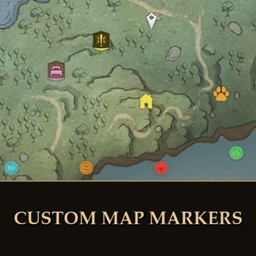
- Custom Map Markers: works with Custom Map Markers 1.0.1 or later.
FAQ
- Does it work when I join a server? Yes, install it on your own PC. The game only sends you the penguins within about 150 m, so those are the ones marked (map pins are for solo play and the host). In solo play you see all 18. Joining a friend's world works the same way in the game, but we have not tested it yet.
- Do I put it on the server? No need. On a server it does nothing.
- I see nothing. Give it up to a minute after loading in: the mod waits 40 seconds for the world to finish loading. Then check UE4SS.log for
[PenguinSpotter] loaded v1.0.0. On a server, walk around: penguins show once you are within about 150 m.
- What does "6 game days 22 h (about 2.8 h of play)" mean? Penguins move every 7 in-game days. The part in brackets is about how long that is in play time.
- I want to search myself. Mode Fair and Map pins Off.
- Too many beams in the sky. Turn off Light beam, or use Fair mode. If yellow is hard to see, pick another color: it changes the beam, glow, text and map pins together.
- Is my save safe? Can I remove it any time? Yes. Nothing is written to your save, the pins are not your map markers, and deleting the folder removes everything.
- I use another penguin map mod. Set Map pins Off here to avoid two pins per penguin.
Tested on RuneScape: Dragonwilds (Steam build 26658295, dedicated server build 26670300) with UE4SS 3.0.1 and Mod Menu 2.0.3, solo on a test character and on a local dedicated server with one player joined, with a virtual Xbox pad for the controller check.
Links