Open All
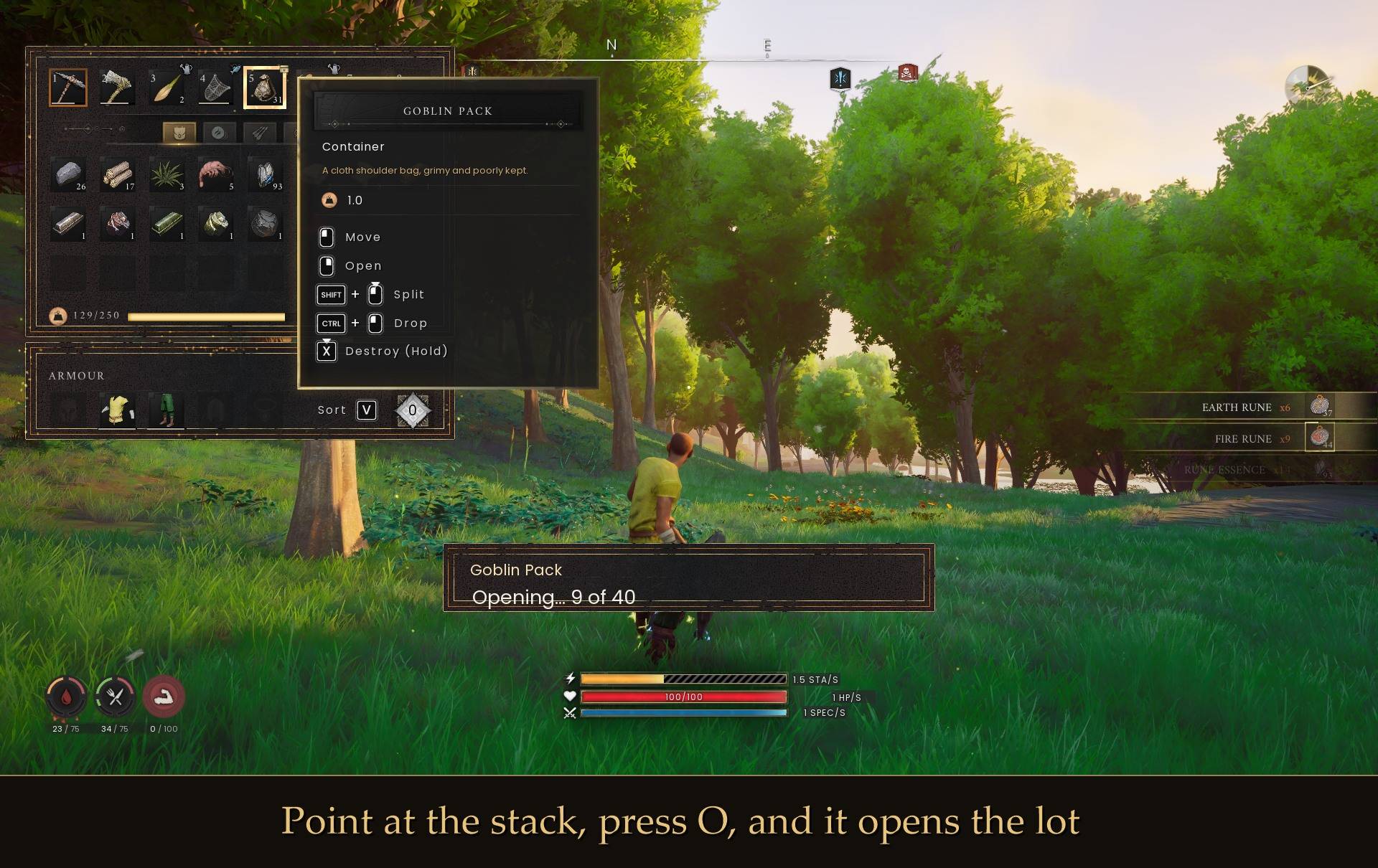
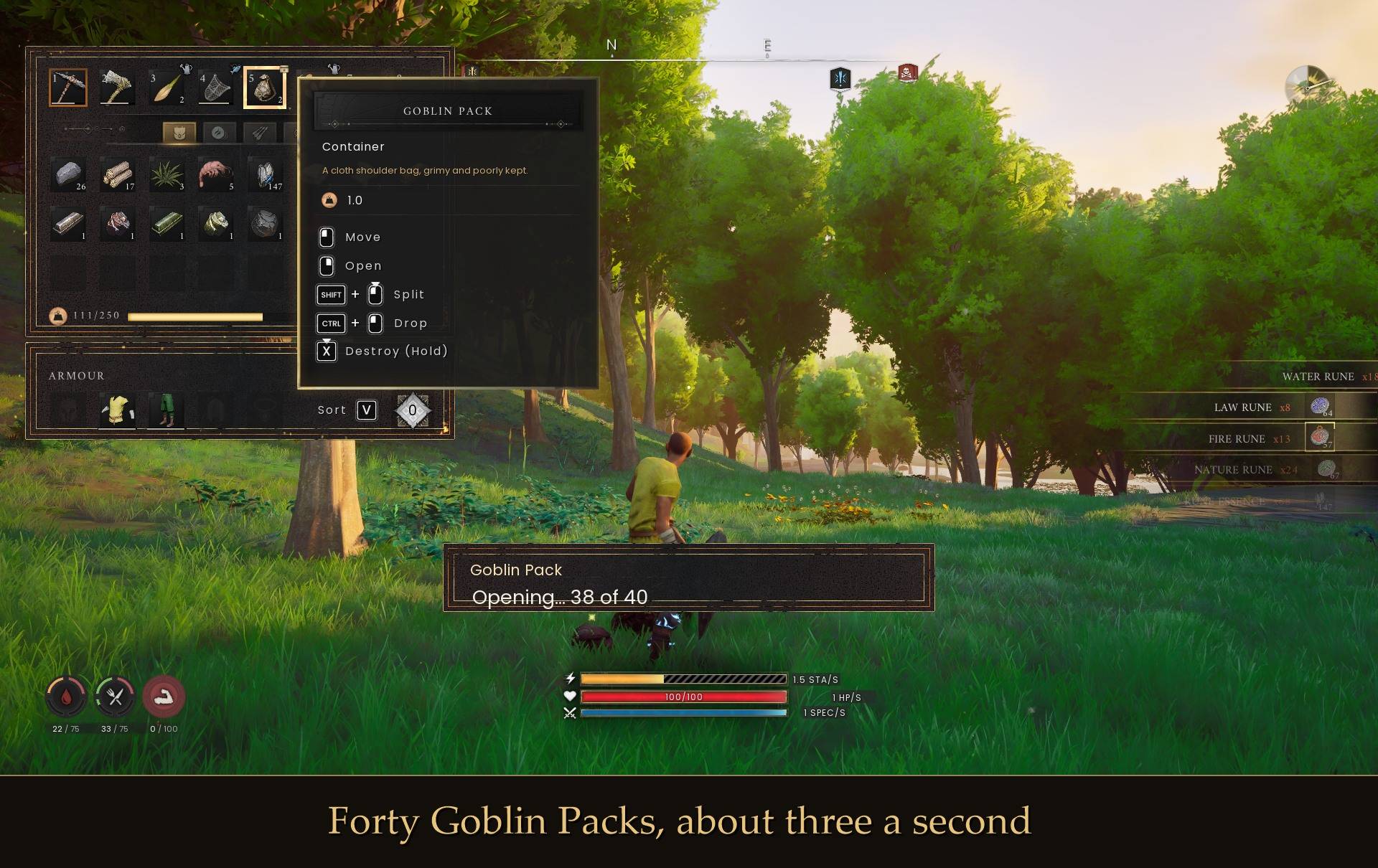
Forty Goblin Packs means forty clicks. Point at the stack in your inventory, press O, and the whole lot opens on its own while you watch the loot come in.
What you get
- Opens a whole stack, about three a second
- Works on every openable pack in the game: Goblin, Skeleton, Zombie, Zogre, Garou and Kot Packs, bird nests, ash piles, agility course reward packs, quest reward packs, plan bundles and the rest. 62 items in total
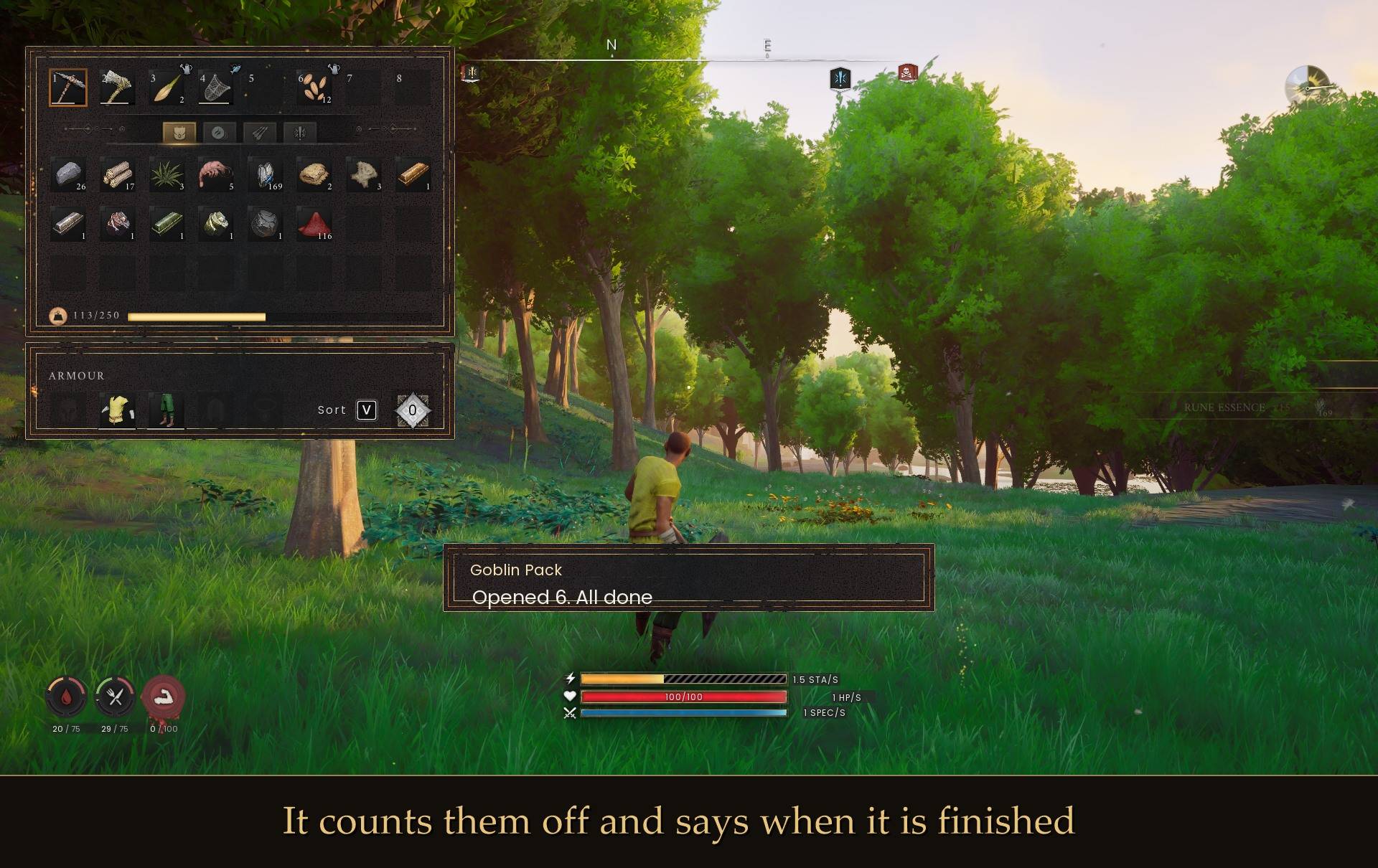
- A small message counts them off and tells you why it stopped
- Press O again to stop at any time
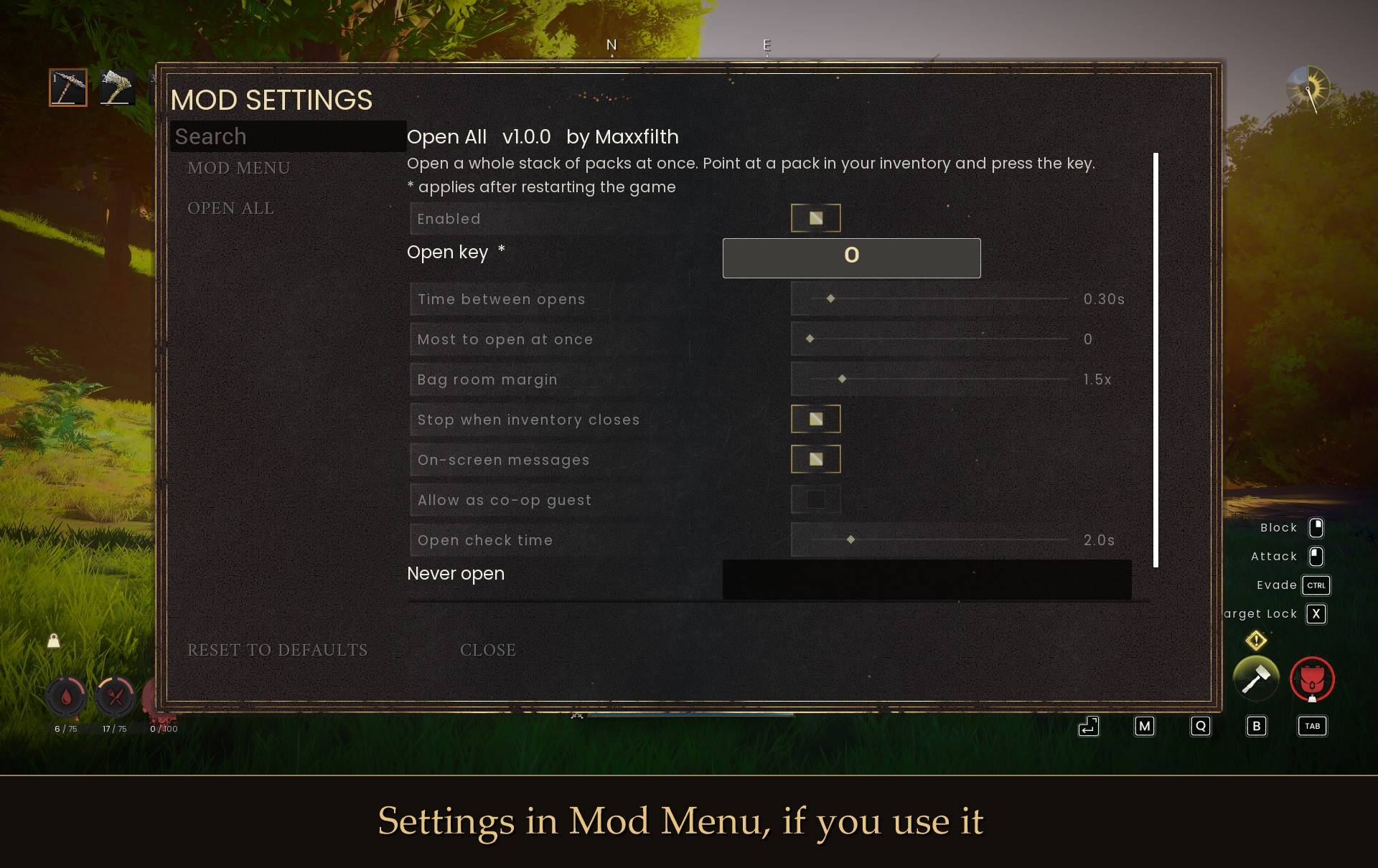
- Settings in Mod Menu, if you use it
It uses the game's own open
Every pack is opened the same way clicking Open does, one at a time. You get the real loot roll, the usual pickup banners, and any recipes or building pieces a pack unlocks. The mod never hands you items itself.
It watches your bag so nothing ends up on the floor
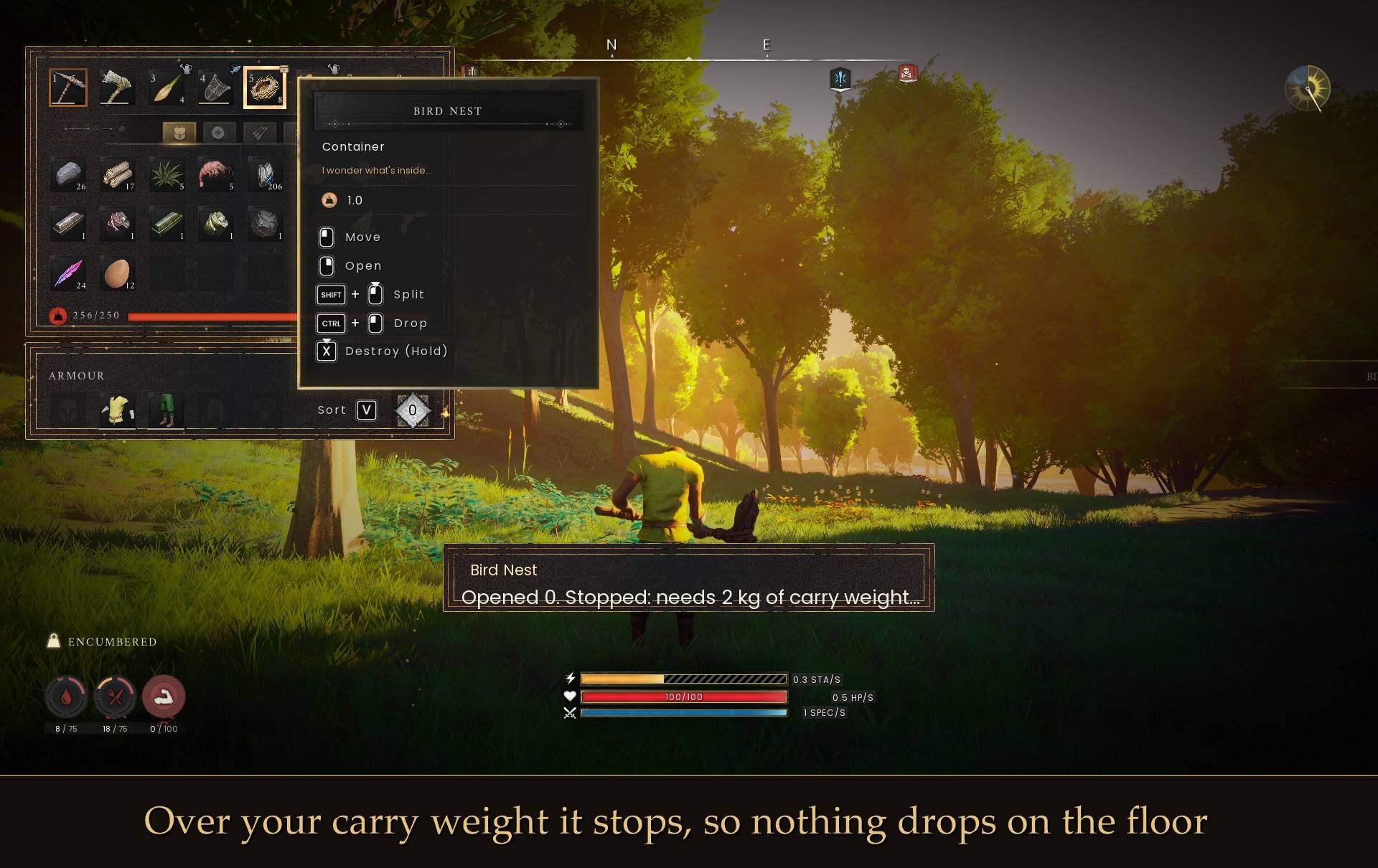
Before each pack it asks the game whether everything that pack can give will actually fit, and it checks your carry weight. That matters: if you are over your carry limit the game drops the contents on the ground instead of into your bag. So it stops and tells you, rather than spilling half a stack around your feet.
It also leaves alone the handful of items that look openable but have nothing inside (expired potions and inactive wardstones). Opening one of those by hand destroys it and gives you nothing, so the mod skips them.
It stops on its own when the stack runs out, when your bag is full, when you are over your carry weight, when you close the inventory, when you leave the world, and when you press O again.
Install
- Install UE4SS for RSDragonwilds (free, from the UE4SS for RSDragonwilds page on Nexus Mods)
- Drop the OpenAll folder into
RSDragonwilds/Binaries/Win64/ue4ss/Mods/
- Load into a world, open your inventory, point at a stack of packs and press O
On Game Pass: use the BE version of UE4SS with the SCO signature, the normal build does not load there (thanks JourneyOver for testing). Game Pass also installs the game under Binaries/WinGDK/ instead of Binaries/Win64/, so the OpenAll folder goes in RSDragonwilds/Binaries/WinGDK/ue4ss/Mods/. If you use a mod manager, check that is where it ended up.
To remove it, just delete the folder. It changes nothing in your save.
Config
Everything is in config.txt in the mod folder:
OpenKey = O
DelaySeconds = 0.3
MaxPerRun = 0
RequireInventoryOpen = true
ShowMessages = true
MaxPerRun = 0 means open the whole stack. Free keys in Dragonwilds are I L N O T U Z, and there is a "never open" list if you want to protect something.
Notes
- Packs have to be in your own backpack. Move them out of a chest first.
- It works during a fight, but the game does not stop for you. Opening forty packs is about fifteen seconds of standing still with your inventory open, which is a good way to get killed. Press O again to stop, or clear the area first.
- Agility course reward packs open a little slower, because the game itself makes you wait between them.
- It only runs in worlds you host. I haven't tested it as a co-op guest, so that is off by default.
- Haven't tried it with a controller either. If you do, let me know how it goes.
- Not sure it's running? UE4SS.log has a line starting with
loaded. Point at a pack.
Tested on 1.0 by opening a few hundred packs: 81 in one go with a nearly full bag, stacks of 40 and 25, and checking afterwards that nothing was left lying on the ground.