See exactly when every rock, tree, ore and fishing spot comes back.
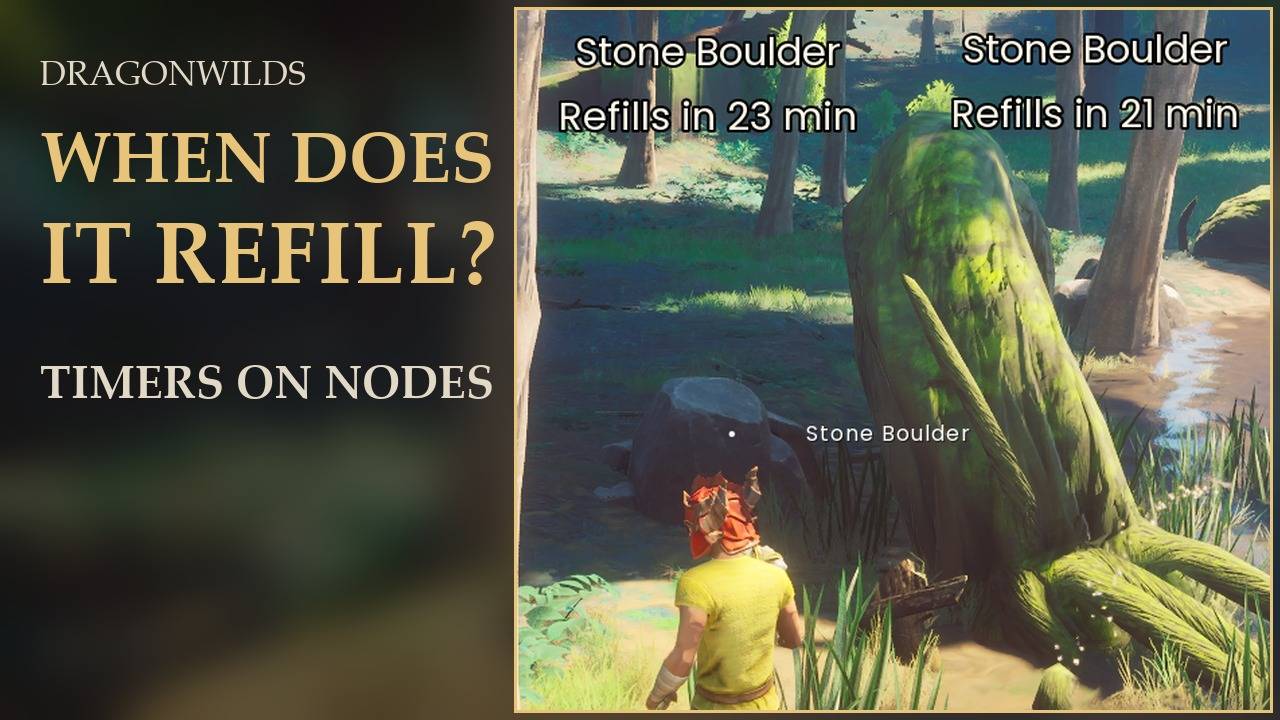
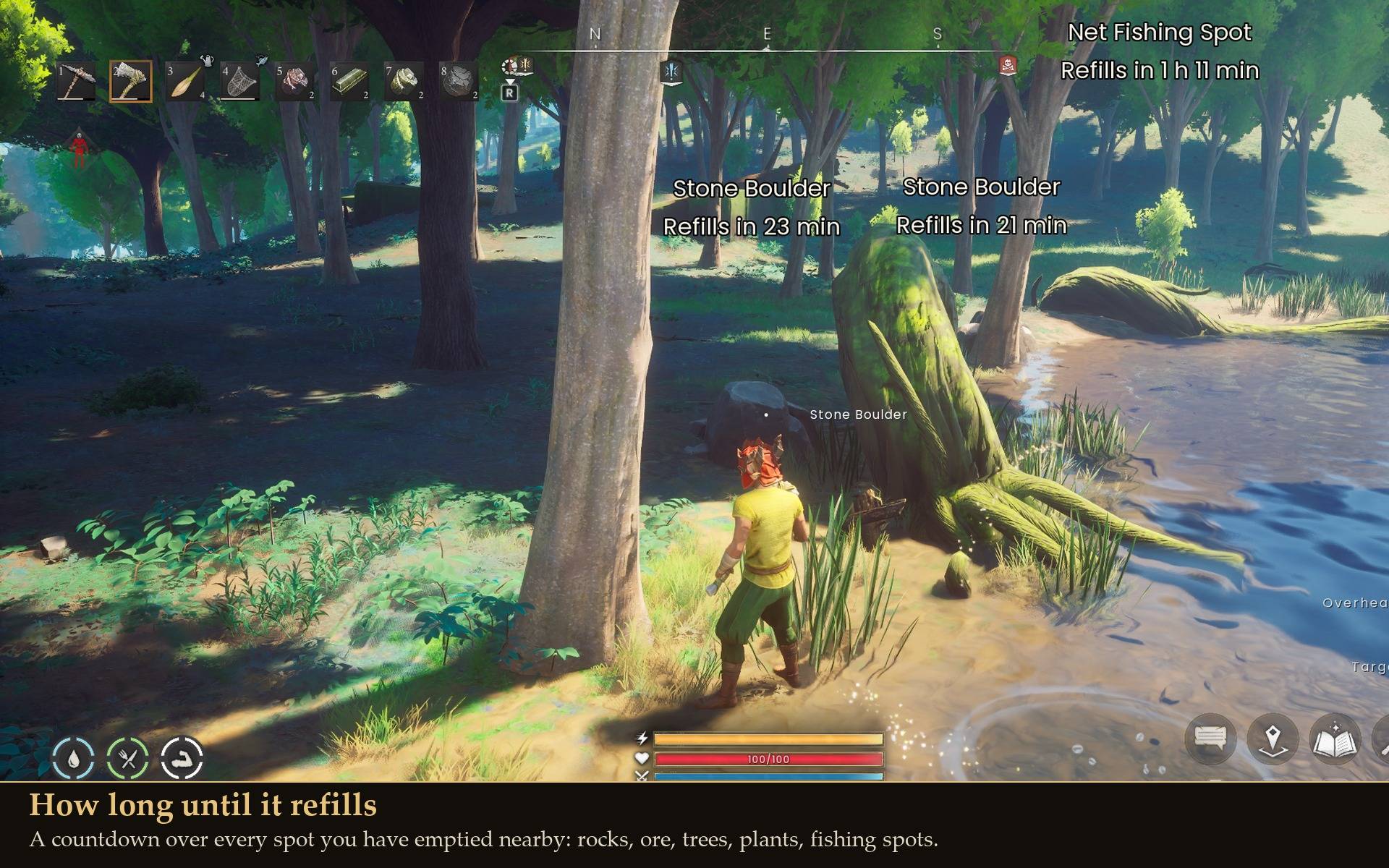
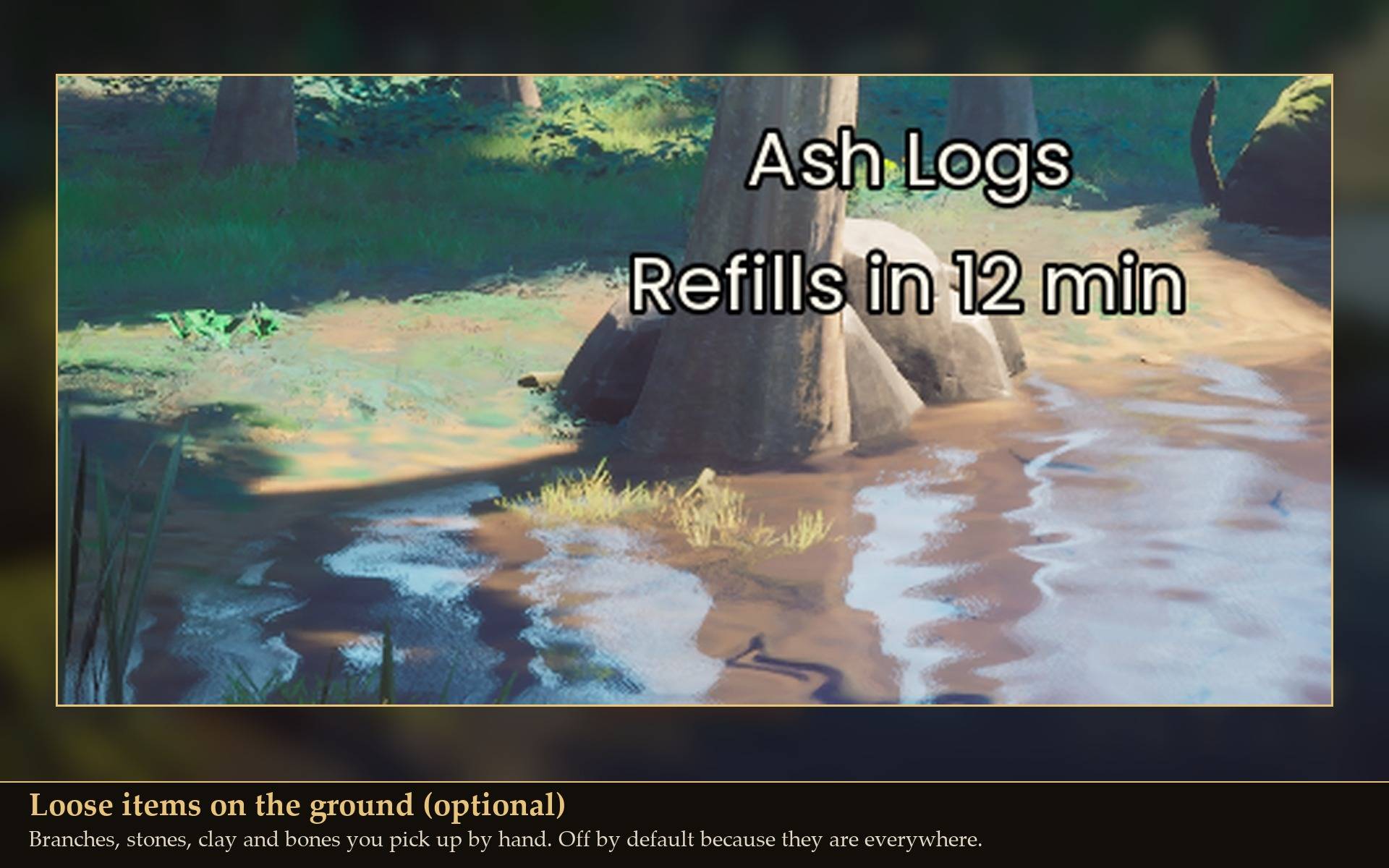
A small countdown floats over each resource spot you have emptied nearby: "Refills in 23 min". No more walking back to a boulder that is still gone.
RuneScape: Dragonwilds never tells you when a spot you have used up will come back. I kept walking back to empty rocks and trees to check, so I made the game tell me instead.
What it shows
- A timer over every emptied spot within range: "Stone Boulder / Refills in 23 min", "Net Fishing Spot / Refills in 1 h 11 min".
- Real time or game time: minutes and hours you can plan around, or in-game time if you prefer ("Refills in 1d 4h (game time)"). One in-game day is 24 real minutes.
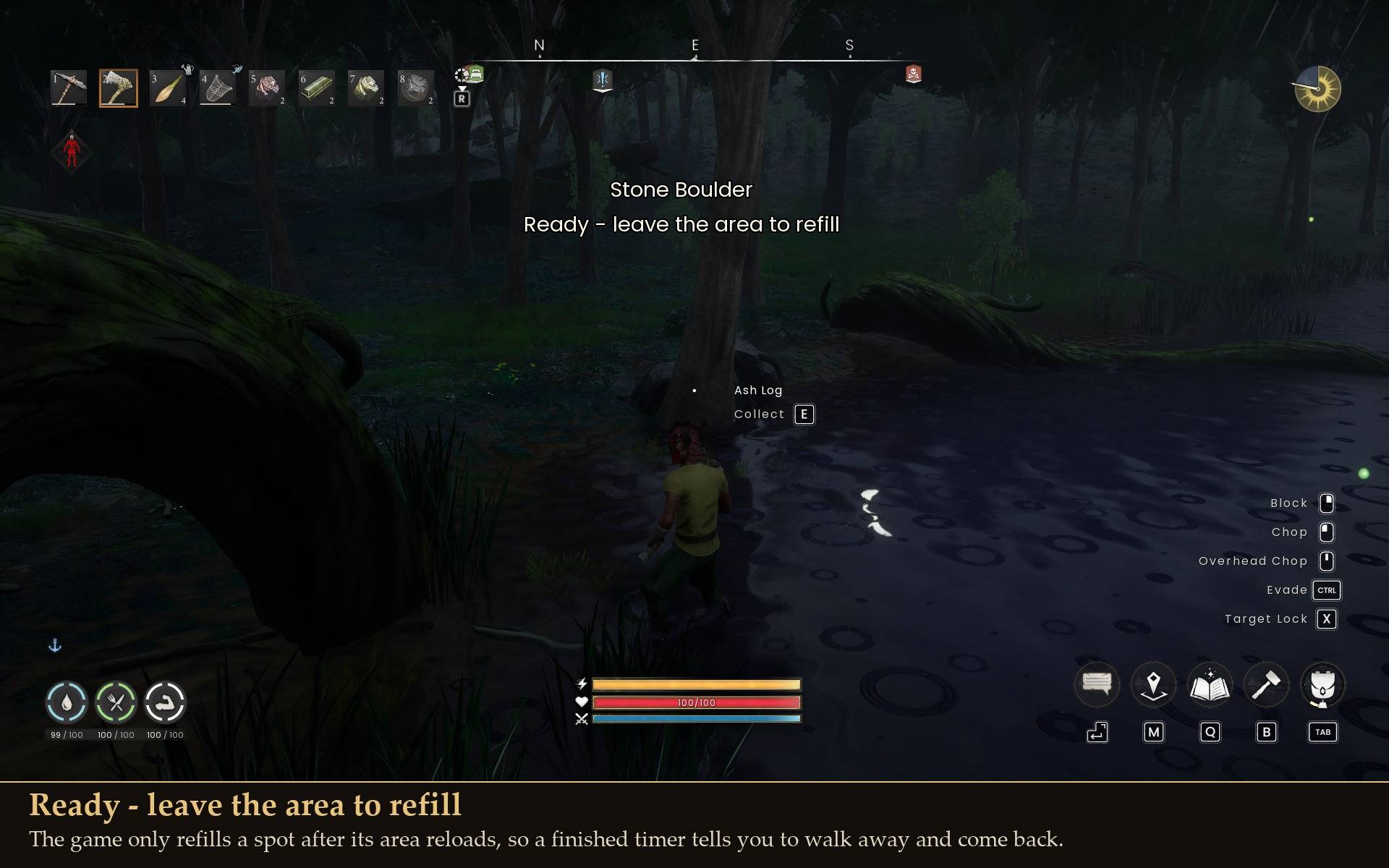
- When a timer runs out the label says what the game needs before the spot comes back. A spot placed in the map refills once its area reloads: "Ready - go about 300 m away to refill" (in testing 200 m was not enough, 300 m was). Most trees, rocks and branches are created by the game as you walk up to them, and those only refill when the world is loaded again: "Ready - refills when the world is loaded again".
- Fishing spots refill closer (new in 1.0.1): once a spot's timer has run out and you are 60 m away, the mod asks the game to refill it the same way the game does itself. Change the distance, or set 0 for the game's own rule, in Mod Menu or config.txt (RefillDistance). It never refills a spot before its timer is over.
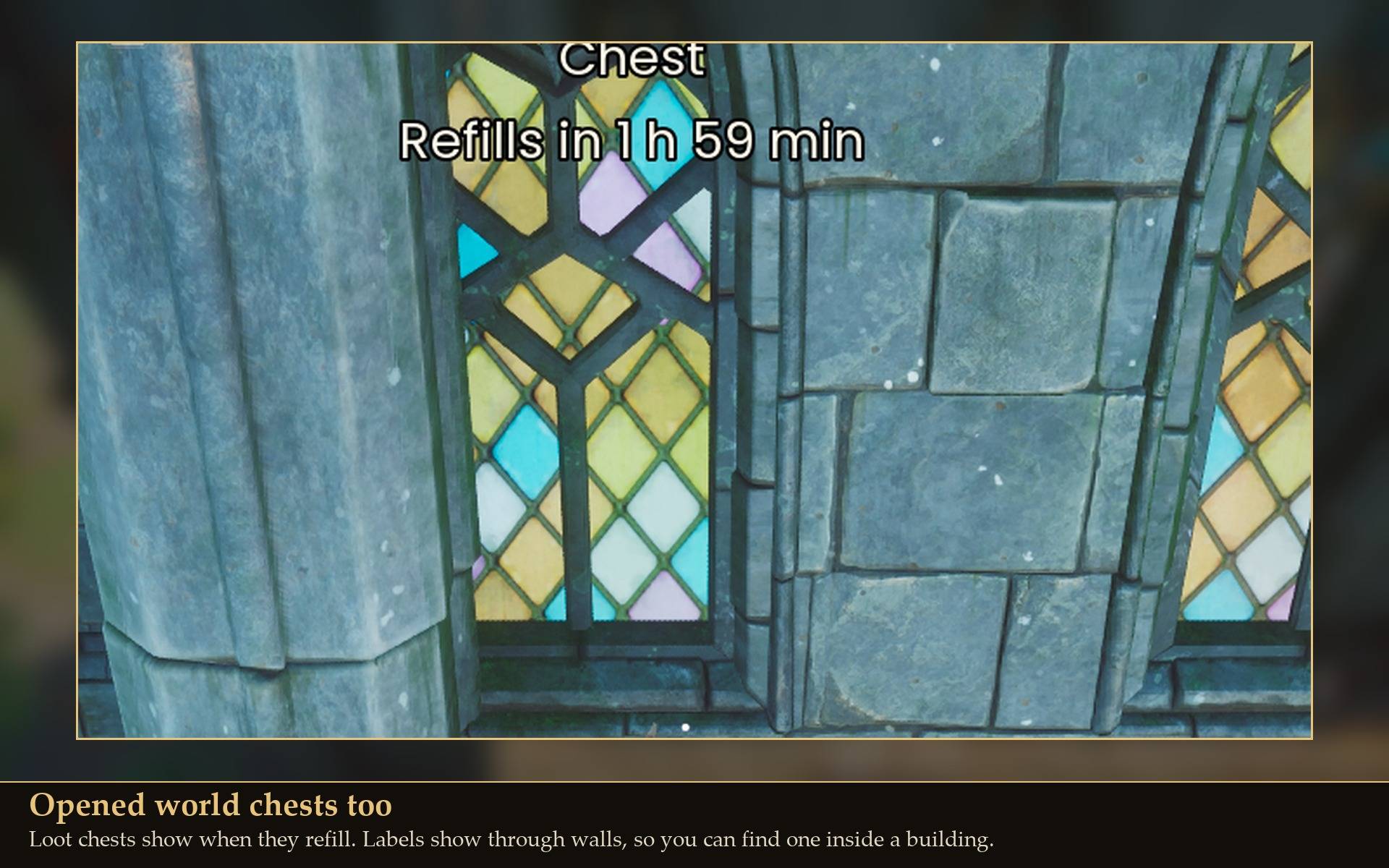
- Opened world chests show when their loot comes back.
- Anything the game will not refill says so: "Won't refill: something is built on it", "Refilling is paused" or "Refill time unknown".
What gets a timer
Each kind can be switched on or off: ore, rocks and rock deposits, trees and saplings, plants and bushes, fishing spots, anima vents, salvage and world chests. Loose items on the ground (stones, branches, clay and bones you pick up by hand) are off by default because they are everywhere, and one tick turns them on.
Settings
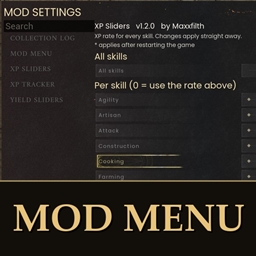
All live in Mod Menu (Esc > MODS > Node Timers), or in config.txt in the mod folder:
- Range: 30 m by default (5 to 200).
- Most labels at once: 8 by default, nearest first.
- Time shown as: real or game.
- Label nodes that are ready: keep or drop the "Ready" label.
- Label height: how far above the spot the label floats.
- Hide or show key: optional, none by default.
Install
- Install UE4SS for RSDragonwilds (free, from the UE4SS for RSDragonwilds page on Nexus Mods)
- Drop the
NodeTimers folder into RSDragonwilds/Binaries/Win64/ue4ss/Mods/
- Optional: install Mod Menu to change the settings in game.
On Game Pass: use the BE version of UE4SS with the SCO signature, the normal build does not load there. Game Pass also installs the game under Binaries/WinGDK/ instead of Binaries/Win64/, so the NodeTimers folder goes in RSDragonwilds/Binaries/WinGDK/ue4ss/Mods/. If you install with Vortex, check that is where it ended up.
To uninstall, delete the NodeTimers folder.
Good to know
- It only reads. The mod reads the game's own refill timers and draws labels. It never changes a timer or your save, and the labels are not saved. The one exception is the fishing spot refill above, which you can turn off (RefillDistance = 0).
- Labels show through walls, so a chest inside a building or a rock behind a hill still gets its timer.
- Two spots in a line can overlap on screen. Labels for spots right next to each other stack neatly, but a close spot and a far one can line up behind each other. Lower the Range or turn a kind off if it gets busy.
- Light on performance. No hooks. It looks for new spots after you have moved about 50 m (at most every 15 seconds), and right after you gain Woodcutting, Mining or Fishing XP (at most every 2 seconds) it picks up the spot you are aiming at, so a timer shows within about a second of gathering. It waits 10 seconds after a teleport or fast travel while the new area loads.
- Not sure it is running? UE4SS.log shows a line starting with
[NodeTimers] loaded.
Tested on RuneScape: Dragonwilds 1.0 alongside all my other mods: rocks, ore, trees, branches, fishing spots and world chests, a spot refilling after leaving the area, every setting changed live, day and night readability, exit to the main menu with labels up, reloading the world (timers come back unchanged), and teleporting 600 m away and back. Not tested yet: co-op, controller, Game Pass.