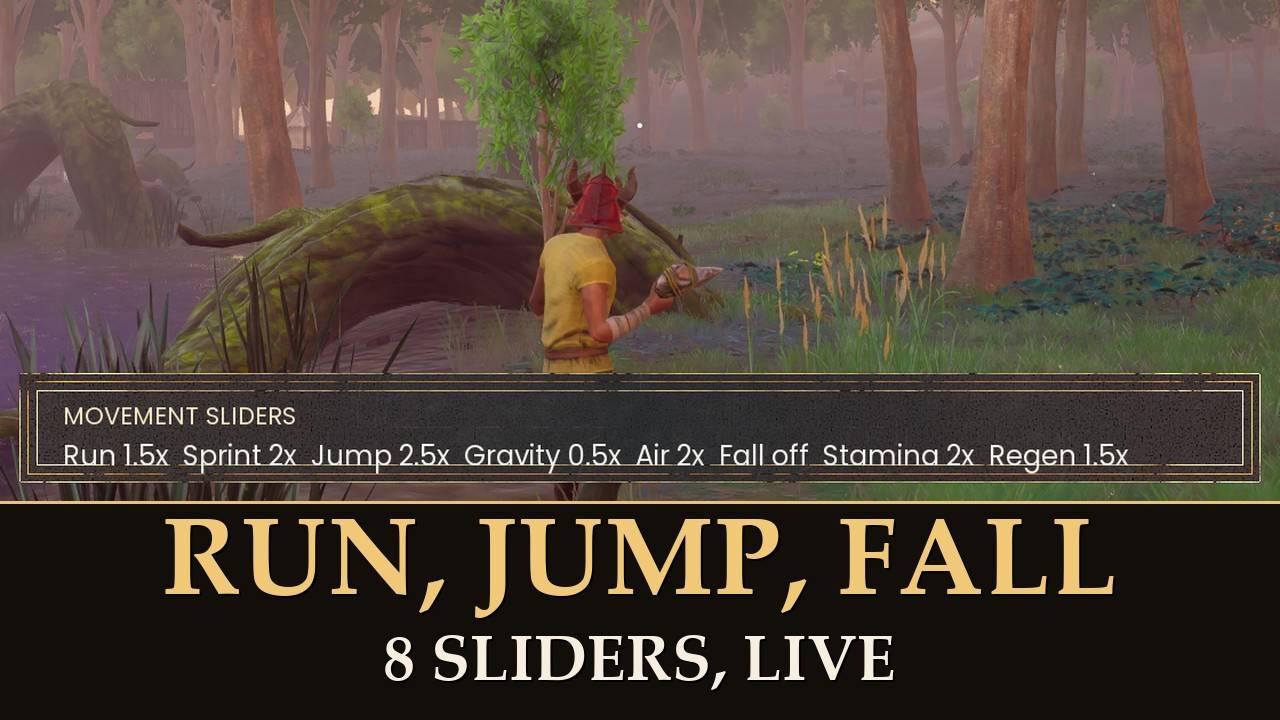
Run faster, jump higher, fall softer: one slider each.
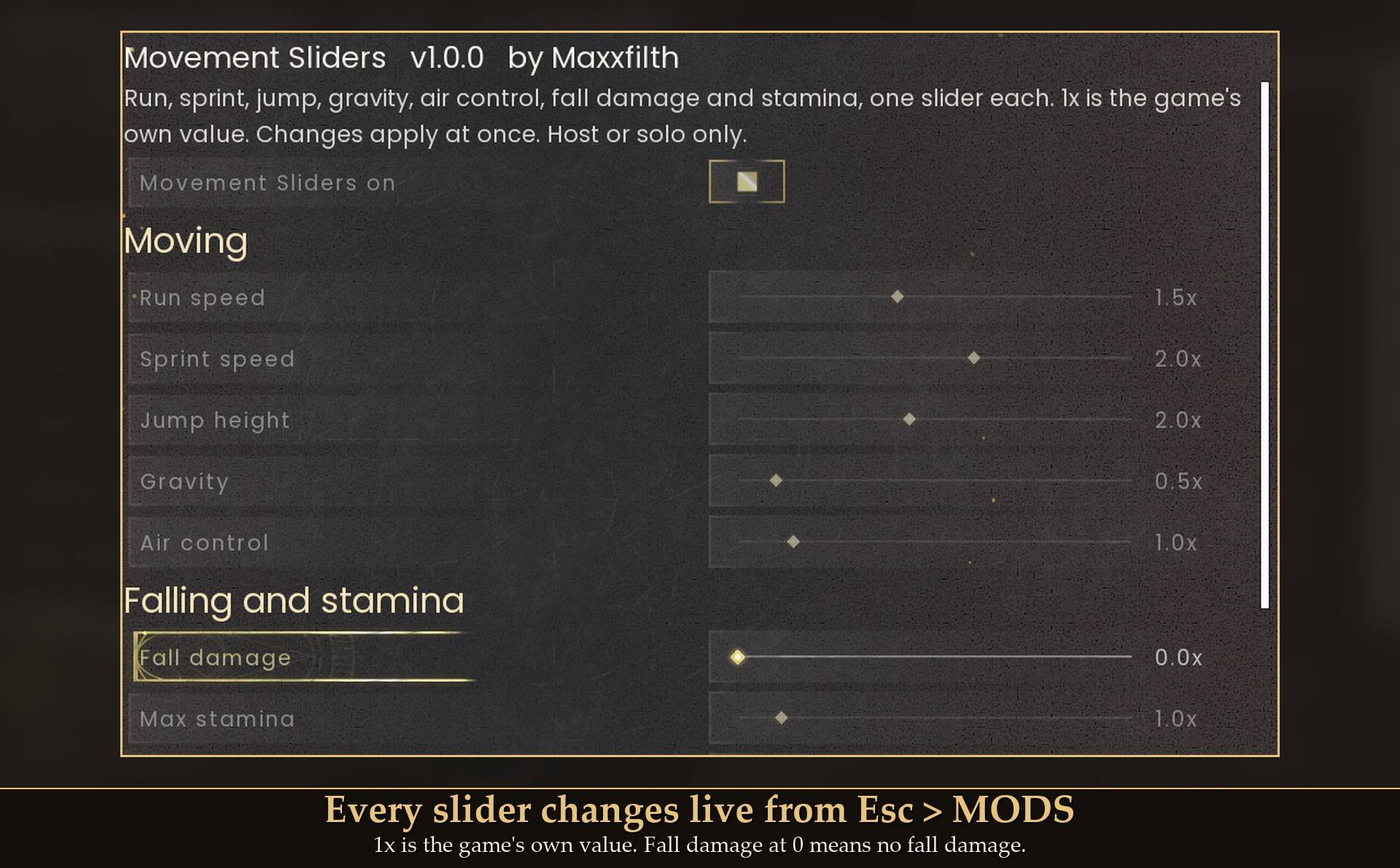
Run speed, sprint speed, jump height, gravity, air control, fall damage, max stamina and stamina regen, changed live from Mod Menu. 1x is the normal game.
Most movement mods on the site come as fixed files: one jump height, one sprint boost, fall damage on or off. This mod puts all of them in one place, as sliders you can change while you play, and you can go back to normal at any time without restarting.
The sliders
- Run speed (0.5x to 3x): how fast you move without sprinting.
- Sprint speed (0.5x to 3x): how fast you move while sprinting.
- Jump height (0.5x to 4x): 2x is twice as high.
- Gravity (0.25x to 3x): lower is floatier, with slower falls. Your jump height stays the same.
- Air control (0.5x to 4x): how much you can steer in the air.
- Fall damage (0 to 3x): 0 means no fall damage at all.
- Max stamina and stamina regen (0.5x to 5x).
How it works
Your movement numbers in this game are character stats, and the game ships its own effects for changing them. This mod applies those same effects to your character, set to your slider value. So the sliders stack with the game's own effects instead of replacing them: the Scarab Staff still slows you while you hold it, on top of your slider value.
Measured in game: sprint 680 to 1360 at 2x, jump height 180 to 360 at 2x, run 450 to 675 at 1.5x, and the same drop that did 65 damage at 1x did none at 0x.
Install
- Install UE4SS for RSDragonwilds (free, from the UE4SS for RSDragonwilds page on Nexus Mods).
- Drop the
MovementSliders folder into RSDragonwilds/Binaries/Win64/ue4ss/Mods/
- For the in-game sliders, also install Mod Menu and open Esc > MODS > Movement Sliders. Without it, every setting is in
config.txt inside the mod folder.
On Game Pass: use the BE version of UE4SS with the SCO signature, the normal build does not load there. Game Pass also installs the game under Binaries/WinGDK/ instead of Binaries/Win64/, so the MovementSliders folder goes in RSDragonwilds/Binaries/WinGDK/ue4ss/Mods/. If you install with Vortex, check that is where it ended up.
To uninstall, delete the MovementSliders folder. Nothing is saved to your character, so everything goes back to normal.
Good to know
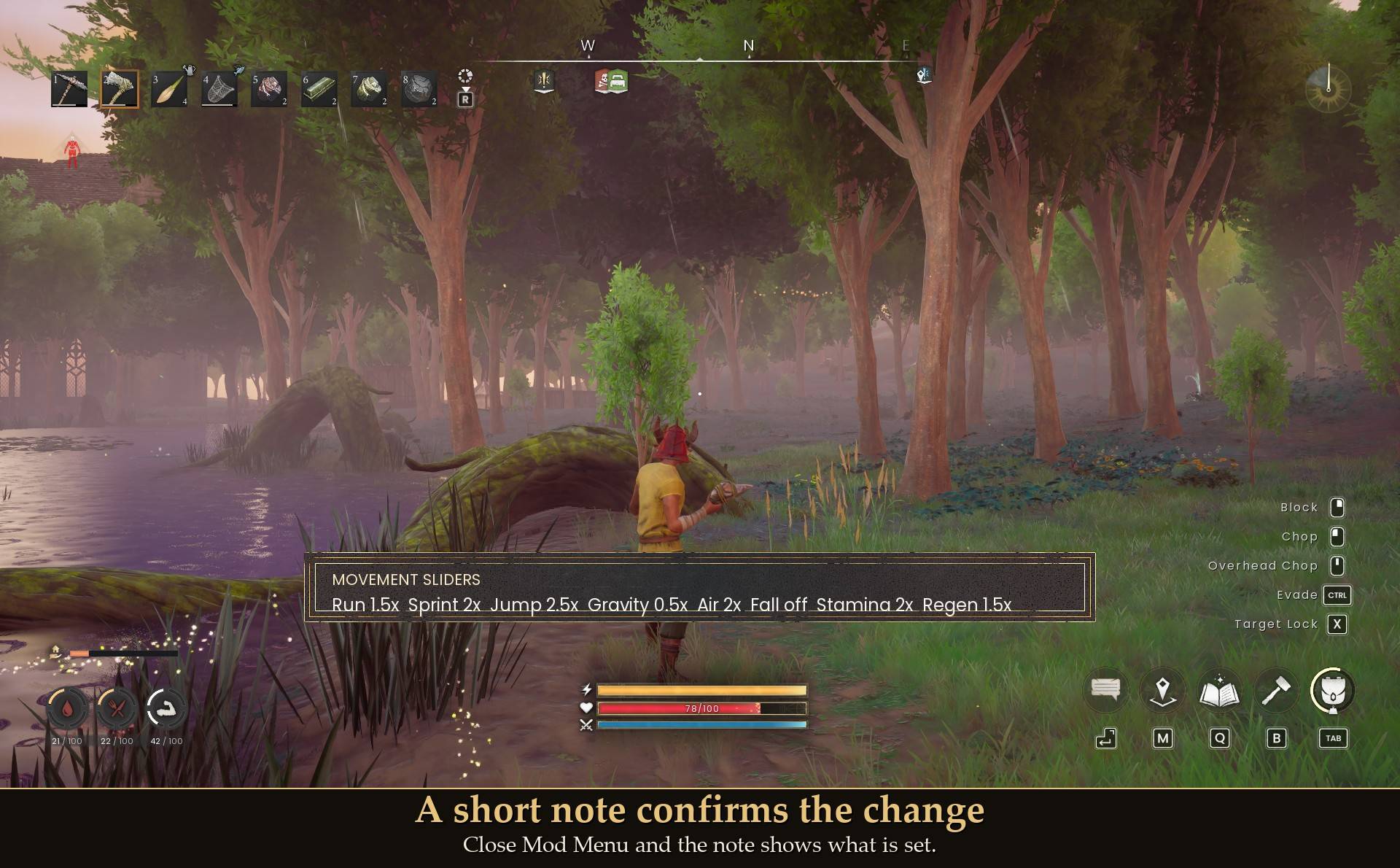
- Changes apply at once. Close Mod Menu and a short note shows what is set. You can turn that note off.
- Survives dying. Dying clears every movement effect in this game; the mod notices and puts yours back a few seconds after you respawn.
- Nothing permanent. Your character save holds no trace of the mod. Turn it off in Mod Menu or remove it and you move normally again.
- Co-op: only works for the host or in solo play. Guests can have it installed; it does nothing on their side.
- Only your character: the dodge and the mid-air dash are not changed, and mounts have not been tested.
- Not sure it is running? UE4SS.log shows lines starting with
[MovementSliders].
Tested on RuneScape: Dragonwilds 1.0 with UE4SS 3.0.1: every slider read back exactly in game, real jumps and sprints measured at the new values, a drop test for fall damage, a real Mod Menu slider drag applied live and saved, leaving the world and coming back re-applied the settings, dying and respawning re-applied them, 60 rapid slider changes with forced garbage collection left every value exact, and the game's own Scarab Staff slow kept working alongside the sliders. Not tested yet: co-op, controller, Game Pass.