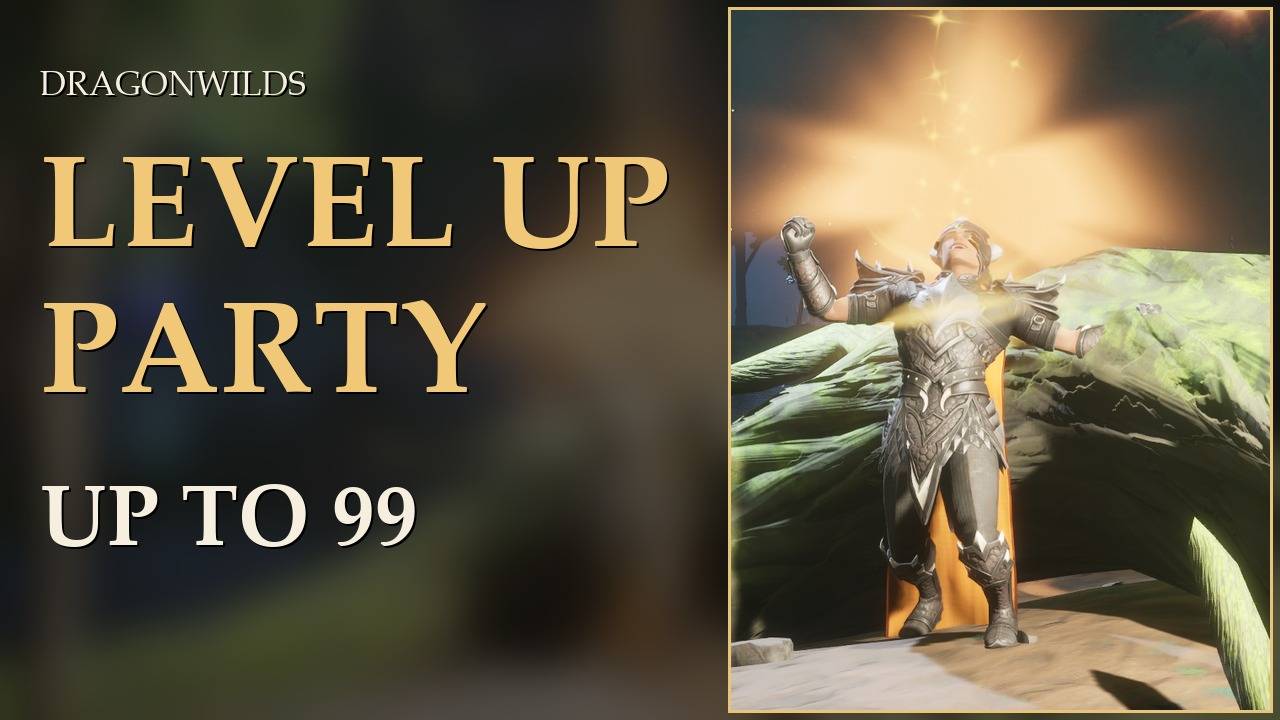
A RuneScape level-up party, up to the big 99.
Fireworks when a skill levels up, a quest sting every 10th level, the golden beam again at 50, and at 99 a proper show: fireworks, a fanfare, your character cheering and a congratulations message.
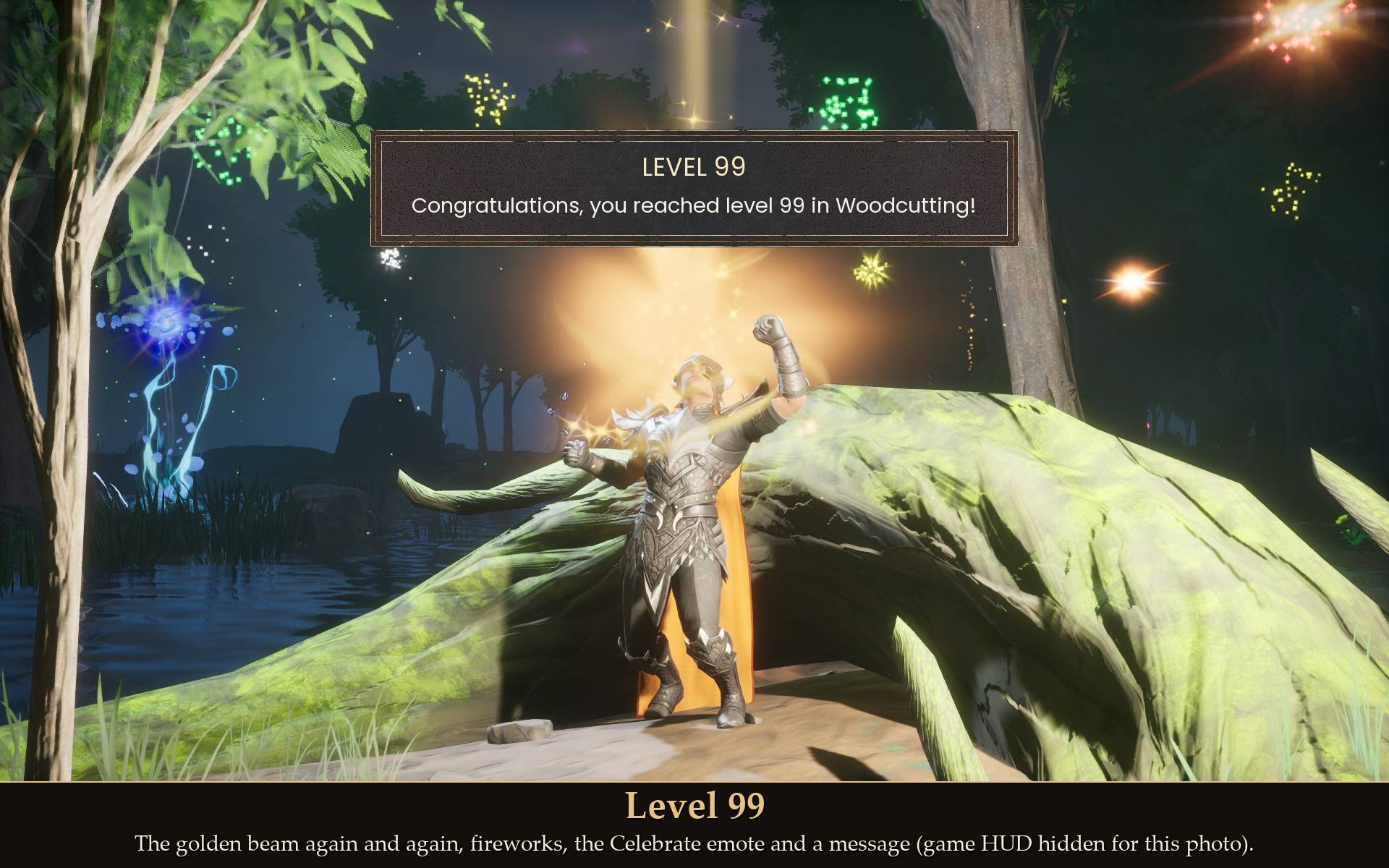
The game already marks a level-up: a golden light beam on your character, a LEVEL UP banner at the top and a short sound. That all stays. What I missed from RuneScape was the fireworks, and a 99 that feels like a 99. This adds the celebration on top, timed so it does not talk over the game's banner or its sound.
What you get
- Every level: two small firework bursts and a soft firework sound.
- Every 10th level: three fireworks and a quest sting once the game's own level-up sound has finished.
- Level 50: the golden beam a second time, six fireworks and the quest-complete sting.
- Level 99: the golden beam four times, a long fireworks show, a fanfare, and "Congratulations, you reached level 99 in <skill>!" at the top of the screen once the game's banner has gone.
- Total level: a celebration and a message at every 100 total levels, and at the maximum (1188).
- The Celebrate emote: on milestones and 99 your character does the game's own Celebrate emote (optional, can be on for every level too).
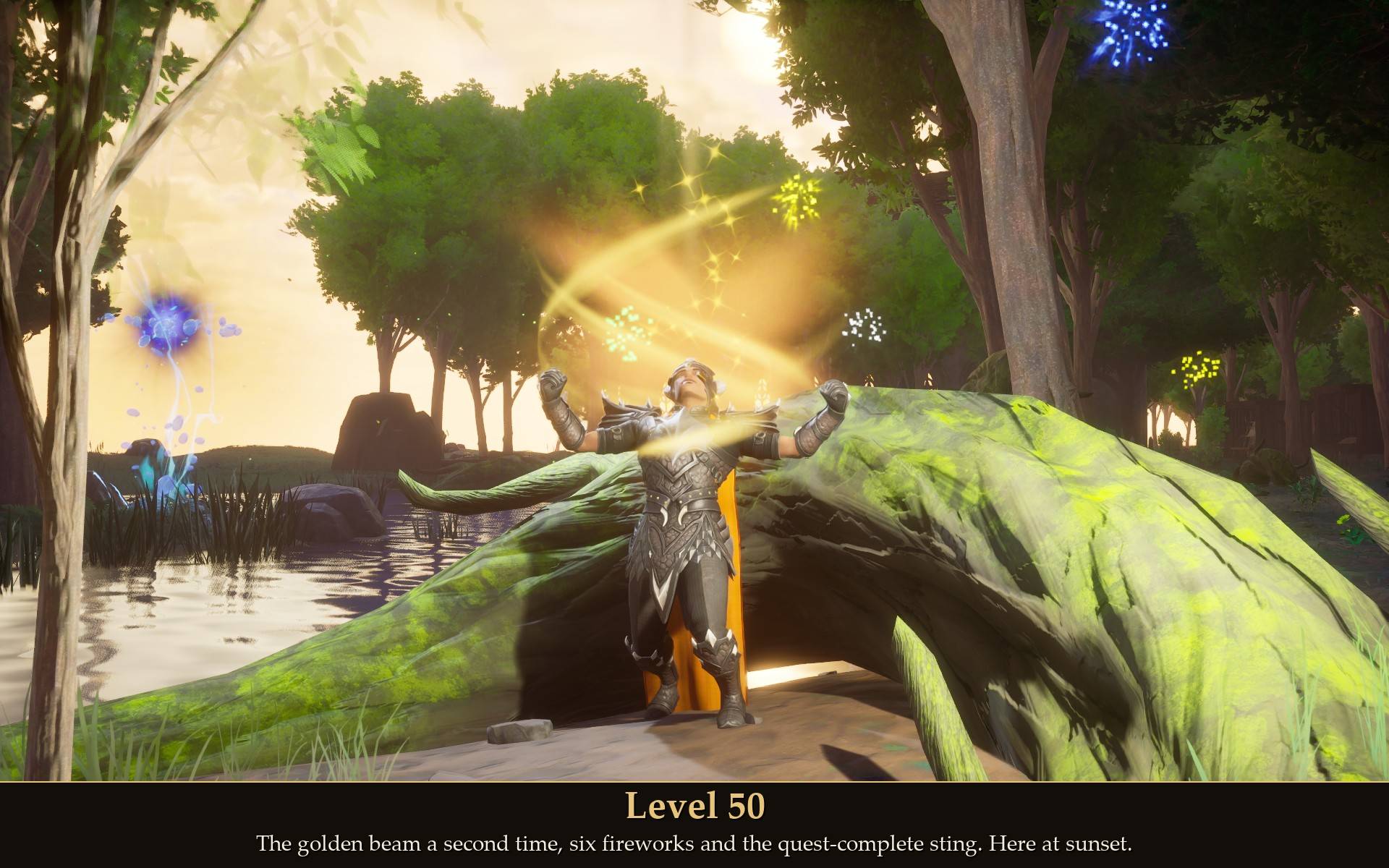
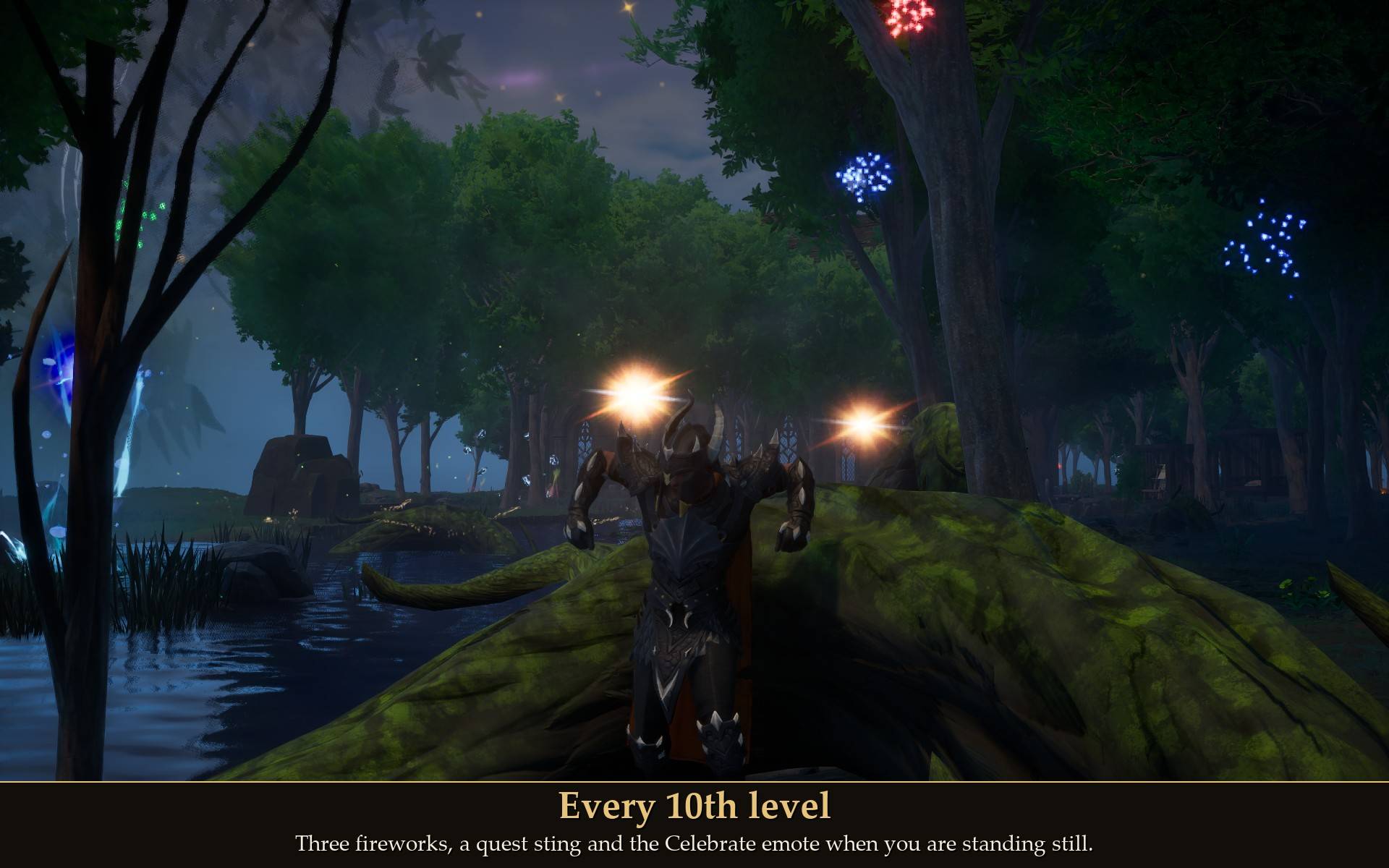
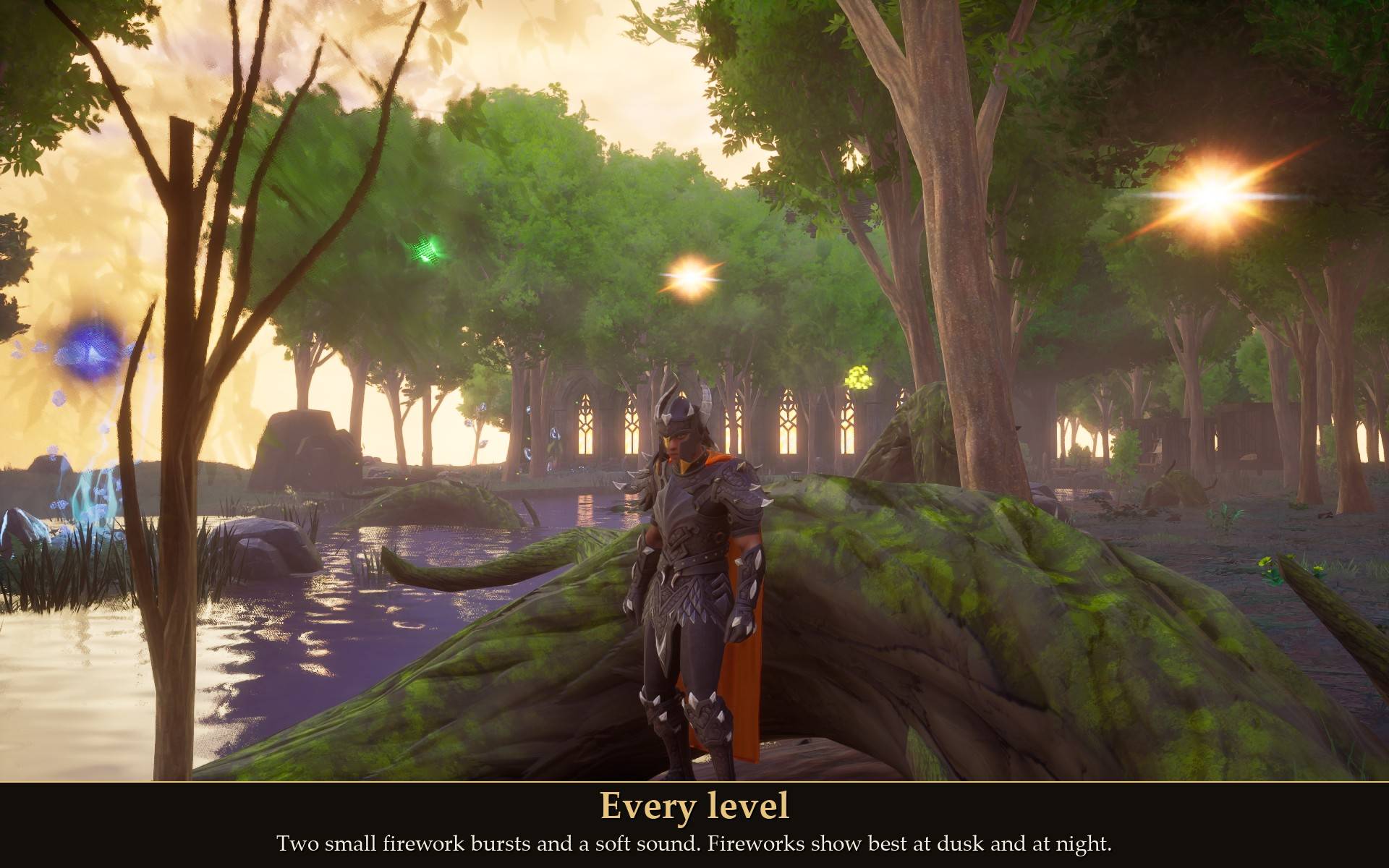
The fireworks go off in front of your camera, so you see them wherever you are facing. They show best at dusk and at night; in bright daylight the small ones are subtle.
How it behaves
- Several level-ups at once are one celebration. If two skills level up together, or one skill jumps several levels, you get one show, the biggest one earned. Jumping from 45 to 52 counts as reaching 50.
- Nothing when you load in. The mod only celebrates level-ups that happen while you play, never the levels you already had.
- Menus first. If you level up with a crafting station or the map open, the celebration plays when you close it.
- The emote never gets in your way. It only plays when you are standing still on the ground, out of combat, not mounted and not in the middle of another animation (a swing, for example). If that moment does not come within a few seconds, it is skipped. Moving cancels it straight away, the same as the game's own emote wheel. It uses the game's own emote call, so it looks exactly like pressing Celebrate yourself.
Settings
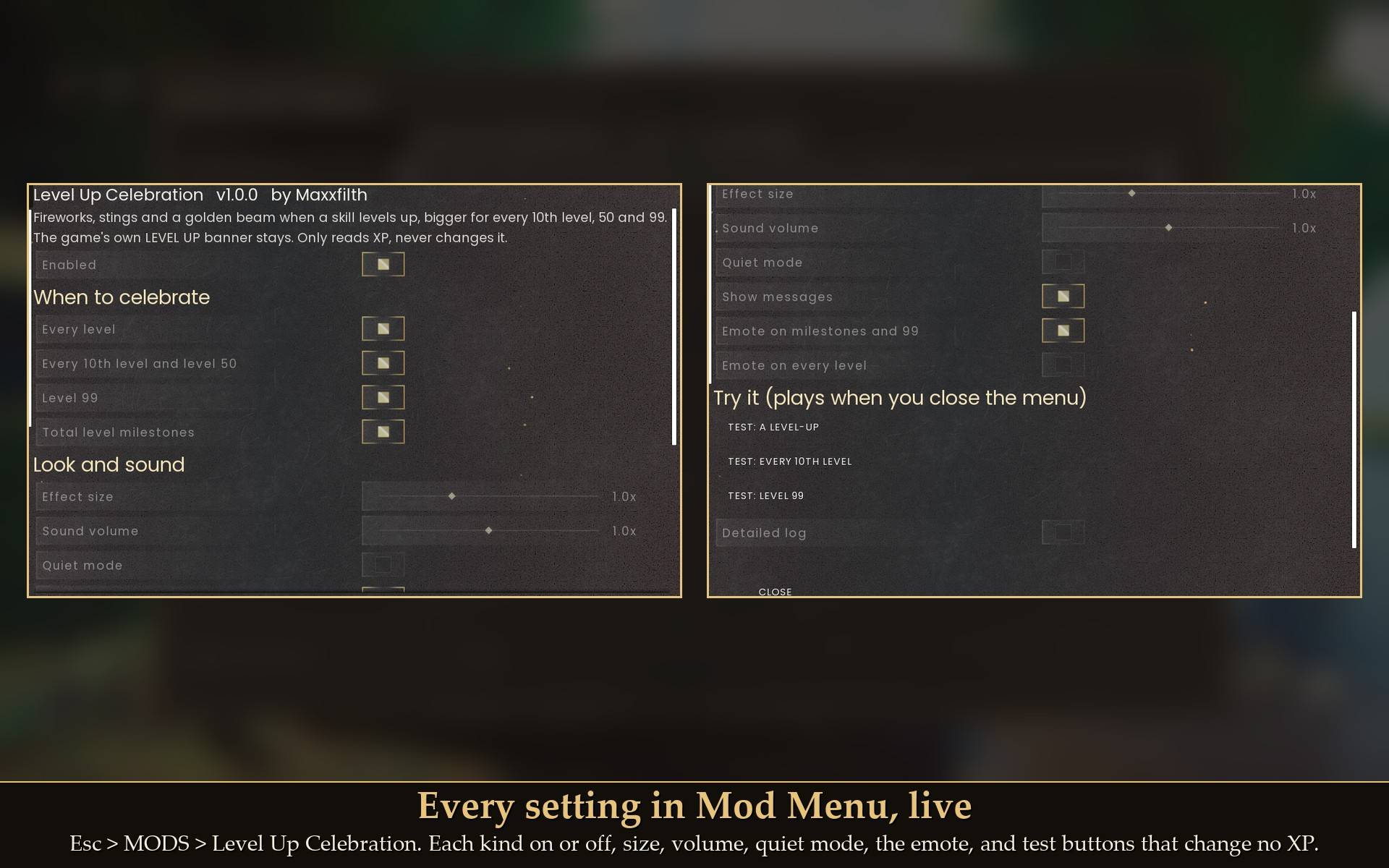
All live in Mod Menu (Esc > MODS > Level Up Celebration), or in config.txt in the mod folder:
- Enabled: on by default.
- Every level: on by default.
- Every 10th level and level 50: on by default.
- Level 99: on by default. Turned off, a 99 gets the level 50 show instead.
- Total level milestones: on by default.
- Effect size: 1.0x by default (0.5 to 2.0). Size of the fireworks and how far out they go.
- Sound volume: 1.0x by default (0 to 2.0). 0 = no sound.
- Quiet mode: off by default. Ordinary levels and every-10th-level milestones make no sound; 50, 99 and total level still do.
- Show messages: on by default. The message for 99 and total-level milestones.
- Emote on milestones and 99: on by default.
- Emote on every level: off by default.
- Test: a level-up / Test: every 10th level / Test: level 99: buttons that play a preview when you close the menu. They change no XP.
- Detailed log: off by default. More detail in UE4SS.log.
Install
- Install UE4SS for RSDragonwilds (free, from the UE4SS for RSDragonwilds page on Nexus Mods).
- Drop the
LevelCelebration folder into RSDragonwilds/Binaries/Win64/ue4ss/Mods/
- Optional: Mod Menu for the in-game settings and the test buttons. Without it, everything is in
config.txt.
On Game Pass: use the BE version of UE4SS with the SCO signature, the normal build does not load there. Game Pass also installs the game under Binaries/WinGDK/ instead of Binaries/Win64/, so the LevelCelebration folder goes in RSDragonwilds/Binaries/WinGDK/ue4ss/Mods/. If you install with Vortex, check that is where it ended up.
To uninstall, delete the LevelCelebration folder. Nothing is left behind in your save.
Good to know
- It only reads your XP. It never changes XP, levels, items or anything that is saved. The fireworks and sounds are the game's own effects.
- Works with XP mods. Tested alongside my XP Sliders, XP Tracker and about 20 other mods for 10 minutes with no errors. If an XP mod makes you jump several levels, you still get one celebration.
- The game's level-up stays exactly as it is. The banner, its sound, the beam and the "New perk unlocked" notice at 99 all still show.
- Not sure it is running? UE4SS.log shows a line starting with
[LevelCelebration] loaded v1.0.0, and a line for every level-up it sees.
Tested on RuneScape: Dragonwilds 1.0 (the 25 September patch) in solo: real level-ups on a test character for a normal level, every 10th level, several skills and levels at once, level 50, level 99 in four skills and total-level milestones; the test buttons and Enabled by real clicks in Mod Menu 1.0.10; leveling while running (the emote is skipped); leaving to the main menu and coming back (no celebration on load); and 10 minutes with my other mods installed, with no errors. Not tested yet: co-op, controller, Game Pass.