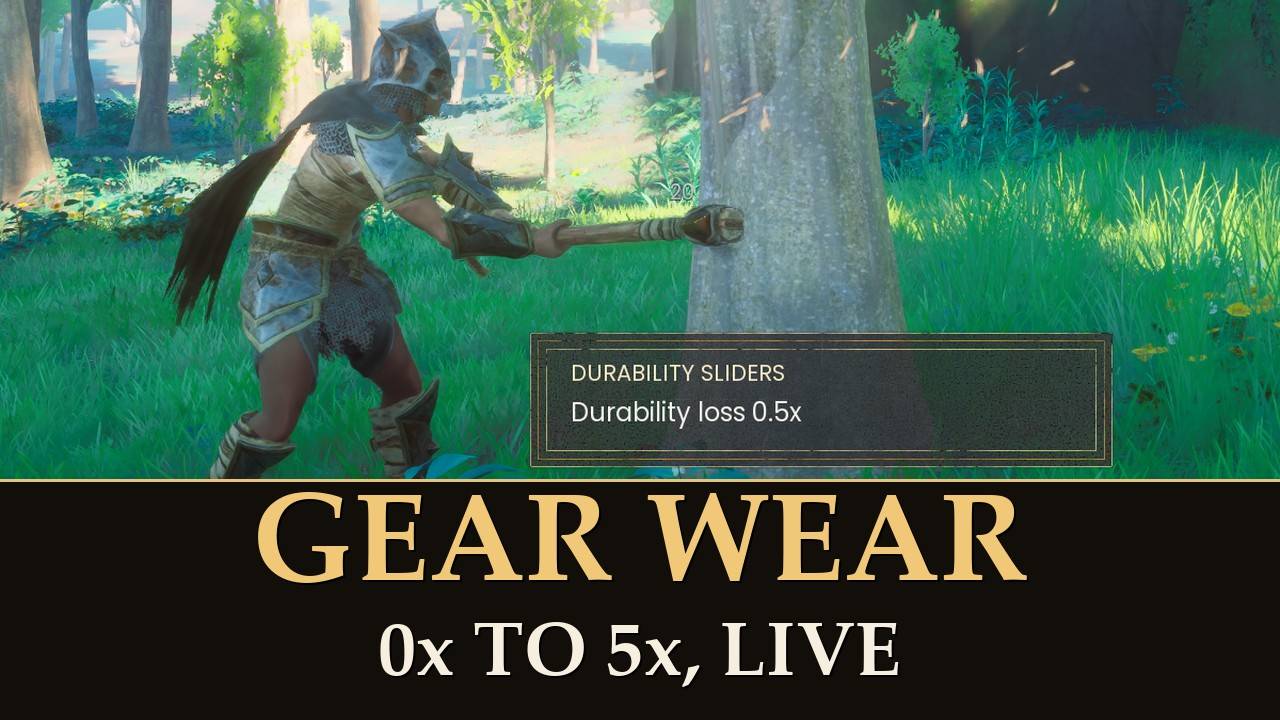
Pick how fast your tools, weapons and armor wear out.
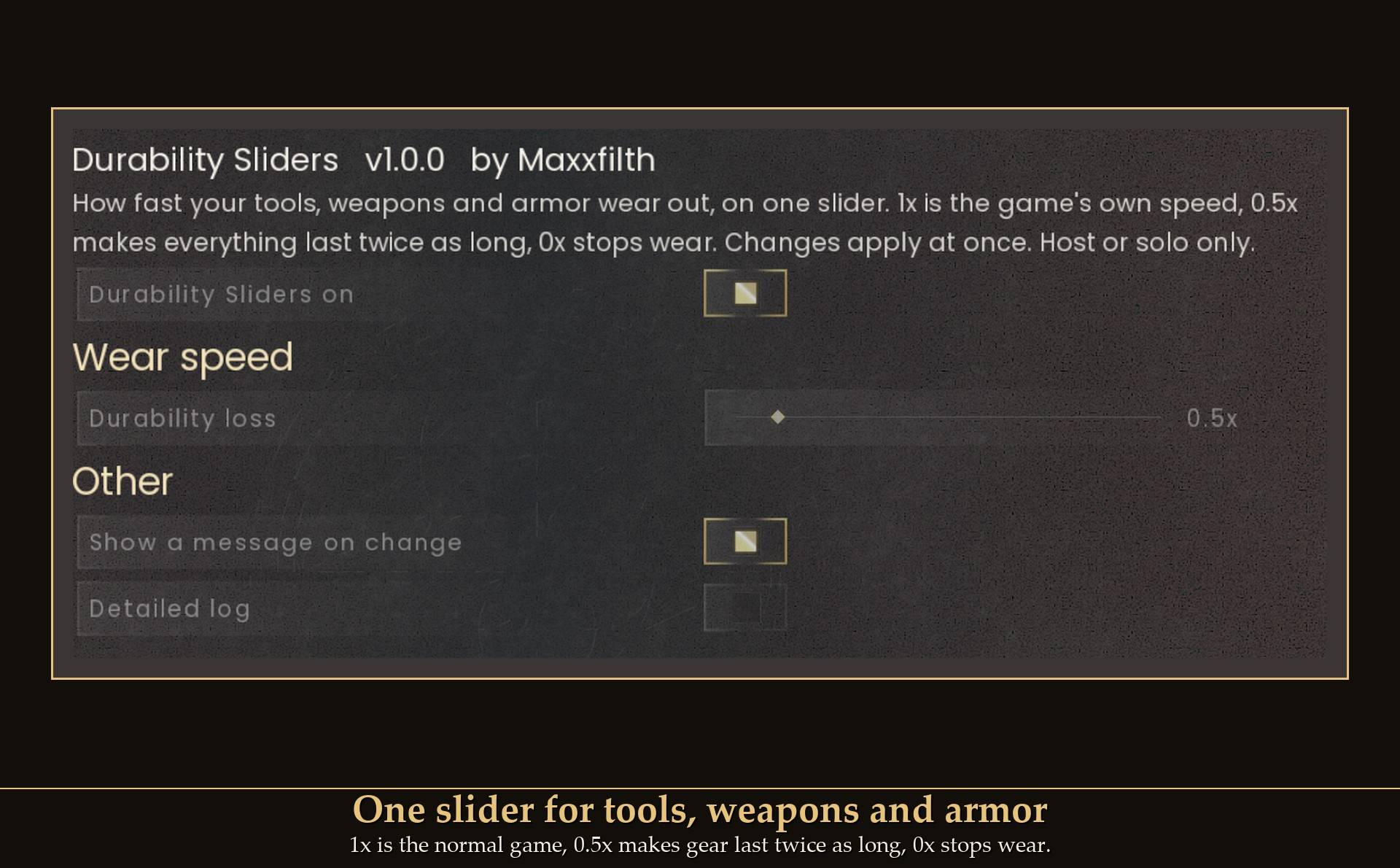
One slider, 0x to 5x, changed live from Mod Menu. 1x is the normal game, 0.5x makes gear last twice as long, 0x stops wear.
Some days I want one axe to last a whole building session. Other days I want gear to wear out faster for a harder run. So durability loss gets a slider that goes both ways, and you can move it while you play. It is a small UE4SS script, not a pak file. Going back to normal is one click, no restart.
The slider
- Durability loss (0x to 5x, steps of 0.1): how fast tools, weapons and worn armor lose durability.
0.5x is half as fast, so gear lasts twice as long. 2x is twice as fast. At 0x a hit takes nothing off: the item keeps the durability it has. The mod does not repair anything.
The slider is a share of what a hit normally costs your character, so your Artisan level still counts.
How it works
Every hit takes a whole number of durability points off the item. The mod works out what a hit normally costs your character, takes the slider's share of that, and makes each hit cost that many points. On my test character (Artisan level 3) a hit normally costs 4 points, so 0.5x makes it 2 and 3x makes it 12.
The game only takes whole points per hit. When the slider's share is not a whole number, the mod switches between the two whole costs around it, so the average comes out right. At 0.3x my hit should cost 1.2 points: most hits cost 1 and some cost 2.
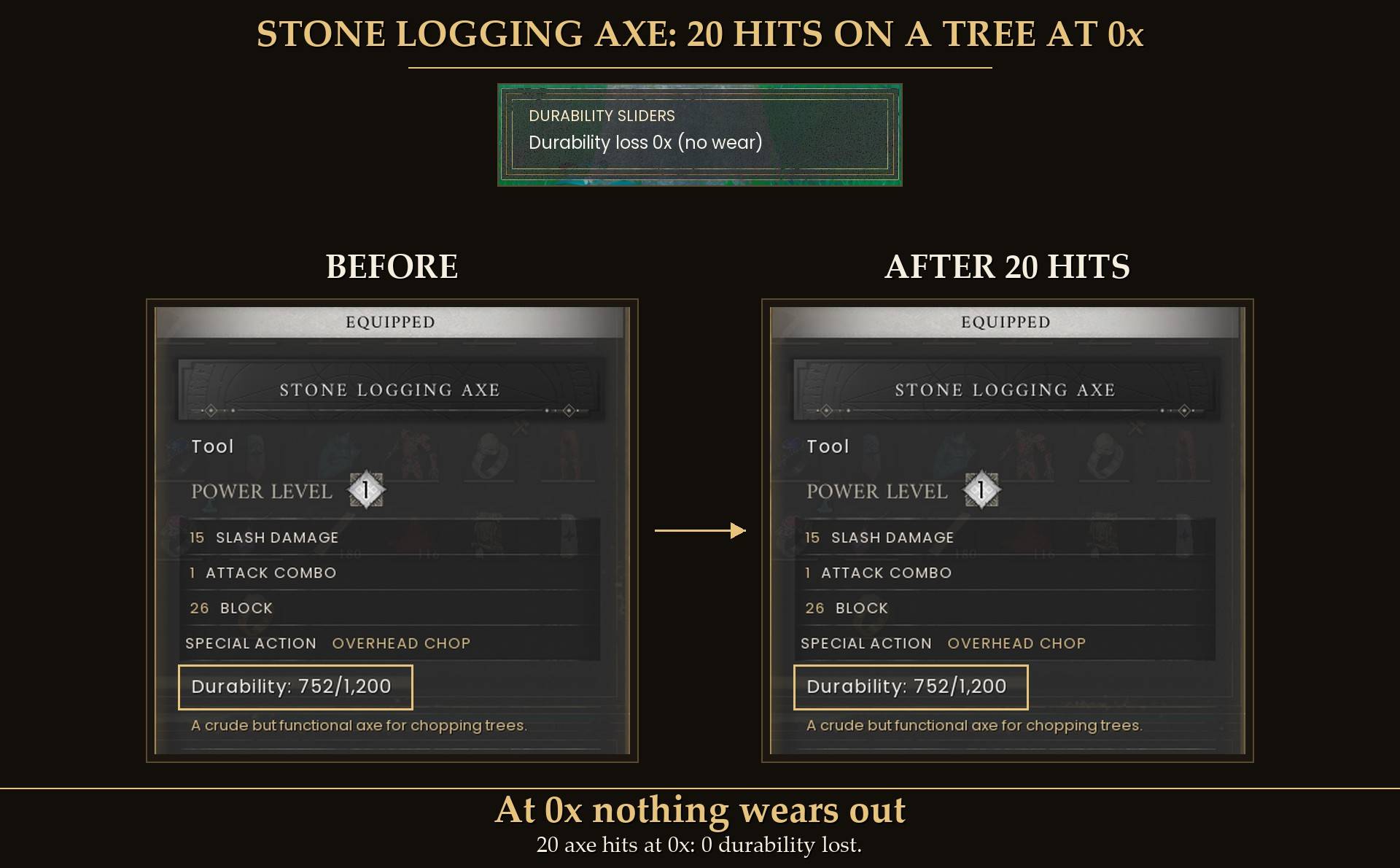
Measured in game on that character, with a stone logging axe on a tree:
- 1x: 80 points over 20 hits, 4 per hit.
- 0.5x: 40 points over 20 hits.
- 3x: 240 points over 20 hits.
- 0x: 0 points over 20 hits.
- 0.3x: 46 points over 40 hits. The exact share would be 48.
- Sword and armor: a rune sword hitting a skeleton, and worn armor taking hits, lost nothing at 0x and 12 points per hit at 3x. That was only a few hits each, not a long count.
Settings
All live in Mod Menu (Esc > MODS > Durability Sliders), or in config.txt in the mod folder (restart the game after editing it).
- Durability Sliders on (default on): off puts durability loss back to normal.
- Durability loss (default 1x, 0x to 5x, steps of 0.1).
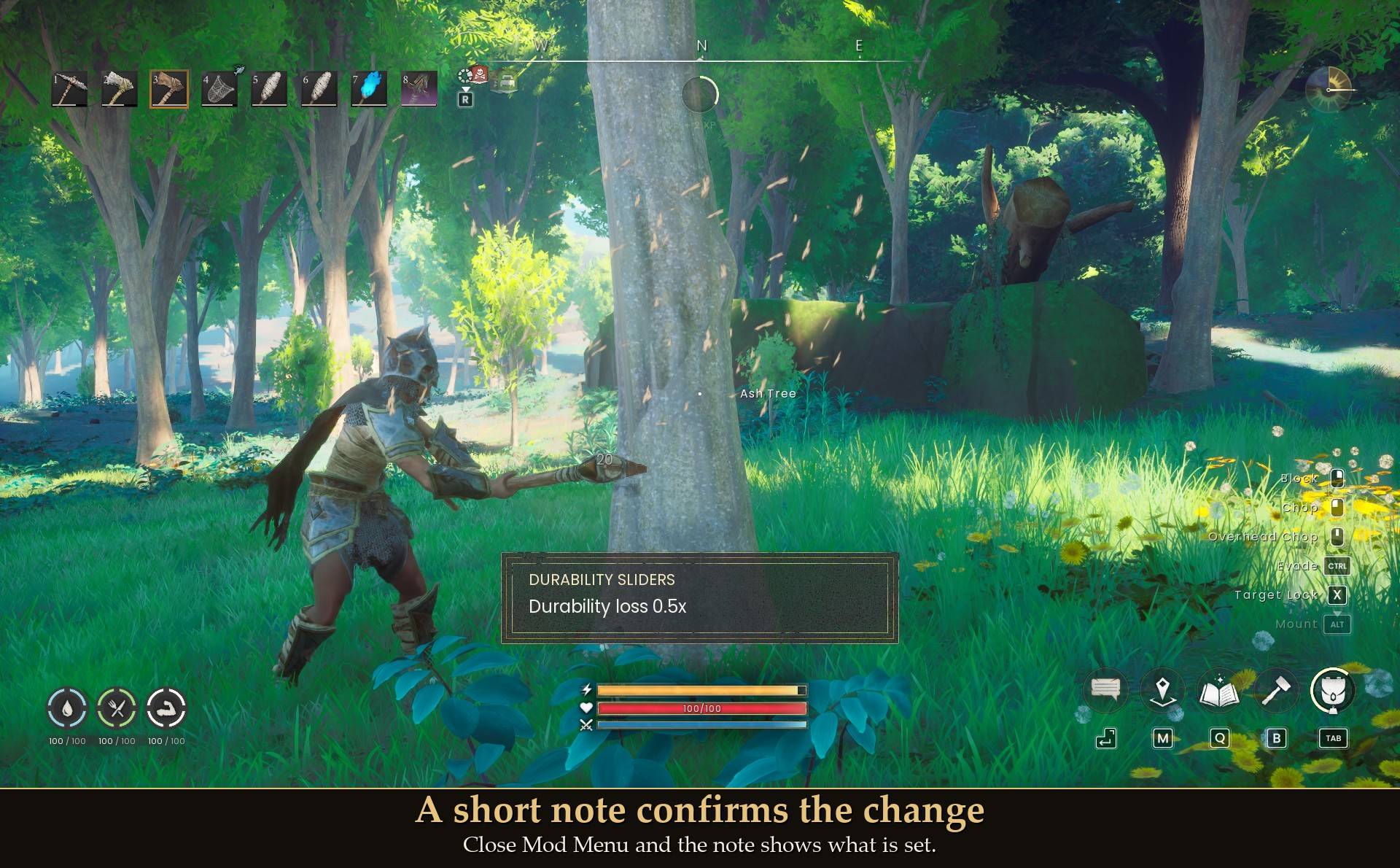
- Show a message on change (default on): a short note on screen after you close Mod Menu, showing what is set.
- Detailed log (default off): extra lines in UE4SS.log for troubleshooting.
Install
- Install UE4SS for RSDragonwilds (free, from the UE4SS for RSDragonwilds page on Nexus Mods).
- Drop the
DurabilitySliders folder into RSDragonwilds/Binaries/Win64/ue4ss/Mods/
- For the in-game slider, also install Mod Menu and open Esc > MODS > Durability Sliders. Without it, every setting is in
config.txt inside the mod folder.
On Game Pass: use the BE version of UE4SS with the SCO signature, the normal build does not load there. Game Pass also installs the game under Binaries/WinGDK/ instead of Binaries/Win64/, so the DurabilitySliders folder goes in RSDragonwilds/Binaries/WinGDK/ue4ss/Mods/. If you install with Vortex, check that is where it ended up.
To uninstall, delete the DurabilitySliders folder. Nothing is saved to your character, so wear goes back to normal.
Dedicated servers
- Install it on the server. Durability Sliders works on a dedicated server when it is installed on the server. The server needs UE4SS running on it.
- No menu on a server. Set the value in
config.txt in the DurabilitySliders folder on the server. Changes are picked up in about 10 seconds, no restart.
- One setting for everyone. It then applies to every player on the server, about a minute after they join. A copy on a player's own PC does nothing on a server.
- Solo and hosting from inside the game work as before, with the Mod Menu sliders as usual.
- Tested on the Windows dedicated server.
Good to know
- Changes apply at once. Close Mod Menu and a short note shows what is set. You can turn that note off.
- Back to normal any time. Set 1x or turn the mod off in Mod Menu and wear is normal again. Measured: 80 points over 20 hits, same as before.
- Survives dying. I died and respawned at 0.5x, and the next 20 hits still cost half.
- Nothing permanent. Nothing is written to your save. I quit the game at 3x, started it again without the mod, and the game's wear rate was back at its own value.
- Not a lit torch. A torch in your hand burns 1 point per second on its own timer, and this slider does not change that. For torches I made Torch Burn Slider. You can run both.
- What I measured: a logging axe, a sword and worn armor. Bows, staffs, pickaxes and fishing rods are not measured yet.
- Co-op: in a world hosted from inside the game it only works for the host's own character. Guests can have it installed; it does nothing on their side. On a dedicated server it goes on the server, see Dedicated servers above.
- Not sure it is running? UE4SS.log shows lines starting with
[DurabilitySliders].
Tested on RuneScape: Dragonwilds 1.0 on Steam with UE4SS 3.0.1, solo, on a test character with Artisan level 3: a logging axe counted over 20 hits at 1x, 0.5x, 0x and 3x and over 40 hits at 0.3x, a few sword hits on a skeleton and a few hits taken in armor at 0x and 3x, back to 1x and switched off, dying and respawning, and quitting at 3x then starting again without the mod. The slider was changed through Mod Menu every time. Not tested yet: player-hosted co-op, controller, Game Pass, and bows, staffs, pickaxes and fishing rods.