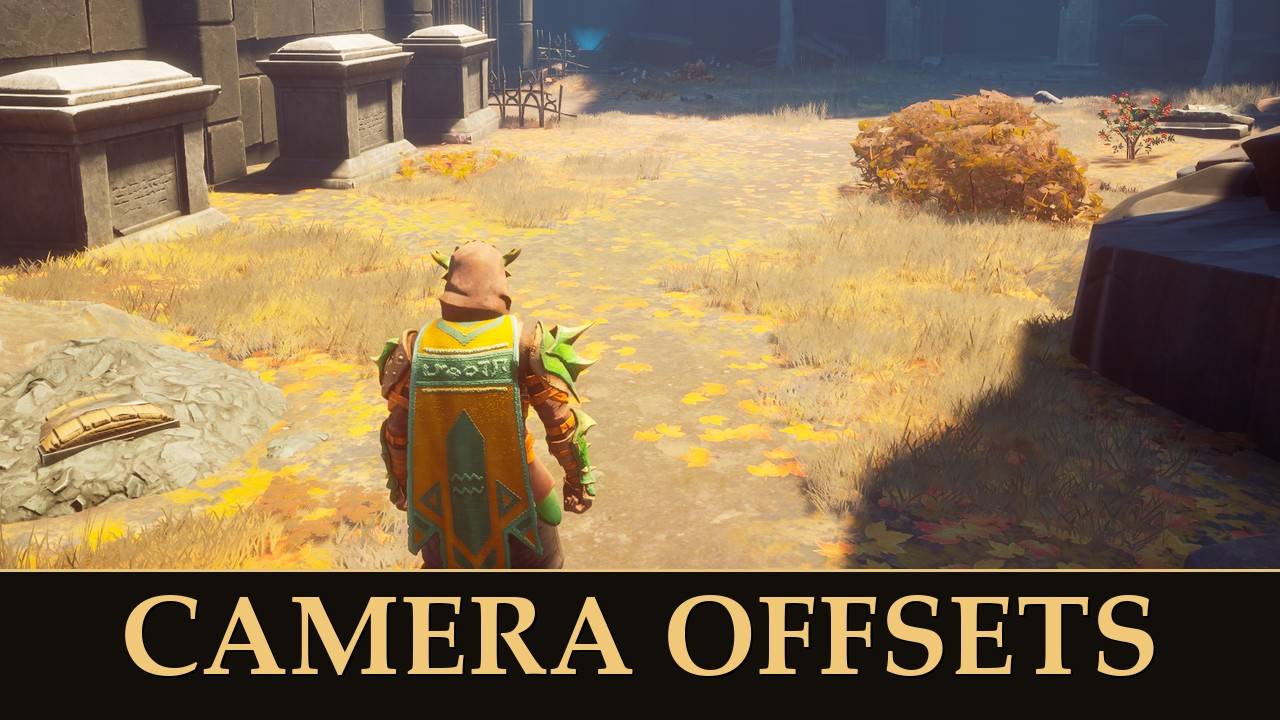
Put the third-person camera where you want it.
Set the camera's distance, left/right, height and look-at height in Mod Menu. Big enemies can get their own camera, and so can riding. Walls still pull the camera in like normal.
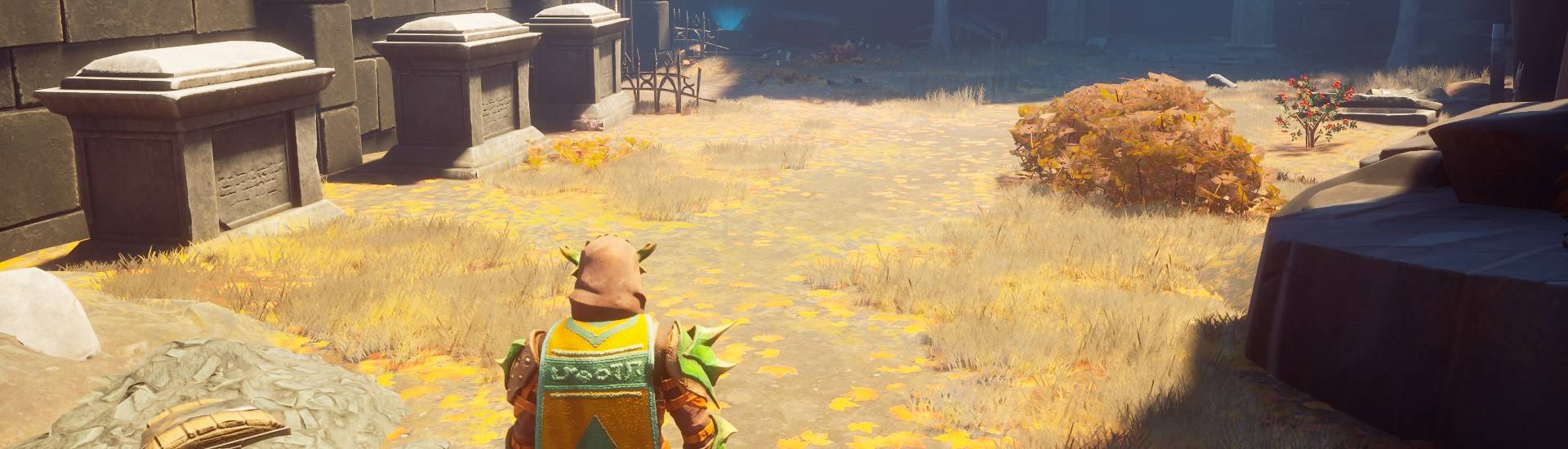
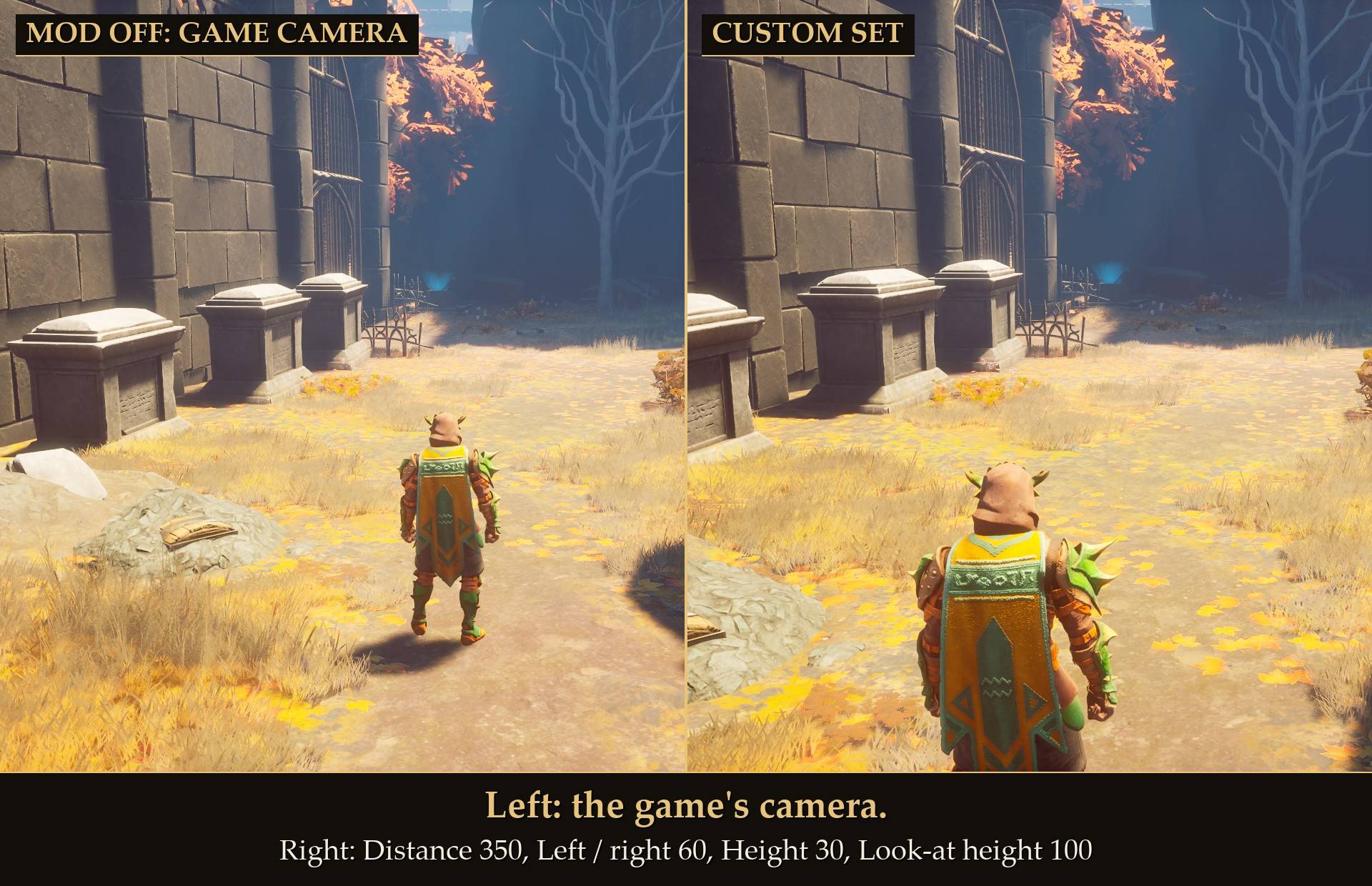
The game's camera sits 700 cm behind you and 20 cm to the right. This mod lets you move it: closer for an over-the-shoulder look, further back to see more, higher, lower, or to either side. The same values hold while you stand, walk, sprint and fight.
What it does
- Your camera: distance, left/right, height and look-at height (the point on your character the camera swings around). The defaults are the game's own, so nothing changes until you move a slider.
- Walls still count: walls, trees and slopes pull the camera in the same way they do without the mod.
- Live changes: change a value in Mod Menu and the camera eases to it in about half a second. No snaps.
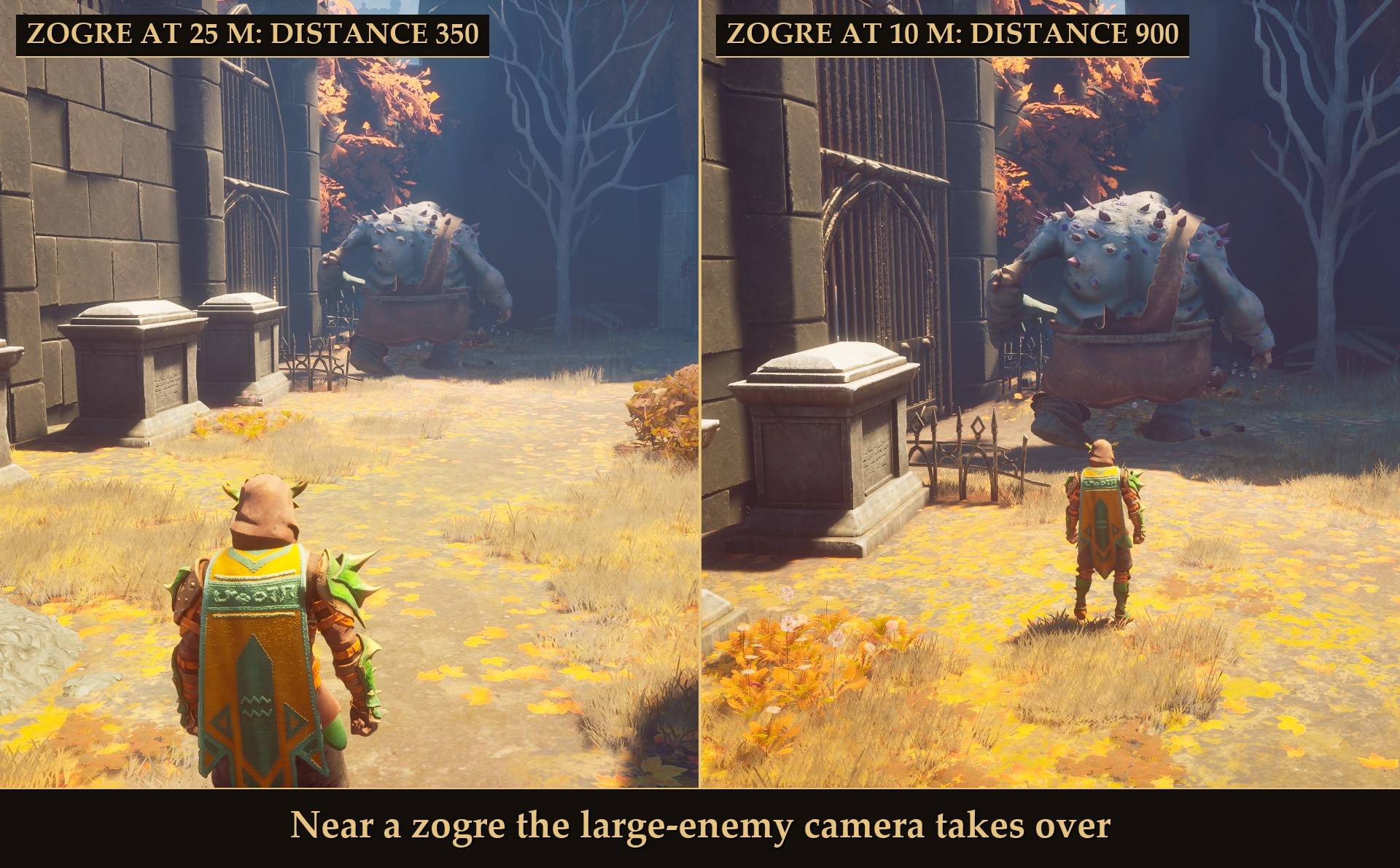
- A large-enemy camera: near a zogre, dragon, hulk, vault boss or other big enemy, a second set of values takes over, so you can pull back and see the whole fight.
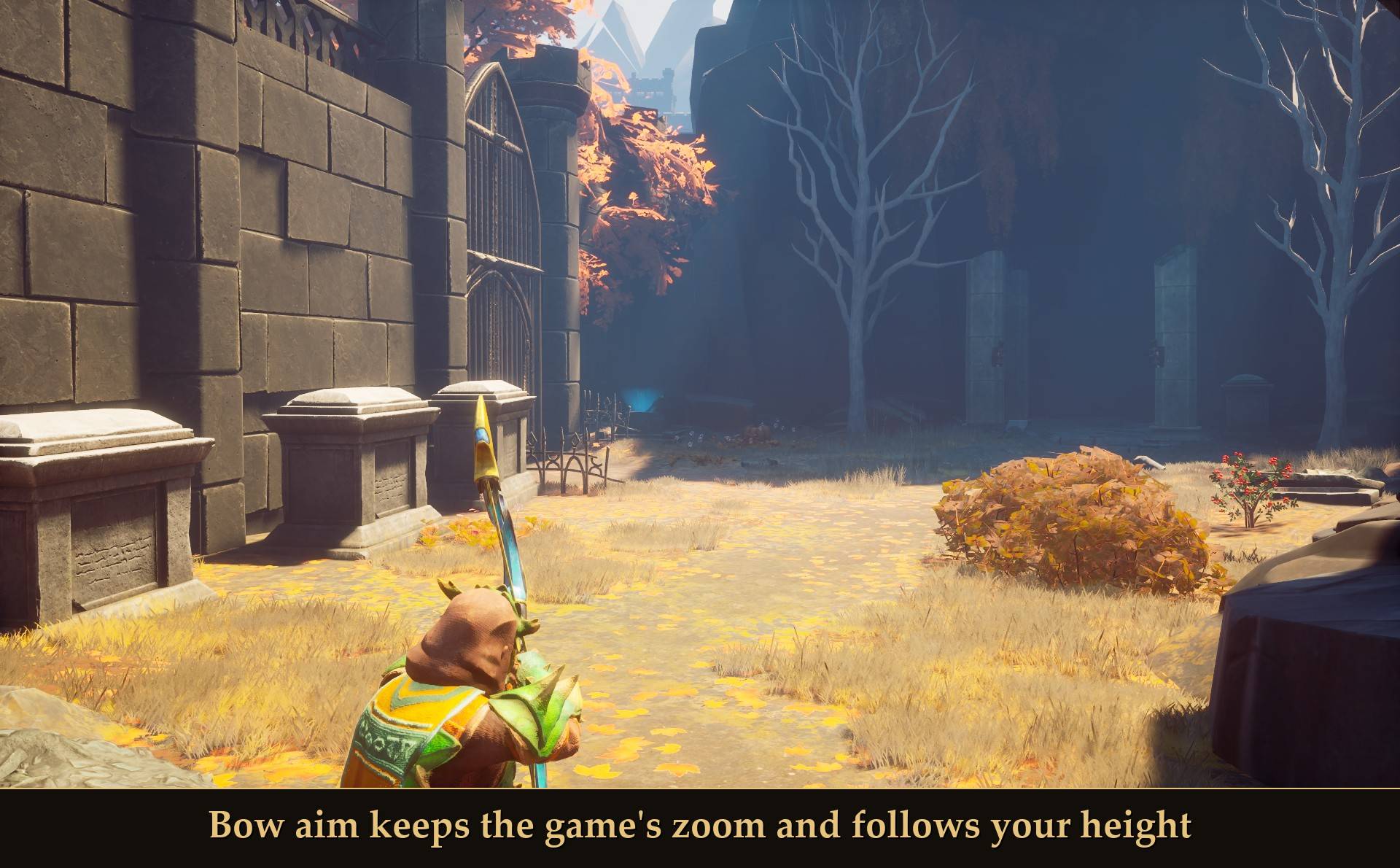
- Bow aim and lock-on follow your camera: they keep their own job but use your offsets on top.
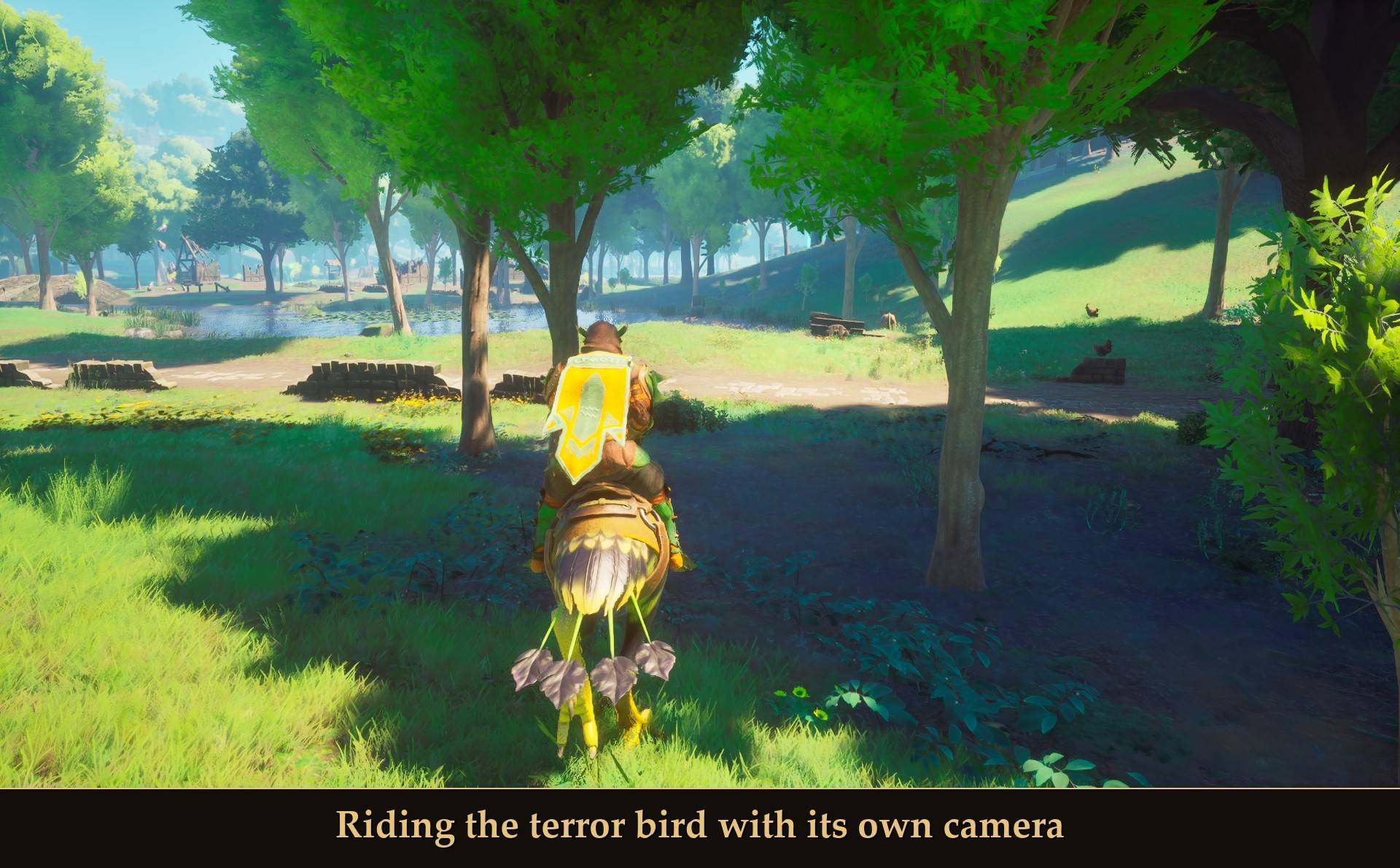
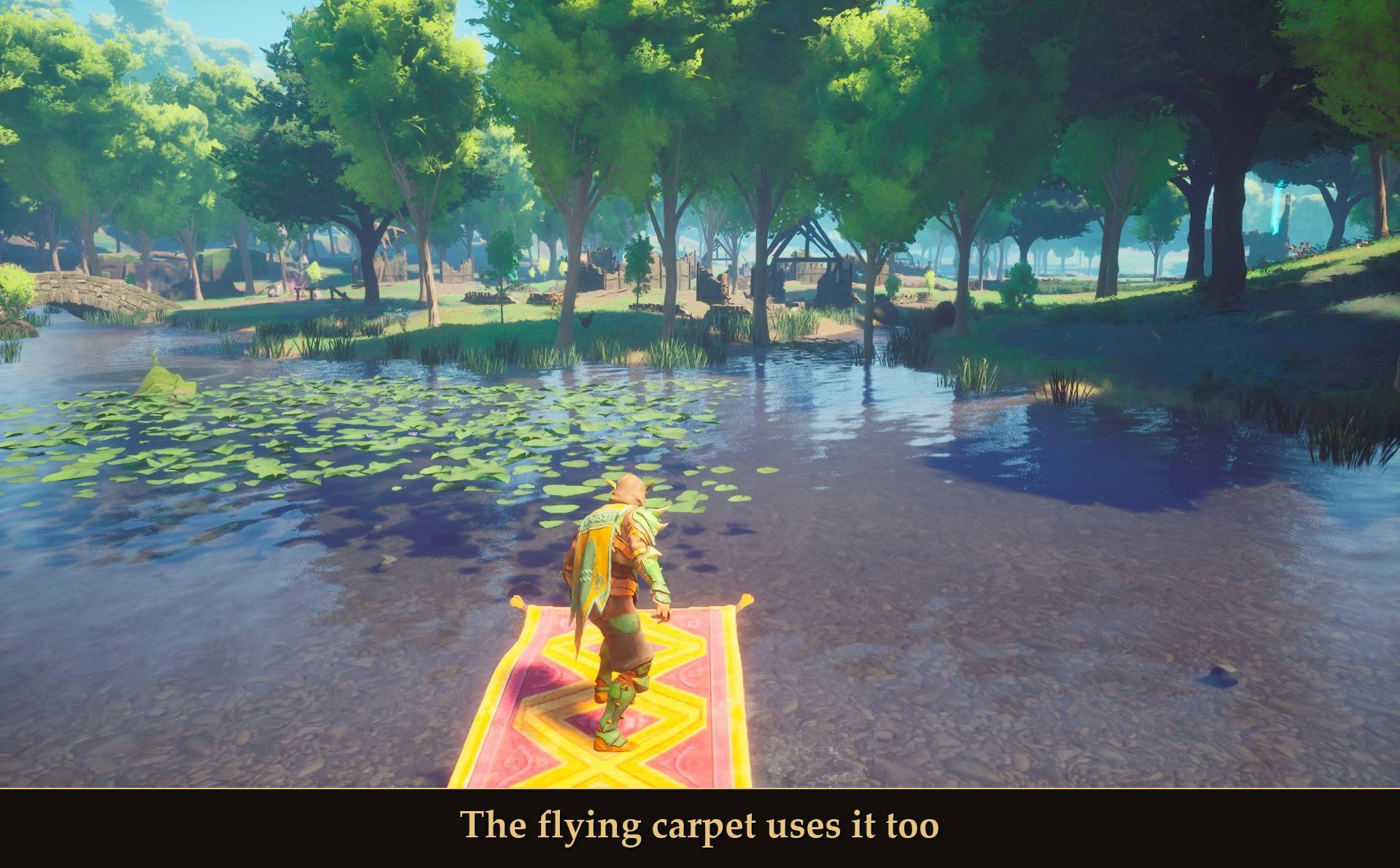
- Riding: uses your normal camera, or its own set if you want one. Works on the terror bird and the flying carpet.
- Tight camera (optional): keeps the camera from trailing behind you while you move.
Large enemies
When a large enemy comes within 20 m (you can change that), the large-enemy values take over. The camera switches back 3 seconds after the last one leaves or dies.
- What counts as large: dragons, the Abyssal Demon and vault bosses always count. Anything else counts by size: zogres and vault guardian hulks do, goblins do not. The size cutoff is a slider.
- The defaults here are not the game's. The game has its own camera for dragons, the Abyssal Demon and vault bosses: 575 cm away with a wider view. Out of the box this mod pulls back to 900 cm near any large enemy instead, zogres and hulks included, and keeps the view width the same as normal. Turn "Separate large-enemy camera" off to use your normal camera everywhere.
- View width: the game widens the view near dragons, the Abyssal Demon and vault bosses. "Keep the view width near large enemies" (on by default) keeps it the same as normal. Turn it off for the game's wider view.
- Riding: large enemies do not switch the camera while you ride.
Bow, lock-on and riding
- Bow aim: keeps the game's zoom and left/right, and follows your distance and height.
- Lock-on: the game's lock-on camera sits 550 cm away. With "Use these when locked on" (on by default) it uses your distance, left/right and height. Its look-at height stays the game's.
- Riding: your normal camera by default. Turn on "Separate mount camera" to give riding its own distance, left/right, height and look-at height. Tested on the terror bird and the flying carpet. When you get off, the camera eases back to your normal one.
- The game's camera in some moments: spell aim, resting, fishing, long falls and dying use the game's own camera. Yours comes back on its own right after.
Settings
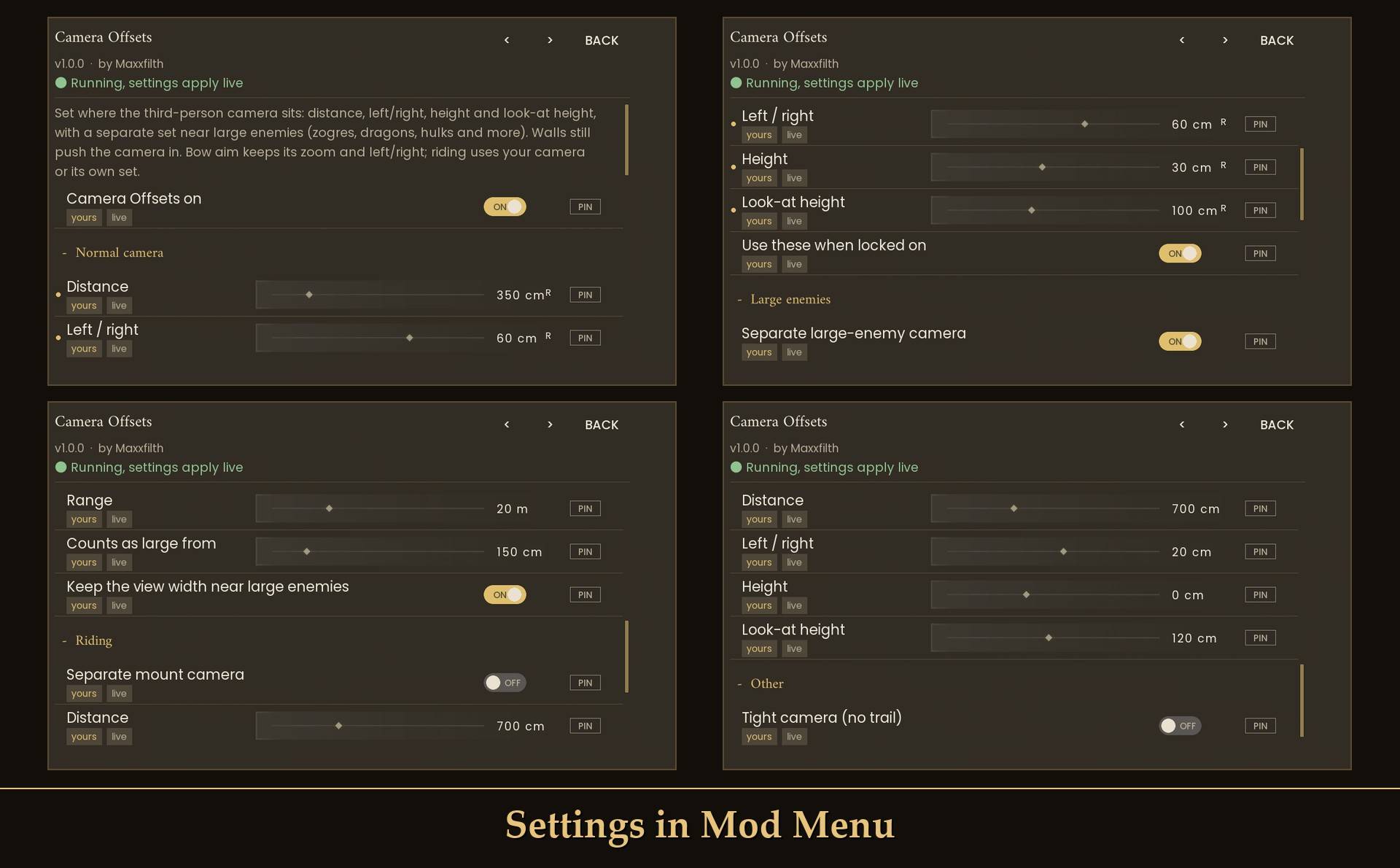
All live in Mod Menu (Esc > MODS > Camera Offsets), or in config.txt in the mod folder (restart the game after editing it). Changes in Mod Menu apply right away. Distances are in cm.
- Camera Offsets on (on): off puts the game's own camera back.
Normal camera
- Distance (700, 100 to 1500): how far behind your character. 700 is the game's.
- Left / right (20, -200 to 200): above 0 moves the camera right, so your character sits left of center. Below 0 moves it left. 20 is the game's.
- Height (0, -150 to 250): raises or lowers the camera. 0 is the game's.
- Look-at height (120, 0 to 250): the point on your character the camera swings around. 120 is the game's, about the shoulders.
- Use these when locked on (on): lock-on uses your distance, left/right and height.
Large enemies
- Separate large-enemy camera (on): off = your normal camera everywhere.
- Distance (900, 100 to 2000), Left / right (20, -200 to 200), Height (0, -150 to 250), Look-at height (145, 0 to 250; 145 is the game's own large-enemy value).
- Range (20 m, 5 to 60): how close a large enemy has to be.
- Counts as large from (150, 100 to 400): enemies at least this tall (half height) count. Zogre 200, hulk 180, goblin 95. Dragons and bosses always count.
- Keep the view width near large enemies (on): off = the game's wider view near dragons, the Abyssal Demon and vault bosses.
Riding
- Separate mount camera (off): off = your normal camera while riding.
- Distance (700, 100 to 2000), Left / right (20, -200 to 200), Height (0, -150 to 250), Look-at height (120, 0 to 250).
Other
- Tight camera (no trail) (off): the game's camera trails a little behind you while you move, except right after loading, until your first bow aim or rest. On keeps it tight all the time on foot. Riding and aiming keep the game's.
- Detailed log (off): extra lines in UE4SS.log for bug reports.
Install
- Install UE4SS for RSDragonwilds (free, from the UE4SS for RSDragonwilds page on Nexus Mods).
- Drop the
CameraOffsets folder into RSDragonwilds/Binaries/Win64/ue4ss/Mods/
- Recommended: install Mod Menu to change the settings in game. Without it the mod still runs, and you change the settings in
config.txt.
On Game Pass: use the BE version of UE4SS with the SCO signature, the normal build does not load there. Game Pass also installs the game under Binaries/WinGDK/ instead of Binaries/Win64/, so the CameraOffsets folder goes in RSDragonwilds/Binaries/WinGDK/ue4ss/Mods/. I haven't tested Game Pass.
To uninstall, delete the CameraOffsets folder.
Good to know
- It only moves the camera. No items, no save changes, no keys to press.
- Give it a moment after loading. The camera changes about 40 seconds after you load into a world, once the world has finished loading.
- One camera mod at a time. If something else keeps moving the camera, this mod backs off for 2 seconds at a time instead of fighting it.
- Light on performance. It checks ten times a second, and only runs every frame while the camera is easing to new values.
- Co-op: not tested yet, as host or guest.
- Controller: the mod has no buttons. Its settings page in Mod Menu works on a controller (checked with a pad: sliders and toggles).
- Not sure it's running? UE4SS.log shows
[CameraOffsets] loaded v1.0.0: on.
Thanks to StiX, who asked for this mod and tested it for over 30 hours.
<small>Tested on RuneScape: Dragonwilds (Steam build 26162923) with UE4SS 3.0.1 and Mod Menu, solo on a test character, and by StiX on his own game. Not tested yet: co-op as host or guest, dedicated servers, Game Pass.</small>
Links